 Juan
Juan

Sanctus
over 1 year ago
Hey Juan, thank you so much for your review. Glad you enjoy it!

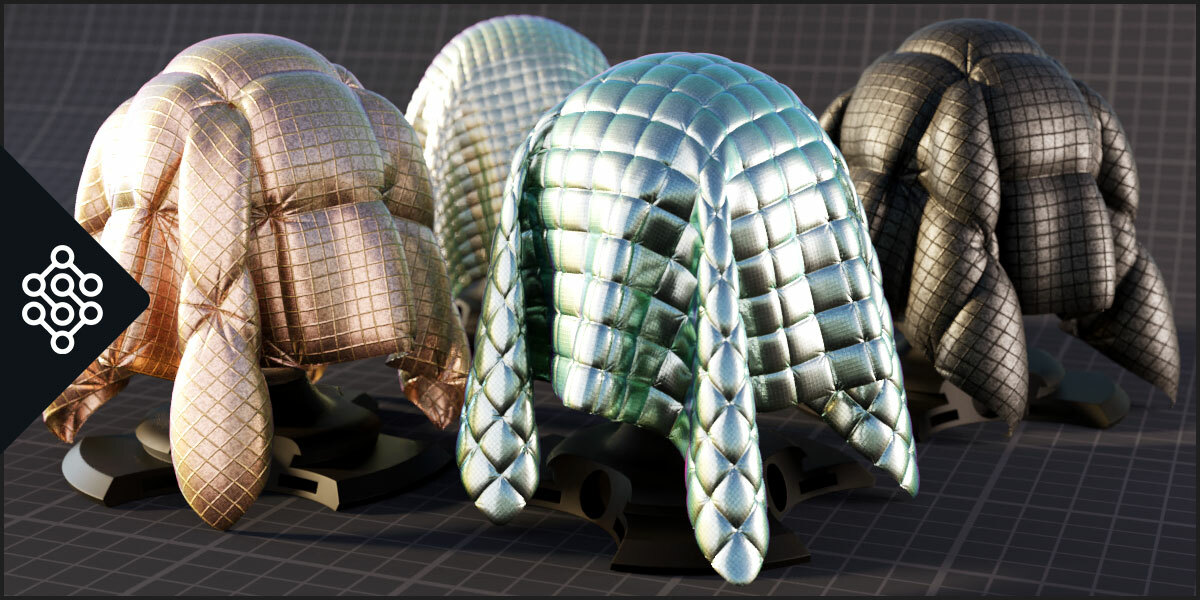
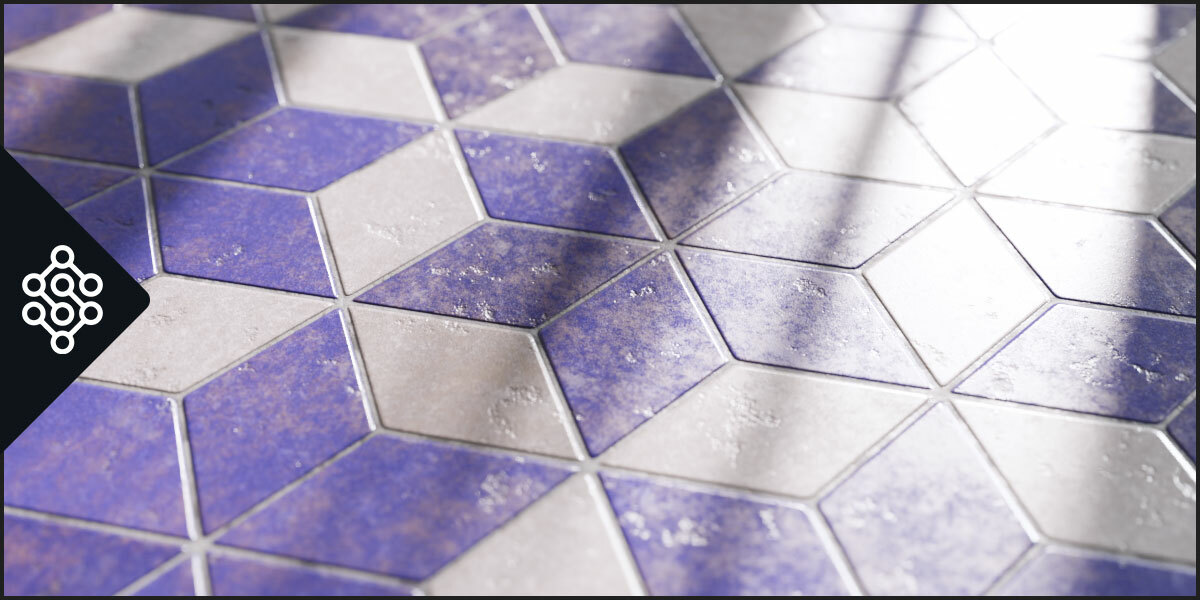
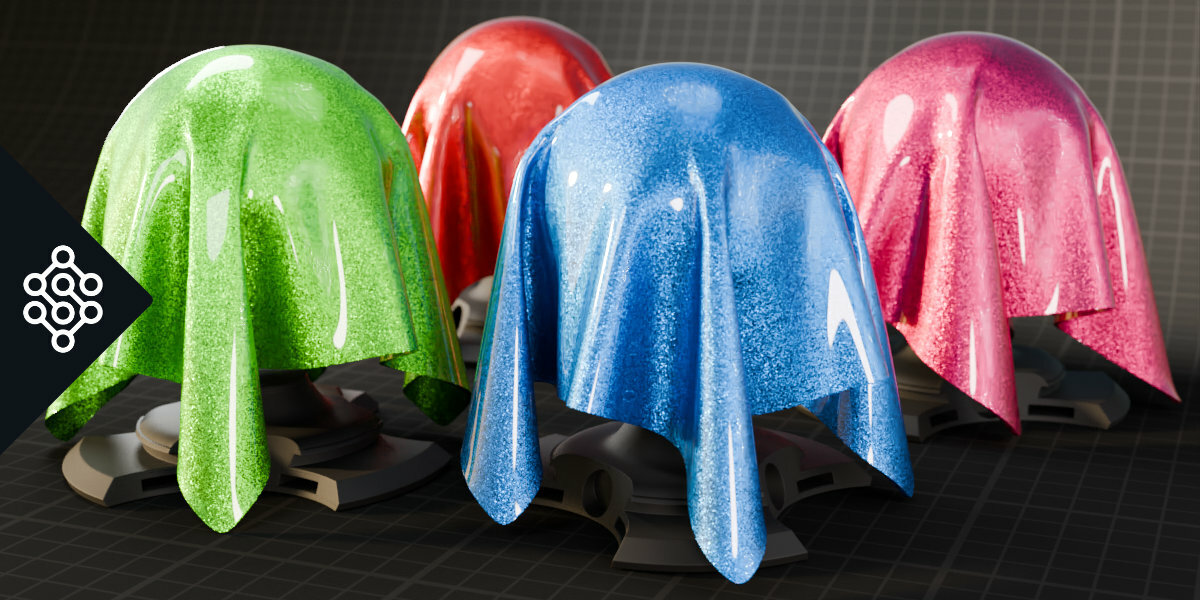
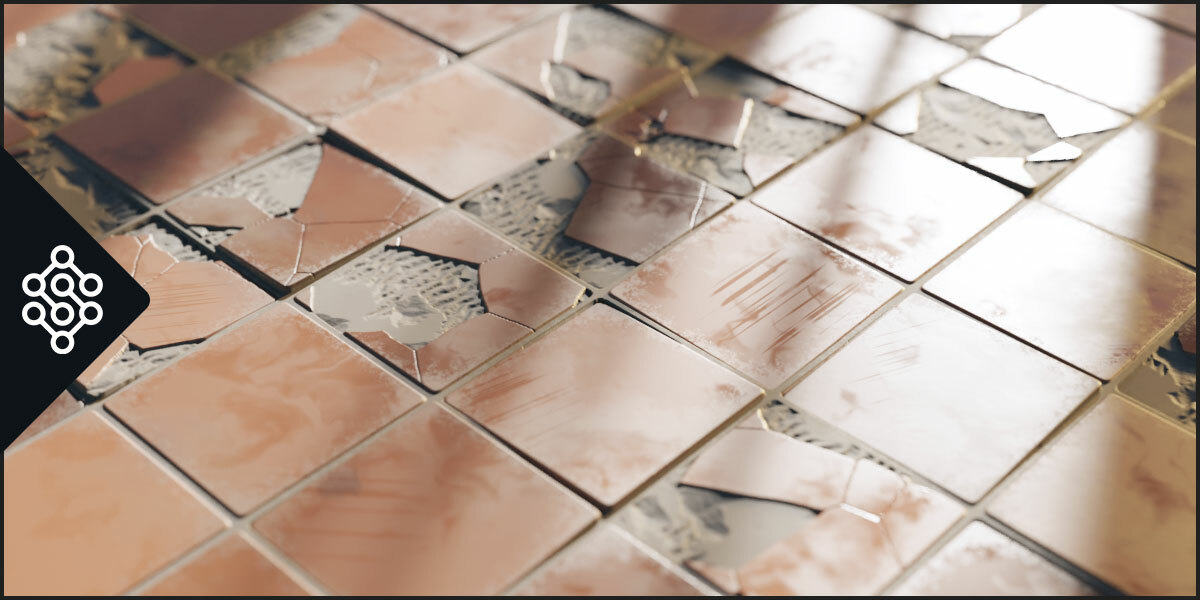

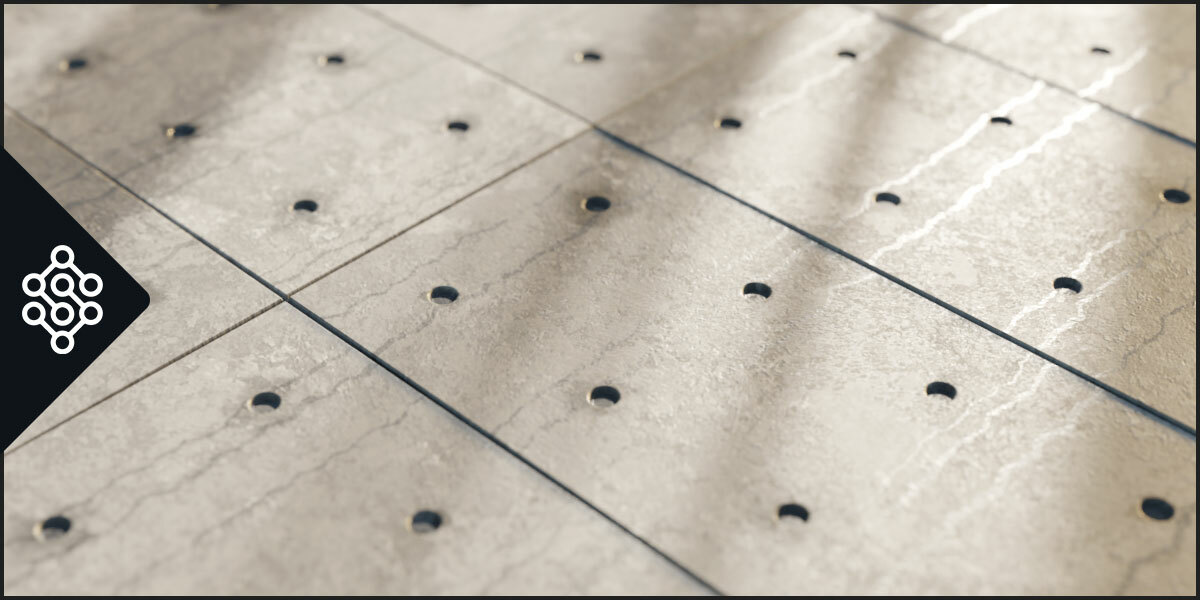
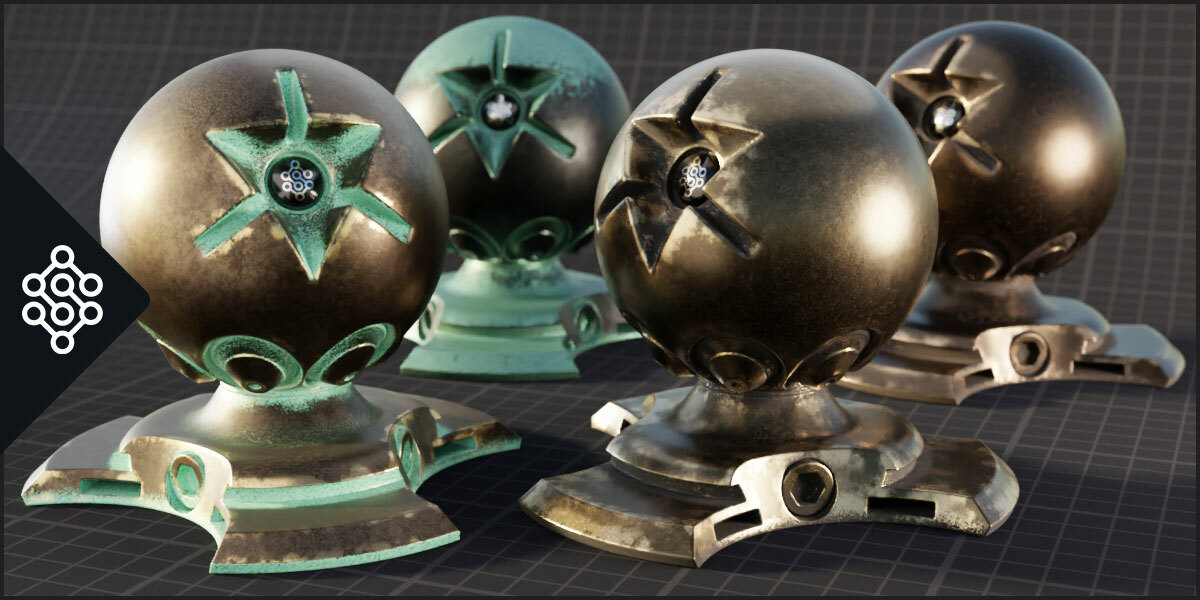
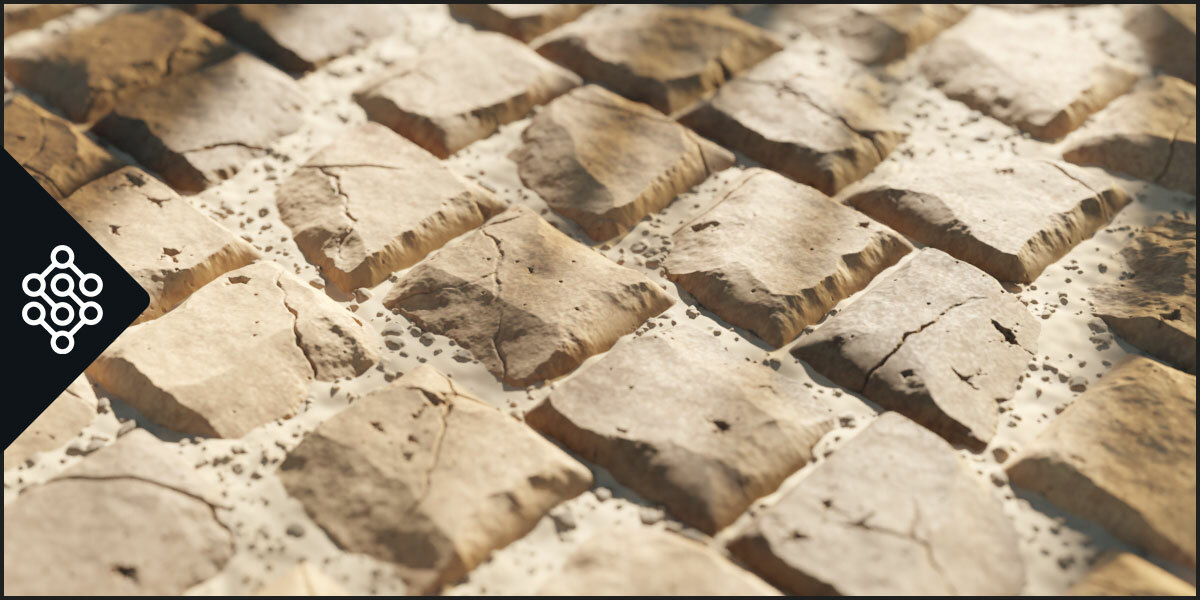
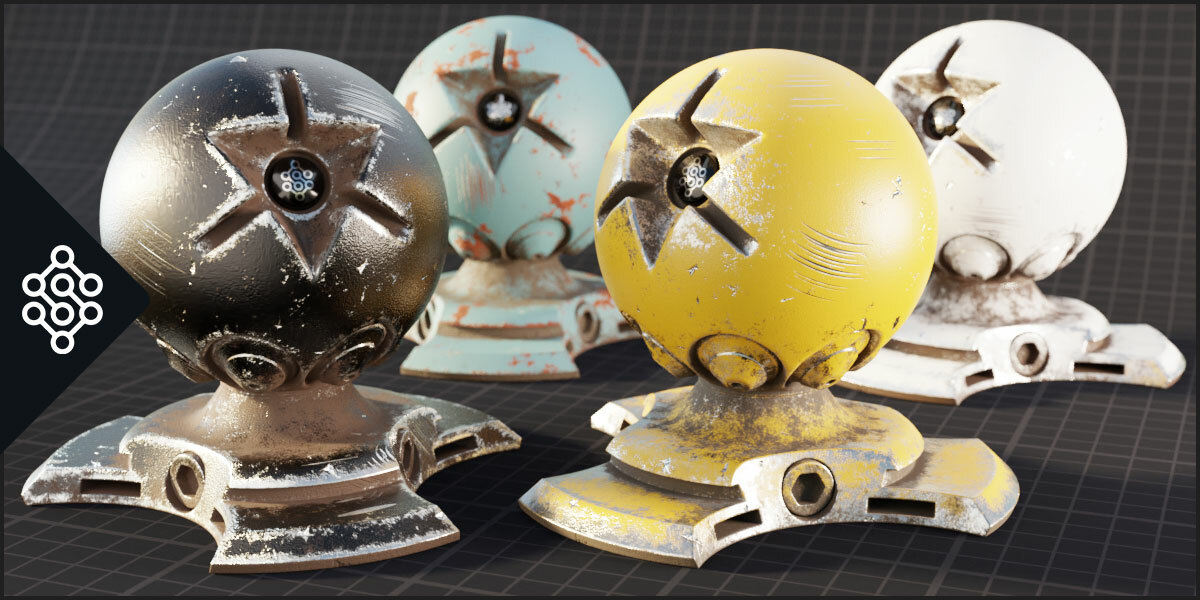










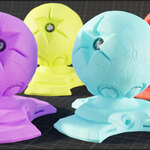

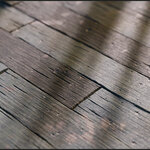


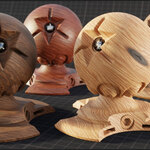

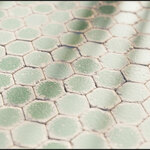

This item has an average rating of 5 from 180 ratings by the community.
Purchase this item to leave a review!
Sanctus
over 1 year ago
Hey Juan, thank you so much for your review. Glad you enjoy it!
Sanctus
almost 3 years ago
The addon had 7 updates this year, doubling the amount of assets, it's strange that you remark that there's no expand in the library when we have 1 update every 2 months. I know you have been asking to add all this generators that you personally need for your projects (that already sold in the market for even more than the the 700+ assets on this library combined), but you can't expect the library to include every other generator and asset in the market.
Makes me sad that you came here to post such a review after the infinite times I personally helped you with your own projects.
Sanctus
almost 4 years ago
Hi Michael. Not sure why it would be an exception the fact that a free addon doesn't have a functionality from the full version. Anyway this is not the case, the baking tool is also free and available on the Lite version. If you want to learn how to use it you can ask for free on my discord and I will be happy to help.
Sanctus
about 4 years ago
Hehe yes I first tried with the icons on the thumbnails, I thought it would be enough but probably not. On the last update I implemented meta data on the materials to be able to determine if they are Cycles or EEVEE with the idea to implement something like this. It's a bit tricky, because if someone has cycles selected but just uses material preview, there's nothing you can do there. The only thing I could do is to warn you if you press assign material, that material is cycles and you have eevee as your render engine selected... will that work? hehe join the discord if you want to discuss the idea and thank you for the review.
Best,
Sanctus
Sanctus
2 months ago
Hi Matthias, thanks for your review, sad to see you didn't enjoy the Free version of the addon.
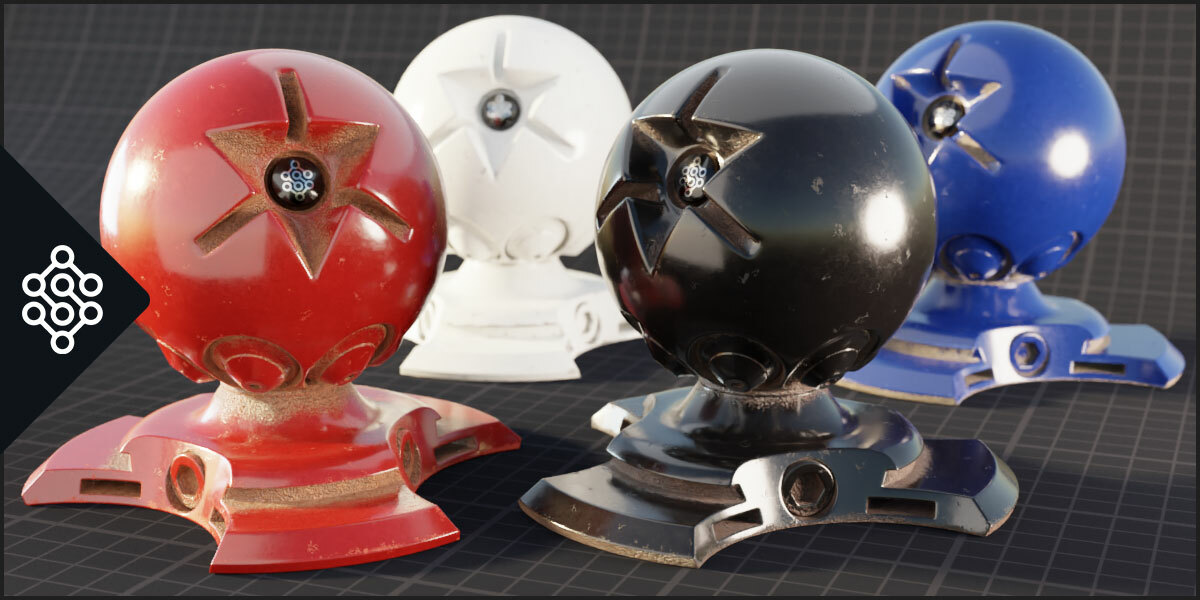
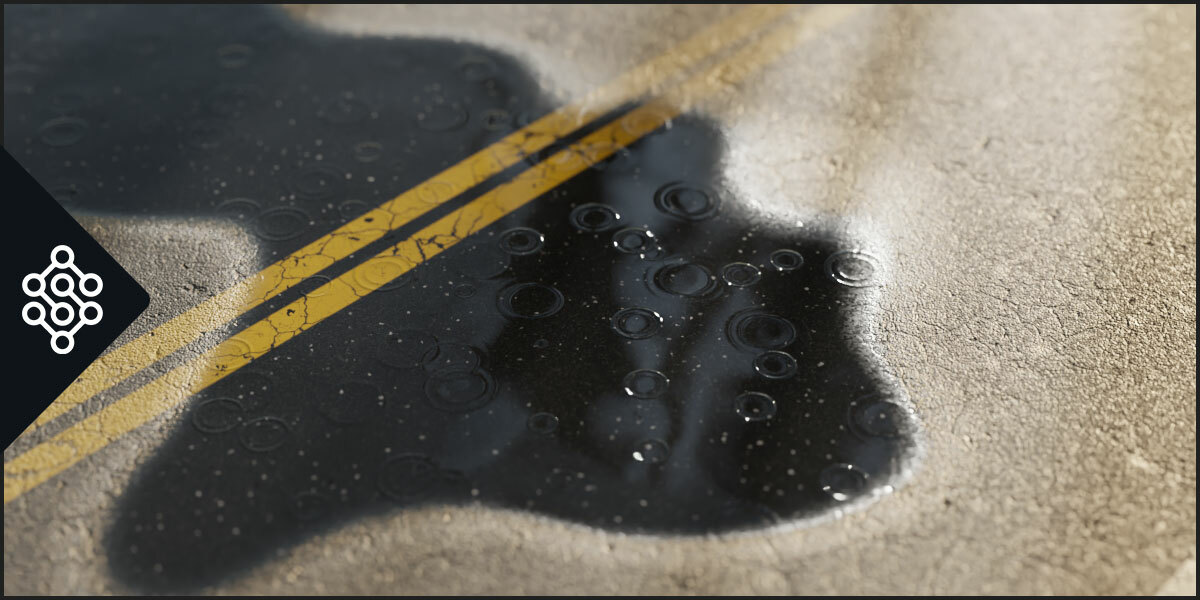
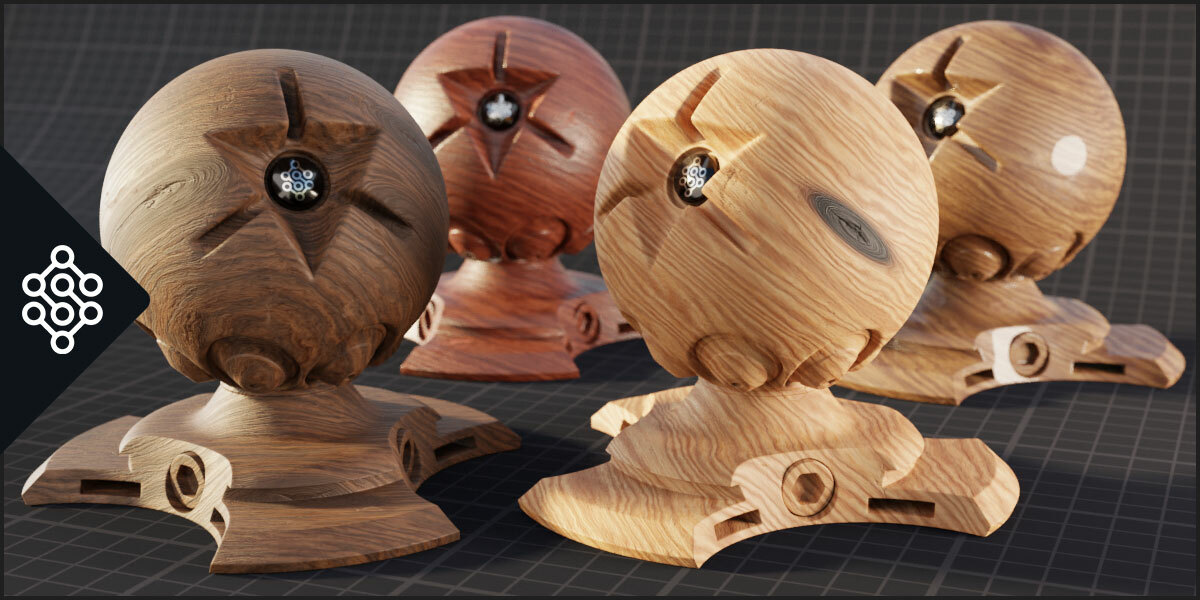
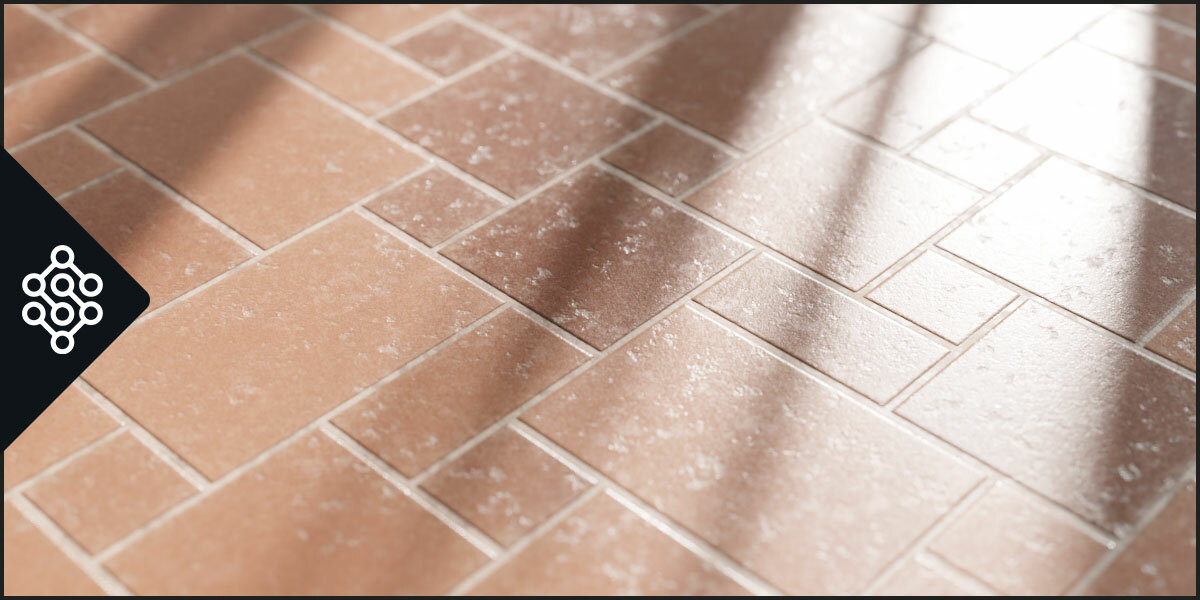
Procedural Materials are ment to be flexible and have many parameters, that's the hole point, you are probably looking for PBR image sets materials not procedural.
Have a nice day
Sanctus
Sanctus
11 months ago
Hi Jonas, thank you very much for taking the time to share your feedback. I appreciate you finding the material pack "great and extensive."
I'm sorry to hear that the product is not fully meeting your needs for professional work. I want to address your two main points, as they are important for other users who may read your review:
1. Key Settings and Collapsible Panels
I am a bit concerned about your experience with missing basic controls like Scale or grouped collapsible menus for parameters.
Collapsible groups of parameters is a feature was added a long time ago, I even designed it before Blender had native panels to ensure all essential settings are exposed and organized. In the last update of the addon I migrated the old custom panels to Blender’s native panels (you can check that in the addons documentation changelog section. It sounds like you may be using an older version of the Sanctus Library.
Could you please contact me directly with the exact version number of the addon you are currently running? My priority is to ensure you have the correct and most up-to-date functionality.
2. Internal Node Structure and Editing
I understand your desire for more detailed framing and naming inside the node groups. This is a deliberate design choice: the materials are structured to prioritize rapid content delivery. This approach allows me to release frequent updates and new asset packs quickly to the community.
For users who need to add unique details and imperfections without manually editing the complex group nodes, the addon includes a dedicated Material Editor. This feature is designed specifically to simplify modifications and add effects like dust, scratches, and weathering to existing materials in a non-destructive way.
If, after our conversation and troubleshooting, the library still does not fit your specific requirements, I would be happy to process a full refund. I want every customer to be satisfied with their purchase.
I wish you a great week as well.
Sanctus
over 1 year ago
Some materials are more complex and require more compilation time in favor of better quality and realism than average procedural materials. The materials are easily identified by icons and filters. You can always filter materials by processing complexity if you only want to use simple and quick materials. You can also use the included baking tool to bake the materials and improve performance while rendering.
Thanks for your review
Sanctus
almost 4 years ago
Hey Anyz, did you check the documentation and user's guide video? both links are on the addon panel. The slow viewport is probably when you use a cycles material with eevee or material preview. give it a check. Also contact me if you need any help.
Best,
Sanctus
Sanctus
over 3 years ago
Thank you for sharing your experience.
Please contact me so I can give you a refund. It's not my goal to take money from people who didn't like the product. Also if you want to share more info so I can improve the product it would be nice. I haven't seen many procedural material libraries so I'm not sure what other products you are referring to.
Best, Sanctus
Sanctus
over 3 years ago
Hi Andrei, I wish you would have reached out to see if you where using the addon correctly before getting to a conclusion. In any case send me a message for a refund. If this addon was not for you I don't want you to lose your money on it. Thanks for your feedback.
Have questions about this product?
Login to message
Includes an Asset Library with select variants
1843 drag-and-drop assets for Blender’s Asset Browser.
Browse included assets| Blender Extension Compatible | Yes |
| Sales | 14600+ |
| Downloads | 52500+ |
| Rating | 180 ratings |
| Dev Fund Contributor | |
| Published | over 4 years ago |
| Blender Version | 4.5 - 5.2 |
| Render Engine Used | Cycles, Eevee |
| License | GPL |
 ahmad
ahmad
 Michael Stewart
 Paw
Paw
 Matthias Thurau
 Jonas März
 daw20ming4n
 anyz
anyz
 Mike Rondini
 Andrei