Save Director Pro
 Steven Seidler (Blendscapes3D)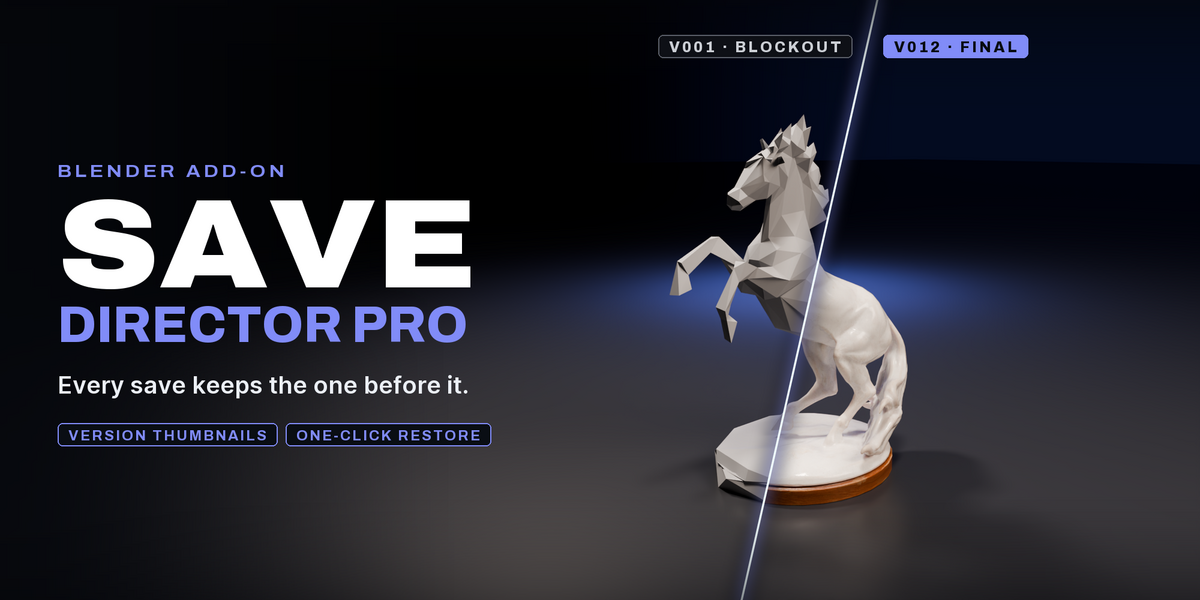


Save Director Pro
Stop losing work to bad saves.
One hotkey: new version, comment, thumbnail, auto-cleanup. Browse every version of your project from the N-panel and restore in one click.
What it does
| Feature | What it does |
|---|---|
| Smart Save (Ctrl+Alt+S) | Saves a new auto-incremented version (MyProject_v007.blend) with comment dialog and viewport thumbnail |
| Version Browser | N-panel "Save" tab lists every version with thumbnail, comment, age, file size — click to open or restore |
| One-Click Restore | Pick any version, click "Restore → Working" to roll back the working file to that exact state |
| Auto-Cleanup | Keep only the newest N versions; older ones move to _archive/ (or delete) — no more 200-file folders |
| Pre-Save Orphan Purge | Removes unused datablocks before each save → 30–50% smaller files automatically |
| Sidecar Metadata | Each version gets a .savedir.json with comment, timestamp, Blender version — survives moving files |
| Project Stats | Total disk usage, version count, age of latest save shown in the panel |
| Folder Shortcuts | One-click open of project folder, archive folder, or thumbnail folder in your file manager |
Install
Download
SaveDirectorPro-1.0.0.zipIn Blender: Edit → Preferences → Get Extensions → drop-down (top-right) → Install from Disk
Pick the
.zipOpen a 3D Viewport → press N → click the Save tab
Requires Blender 4.2 or later. Tested through 5.1.
Usage
First save
Save your project once with a normal name (
Ctrl+S → MyProject.blend)From now on press Ctrl+Alt+S instead of Ctrl+S
A dialog asks for a short comment (
"blocked main character","first lighting pass", etc.)Click OK →
MyProject_v001.blendis created with a thumbnail and your comment
Roll back to an old version
N-panel → Save tab → Versions sub-panel
Find the version you want (each shows thumbnail + comment + age)
Click Restore → Working → confirms, then opens that version as the working file
Browse without restoring
N-panel → Versions → click Open on any version
Blender opens that file (will warn if you have unsaved changes)
Auto-cleanup
Edit → Preferences → Add-ons → Save Director Pro
Enable Auto-Cleanup After Save
Set Keep Newest Versions (default 10)
Choose Archive (move to
_archive/) or Delete (permanent)Every Smart Save now automatically prunes old versions
Manual cleanup
Maintenance sub-panel → Clean Up Old Versions... for one-shot cleanup with custom keep-count
Purge Orphan Datablocks to manually trigger the file-size optimizer
Configuration
Edit → Preferences → Add-ons → Save Director Pro
Capture Viewport Thumbnails (default ON) — OpenGL screenshot per save
Purge Orphans Before Save (default ON) — smaller files
Also Save Working File (default ON) — keeps your current
MyProject.blendin sync with the latest versionAuto-Cleanup After Save (default OFF) — opt in to automatic pruning
Keep Newest Versions (default 10) — pruning threshold
Cleanup Mode — Archive (safe) or Delete (permanent)
Show Thumbnails in Version List (default ON) — toggle off for compact UI
Max Versions in Panel (default 15) — caps the panel list length
How it organizes your project
MyProject/
├── MyProject.blend
├── MyProject_v001.blend
├── MyProject_v001.blend.savedir.json
├── MyProject_v002.blend
├── MyProject_v002.blend.savedir.json
├── ...
├── .savedirector_thumbs/
│   ├── MyProject_v001.png
│   └── MyProject_v002.png
└── _archive/
    ├── MyProject_v001.blend
    └── MyProject_v001.blend.savedir.json
Nothing is hidden.
You can move, rename, or delete any file manually at any time — the addon re-scans and adapts automatically.
Compatibility
Blender 4.2 through 5.1+
Windows, macOS, Linux
Works with any project size
Uses sidecar JSON, no database lock-in
Pure Python — no compiled binaries
Support
Email: [email protected]
License
GPL-2.0-or-later. See LICENSE.