Save Director Pro
 Steven Seidler (Blendscapes3D)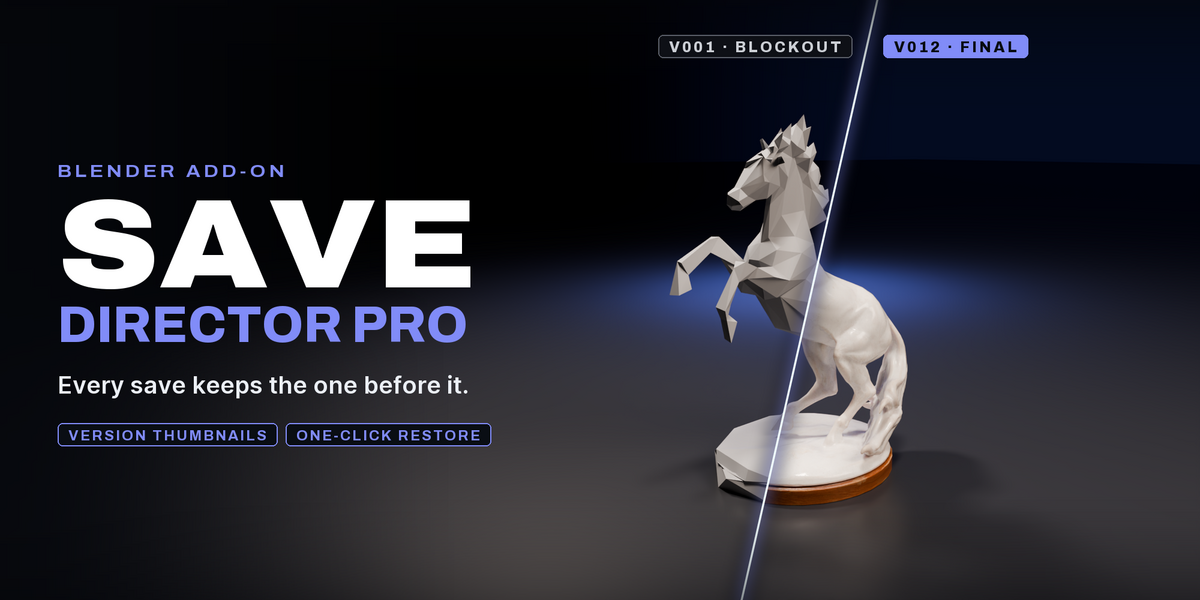


Is my data locked into the addon?
No. Everything is stored as normal .blend files and simple JSON metadata. You can move, rename, back up, or delete files manually anytime.
Does it work on Windows, Mac, and Linux?
Yes. Save Director Pro supports all major operating systems supported by Blender.
What happens to old versions?
You can choose what happens:
Keep them
Automatically archive them
Automatically delete old ones after a certain limit
Does it work with large projects?
Yes. The addon is designed to work with projects of any size because it uses lightweight sidecar metadata instead of a heavy database system.
Does it increase Blender file size?
Actually the opposite. Save Director Pro can automatically purge unused datablocks before saving, which often reduces file size significantly.
Can I restore an older version?
Yes. Open the N-panel → Save tab → Versions, then restore any previous save with one click.
Where are all versions stored?
Versions are stored directly inside your project folder so everything stays transparent and easy to manage.
Does it automatically create backups?
Yes. Every Smart Save creates a new numbered version automatically, so you never overwrite old progress by accident.
Can I still use Ctrl+S normally?
Yes. You can continue using Ctrl+S if you want. Save Director Pro adds a smarter save workflow through Ctrl+Alt+S.
Does Save Director Pro replace Blender’s normal save system?
No. Your normal .blend workflow still works exactly the same. Save Director Pro simply creates organized versioned backups alongside your working file.