 Skava
Skava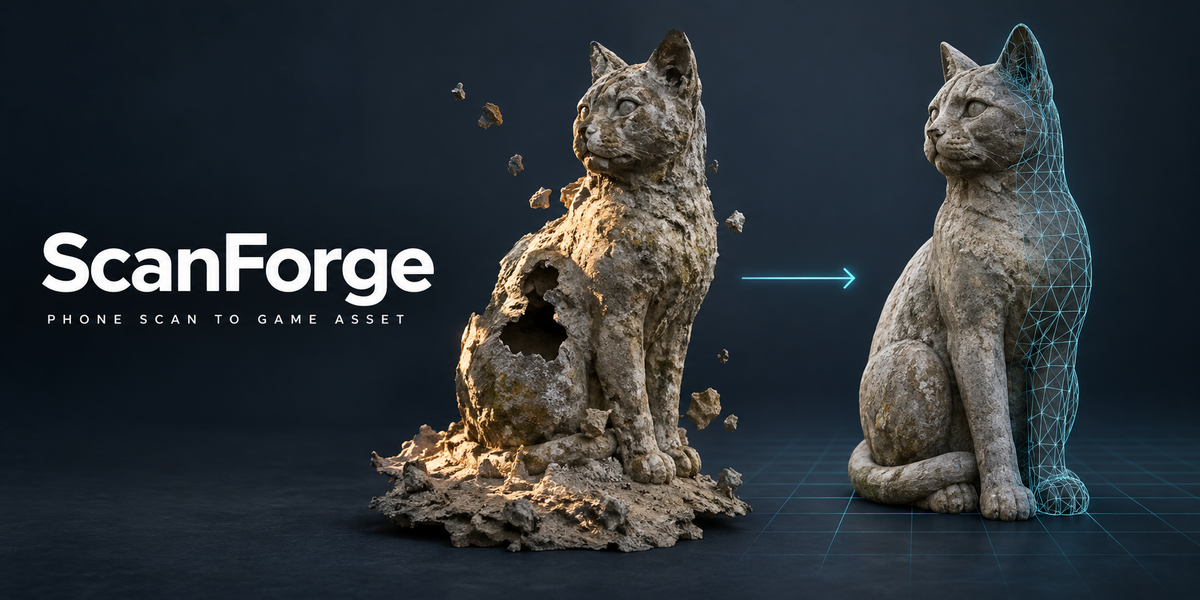
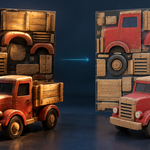
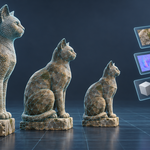
From phone scan to game asset — and the numbers to prove each step.
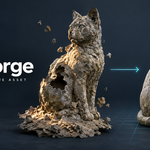
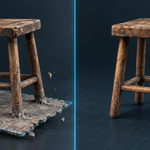
A phone scan is never an asset. It sits fused to a lump of the floor it was scanned on, crumbs float around it, the camera left holes, it has a million triangles where a game needs ten thousand, and the light of the room is painted into its colour — the shadow under a chair leg, the sun on one side. Cleaning that by hand can take an evening, and at the end you still do not know how much of the shape you lost.
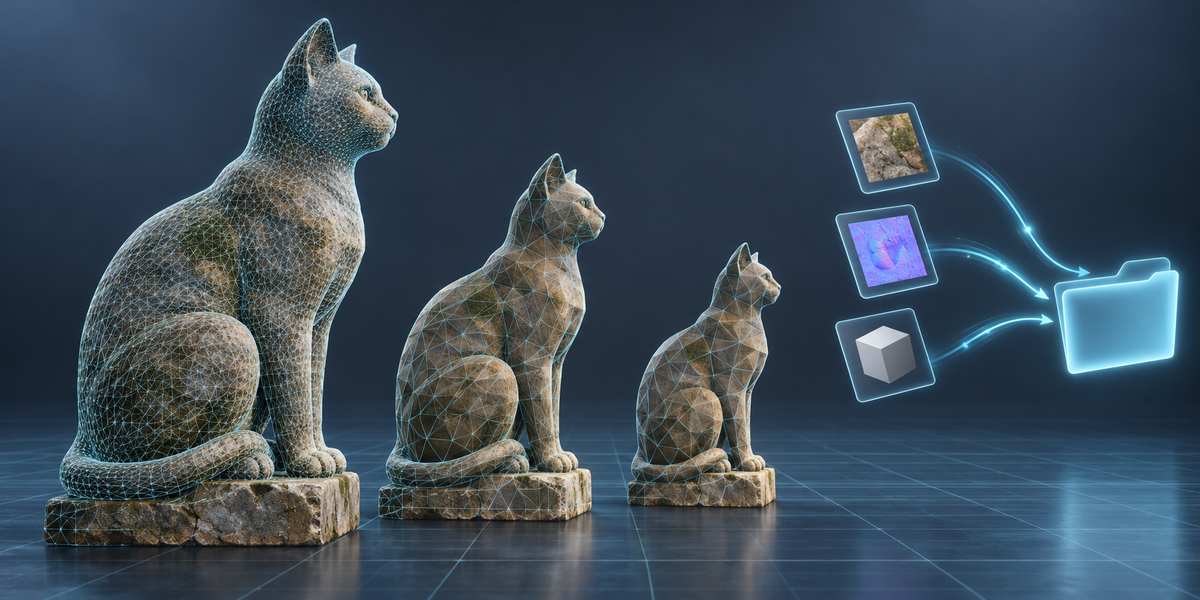
ScanForge does the whole chain with one button and measures every step: the floor found and cut, loose bits removed, holes closed, the mesh brought to your triangle budget with the shape error in millimetres, colour, normals and ambient occlusion baked from the scan, the scan's lighting removed from the colour, two LODs, and GLB or FBX out. Your scan is never changed.
Every step says what it did
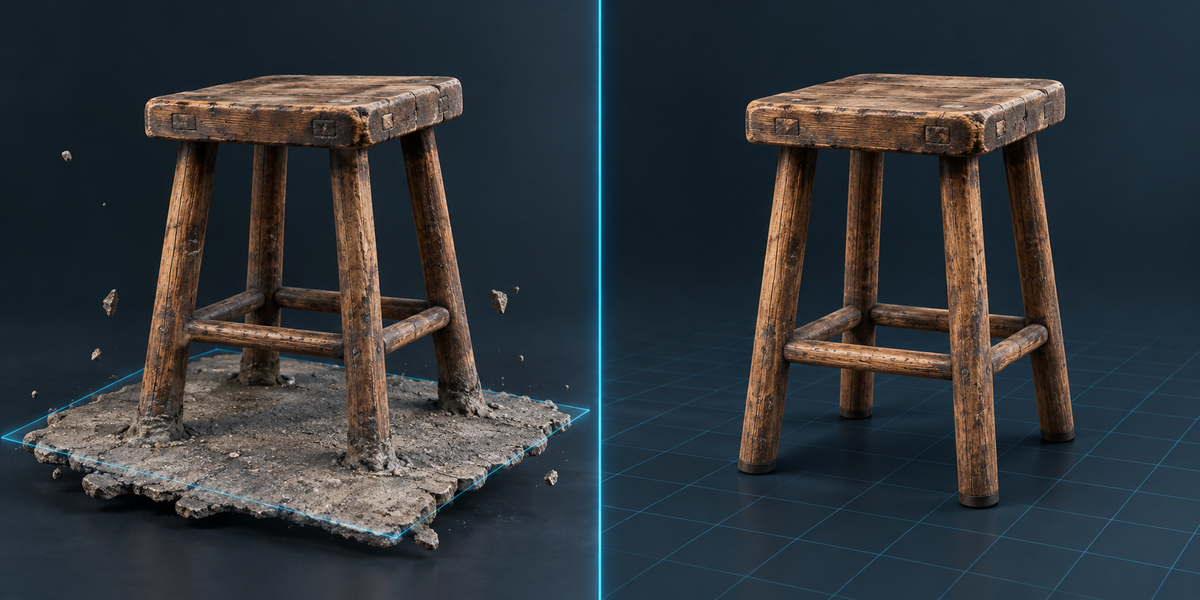
- Floor: the flat area the whole object stands on is found, the asset is turned level, put at height zero, and the floor is cut away. On 44 CC0 models turned into synthetic phone scans tilted by 4°, the floor was found on every one, the tilt recovered within 0.02° and the bottom of the object landed within 0.8 mm of zero.
- Loose bits: crumbs and pieces floating away from the object are removed. Parts that touch the object, even when a thin part fell apart into many small pieces in the scan, are kept, and the report says how many.
- Holes: holes the camera left are closed, the cut along the floor gets a flat bottom, and real openings of the object (a window, a handle) stay open. You set how large a hole may be.
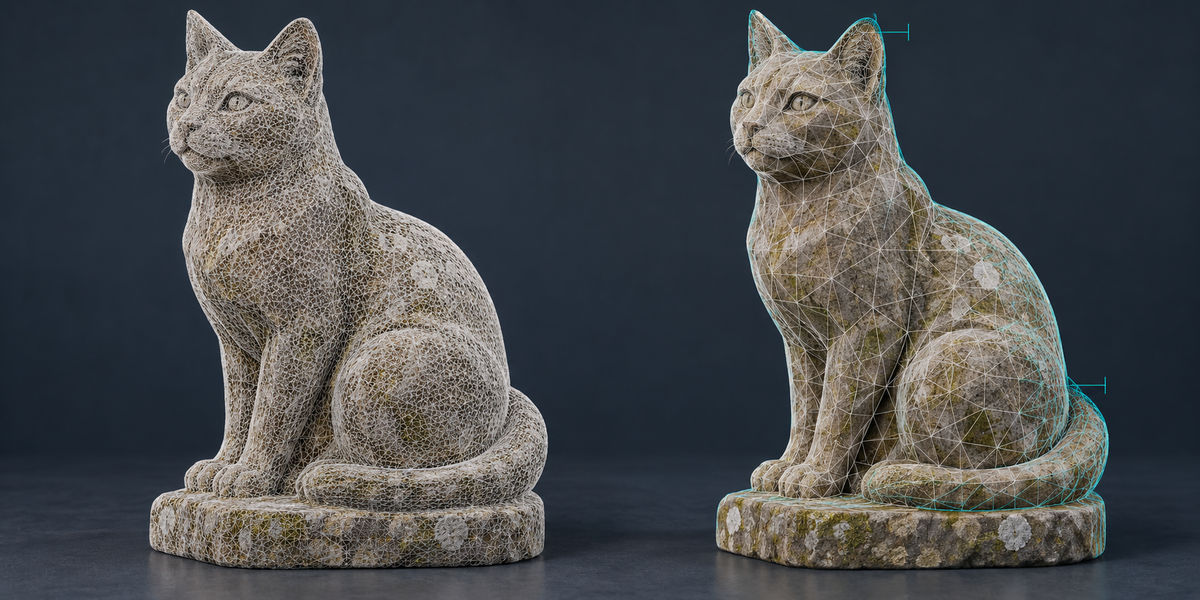
- Triangle budget, with the shape error in millimetres: the distance between the asset and the scan is measured both ways — where the asset cut a detail away and where it added surface that was not there — from points spread over the whole surface, not only the corners. You get the worst point and what 95% of the surface stays within.
Tried on real phone scans
20 real scans from six apps — KIRI Engine, Polycam, Scaniverse, Apple Object Capture, Trnio, 3d Scanner App — including shiny ceramic, metal and painted toys: all 20 came through. Meshes the apps split along texture seams, "unlit" GLB materials and scans the app already cut out of their floor are handled; an object's own flat underside was not taken for the floor in any of our tests (44 models scanned without a floor and the 20 real scans).
The light comes off the texture
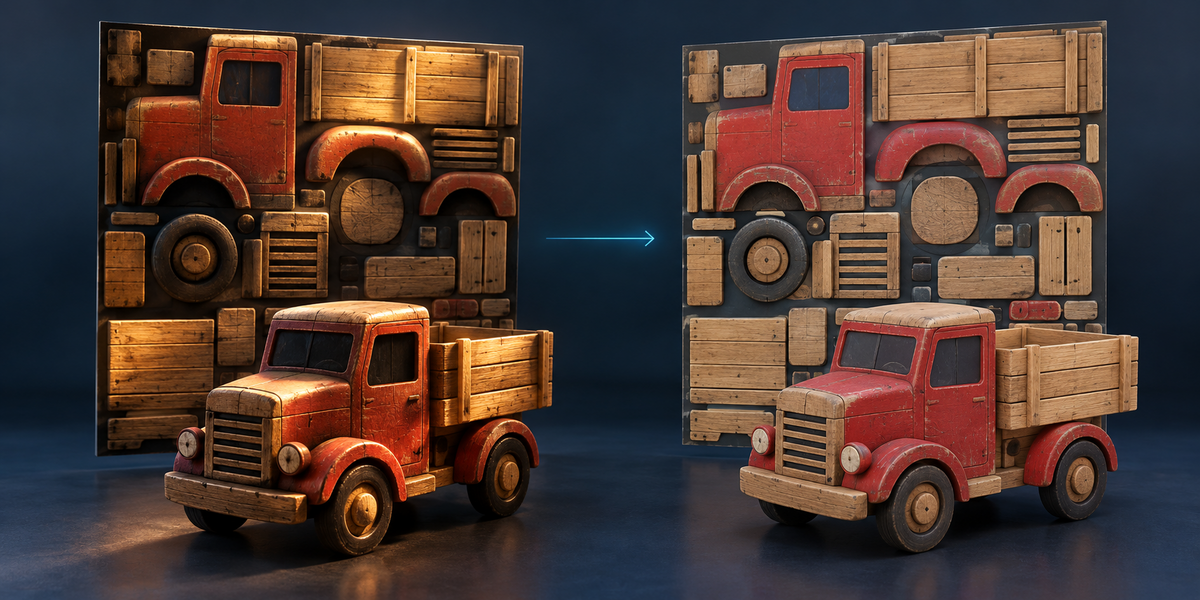
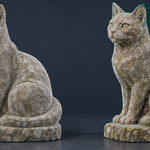
ScanForge reads the light of the room from the scan itself and divides it out of the colour, in rounds that tell dark paint from shadow. On 8 models lit two ways, with the true colour known, measured through the whole add-on (bake, then removal): the median colour error fell from 4.89 to 3.11 ΔE2000 (1.0 is what the eye just notices) and improved in 13 of 16 cases. A chair with a dark frame and light upholstery in soft light came out worse (2.27 → 4.96): dark paint next to light paint can be taken for shadow. Sharp contact shadows are reduced, not removed — that is said up front, not discovered later.
Your work is left alone
The scan is not touched — compared vertex by vertex in our tests. The asset, LODs and images are new. Export creates one new folder under a free name and writes only there; textures go out as PNG with the colour map in sRGB, FBX with the scene's unit scale applied.
Blender 4.2 and newer. No Python packages, no cloud, no account, no AI model: Blender, Cycles and numpy. Sidebar tab: ScanForge.
License
GPL-3.0.