 Skava
Skava
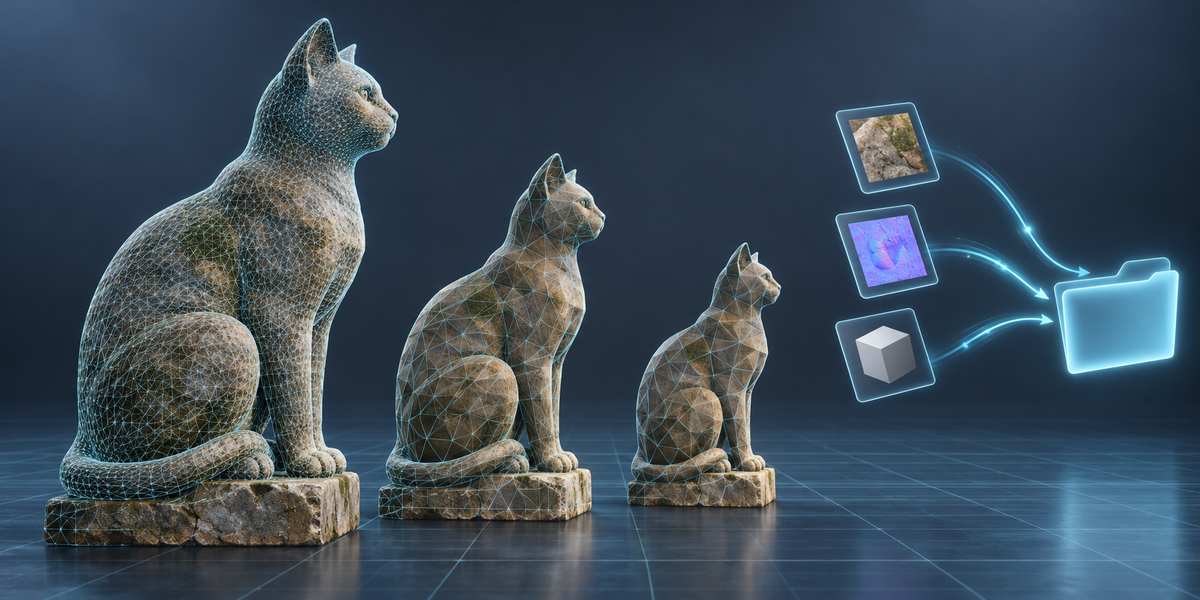
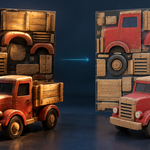
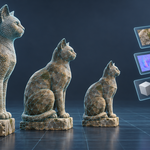
A new folder with the asset (and LODs) as GLB and/or FBX, the colour map as an sRGB PNG and the normal map. Nothing in the folder you choose is overwritten.
No. Blender, Cycles and numpy, nothing else.
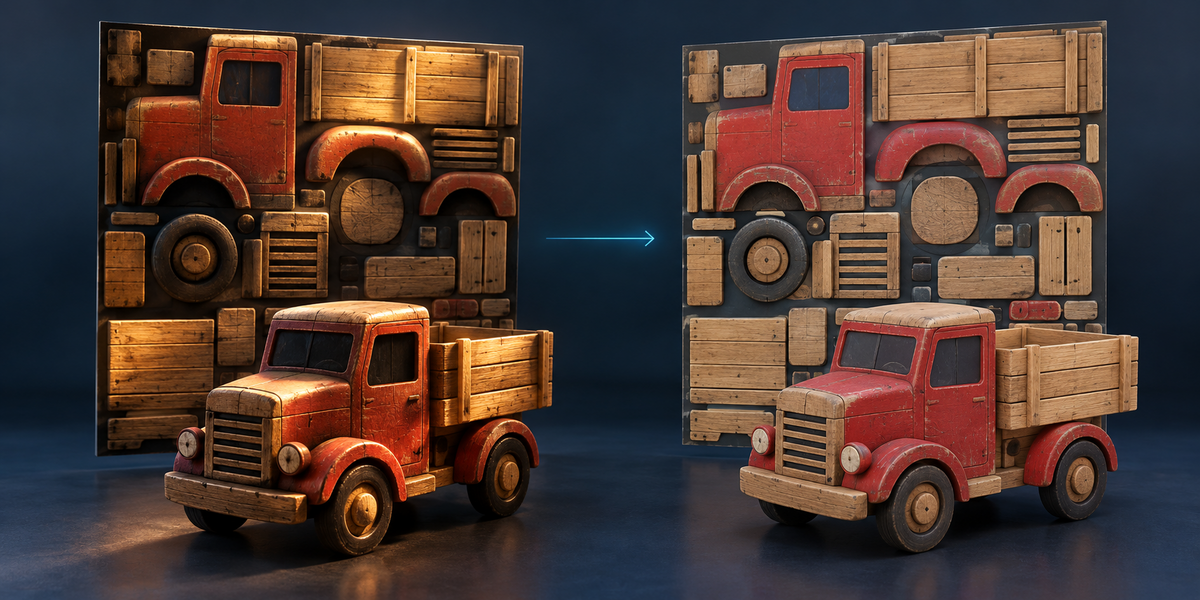
It removes the smooth light of the room the scan was taken in, and shading in crevices. On 8 models under 2 kinds of light with the true colour known, measured through the whole add-on, the median colour error fell from 4.89 to 3.11 ΔE2000 and improved in 13 of 16 cases. Sharp contact shadows are reduced, not removed; dark paint next to light paint can be taken for shadow (a chair in soft light came out worse, 2.27 → 4.96) — set Remove Light lower for such objects.
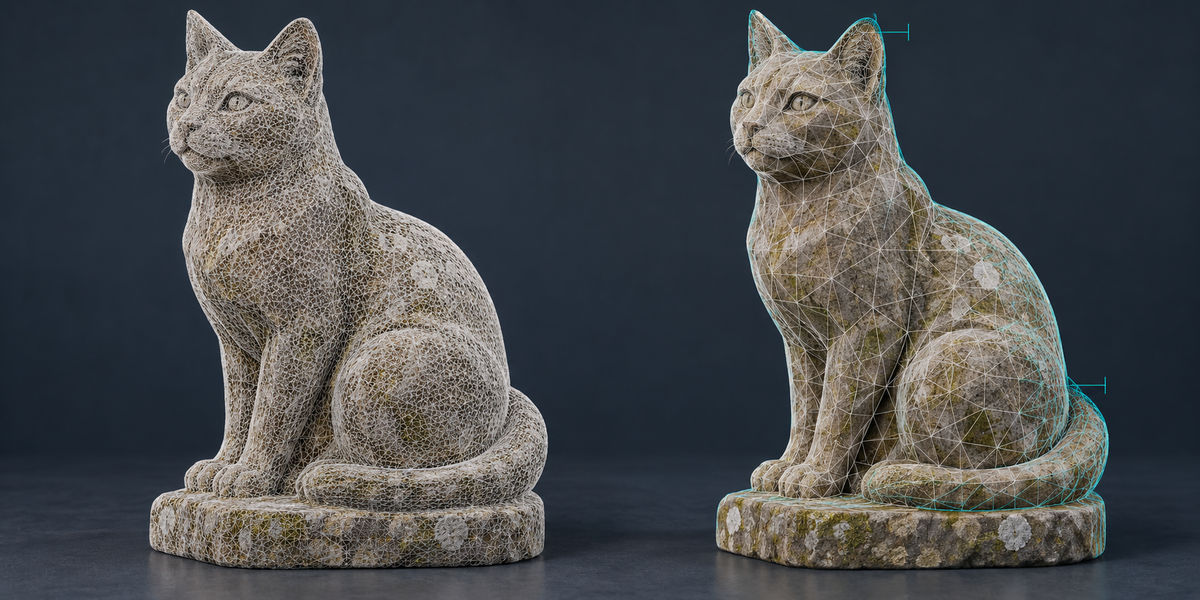
The report gives the distance between the asset and the cleaned scan in millimetres, measured both ways: where the asset cut a detail away and where it added surface that was not in the scan. The worst point and the distance 95% of the surface stays within.
No. The asset, its LODs and its images are new data blocks in a collection called ScanForge. The scan is compared vertex by vertex before and after in our tests: unchanged.
That happens in the scan itself: the camera sees reflections, not the surface. ScanForge closes holes up to the Hole Size Limit and leaves larger openings open, because they can be real openings of the object. For a shiny object, raise the limit.
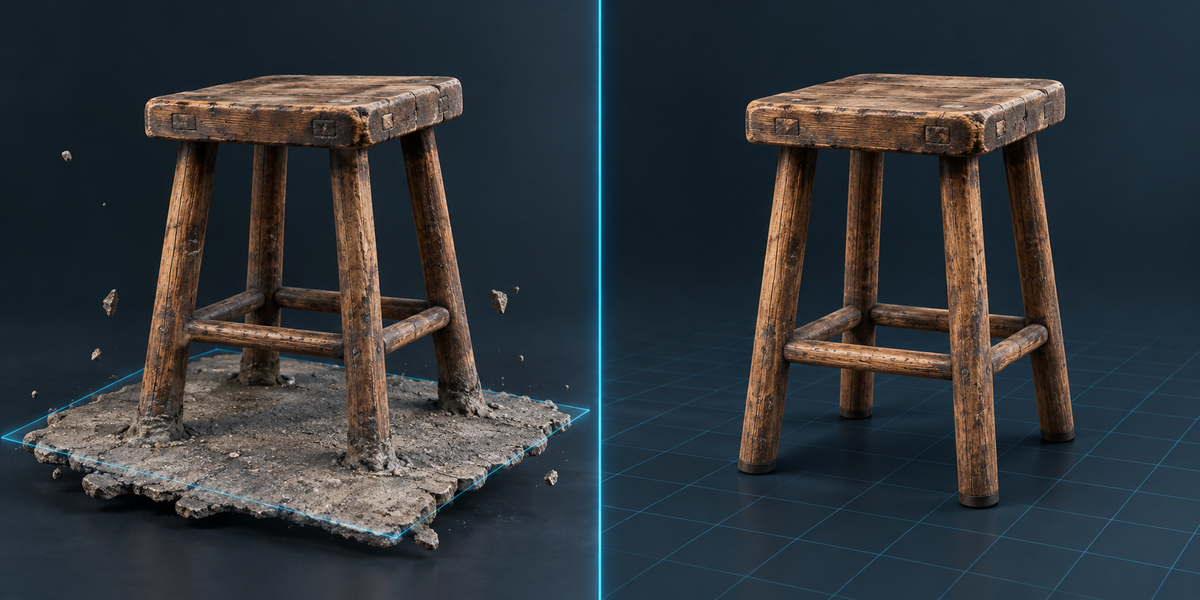
Then nothing is cut. A flat area counts as a floor only if it faces up and reaches beyond the object; the object's own flat underside (a toy car above its wheels, a board under chess pieces) was not taken for one in any of our tests — 44 models scanned without a floor and 20 real scans. The asset keeps the scan's position and the report says why.
Yes. It works on meshes Blender can import — OBJ, PLY, glTF/GLB, USD — with its texture or vertex colours. It was run on 20 real phone scans from six apps (KIRI Engine, Polycam, Scaniverse, Object Capture, Trnio, 3d Scanner App): all 20 came through. Meshes that apps split along texture seams and "unlit" GLB materials are handled. One app exported a scan turned inside out (faces pointing inwards): then no floor is found and nothing is cut — flip the scan's normals in Blender first.
Have questions about this product?
Login to message
| Published | 2 days ago |
| Blender Version | 4.2 - 5.2 |
| Extension Type | N/A |
| Render Engine Used | Cycles |
| License | GPL |
Discover more products like this
hausdorff decimate gltf photogrammetry albedo Game asset 3D Scan low poly LOD scan cleanup baking delighting