 Depth Optica



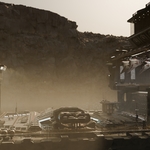
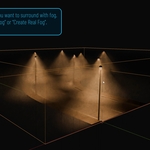
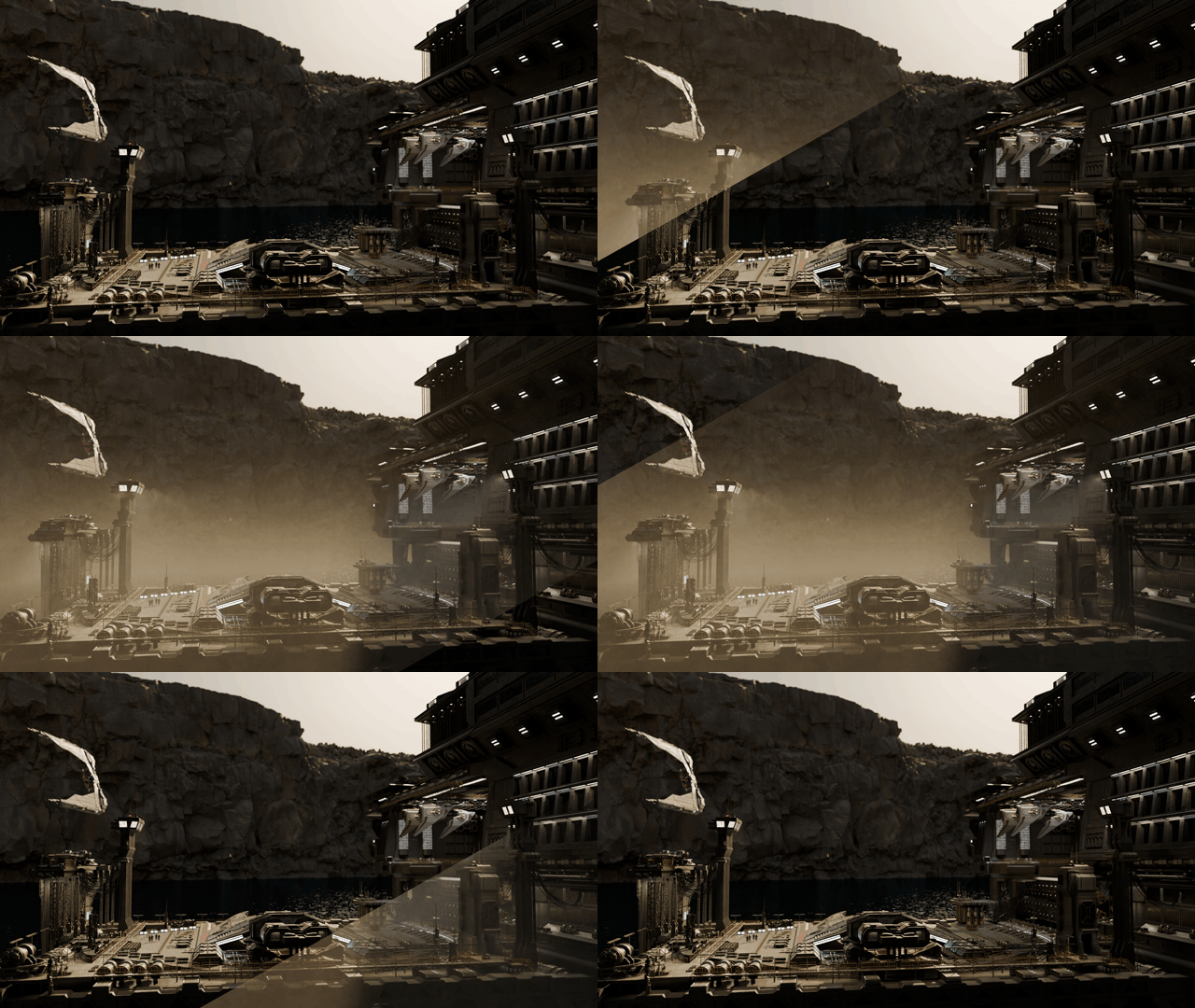 A SIMPLE WAY TO PLACE FOG IN YOUR SCENE, DIRECTLY FROM THE OBJECTS ALREADY THERE.
Scene Fog Setup is built for quick atmospheric setup, not for complicated volumetric workflows.
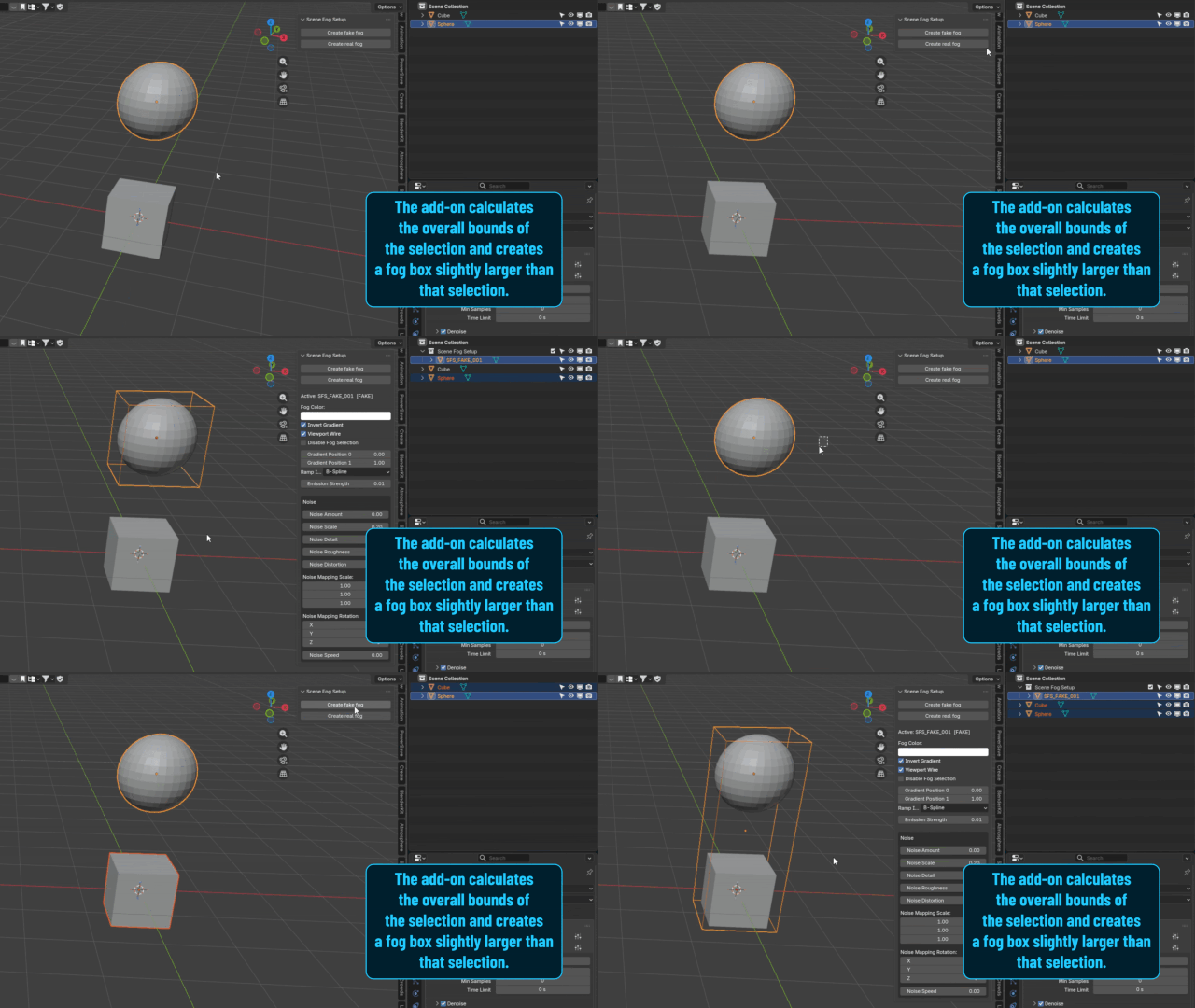
Scene Fog Setup is a practical Blender add-on designed to generate a fog box directly from your current scene selection.
Select one or more objects, create the fog volume, and immediately start adjusting the result. Instead of manually building the object, resizing it, assigning a material, and recreating the shader setup each time, the add-on gives you a fast and clean starting point in a few clicks.
A FASTER WAY TO SET THE MOOD
Sometimes you do not need an advanced volumetric tool. You just need a reliable way to add fog to part of a scene and move on.
Scene Fog Setup is made for exactly that: quick atmosphere placement, simple controls, and a workflow that stays easy to understand.
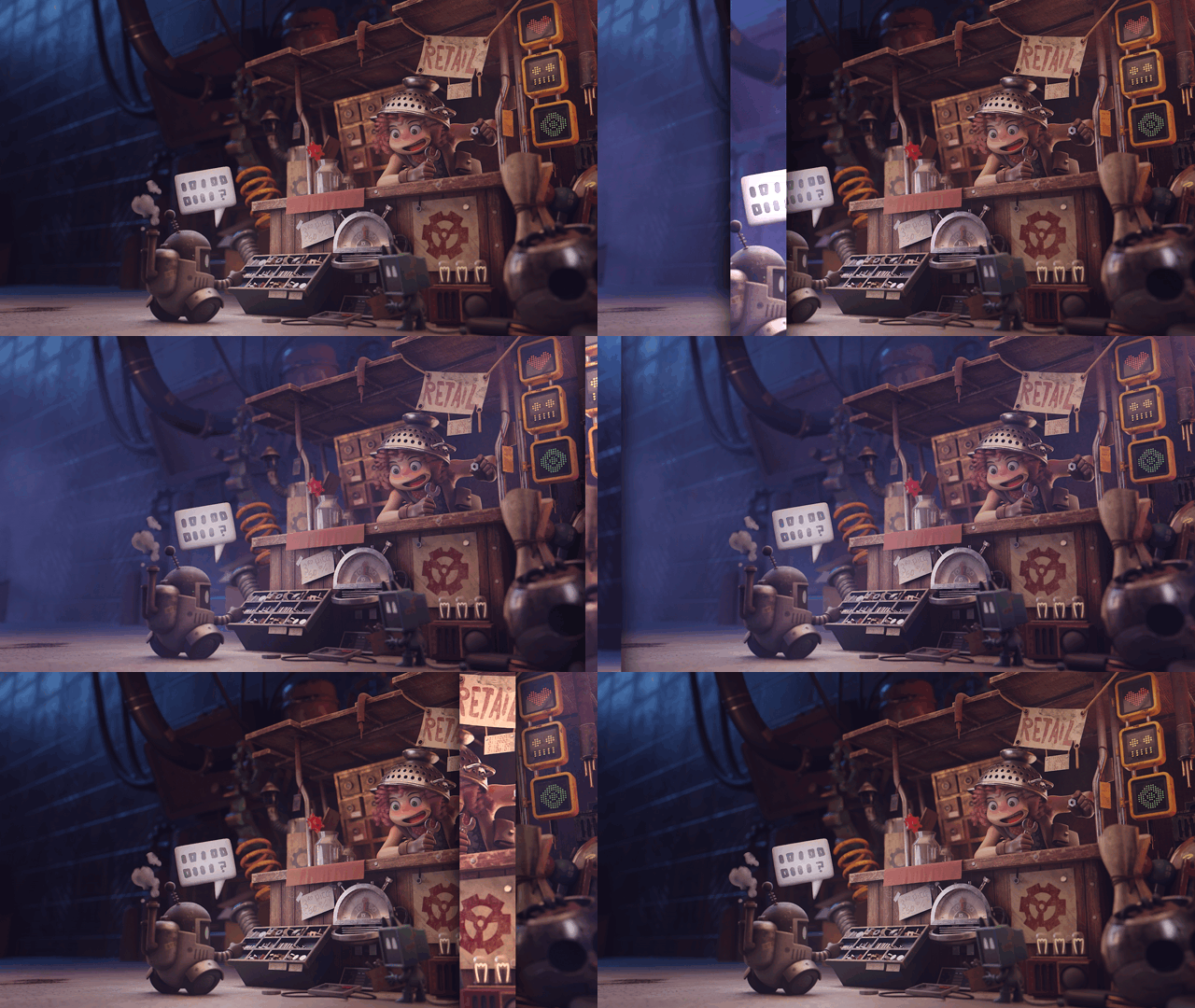
BEST SUITED FOR
Scene Fog Setup is especially useful when you want to:
- add a fog volume around an area of the scene quickly
- create atmosphere from an existing object selection
- block in depth and mood without building a setup manually
- get a usable result fast and refine it afterward
- keep the workflow simple and production-friendly
The add-on is not about multiplying features. It is about making a very common task faster, cleaner, and easier to repeat.
FROM SELECTION TO FOG IN A FEW CLICKS
The workflow is straightforward:
- select one or more objects in the scene
- generate a fog box from that selection
- choose between Fake Fog and Real Fog
- adjust the look with gradient, color, and noise controls
The generated fog box is slightly larger than the original selection, which helps avoid overlap issues. Each new fog volume also comes with its own unique material, so every setup remains independent.
TWO SIMPLE FOG MODES
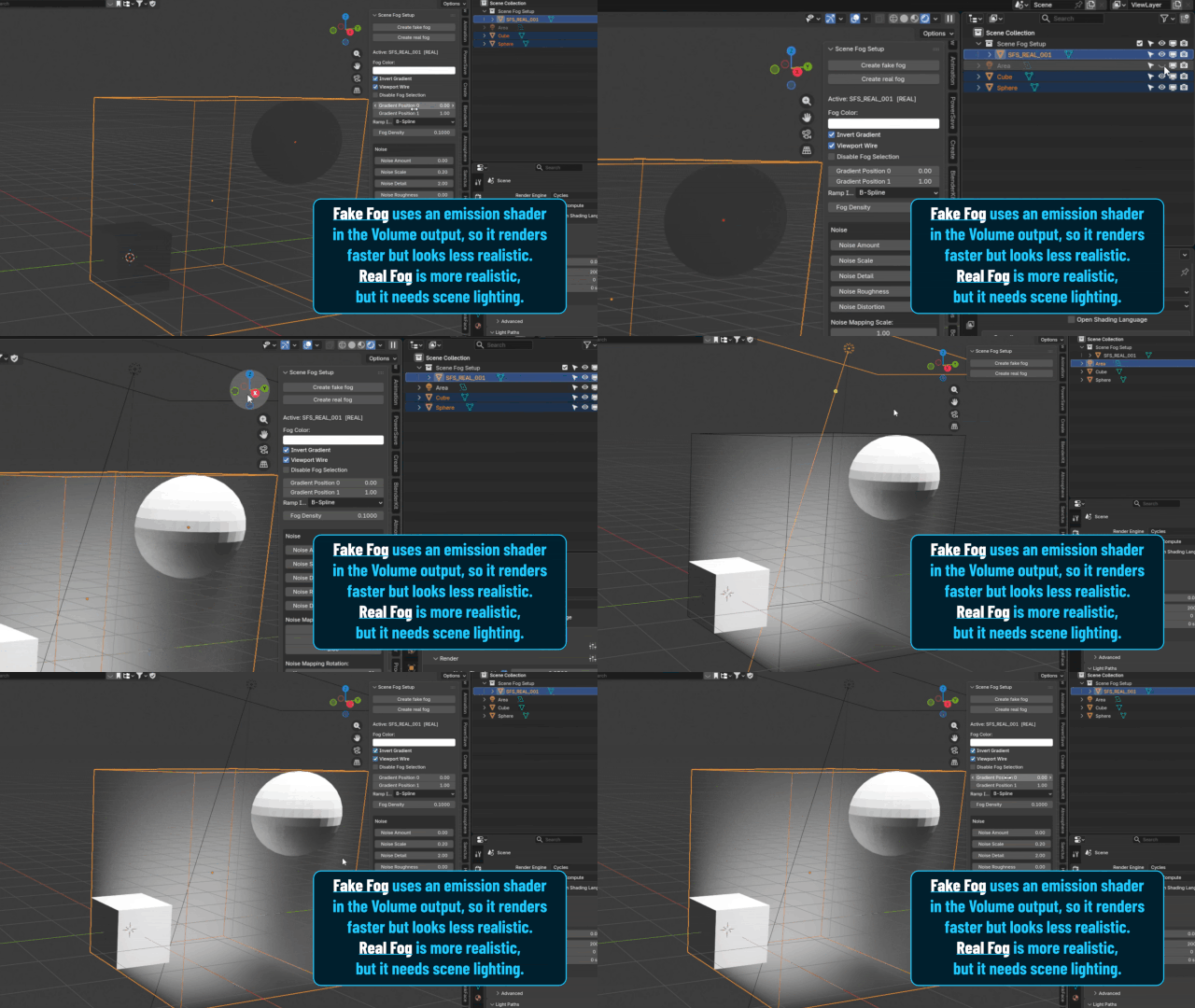
1) FAKE FOG
Fake Fog is the lighter option. It is useful when you want a quick atmospheric layer with minimal setup and easy control.
2) REAL FOG
Real Fog uses a true volumetric fog setup for scenes where a more natural fog behavior is preferred.
QUICK CONTROLS, CLEAR RESULTS
Once the fog volume is created, you can refine it with:
- fog color
- invert gradient
- gradient position 0 and 1
- ramp interpolation
- fog density or emission strength depending on the mode
- noise amount, scale, detail, roughness, and distortion
- noise mapping scale and rotation
- noise speed
- viewport wire display
- disable fog selection
ANIMATION NOTE
The panel settings are not intended to be animated directly.
Noise Speed is the only parameter in the add-on panel designed to animate the noise. For any other animation, you can work in the usual way by editing the generated material directly in the Shader Editor.
LOOKING FOR MORE ADVANCED VOLUMETRIC CONTROL?
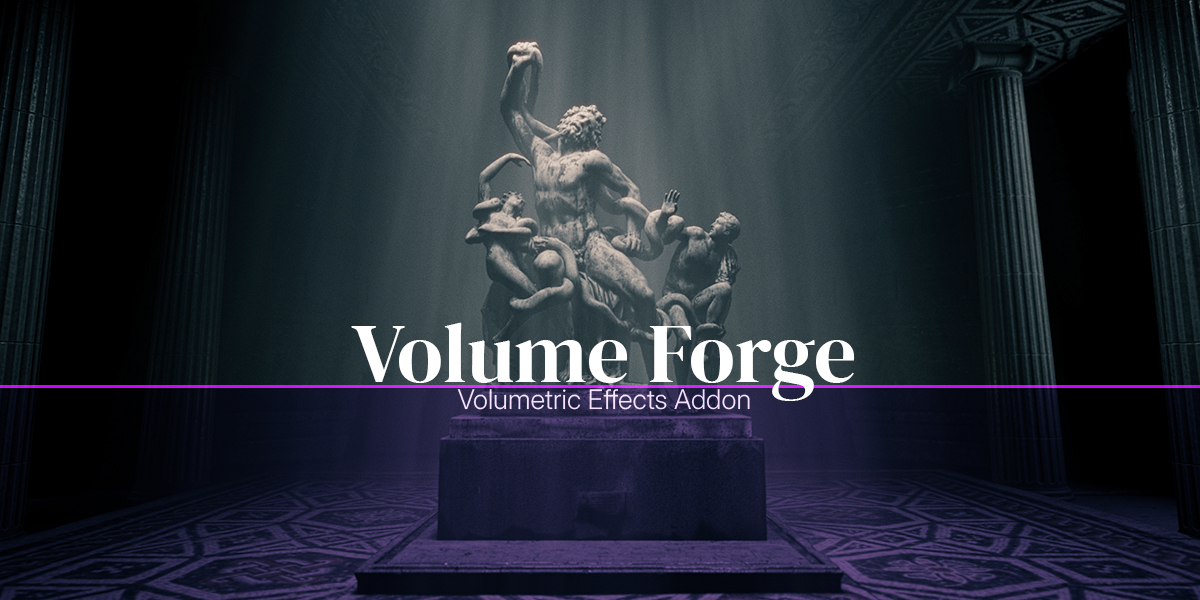
If you need a more flexible tool for localized fog, volumetric light, god rays, masking, shaping, and more art-directable results, Volume Forge is built for that.