 Skava
Skava
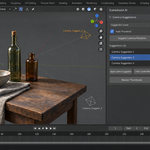
How do I install SceneAssist?
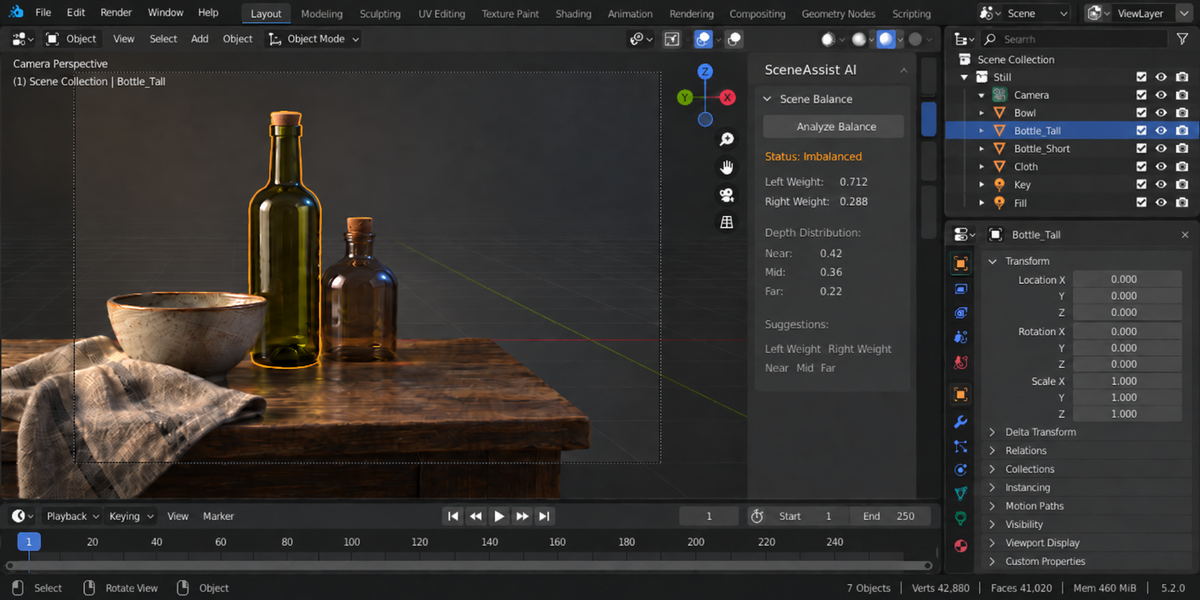
Download the zip and leave it zipped — Blender wants the archive, not a folder. In Blender open Edit, then Preferences, then Add-ons. Click the arrow button in the top right corner of that window and choose Install from Disk, then pick the zip you downloaded. On Blender 3.x and on 4.0 to 4.1 the same button is called simply Install. Tick the checkbox next to the add-on name to switch it on. Press N in the 3D Viewport and the SceneAssist tab appears in the sidebar.
Upgrading from an earlier version? Remove the old one first: find it in Edit, Preferences, Add-ons, expand its entry and press Remove. Then install the new zip and restart Blender. Two copies switched on at once shadow each other, and the older code can win.
Which Blender versions are supported?
Blender 4.2 LTS and later, tested up to 5.2.
Do I need an account, a key or an internet connection?
No. Everything the add-on does — composition overlays, balance scores, camera suggestions, lighting rigs — runs inside Blender, and the AI advisor ships switched off. With it off the advisor's operator is not even registered, so no part of the add-on can make a network request. Switch it on in preferences only if you want the written critique: the Rule-Based advisor works offline, and the Local LLM option uses a model running on your own computer.
What does the AI advisor send, and where?
With the Local LLM option, a text summary of the scene goes to the language model server on your own computer: names of visible mesh objects with their positions, sizes and on-screen placement; camera position, rotation and focal length; light names, type, power, colour and position. No images, files, materials or geometry. Before the first request SceneAssist shows exactly this and the local address, and sends nothing until you press Send. The Rule-Based option sends nothing at all.
Which local LLM servers work?
Ollama and LM Studio running on the same computer. The default address is http://localhost:11434/v1 (Ollama); for LM Studio use http://localhost:1234/v1, and set the model name to one you have loaded. Only localhost, 127.0.0.1 and ::1 are accepted — any other address, including another machine on your network, is refused with an error before anything is sent.
Will the AI request freeze Blender?
No. Local LLM requests run in a worker thread. Blender UI stays responsive while the model thinks.
What lighting moods are available?
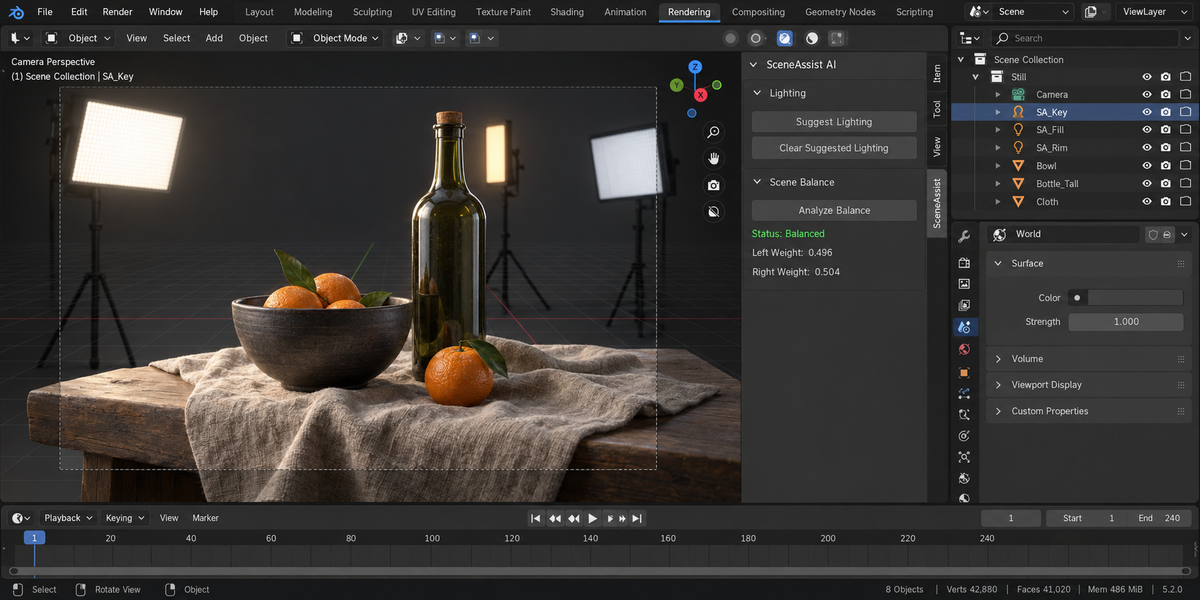
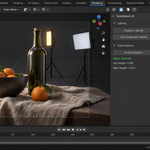
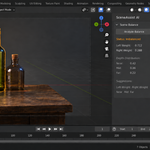
Seven presets: Dramatic (high contrast, rim light), Soft/Romantic (warm, low contrast), Horror/Suspense (dark, colored shadows), Natural (sun + fill), Studio (3-point), Product (even bright), Cinematic (anamorphic warm/cool).
Does it actually move my camera?
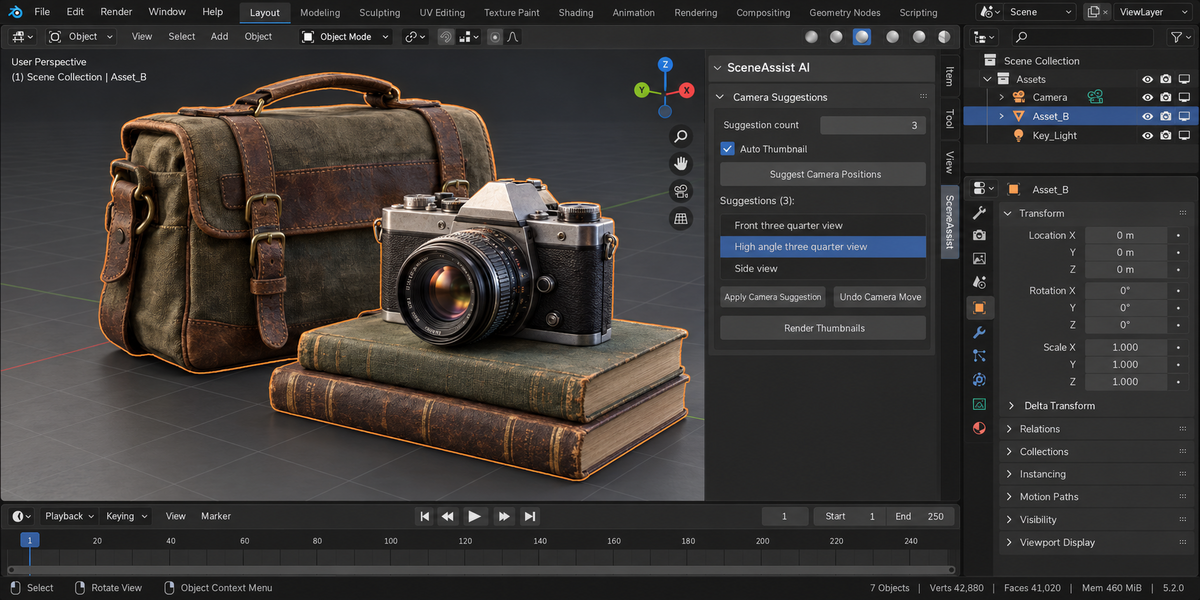
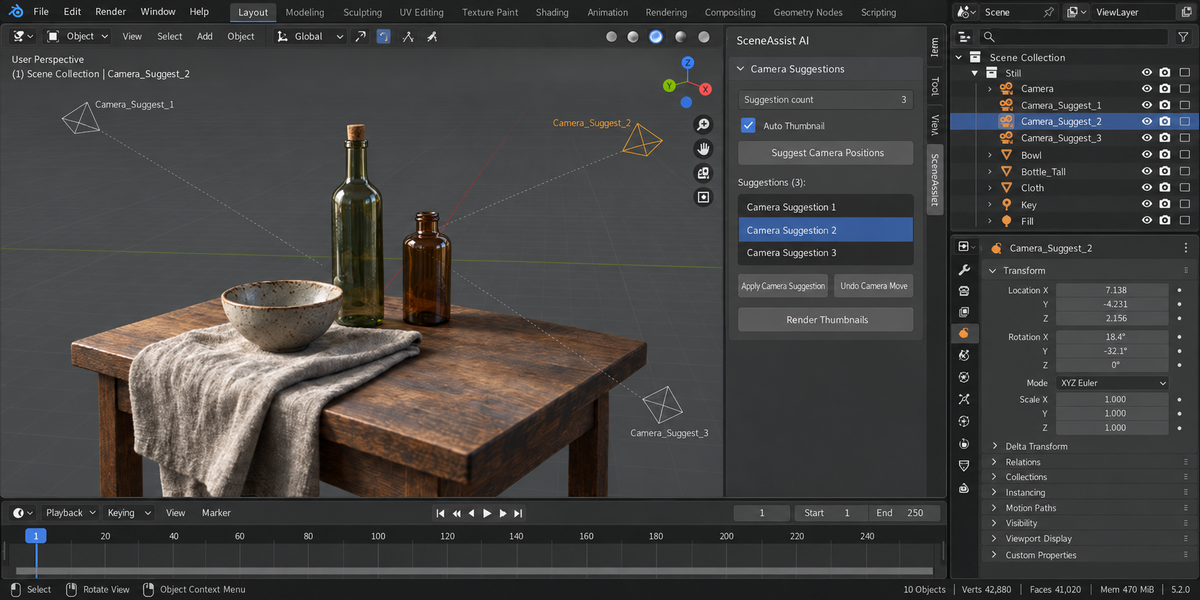
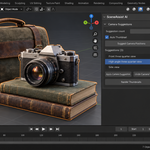
Only on request. The "Suggest Camera" tool proposes new positions and renders thumbnails so you can preview before committing — your existing camera stays where it is until you click Apply.
Can I use it commercially?
Yes. GPL-3.0, license applies to add-on code only.
$25
Have questions about this product?
Login to message
| Published | about 15 hours ago |
| Blender Version | 4.2 - 5.2 |
| Extension Type | N/A |
| Render Engine Used | Cycles, Eevee |
| License | GPL |
Discover more products like this
Mood-Lighting composition balance rule of thirds thumbnail preview camera placement lighting setup scene analysis framing golden ratio ArchViz cinematography