 Alberto Cordero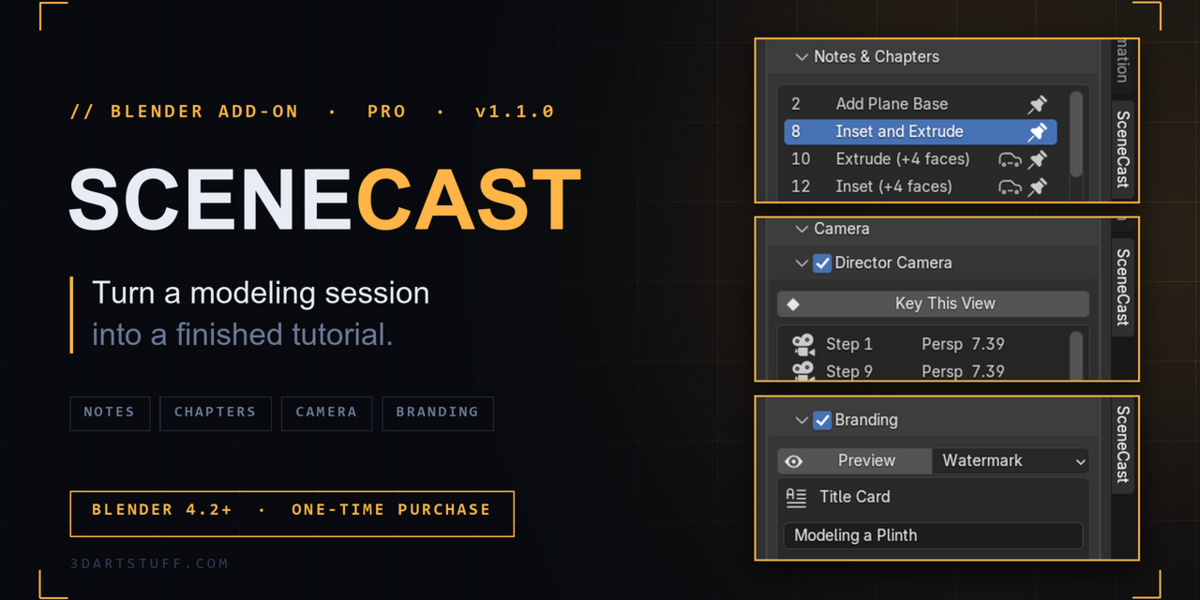
Turn a modeling session into a finished tutorial
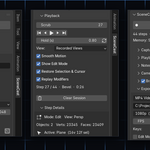
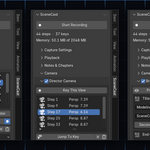
SceneCast records your Blender session as steps: geometry, selection, modifiers, 3D cursor and the keys you pressed. It's not a screen recording. Because it records the scene itself, you can replay it and re-shoot it after the fact: a different camera, a push-in on what you were editing, vertical or 16:9, with keystrokes and notes burned in.
SceneCast Pro turns that recording into something you can publish.
What Pro does
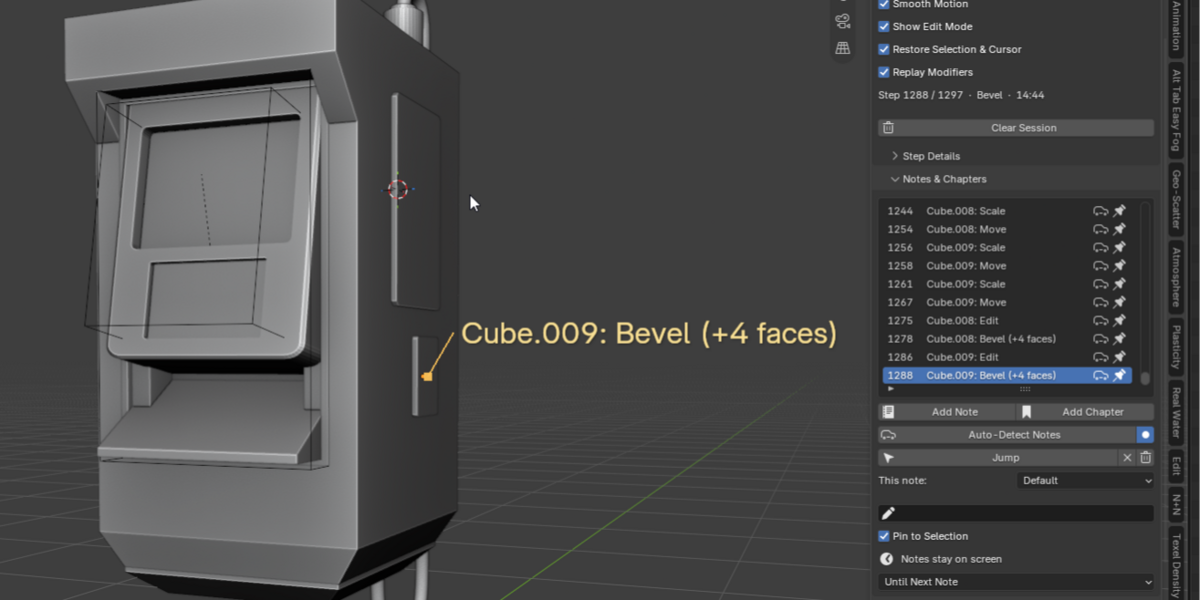
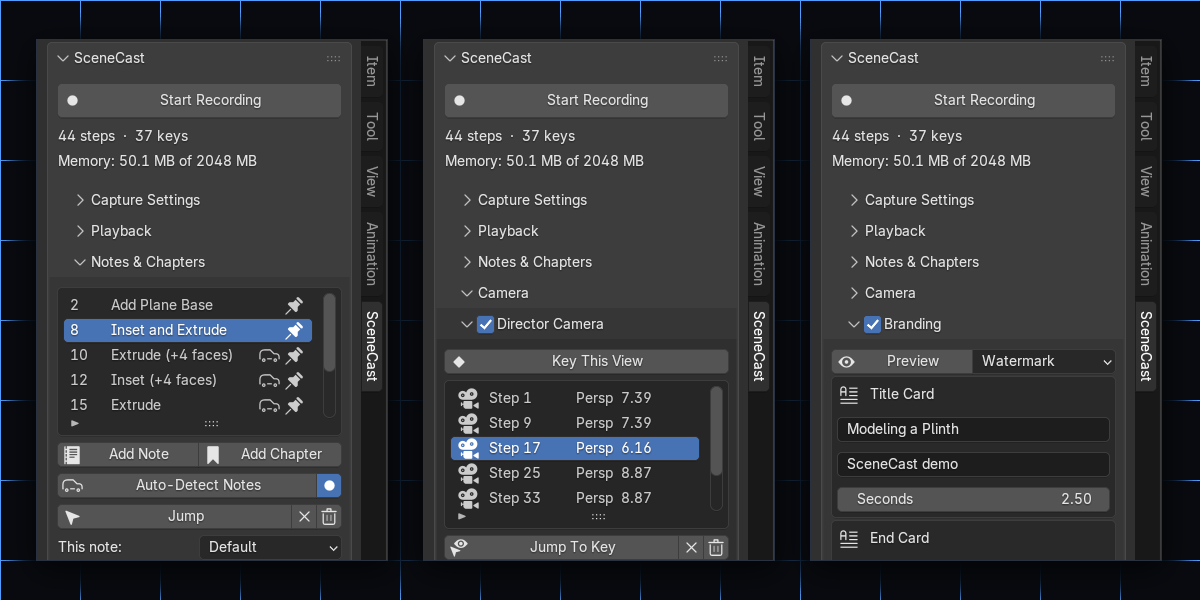
- Auto Notes. Writes notes from what you actually did ("Plane: Inset (+8 faces)", "Add Mirror modifier") and pins each one at the step and the spot where it happened.
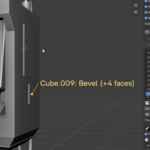
- Notes & Chapters. Notes with leader lines to the point they're about, chapters as title cards, and per-note timing. What you see while scrubbing is exactly what lands in the video.
- Punch-In. The camera pushes in on whatever you're working on, the active object or the selected vertices, with no tracking setup. A bevel at 1080p stops being three grey pixels.
- Director Camera. Place your own camera keys on the step timeline instead of replaying your working orbits. Keys stick to steps, so retiming never desyncs the camera.
- Branding. Title card, end card, and a logo or text watermark, previewed live in the viewport and framed to the export's shape.
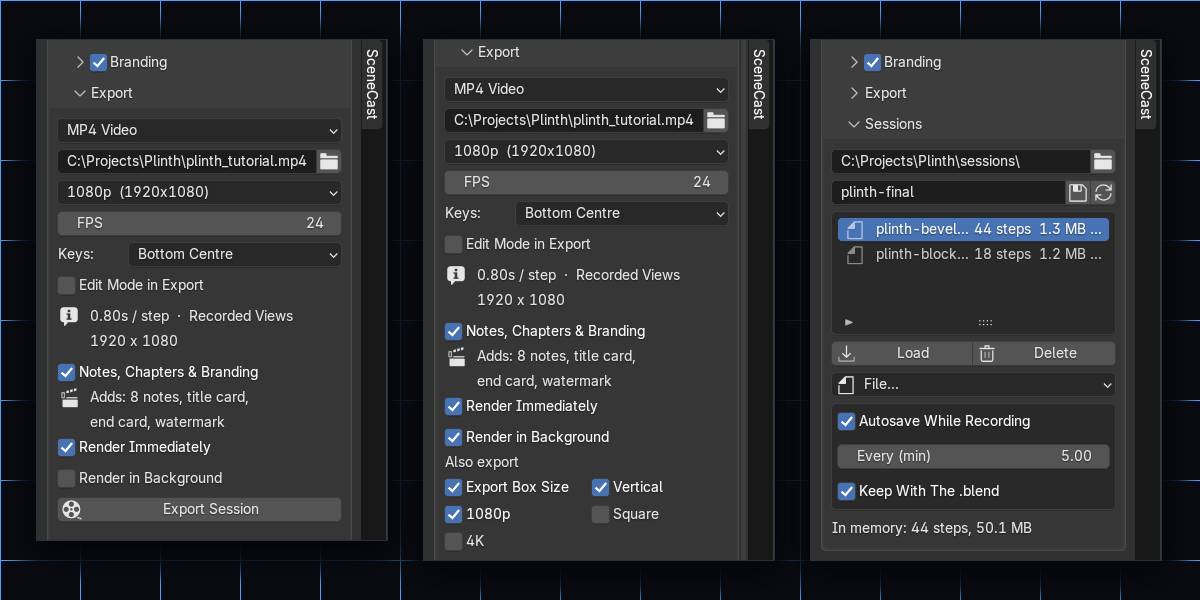
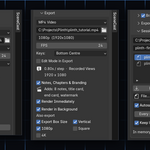
- Background Render. Export in a second, minimised Blender and keep working. Get the 16:9 and the 9:16 cut from one job.
- Written Guide Export. The same take also becomes a written tutorial in HTML or Markdown, with chapters, notes, keys, operator names and a still per step.
- Sessions. Save, load and autosave recordings, and browse them from a session library. Undo can't bring a recording back, so Pro makes sure you never lose one.
Also included (everything from the free version)
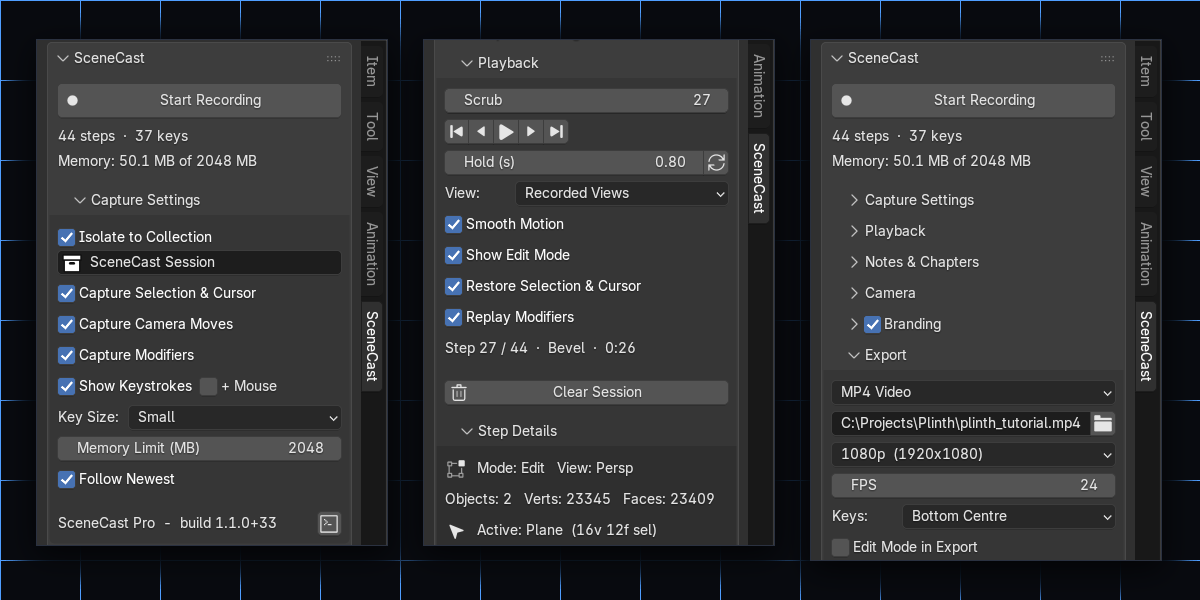
- Step recording of geometry, transforms, selection, cursor, pivot and keys
- Modifier stacks recorded and replayed
- Scrub and playback with Smooth Motion
- View picker: Recorded Views, Front / Right / Top, Scene Camera or Current View
- Keystrokes burned into the video
- MP4 or PNG export at 720p–4K, Vertical 1080×1920, Square or Custom
- A memory limit, so a long session stops safely instead of crashing Blender
Who it's for
- Tutorial creators: a video and a written guide from one recording
- Teachers: chaptered, annotated lessons
- Artists posting progress: branded vertical cuts for Shorts and Reels
One-time purchase. All 1.x updates are free. Blender 4.2 – 5.0.