SceneCast Pro — Record, Annotate & Export Modeling Tutorials
 Alberto Cordero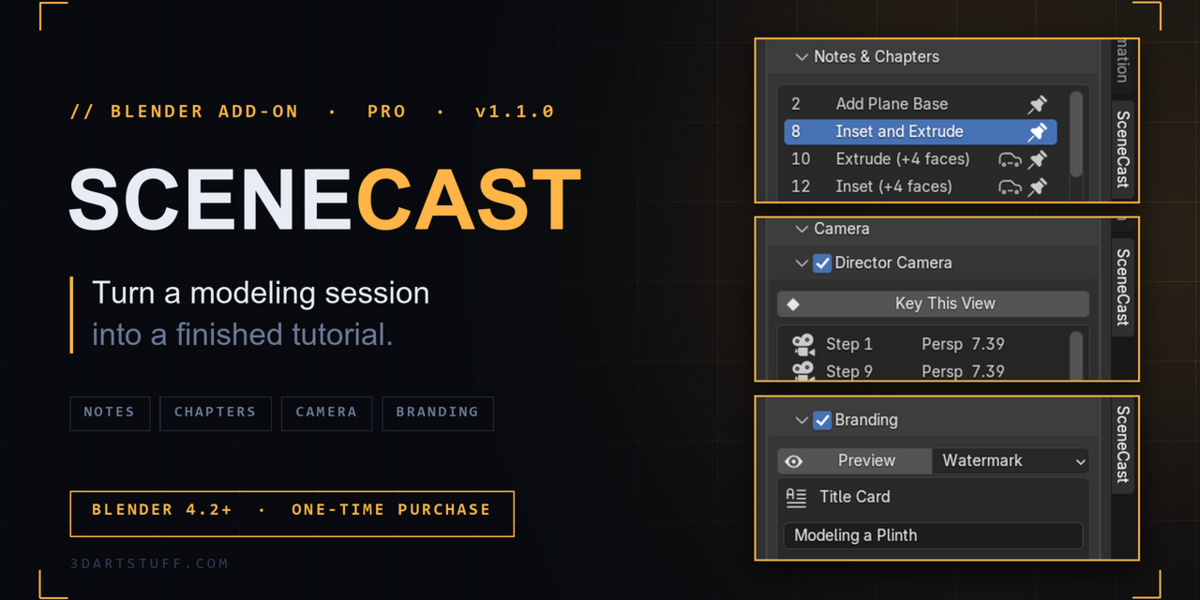
Do I get updates?
Yes. All 1.x updates are free.
Do I need to uninstall the free version first?
No. Pro installs over it and replaces it. It shows as "SceneCast Pro" in Extensions.
Can it show Blender's menus in the video?
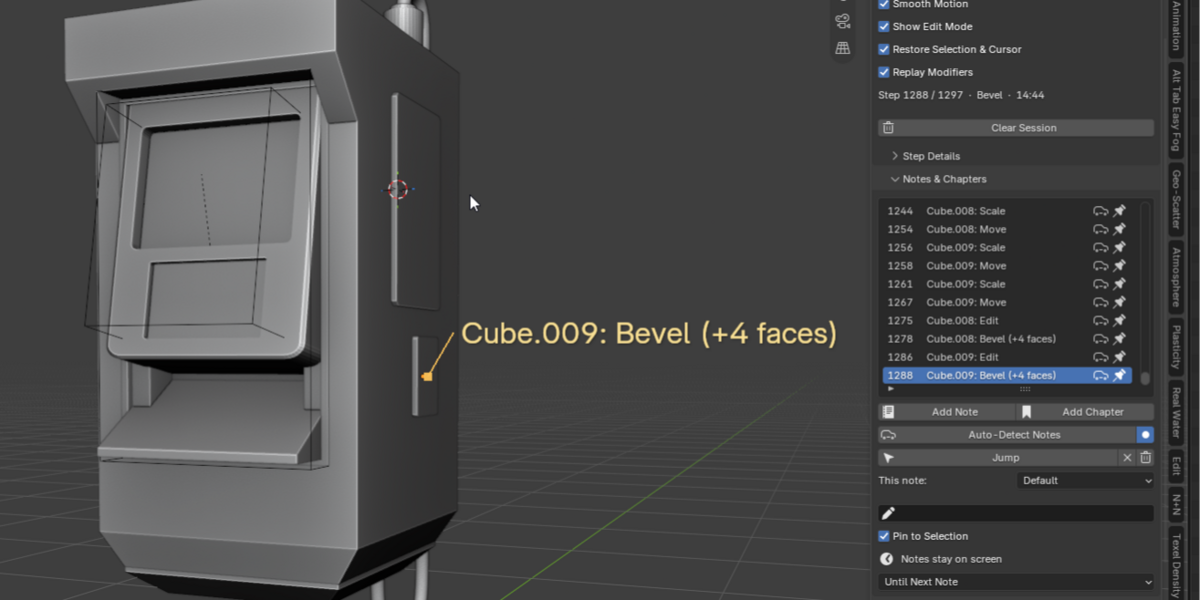
No. Menus are temporary popups that Blender never renders. SceneCast shows the shortcut that opened the menu (Shift+A) and the action chosen from it (Add Cube) instead.
Why didn't Background Render include my latest changes?
Background Render opens the .blend as it is saved on disk. Save your file before starting it.
Can I edit the video after exporting?
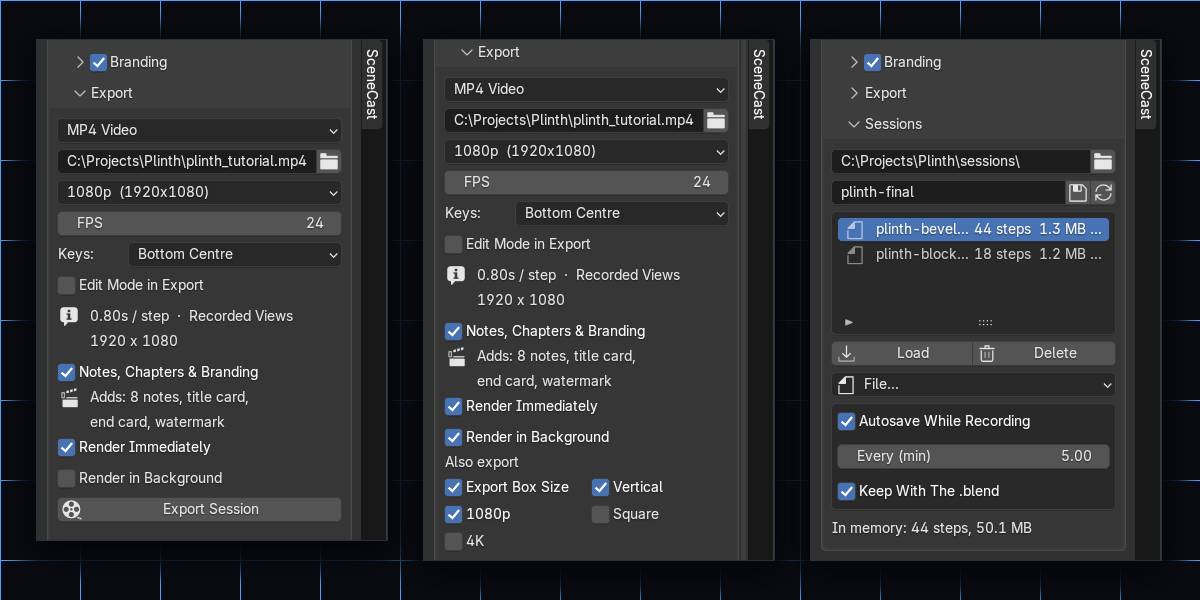
Yes. Turn off Render Immediately and SceneCast builds an editable "SceneCast Edit" scene in the sequencer, with every note, chapter and card as a strip. Adjust it and render again without re-recording.
Is my recording saved?
Yes. Sessions autosave while you record, travel with your .blend when you save and reopen it, and can be saved as .scast files to reload or share. Loading a .scast file never runs code.
Which Blender versions does it support?
Blender 4.2 and newer, including 5.0. It installs as an extension: Edit → Preferences → Get Extensions → ⌄ → Install from Disk.
Does it record my screen?
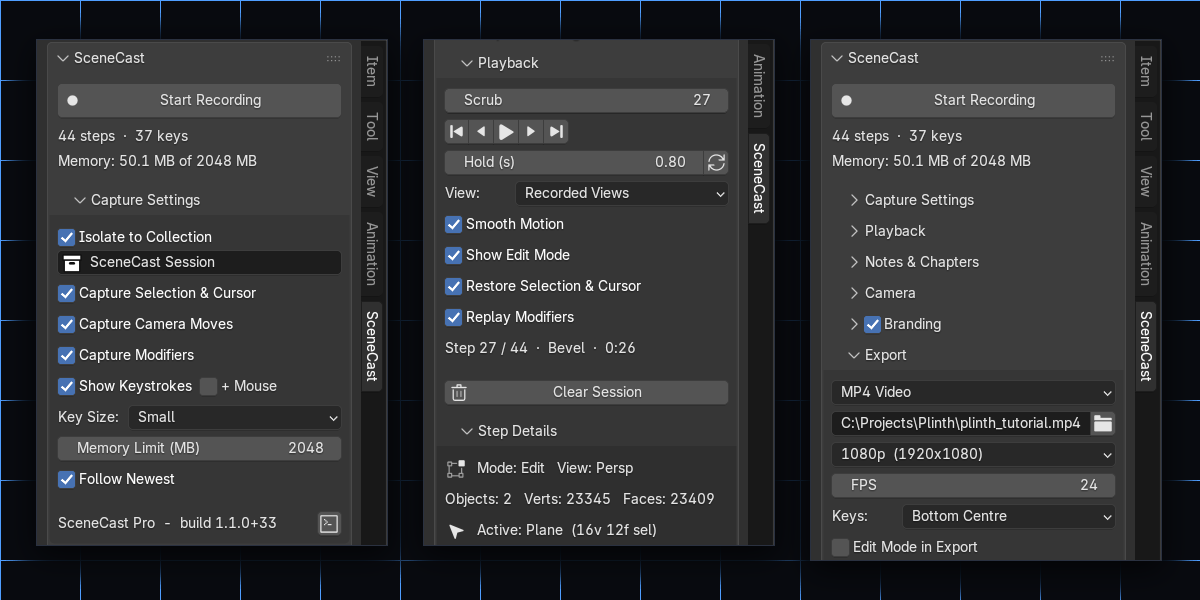
No. It records the scene as steps — geometry, selection, modifiers and keys — which is why you can change the camera, size and annotations after recording.
Have questions about this product?
Login to message
| Blender Extension Compatible | Yes |
| Published | 6 days ago |
| Blender Version | 4.2 - 5.2 |
| Extension Type | Add-on |
| License | GPL |
Discover more products like this
tutorial education progress video youtube recording Workflow modeling timelapse keystrokes Screencast