 Diego Contreras

SceneHelm - Production Control Toolkit for Blender
Diagnose, organize and deliver Blender scenes with confidence.
SceneHelm is a local production toolkit for Blender 5.2 LTS. It brings recurring scene checks and delivery tasks into one sidebar, so you can inspect a project, make deliberate changes and prepare its output through a consistent workflow.
Inspect the scene before delivery
Doctor checks transforms, topology, missing files and production readiness. Review blockers and warnings, select affected objects, inspect external dependencies and keep a written report. Scene Tools add naming and collection organization, snapshots, selection sets, collection variants, budgets and versioned checkpoints.
Build and prepare editable assets
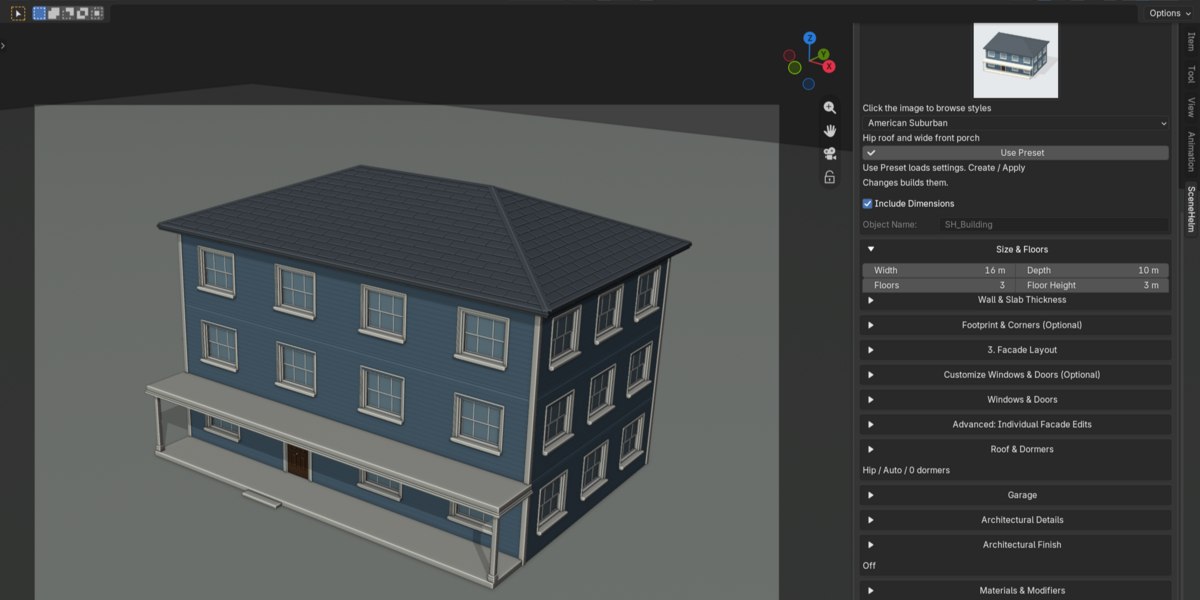
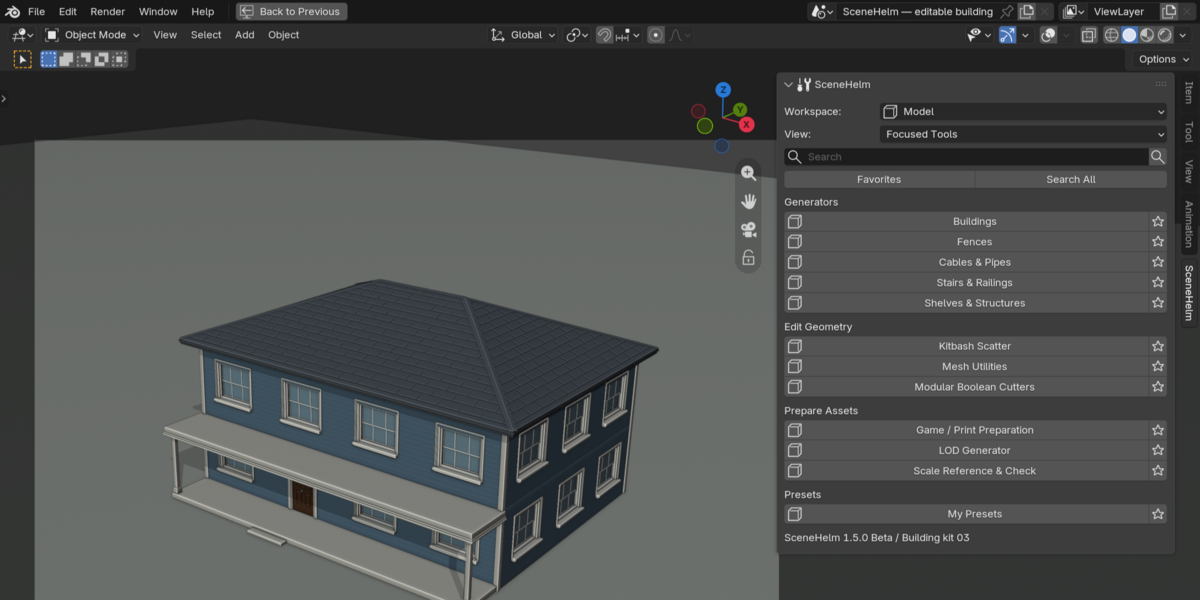
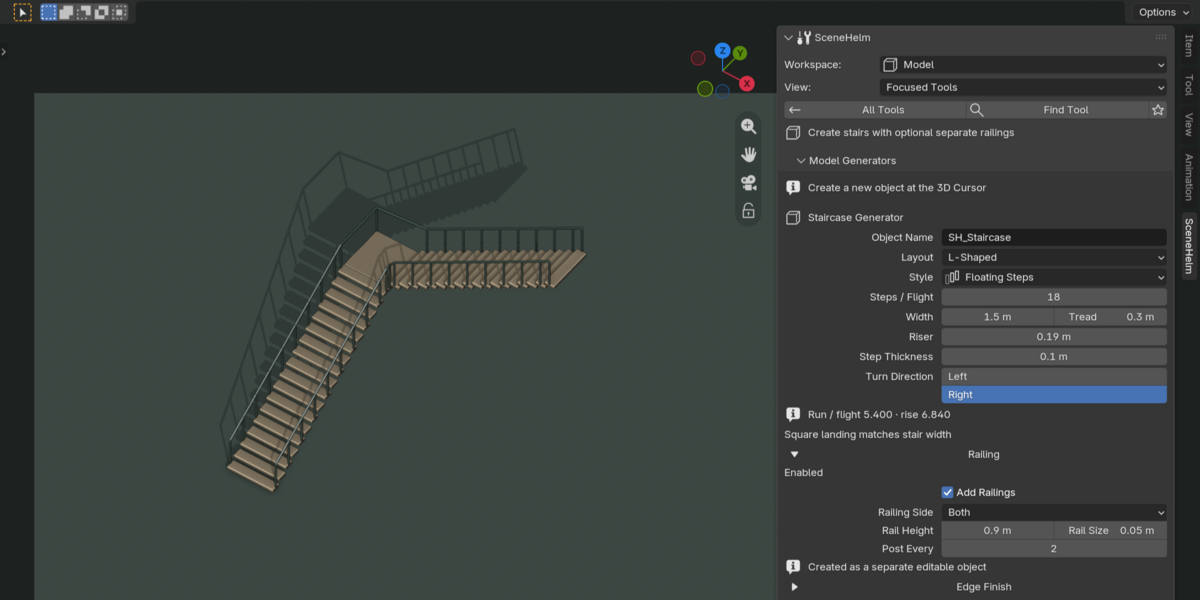
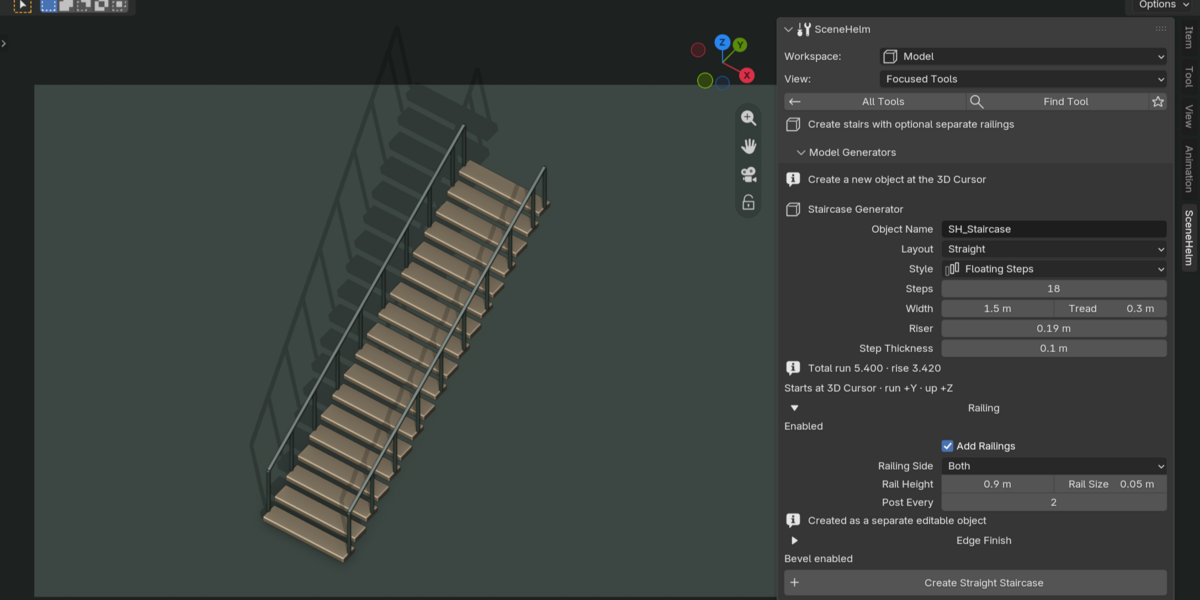
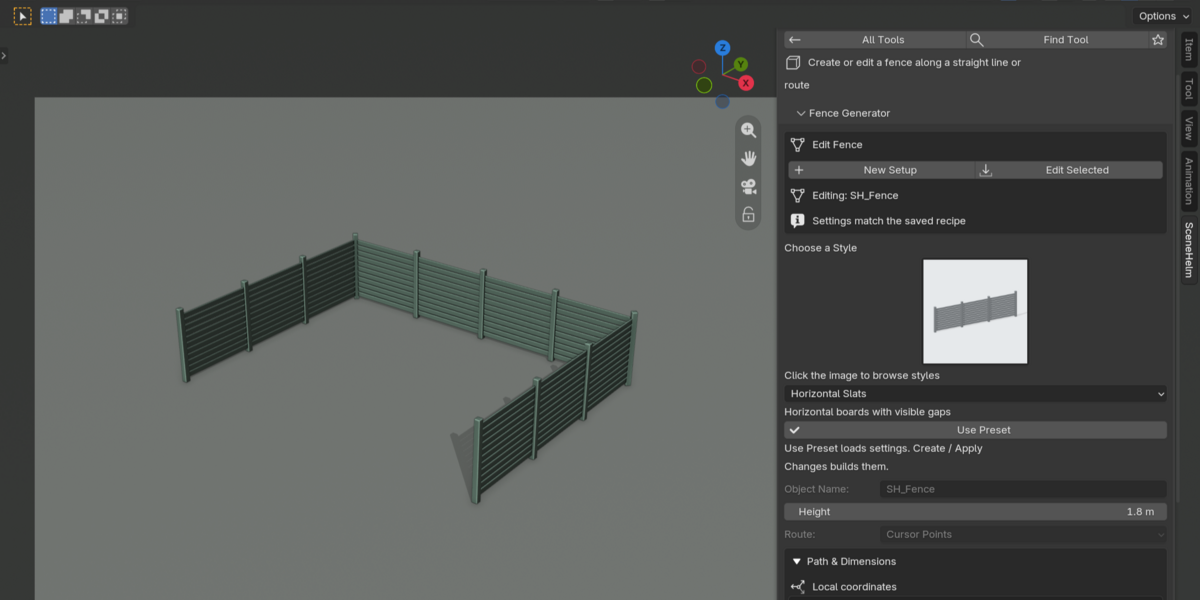
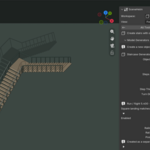
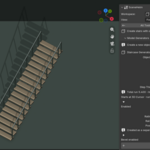
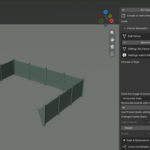
Model combines batch modifier and cleanup tools with stair, building, shelf, fence, cable and cutter workflows. Material covers PBR setup, reusable material adjustments, texture utilities and delivery preparation. Generated scene elements remain available for further editing in Blender.
Plan motion and camera work
Animate includes transform motion presets, action loops, retiming, secondary motion, path rigs, beat markers, named camera shots and NLA workflows. Use saved shots to keep camera and frame-range decisions together.
Render and export with repeatable settings
Render brings camera framing, studio lighting, turntables, output profiles and camera, shot and view-layer batches together. Export supports FBX, GLB/glTF, OBJ and STL, with preflight checks, collection delivery, manifests, asset packages, LOD and collision sets, animation clips and incremental collection export.
65 documented panels and workflows
Six top-level tabs keep the interface focused: Doctor, Model, Material, Animate, Render and Export. The documentation explains all 65 sections, including settings, operation steps and practical limitations. Scene Tools are part of Doctor.
What you receive
The installable scenehelm-1.0.0.zip and a separate documentation ZIP: an English installation guide and full tool reference, Spanish user manual and quick-start guide, technical support and privacy information, deployment notes and license text. The installer already contains the readable Python source.
Requirements and scope
SceneHelm 1.0.0 targets Blender 5.2 LTS, beginning with 5.2.0. No account, activation, telemetry, network service or other add-on is required. Rendering and export use Blender’s native operators. Scans support review; they do not guarantee a problem-free scene or repair every finding automatically. Demo assets pictured in the gallery are not included.
Start with a simple workflow
Save a copy of your project, open Doctor and scan the scene. Review the findings, make a checkpoint, apply the changes you choose and rerun the relevant check before rendering or exporting.
License and publisher
Copyright (C) 2026 Diego Contreras Martínez. SceneHelm is maintained by Diego Contreras Martínez and distributed under GPL-3.0-or-later. The full license and readable Python source are included in the installer.