SceneHelm - Production Control Toolkit for Blender
 Diego Contreras
What is the refund policy?
Refund requests are handled under Superhive’s current refund policy and any applicable mandatory rights. Contact the creator through the product support channel with the issue and order information.
What language is the documentation?
The interface and this online reference are in English. The download also includes the existing Spanish user manual, quick-start guide and technical support documents.
Why does an export look different in another application?
SceneHelm uses native FBX, glTF, OBJ and STL export. The destination application must support the chosen features. Check axes, units, materials, animation mode and compression using a representative sample.
What should I send with a support request?
Use the Superhive product support channel. Include exact Blender and SceneHelm versions, operating system, short reproduction steps and the complete error message. Run Extension Health and review the optional path-redacted Support ZIP before sharing it. The ZIP does not contain your .blend or external project assets.
Is everything reversible with Undo?
No. Blender scene edits support Undo where the operator provides it, but files written to disk remain. Review overwrite options and use project checkpoints before significant changes.
Are demo models, textures or finished scenes included?
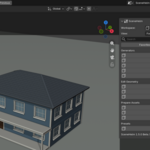
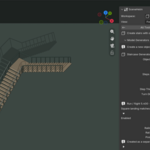
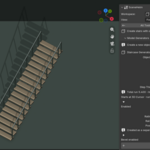
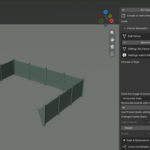
No. The photographed bottle and other demonstration assets shown in the gallery are presentation examples. The purchase contains the addon and its documentation, not those assets.
Can a team use the same SceneHelm edition?
Yes. SceneHelm is offered as one complete edition for creators and teams under GPL-3.0-or-later. There are no software seat, device or installation limits. Product support and update coverage follow the terms displayed at purchase.
Is Python source included?
Yes. The installable ZIP contains readable Python files and the full GPL license. A separate source-code download is not required to obtain this source.
Who maintains SceneHelm?
SceneHelm is maintained by Diego Contreras Martínez. Copyright (C) 2026 Diego Contreras Martínez. The software is licensed under GPL-3.0-or-later.
Can I use SceneHelm commercially?
Yes. The software is distributed under GPL-3.0-or-later. Using SceneHelm does not by itself place your renders, exports or original project assets under GPL.
Does SCAN SCENE repair everything automatically?
No. Scans identify issues and provide reports and selection helpers. You decide which changes suit the project. Non-manifold boundaries or unapplied transforms may be intentional.
Do I need an account, activation or another add-on?
No. SceneHelm runs locally without an account, activation, telemetry or another add-on. Rendering and export use Blender native operators and their available components.
Where do I find SceneHelm?
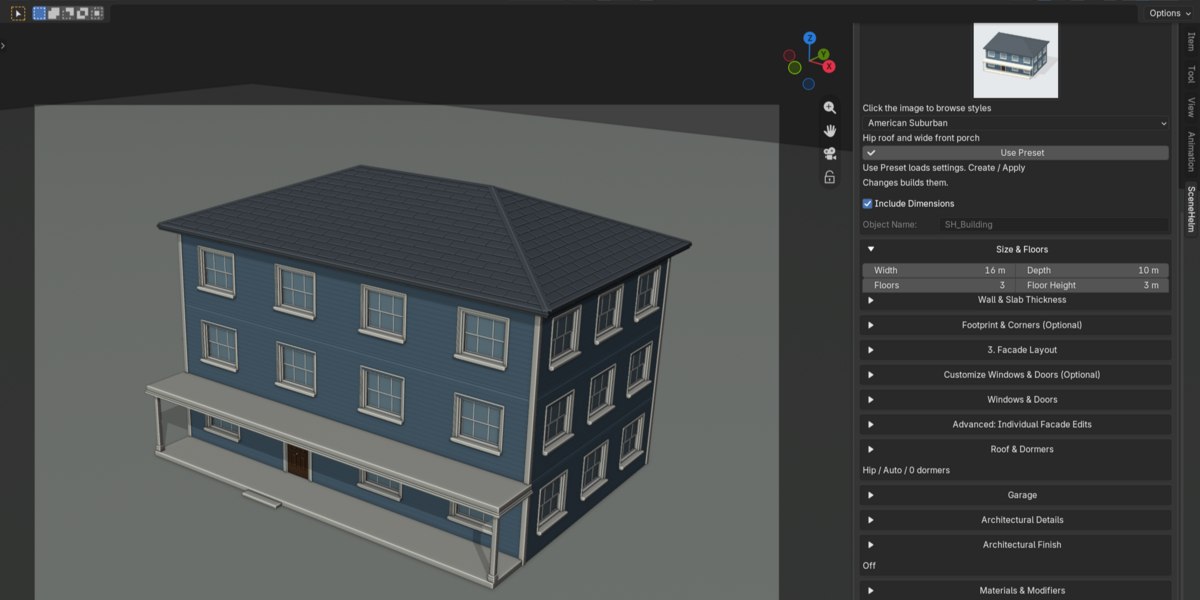
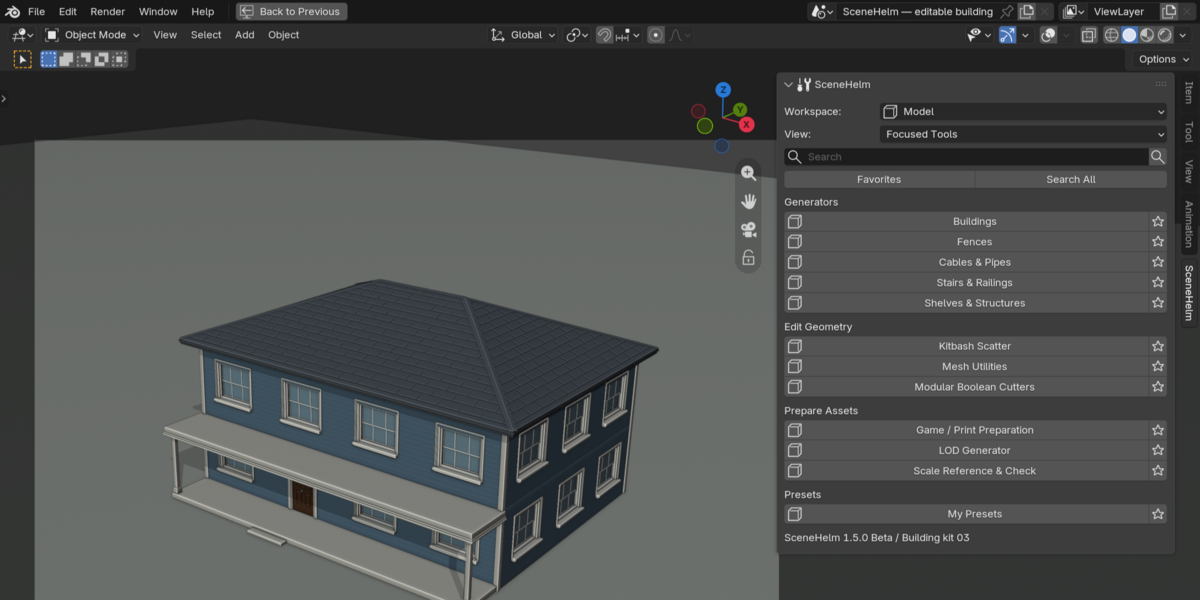
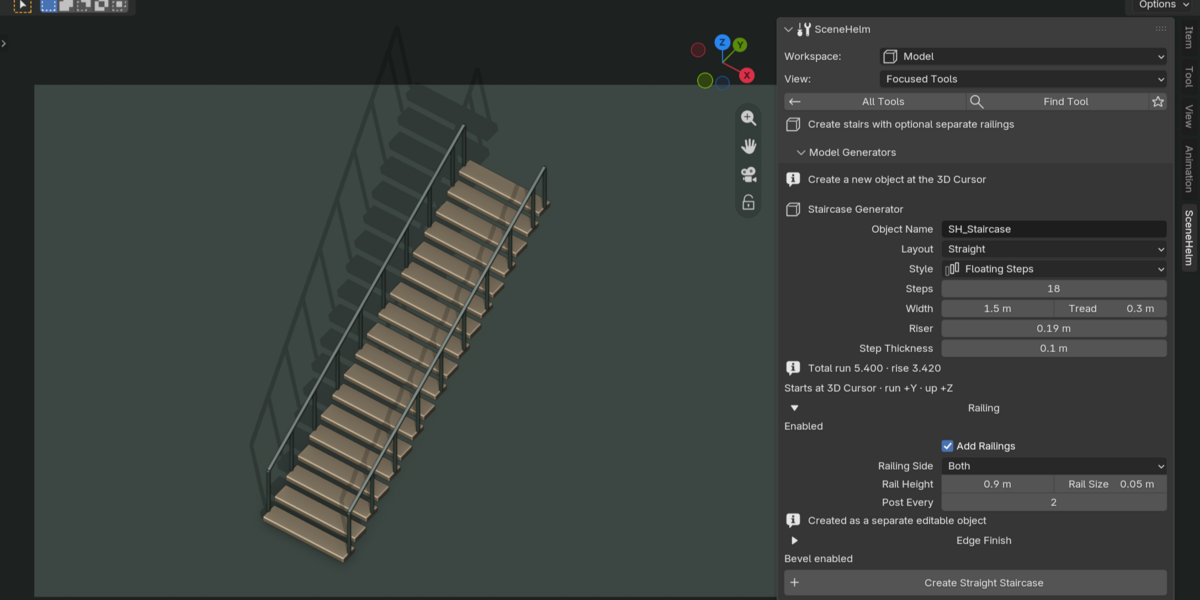
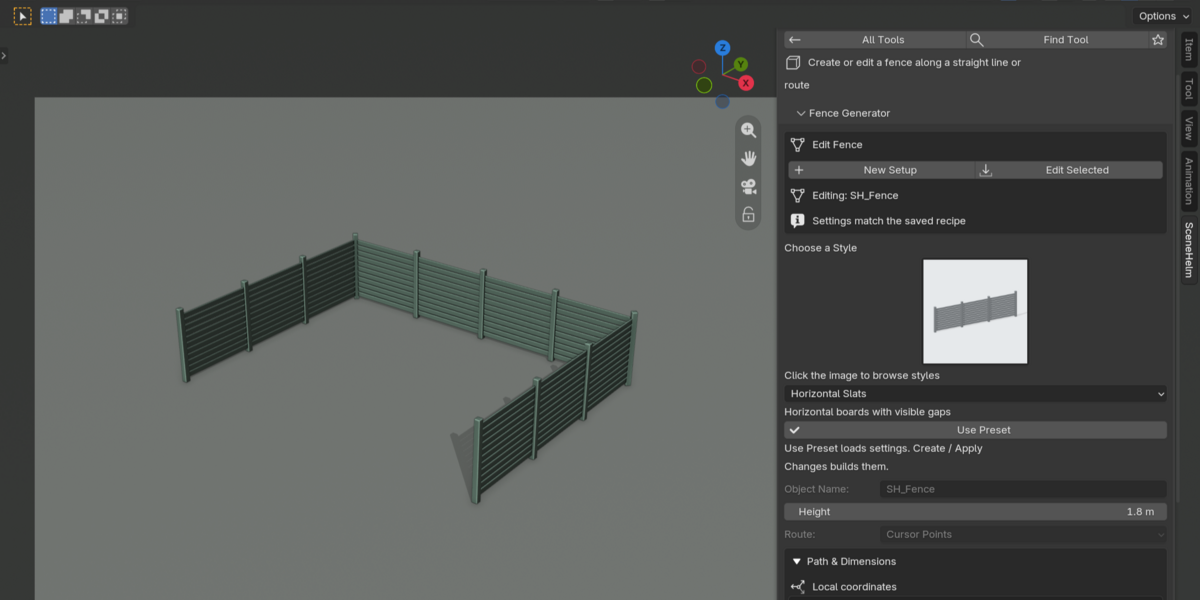
In the 3D Viewport, press N and open the SceneHelm tab. The main buttons are Doctor, Model, Material, Animate, Render and Export. Scene organization tools are inside Doctor.
Which Blender version is supported?
SceneHelm 1.0.0 targets Blender 5.2 LTS, starting with 5.2.0. Compatibility with other Blender lines is not claimed.
Have questions about this product?
Login to message
| Blender Extension Compatible | Yes |
| Published | about 2 months ago |
| Blender Version | 5.2 |
| Extension Type | Add-on |
| Render Engine Used | Cycles, Eevee |
| License | GPL |