 Tachyon Studio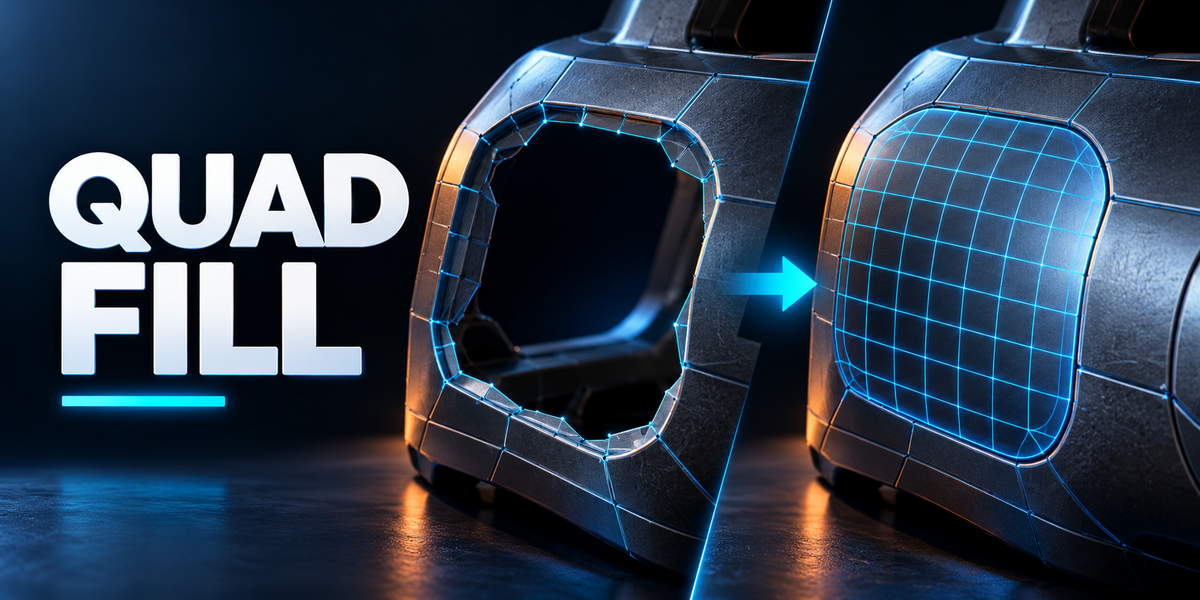






01
Bridge


Connect open chains or closed loops—even when their edge counts differ.
02
Patch

Fill a hole and tune the new surface to follow the surrounding shape.
03
Finish
Complete inner corners, add support geometry, or close a loop toward a point.
SIX WAYS TO CLOSE THE GAP
Made for the missing piece.
From surface transitions to end caps, see the topology Quad Fill creates.
Actual Quad Fill 1.0.0 output. Studio colors and presentation are explanatory overlays, not the default add-on interface.


A FAMILIAR EDIT MODE WORKFLOW
Select. Preview. Fill.
Select the border
Enter Edit Mode and select the relevant border edges. Open N-sidebar → QuadFill.
Shape the transition
Choose Classic or Adaptive. Adjust smoothness, extra rows and support geometry while checking the live preview.
Commit and keep modeling
Use Shift+F for a fill or Ctrl+Shift+F for interactive adjustment. The result stays editable mesh geometry.
Confirm · Enter / left click Cancel · Esc / right click
Fine-tune · F9 immediately after a one-shot fill
IN THE DOWNLOAD
One add-on. Room to refine.
Quad Fill 1.0.0 installable ZIP with Classic and Adaptive patterns, live selection preview, interactive controls, sidebar settings and menu access.
Explore the documentation ↗COMPATIBILITY
Built for Blender.
Designed for Blender 3.0–5.2. Installation and background mesh-operation checks passed on Windows in 3.0.1, 3.3.21, 3.6.23, 4.1.1, 4.3.2 and 5.2.0 LTS.
Not every intermediate version, operating system or foreground interaction has been tested.
TOPOLOGY NOTES
Know the limits.
Quad Fill is quad-dominant, not an all-quads guarantee. Odd counts can need a triangle or another topology compromise.
It does not retopologize entire sculpts. Branched, intersecting or already-filled selections may need cleanup first.
SAME TOOLS. THE RIGHT NUMBER OF SEATS.
Choose your tier.
All tiers include the same add-on features and commercial use.
Individual
$4.99 USD
1 person · 1 seat
Commercial use included.
Team
$19.96 USD
Up to 6 people · 6 seats
Commercial use included.
Studio
$49.90 USD
Up to 20 people · 20 seats
Commercial use included.
Need more than 20 seats? Contact us directly.
The software is declared GPL-3.0-or-later. These purchase tiers do not replace the rights granted by that software license.
HAVE A TRICKY MESH?
Let’s work through it.
Contact Tachyon Studio through Superhive or join our Discord. Include your Blender version, Quad Fill version, selected border and settings. A small example file helps.
Ask the community ↗MORE BY TACHYON STUDIO
Build out your workflow.
Build the form. Check the details. Organize and place the result.
BUILD THE CUT
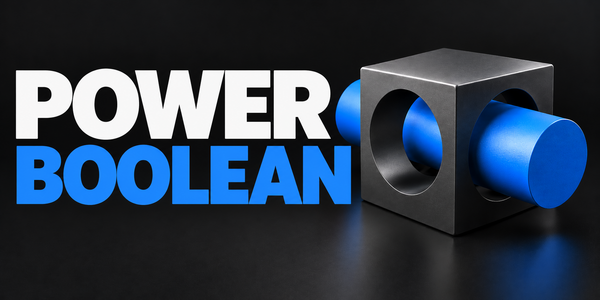
Power Boolean
Build the form with Difference, Union, Intersect and Slice, then refine the mesh where your workflow needs it.
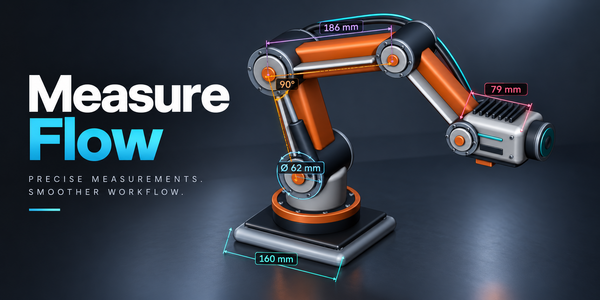
CHECK THE SIZE
Measure Flow
Measure distance, angle, area, radius and thickness in the viewport.
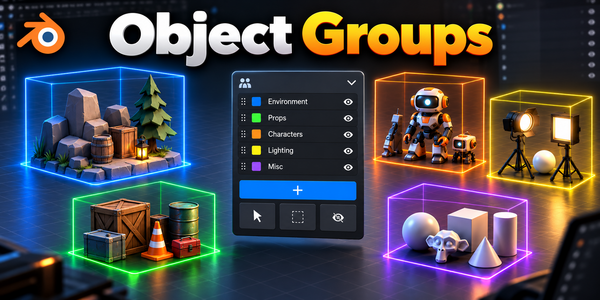
ORGANIZE YOUR MODEL
Object Groups
Organize parts into nested assemblies and selection sets without changing parenting or Collections.
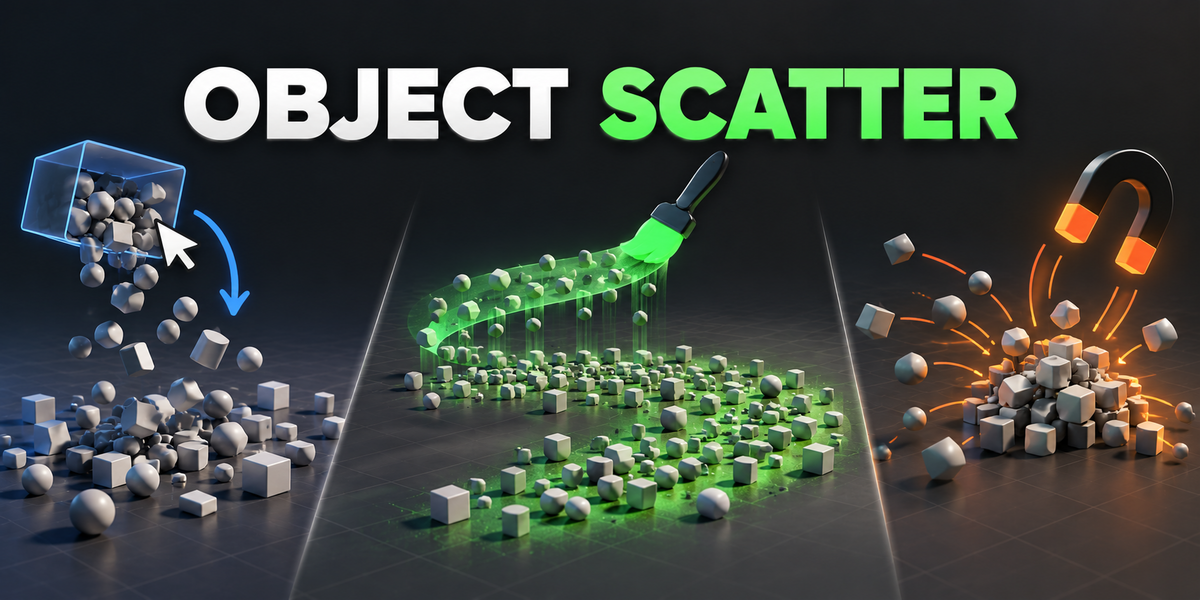
PLACE YOUR ASSETS
Object Scatter
Drop, brush and magnet-place assets, then keep the arrangement you like.
Optional products, sold separately. Check each product’s requirements.