 Phorge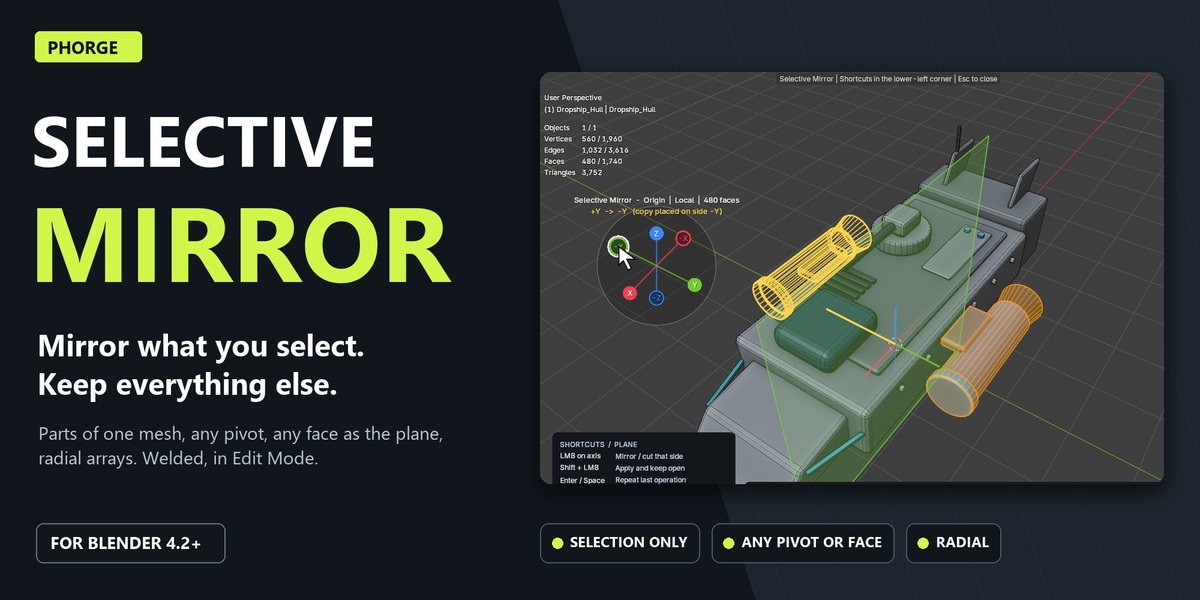
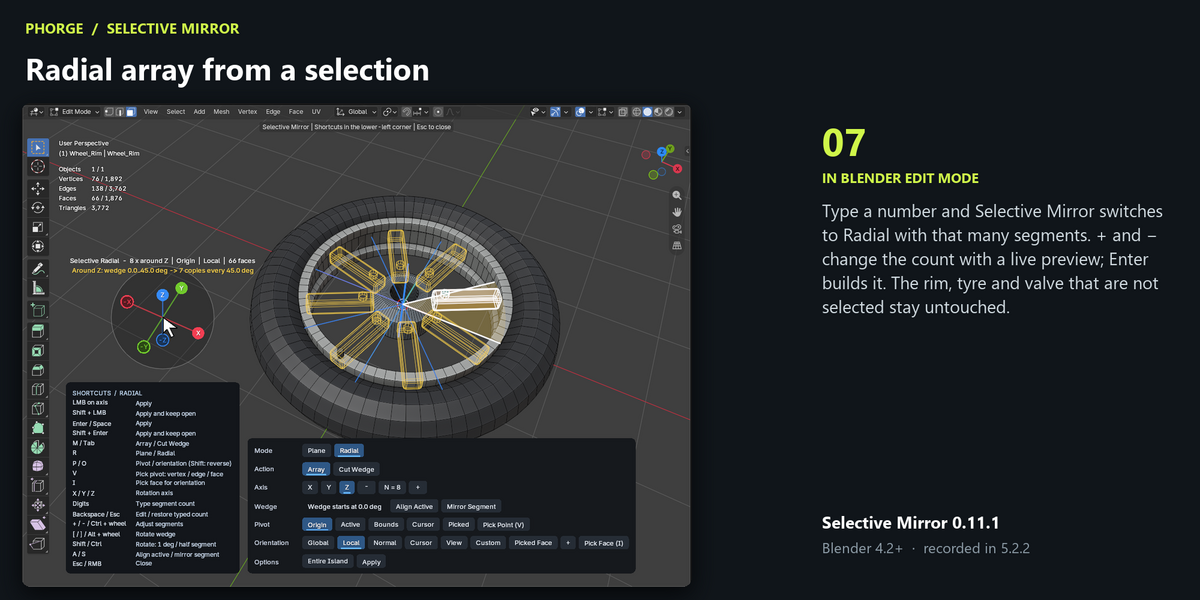
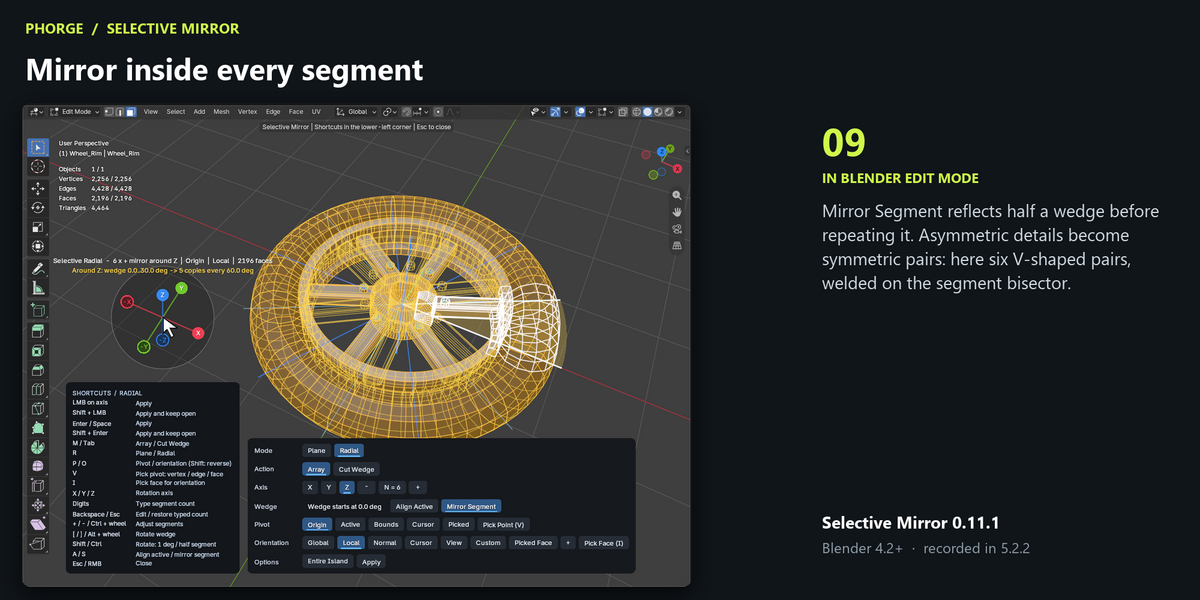
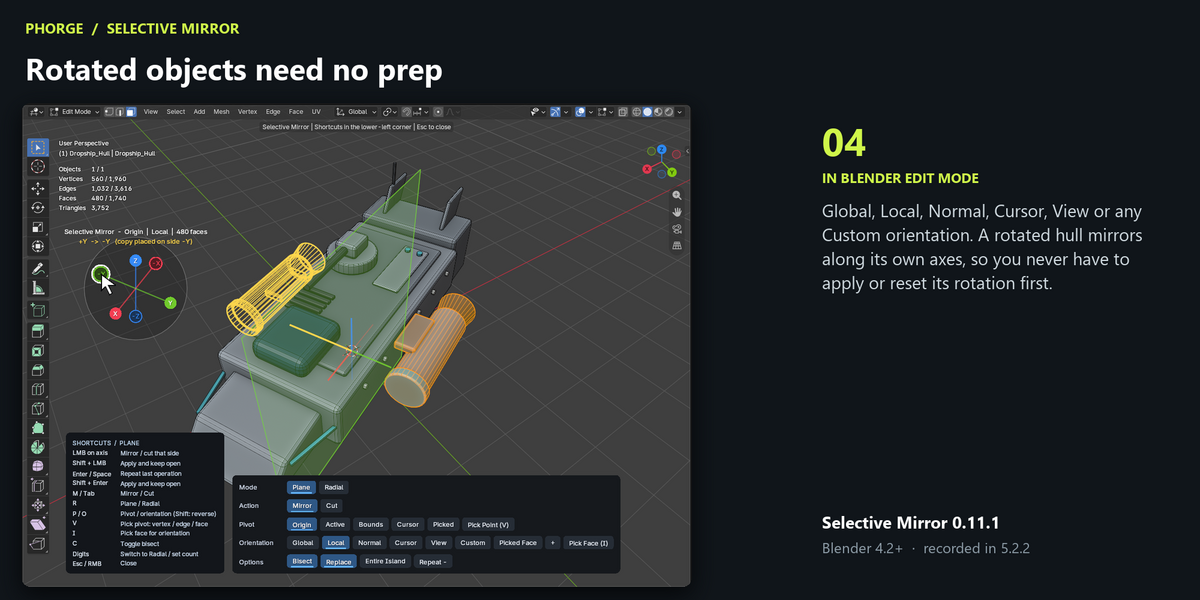
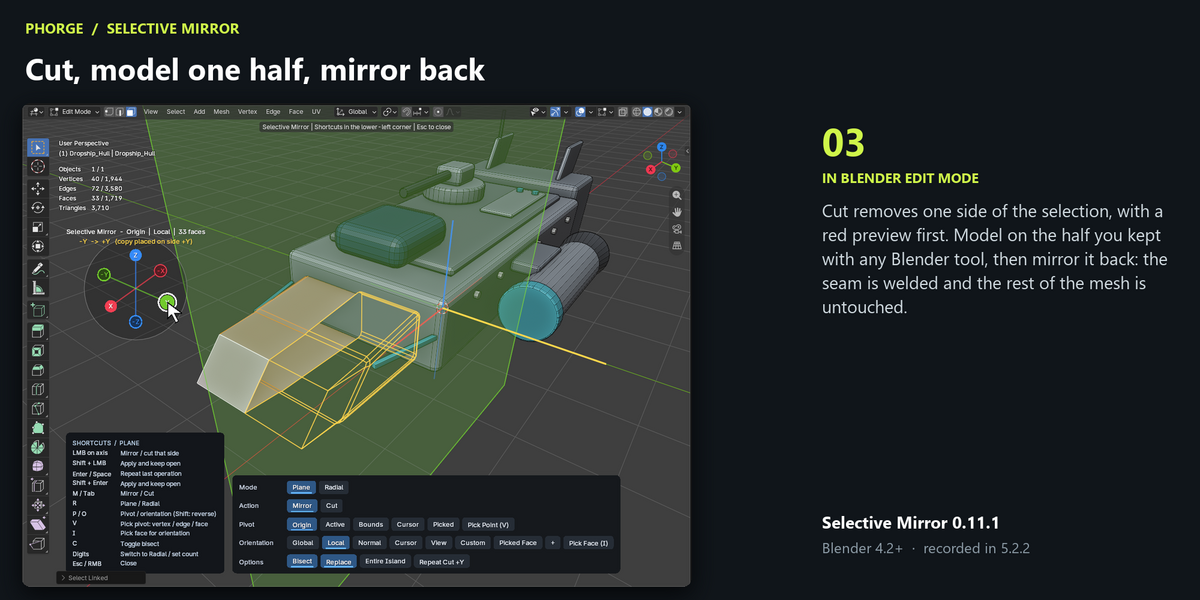
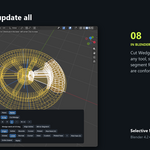
Does it mirror the entire object?
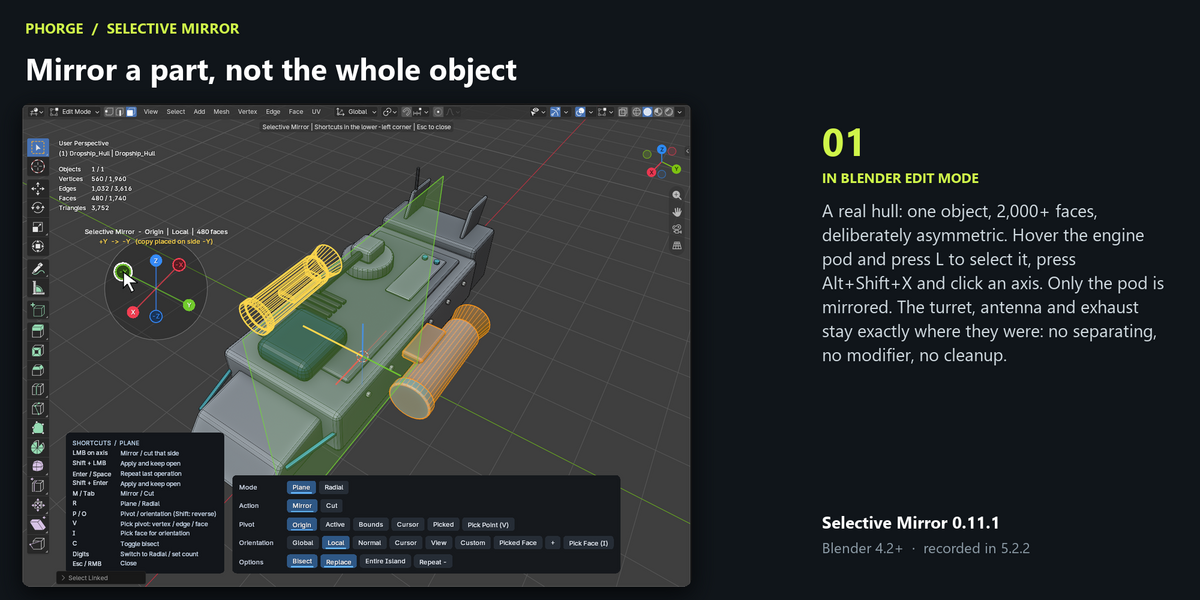
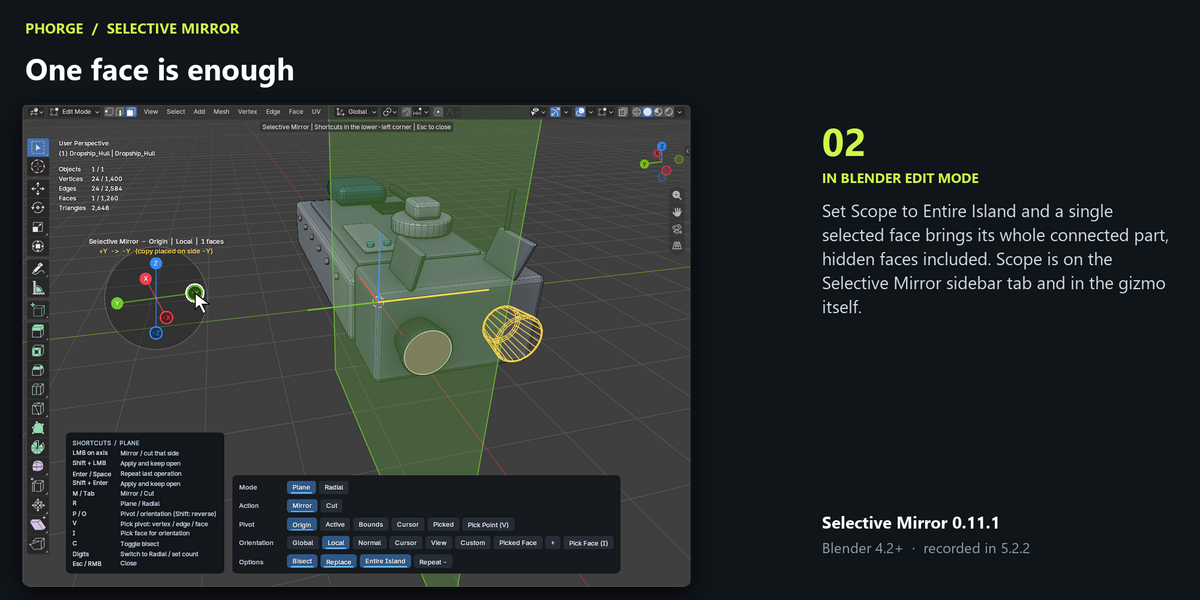
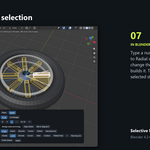
No, and that is the point. Only the selected faces (Scope: Selection) or the connected parts they belong to (Scope: Entire Island) are mirrored. Every other vertex of the mesh stays where it is.
How is this different from the Mirror modifier?
The modifier mirrors a whole object around its origin and stays live. Selective Mirror edits the mesh directly: one part, around any pivot and plane you pick, with the seam welded. Use it when a mesh is not symmetric as a whole.
Can another object define the mirror plane?
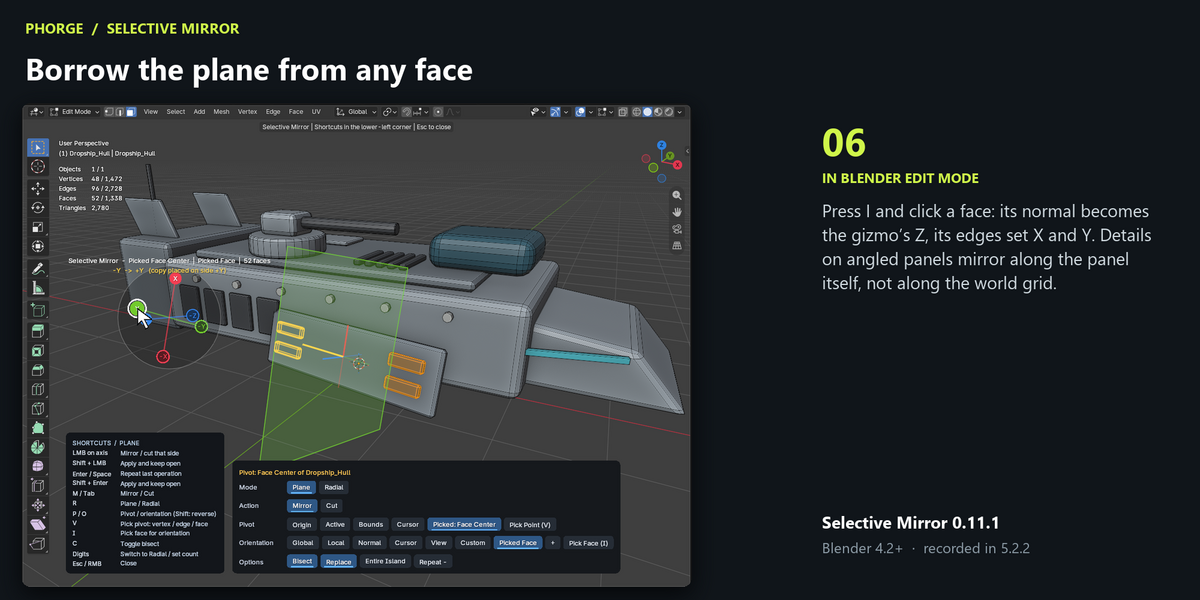
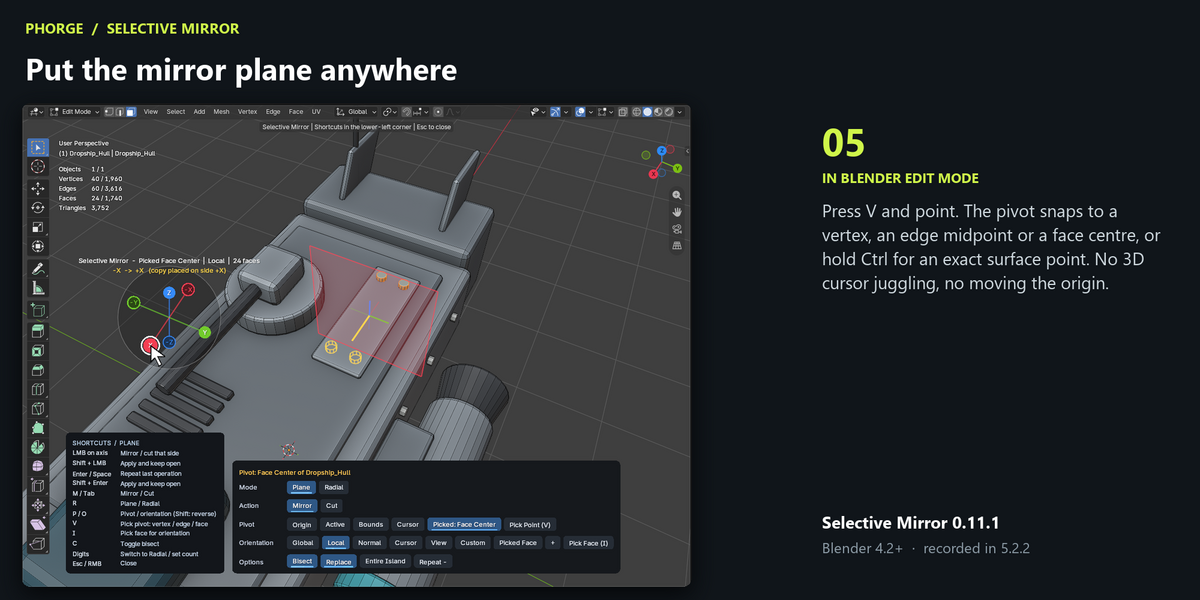
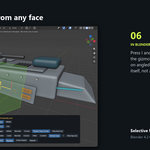
Yes. Pick Face (I) samples a face normal and Pick Point (V) places the pivot, on the edited mesh or on any visible mesh. Then mirror on Z, which follows the sampled normal.
What is the difference between Pick Point and Pick Face?
Pick Point sets where the plane is. Pick Face sets which way it faces. Use them separately or together.
Can I pick a point between vertices?
Yes. Hold Ctrl during Pick Point to use the exact surface point under the cursor.
Does it work on rotated or scaled objects?
Yes. Local orientation follows the object’s rotation, and non-uniform scale is accounted for, so you don’t need to apply transforms.
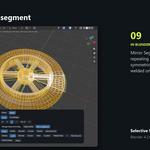
Can radial mode close every seam?
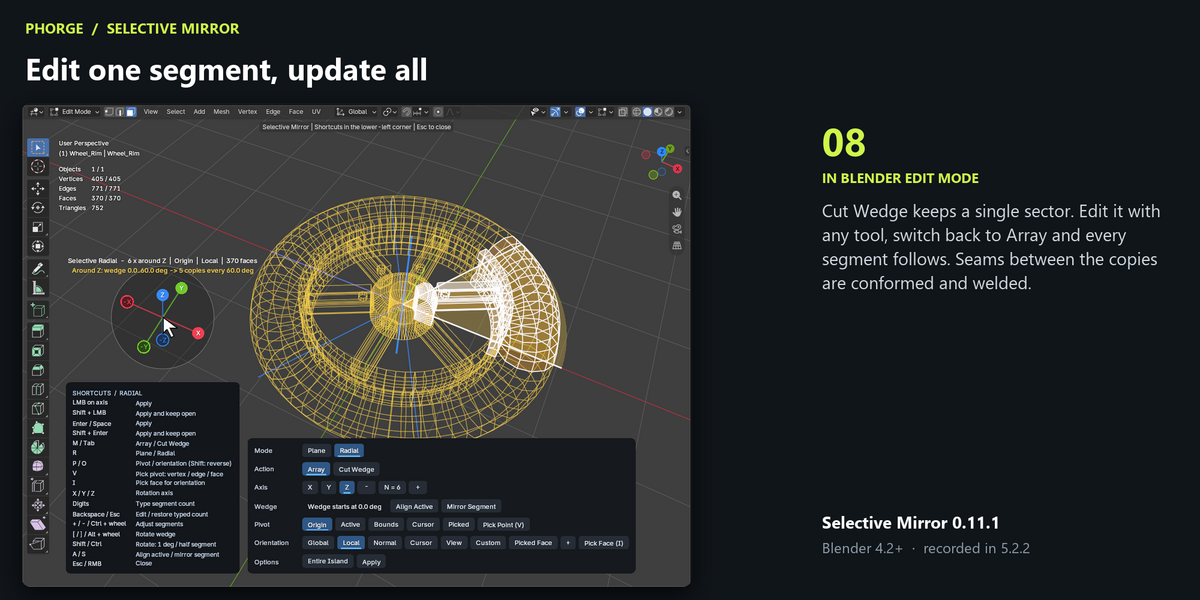
It conforms and welds compatible profiles. If the profiles can’t be matched, the tool reports the open edges so you can inspect them.
Where do I open it?
In mesh Edit Mode, press Alt+Shift+X over the 3D View, or open Sidebar (N) › Selective Mirror and click Gizmo.
Can I undo?
Yes. Every applied operation is one Undo step.
$10
Have questions about this product?
Login to message
| Blender Extension Compatible | Yes |
| Published | 1 day ago |
| Blender Version | 4.2 - 5.2 |
| Extension Type | Add-on |
| Render Engine Used | Cycles |
| License | GPL |
Discover more products like this
mesh mesh editing modeling mirror Advanced3D gizmo speed modeling quality-of-life