 Achat
Achat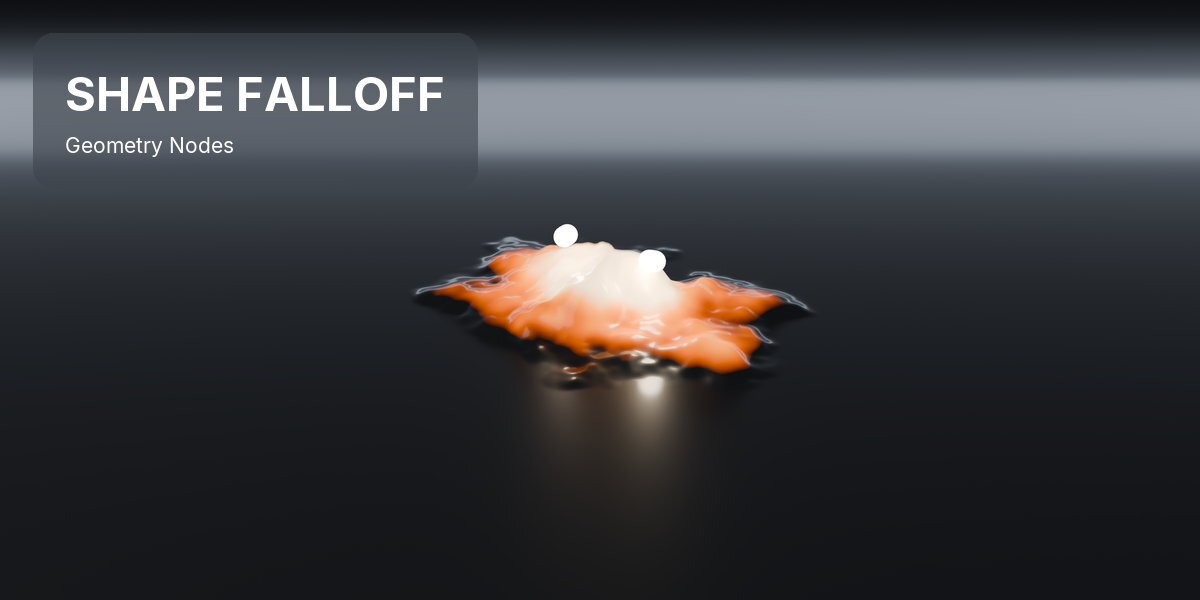

MOVE THE EMPTY. THE MASK FOLLOWS.
Shape Falloff is a Blender add-on that turns an empty into a soft mask for your mesh. One click, and the surface swells and changes colour wherever you move it, in geometry nodes and in the material at the same time.
Building that mask by hand means a 20-node falloff (Object Info, an inverse rotation, a divide by scale, a length, a Map Range and more), then a Store Named Attribute, then an Attribute node in the material with the same name typed a second time. And every tweak is another trip between the node editor and the viewport.
WHAT IT IS
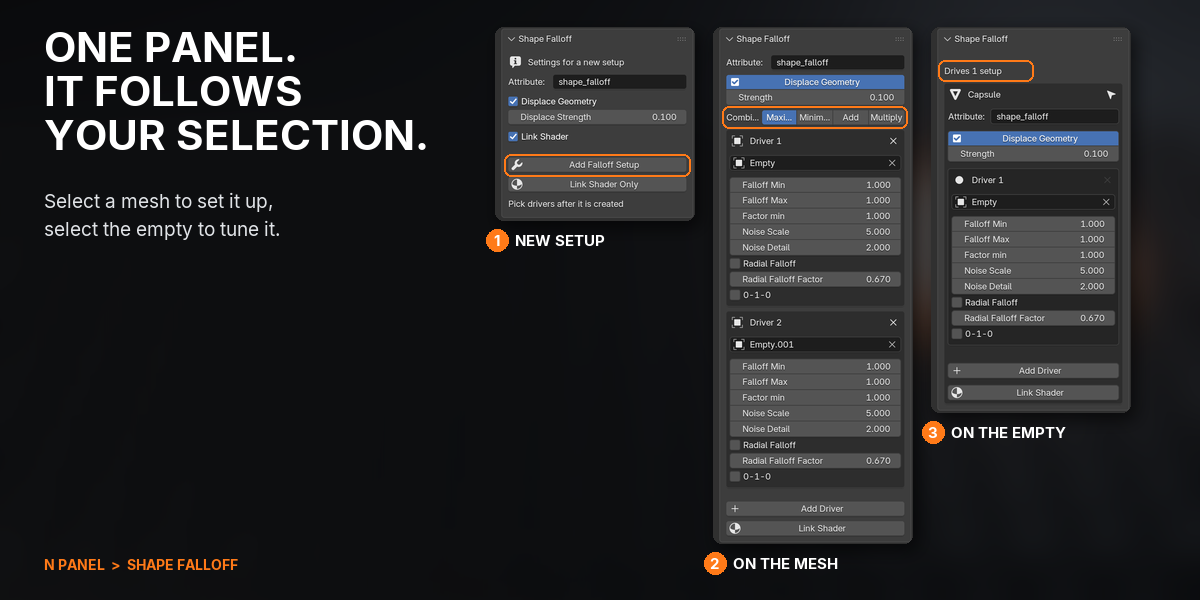
Select a mesh, press Add Falloff Setup and pick an empty. Its position, rotation and scale become a soft mask that pushes the surface out along its normals and colours it through a ramp in the material, both live. Move or keyframe the empty and everything follows, in EEVEE and Cycles, with nothing to bake. Select the empty and the panel shows the setup it drives, so you tune it where you are already working. Add more empties to the same mask, turn it into a ring or a sweep, or drop the same falloff as a node into any geometry nodes tree.
WHAT THIS DOES THAT BLENDER DOES NOT
Blender has every node needed to build this by hand. Shape Falloff builds it for you, keeps the geometry and material sides in sync, and gives you one panel to steer it from either end.
| TASK | STOCK BLENDER | WITH SHAPE FALLOFF |
|---|---|---|
| Mask a mesh by an object's position, size and rotation | Wire about 20 nodes: Object Info, inverse rotation, divide by scale, length, Map Range | Add Falloff Setup, then pick an empty |
| Get the same mask into the material | Store Named Attribute, then an Attribute node with the name typed again | Wired on creation: an Attribute and a Color Ramp on Base Color |
| Adjust it while you move the empty | Switch between the viewport, the modifier and the node editor | Select the empty: the panel shows the setup it drives |
| Several objects shaping one mask | Chain Math nodes and rewire them on every change | Add Driver, then Maximum, Minimum, Add or Multiply |
| Push the surface out where the mask is | Set Position, a Normal node and a scale, by hand | On by default, along the normals, with its own Strength |
| A soft mask from an object's distance | Vertex Weight Proximity: distance only, written to a vertex group | Stretch it, turn it, harden its core, make it a ring or a sweep, all live |
| A falloff shaped like a box, a curve or another mesh | Vertex Weight Proximity, proximity nodes or a node library | Not this: the shape is a soft sphere you stretch and turn, a ring or a sweep |
COMPATIBILITY
| Blender | 4.2 and newer (tested up to 5.2) |
| Operating System | Windows, macOS, Linux |
| Render Engines | EEVEE and Cycles |
FEATURES
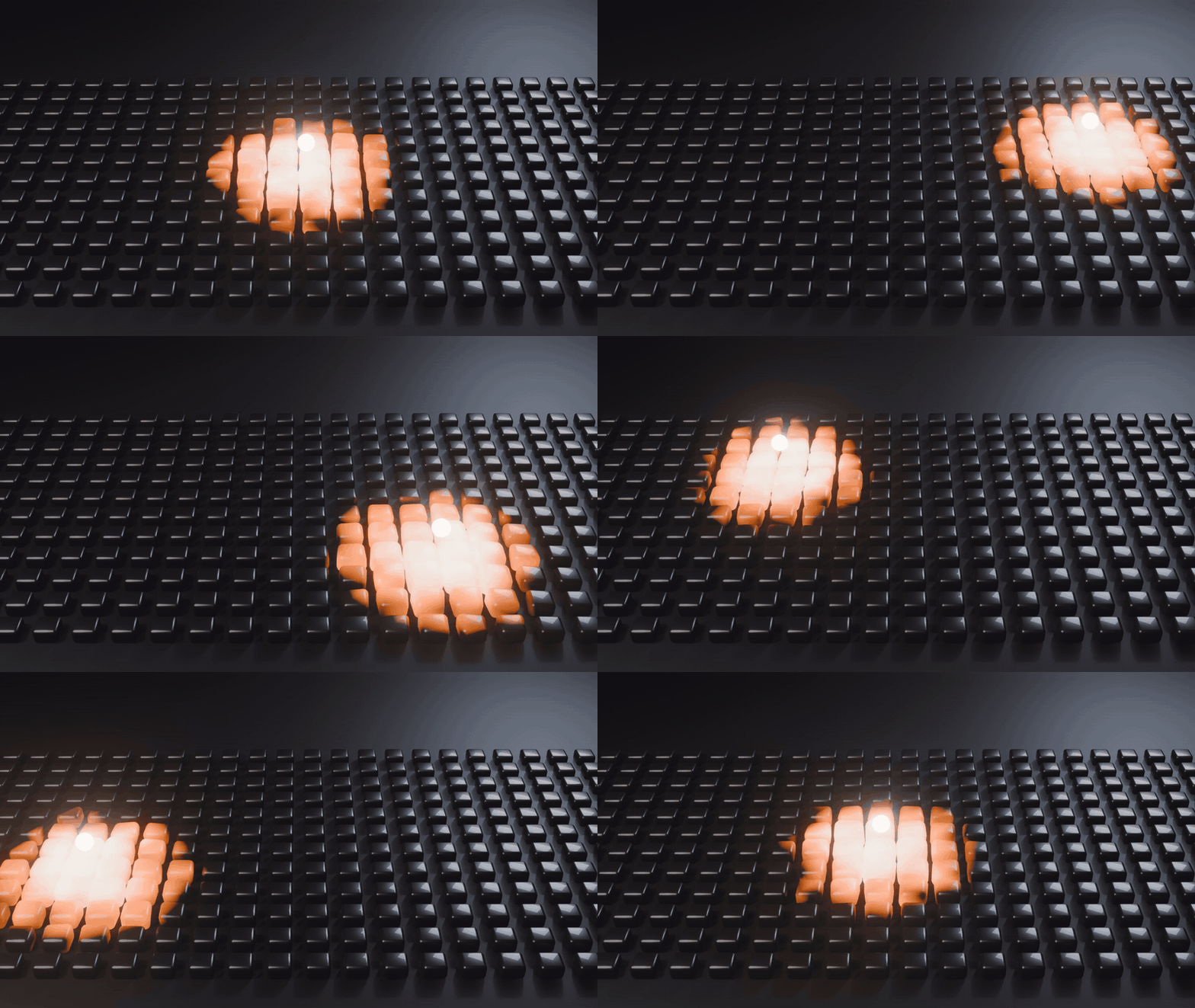
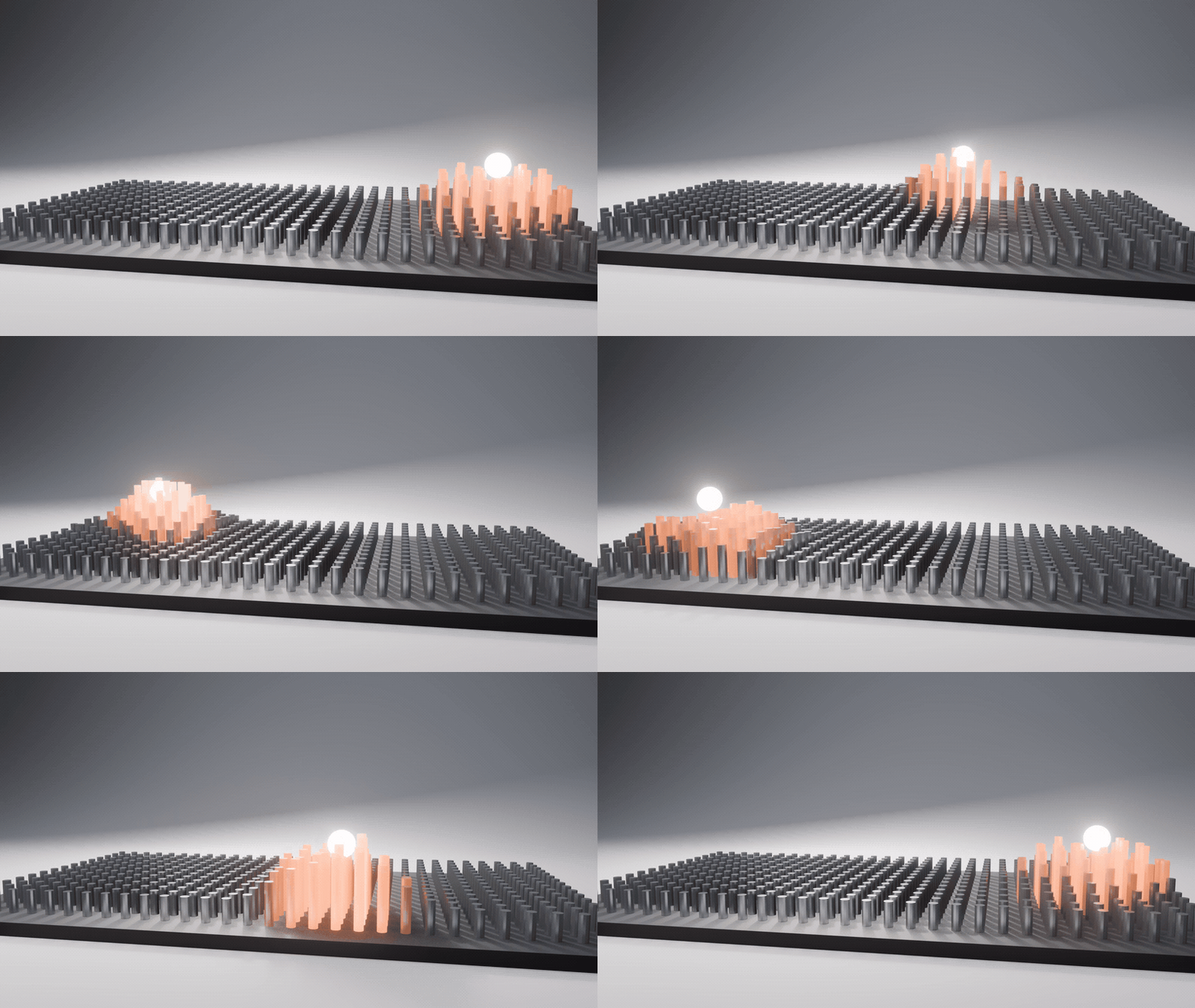
1MOVE THE EMPTY, THE MASK FOLLOWS
A glowing orb glides over a field of tiles and they swell and heat up where it passes. One mask drives the geometry and the material at once, frame by frame, in EEVEE and Cycles.
2ONE CLICK, THEN PICK AN EMPTY

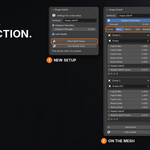
Select a mesh, press Add Falloff Setup and pick an empty. You get the geometry nodes modifier, the named attribute and a colour ramp in the material, wired and live.
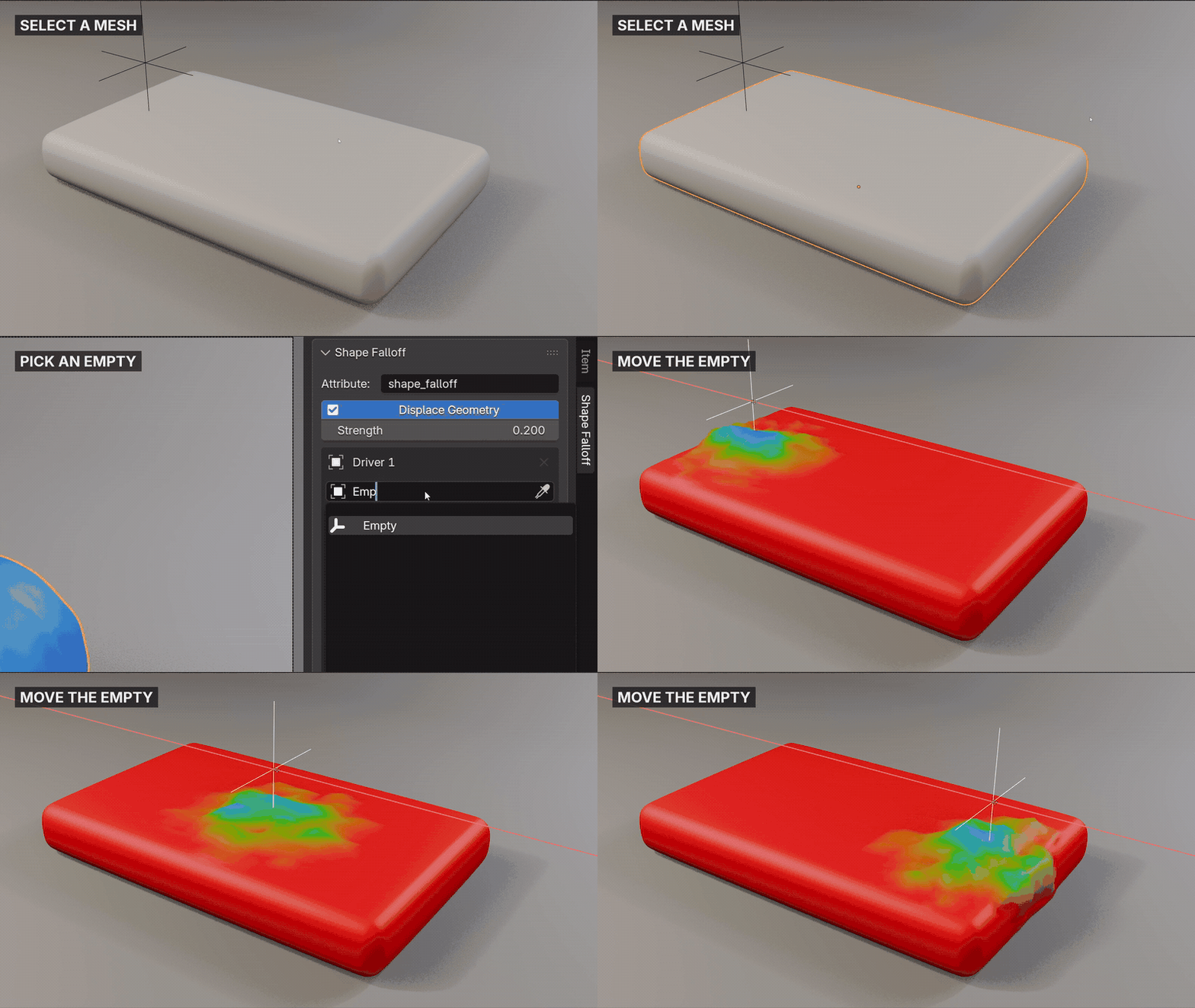

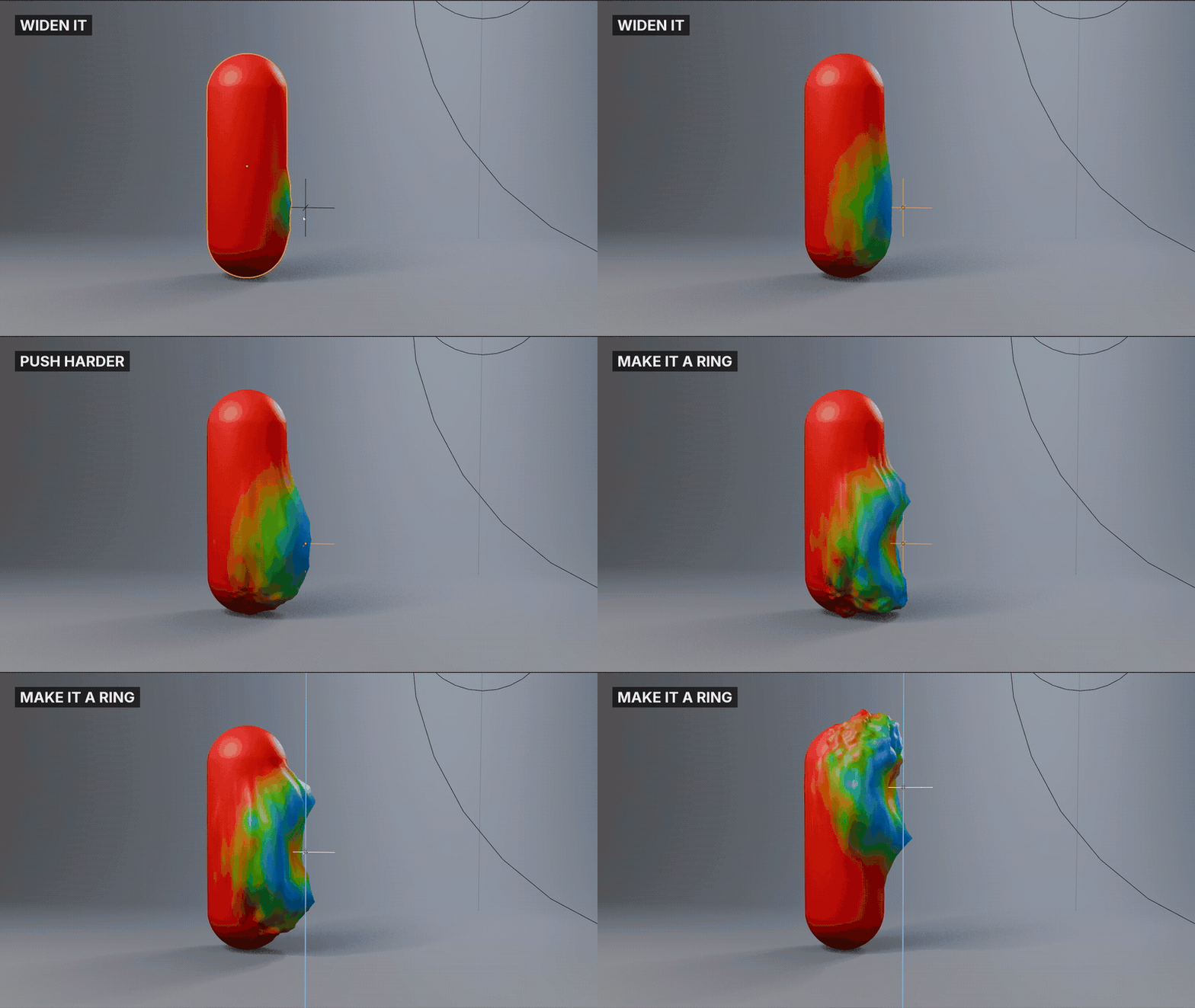
3TUNE IT FROM THE EMPTY
Select the empty and the panel shows every setup it drives, fully editable. Move it, widen the falloff, push harder, all without switching objects or opening a node editor.

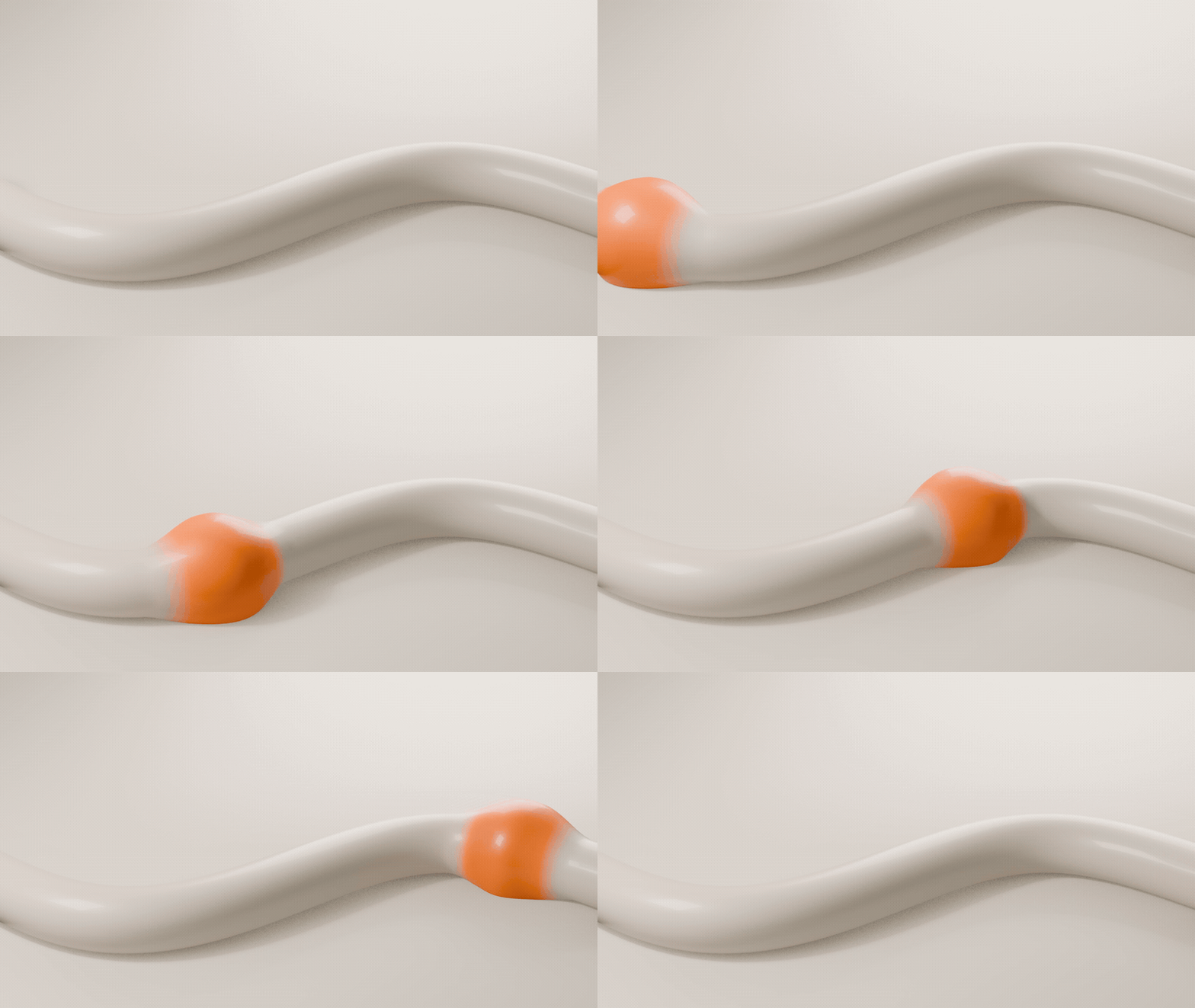
4DISPLACEMENT FOLLOWS THE SURFACE
Points move along their own normals, so a tube swells all the way round and a sphere inflates instead of everything sliding upward. Switch it off to drive only the shading.

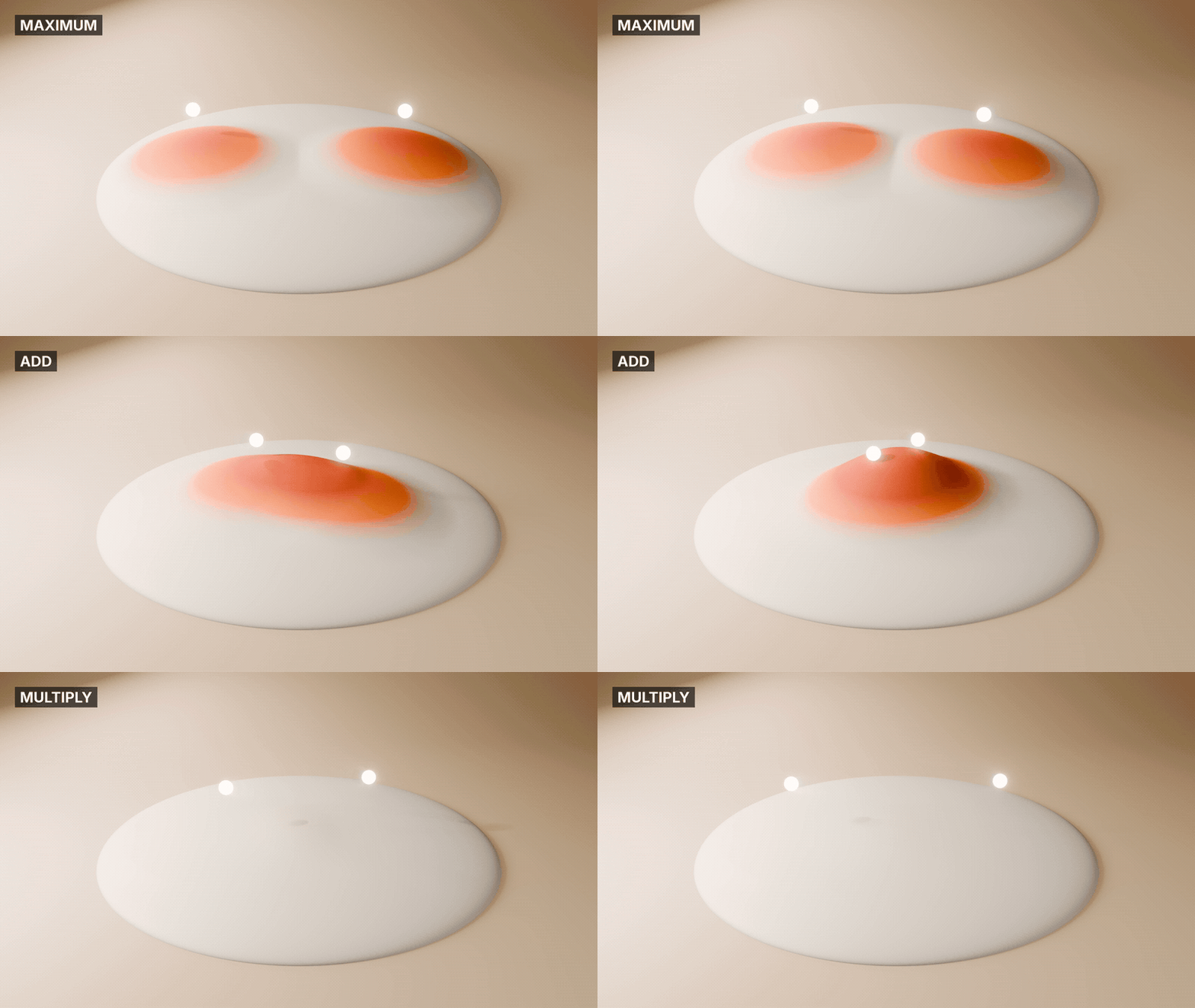
5SEVERAL EMPTIES, ONE MASK
Add Driver puts another empty into the same mask. Combine them as Maximum for the union, Minimum or Multiply for the overlap, or Add so overlaps build up.

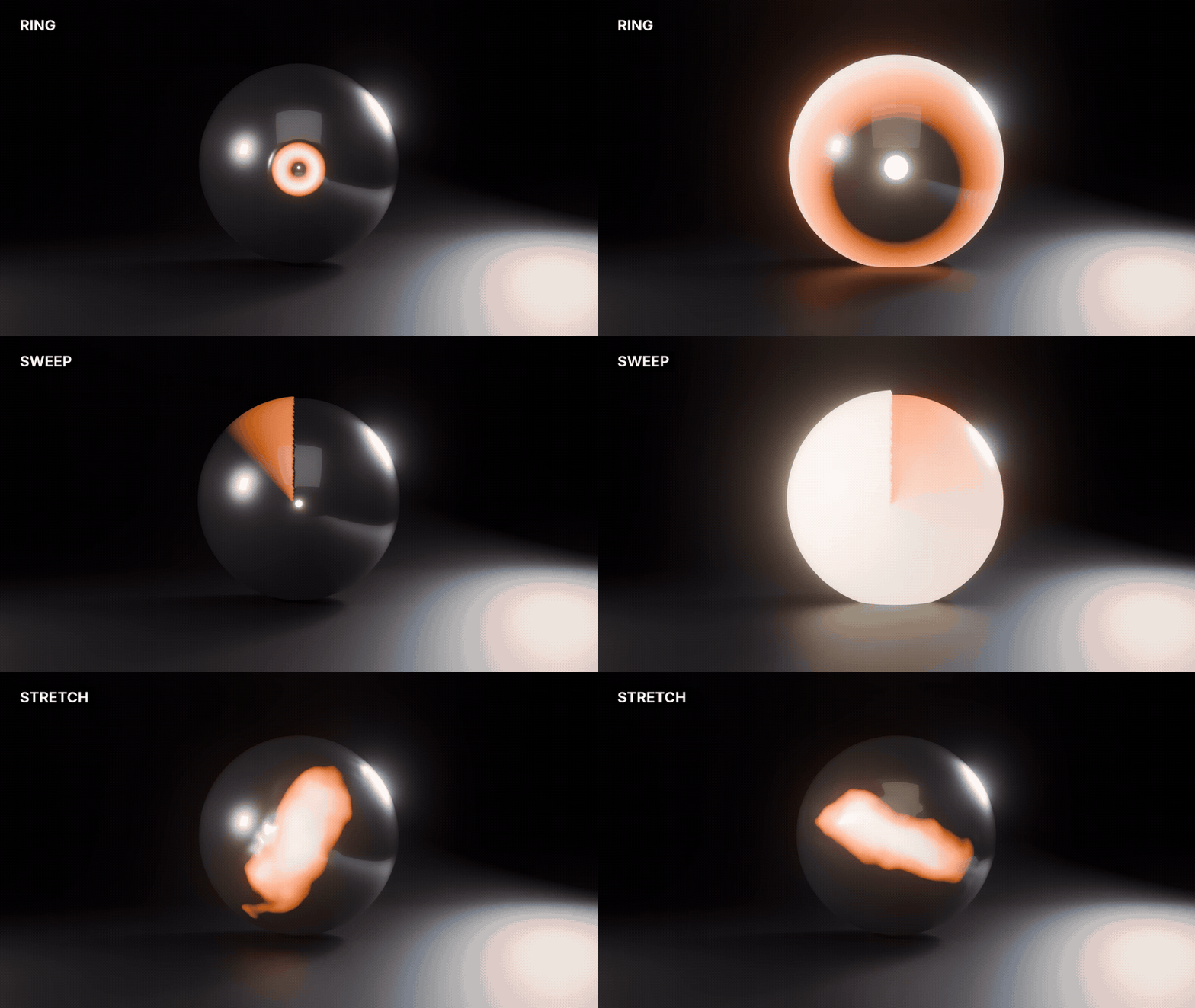
6RING, SWEEP OR STRETCH
Scale the empty unevenly for an ellipse, give it a hard core, turn it into a ring that expands as you scale it, or a sweep that wipes around the empty. Noise breaks up the edge and stays on the surface.

7THE NODE IN ANY TREE
Shift+A drops the same falloff into any geometry nodes tree. Its Result drives anything that takes a factor: instance scale, Set Position, a Mix or a Switch.
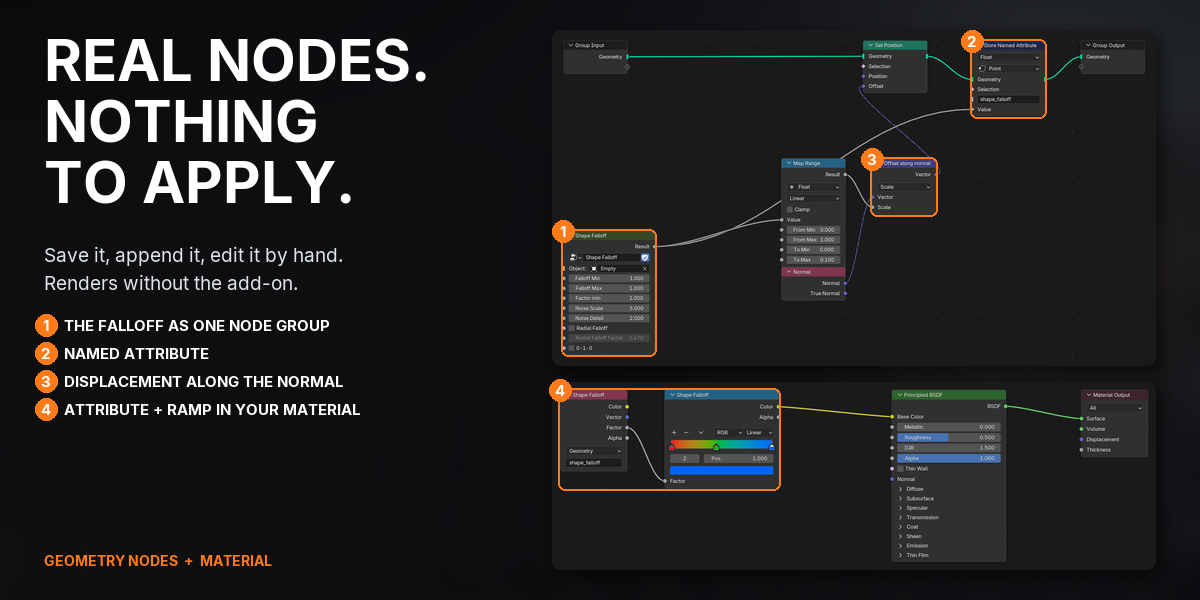
8REAL NODES, NOTHING TO APPLY
Everything is ordinary nodes in your file: save it, append it, edit it by hand, and it renders on machines without the add-on. It leaves wired inputs, tuned ramps and linked data alone, and sets up every selected mesh in one click.
WHAT YOU GET
- Shape Falloff 1.5.1 as a Blender extension: install the .zip from Get Extensions > Install from Disk
- 1 sidebar panel in the 3D Viewport that follows your selection, and an Add Falloff Node button in the Geometry Node editor
- The Shape Falloff node group: 9 inputs and 1 Result output, also on Shift+A in any geometry nodes tree
- 4 ways to combine several drivers: Maximum, Minimum, Add and Multiply
- A heatmap Color Ramp wired into Base Color, or into Color on shaders such as Emission
- Full documentation and a quick-start guide
- Direct email support from the developer
UPDATES AND SUPPORT
Updates install with one click inside Blender through Superhive's extension repository, and every update is free.
- Questions or problems: [email protected]
- Licence: GPL, source included. Use it on anything, commercial or not.
CHANGELOG
| 1.5.1 (2026-10-05) | Support contact is now [email protected]. |
| 1.5.0 (2026-09-07) | Displacement follows the surface normal; setups made with older versions convert in one click and keep their strength. The panel follows your selection, and a driver now shows the full setup it drives. |
BUY ONCE, INSTALL THE .ZIP, AND HAVE YOUR FIRST MASK MOVING IN UNDER A MINUTE: SELECT A MESH, PRESS ADD FALLOFF SETUP, PICK AN EMPTY AND MOVE IT.