 Mars0hod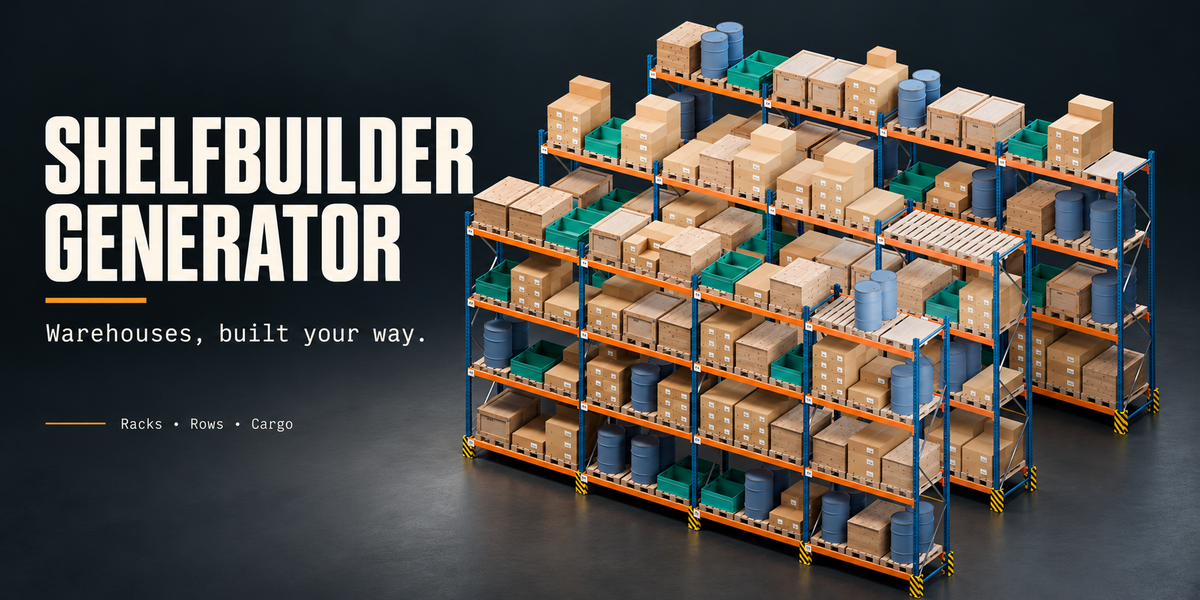
Build detailed warehouse racks in Blender
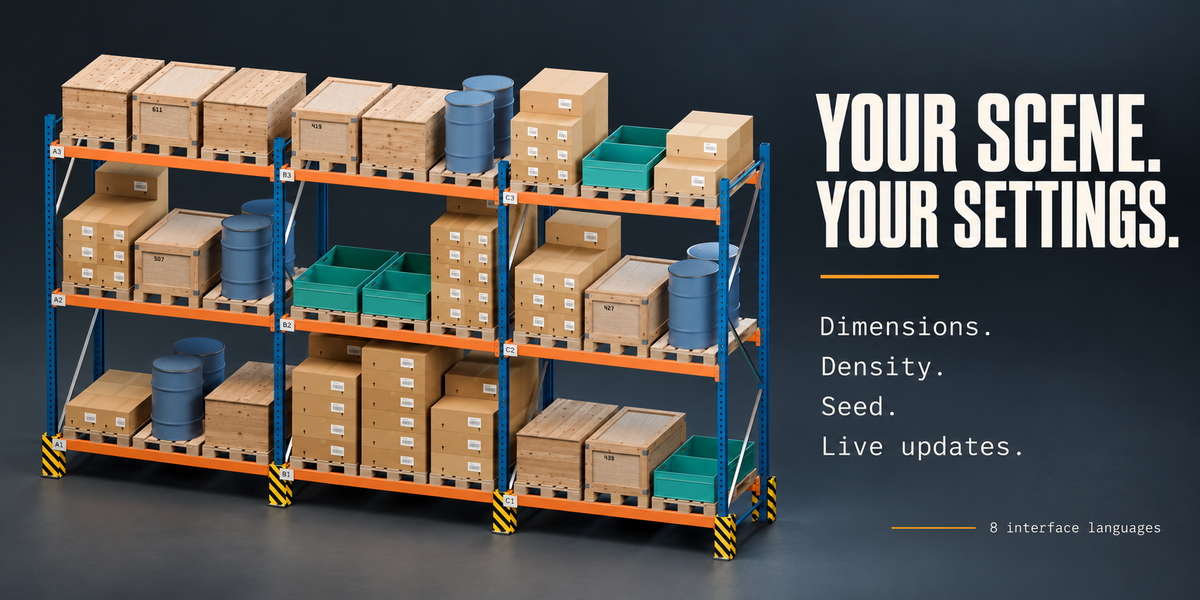
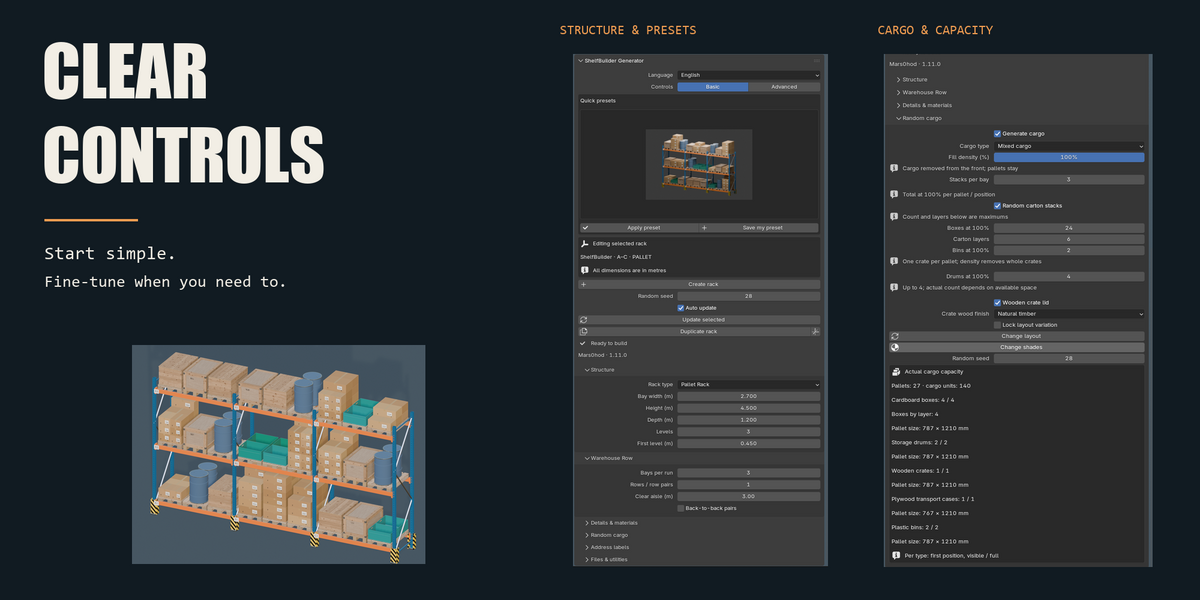
ShelfBuilder Generator creates editable storage racks, warehouse rows and varied cargo directly inside Blender. Start with an illustrated preset, adjust the dimensions and populate your shelves—all from one sidebar.
From a single shelving unit to a warehouse filled with storage rows, ShelfBuilder gives you control over the structure, contents and finishing details.
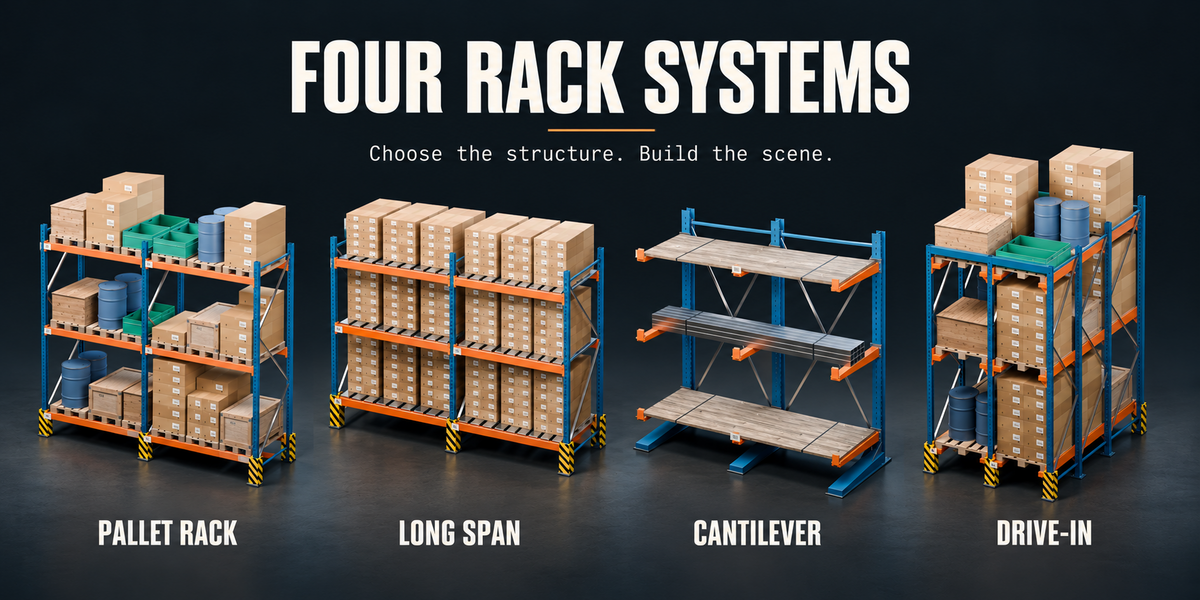
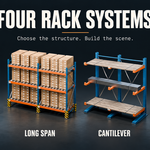
Four rack systems
Pallet Rack — pallet storage with adjustable beams, levels and positions per bay.
Long Span — shelving for cartons, containers and general goods.
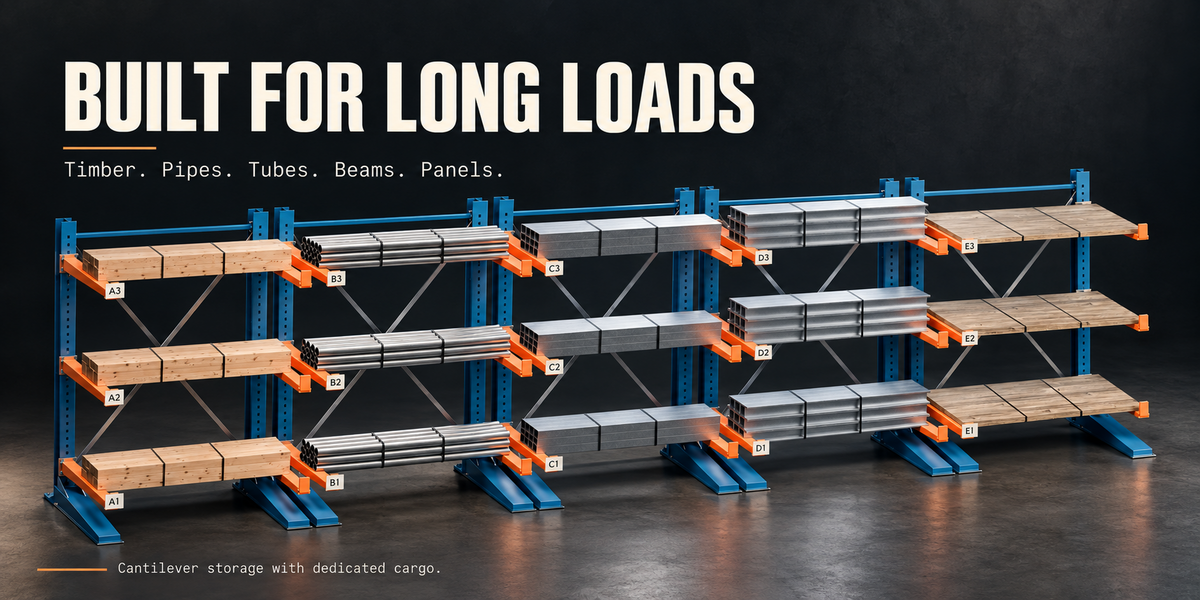
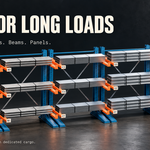
Cantilever — single- or double-sided storage for timber, pipes, tubes, I-beams and sheet stacks.
Drive-In — deep storage with multiple pallet positions from front to back.
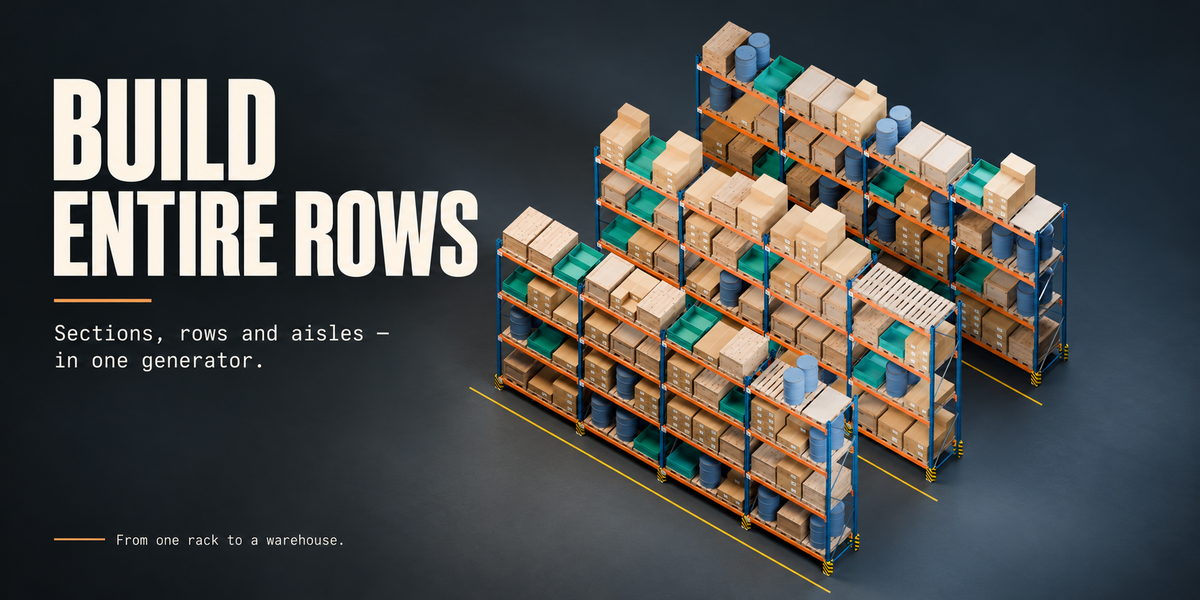
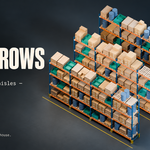
Build complete rows
Control bay width, rack height, depth, shelf levels and row count. Set aisle spacing and create back-to-back arrangements. Add diagonal bracing, floor anchors, protective guards and shelf decking.
Each rack stores its own settings. Select a generated part to edit its rack, with automatic updates as you change parameters.
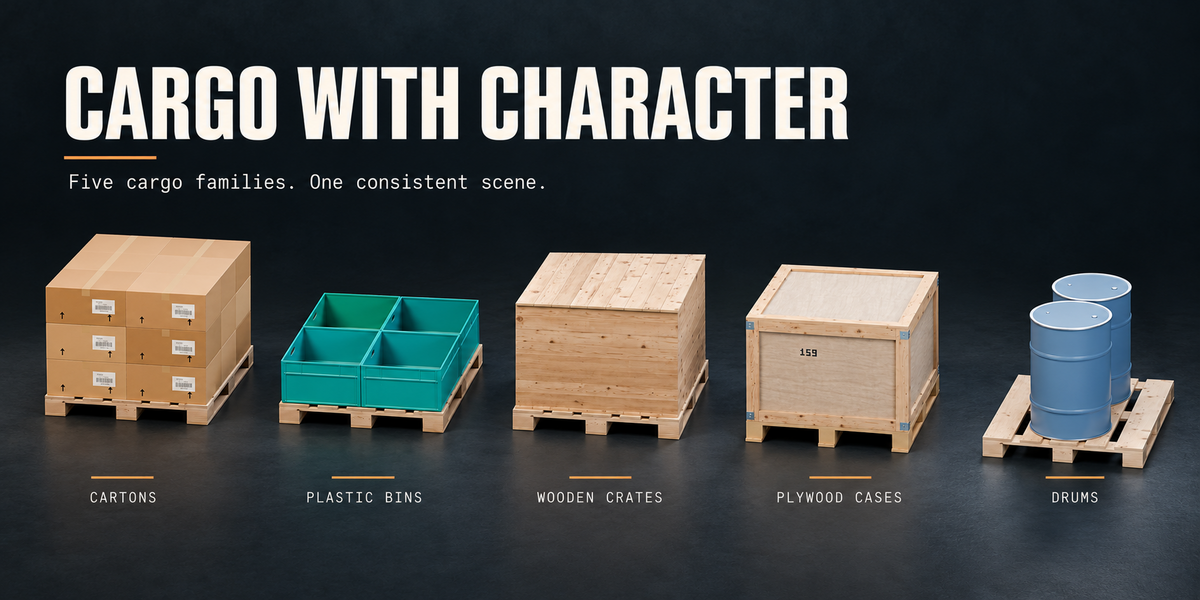
Fill your shelves with variety
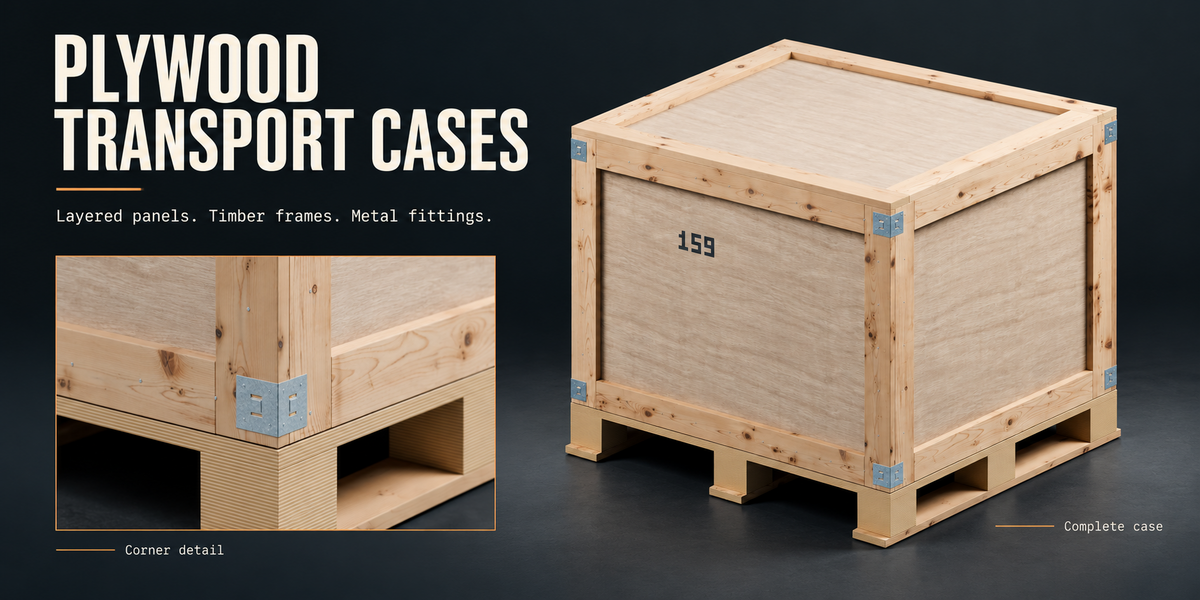
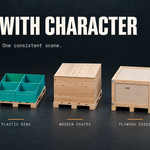
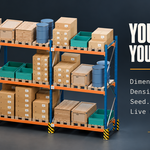
Choose cardboard cartons, wooden crates, plywood transport cases, plastic bins, steel drums or mixed cargo.
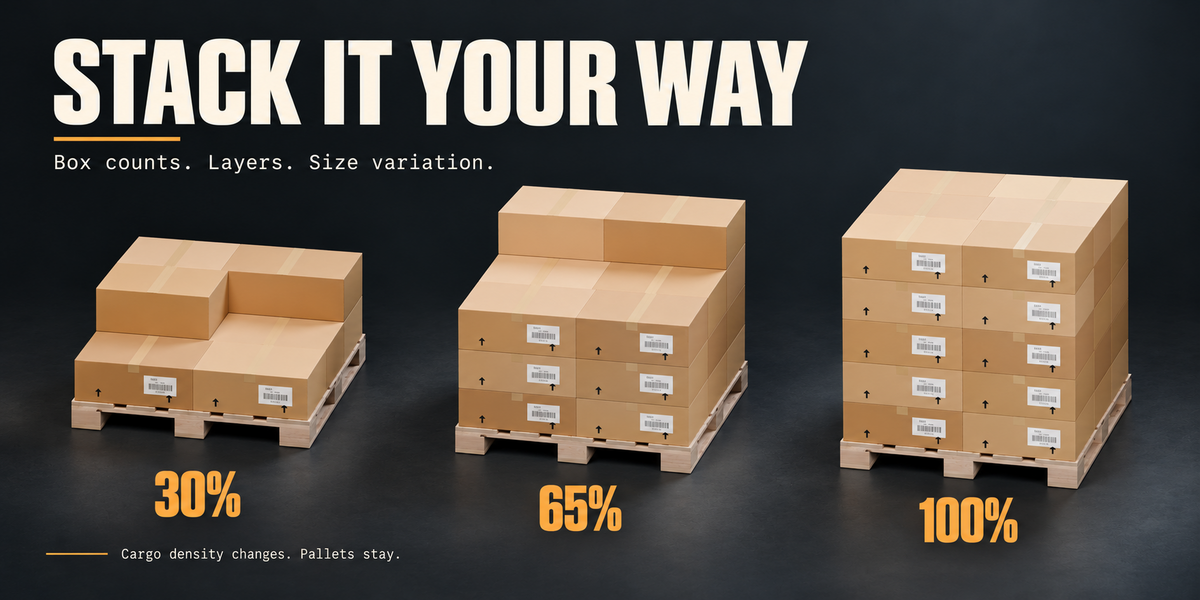
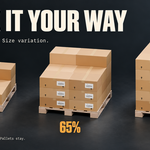
Create orderly stacks or introduce controlled variation using a random seed. Adjust carton quantities, sizes and layers, including partially filled top layers. Cargo density changes the amount of stored goods while keeping pallets in place, with loads removed from the front first.
Cantilever racks use dedicated long-stock loads, including timber bundles, hollow pipes, rectangular tubes, steel beams and sheets.
Details that reward a closer look
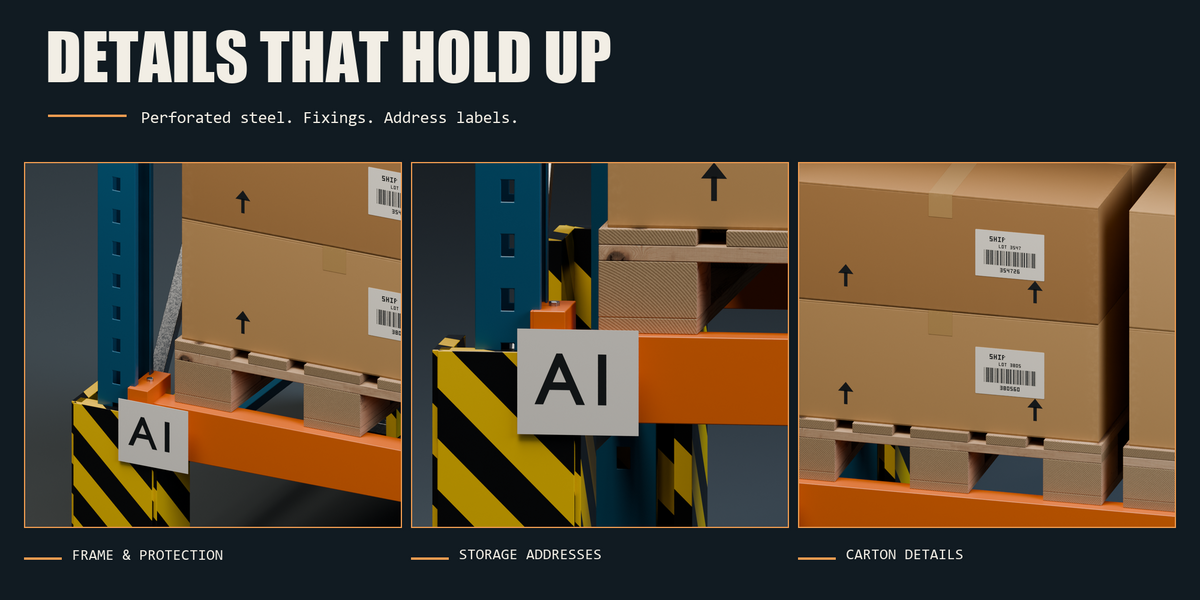
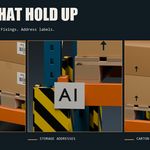
Close-up geometry includes rack hardware, pallet boards and blocks, carton flaps, packing tape, barcode labels, crate fasteners, moulded container details and drum fittings.
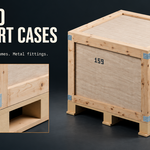
Plywood transport cases feature framed panels, metal corner hardware and integrated forklift-entry bases. Yellow-and-black guards and storage address labels complete the industrial appearance.
Materials with adjustable character
Bundled 2K and 4K wood textures include colour, roughness and normal maps. Additional procedural materials cover painted metal, cardboard, plastic and other surfaces.
Adjust wear, dirt and colour variation, or assign your own materials. Separate layout and material variation seeds let you change the finish while keeping the arrangement.
Simple controls, deeper options
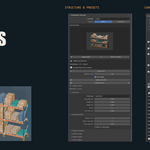
Basic and Advanced interface modes.
Eight illustrated starter presets.
Automatic updates and a manual update option.
Separate viewport preview and final geometry detail controls.
Draft, Standard and Close-up detail levels.
An optional generation-limit override for larger scenes.
Custom presets with JSON import and export.
Editable storage addresses, including compact labels such as A1 and B3.
The interface is available in English, Russian, German, French, Spanish, Italian, Portuguese and Japanese. English is the default.
Included in your download
ShelfBuilder Generator 1.11.0 installation ZIP.
Editable demo scenes featuring mixed cargo, Drive-In storage and steel drums.
English and Russian offline manuals.
Quick-start instructions.
Bundled wood textures and asset credits.
Getting started
Install and enable the add-on, open the ShelfBuilder tab in the 3D Viewport sidebar, choose a preset and create your rack. Save your Blender file to retain the generated geometry, settings and custom materials.
No account or internet connection is required during use.
Compatibility
The declared minimum version is Blender 4.2. Release runtime checks were performed on Windows with Blender 4.5.0 and the Blender 5.2.2 LTS Python runtime. The included demo requires Blender 4.5 or newer.
ShelfBuilder creates geometry for visualisation and scene building; it does not calculate structural load capacity.
Created by Mars0hod.