 Mars0hod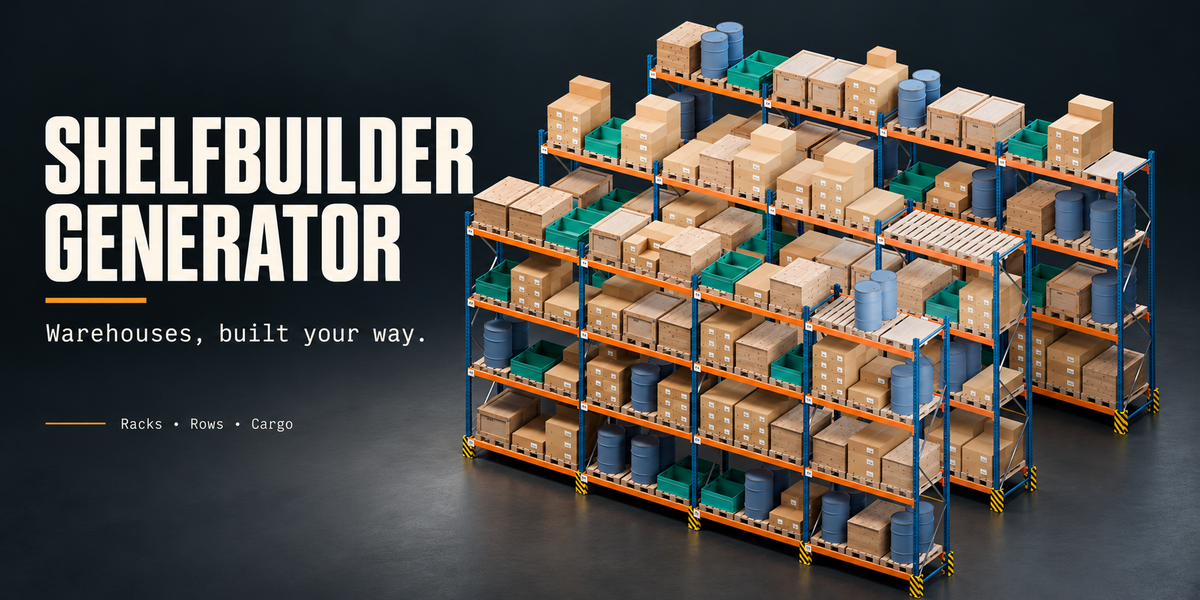
Does the add-on require an internet connection, and which languages are available?
No account or internet connection is required during use. The interface supports English, Russian, German, French, Spanish, Italian, Portuguese and Japanese. English is the default. Offline manuals are included in English and Russian.
Are textures included, and can I use my own materials?
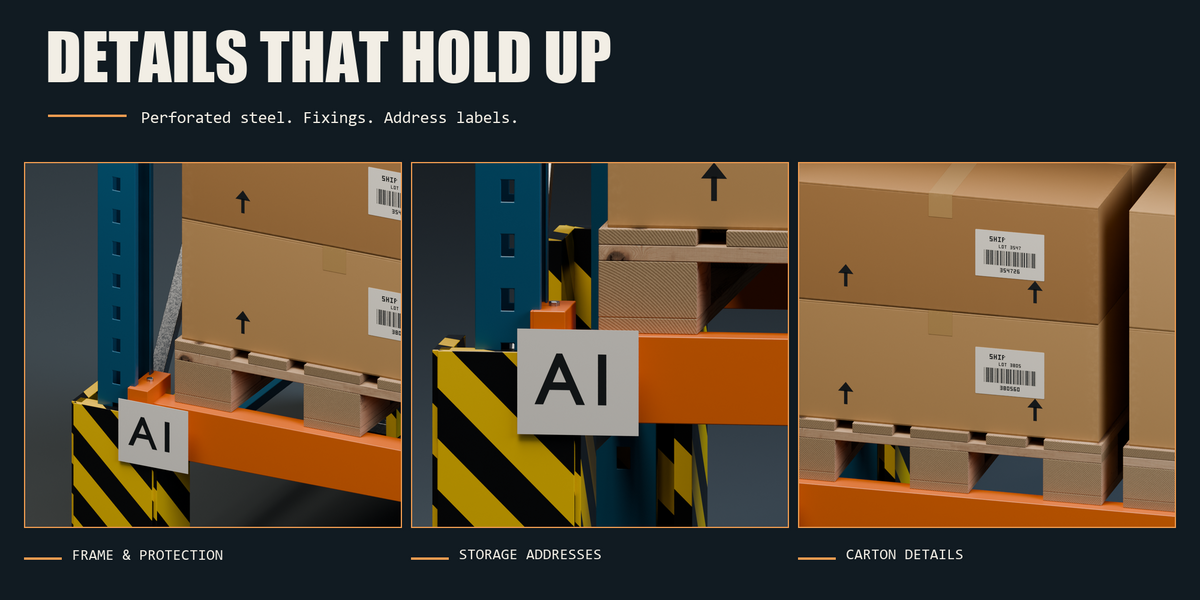
Yes. The add-on includes wood colour, roughness and normal maps, together with procedural materials. No separate texture download is required. Advanced mode provides custom material slots. Save your .blend file to preserve custom materials; JSON presets store settings rather than material datablocks.
Can I use maximum detail for a large warehouse?
Yes. Enable Remove generation limits to bypass the conservative complexity estimates while retaining your chosen detail and cargo quantities. Available memory and processing time still determine the practical scene size. Dimension and cargo-fit checks remain active.
Can I reproduce the same random arrangement?
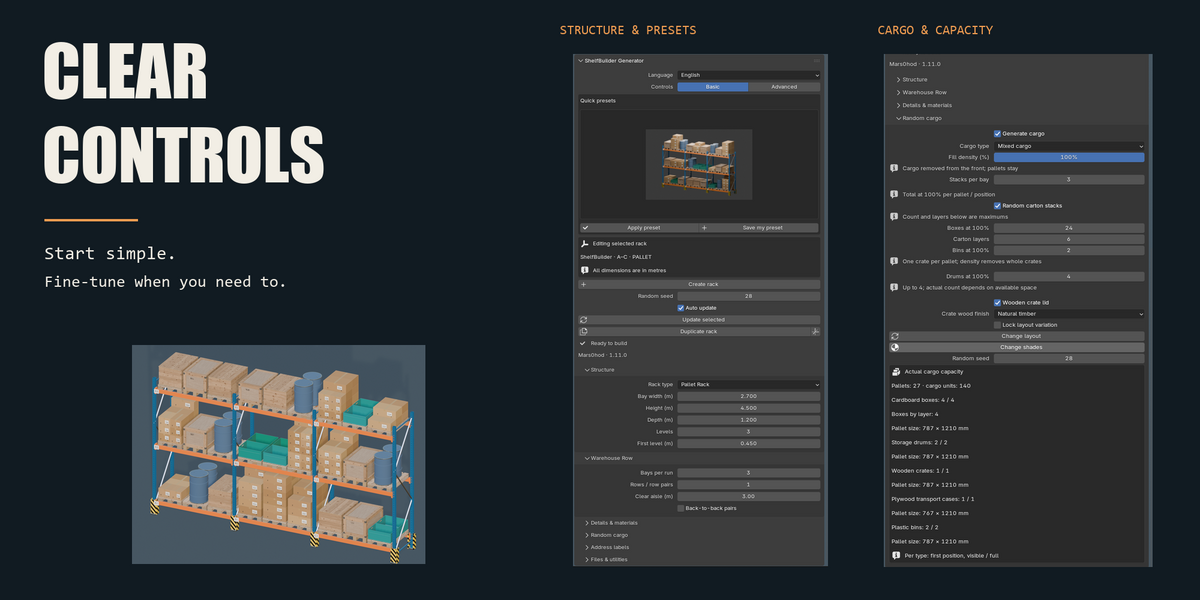
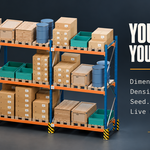
Yes. Use the same random seed and settings to reproduce an arrangement. Material shade variation uses a separate seed, so you can change the finish while keeping the cargo layout.
Why do pallets remain visible when cargo density is set to 0%?
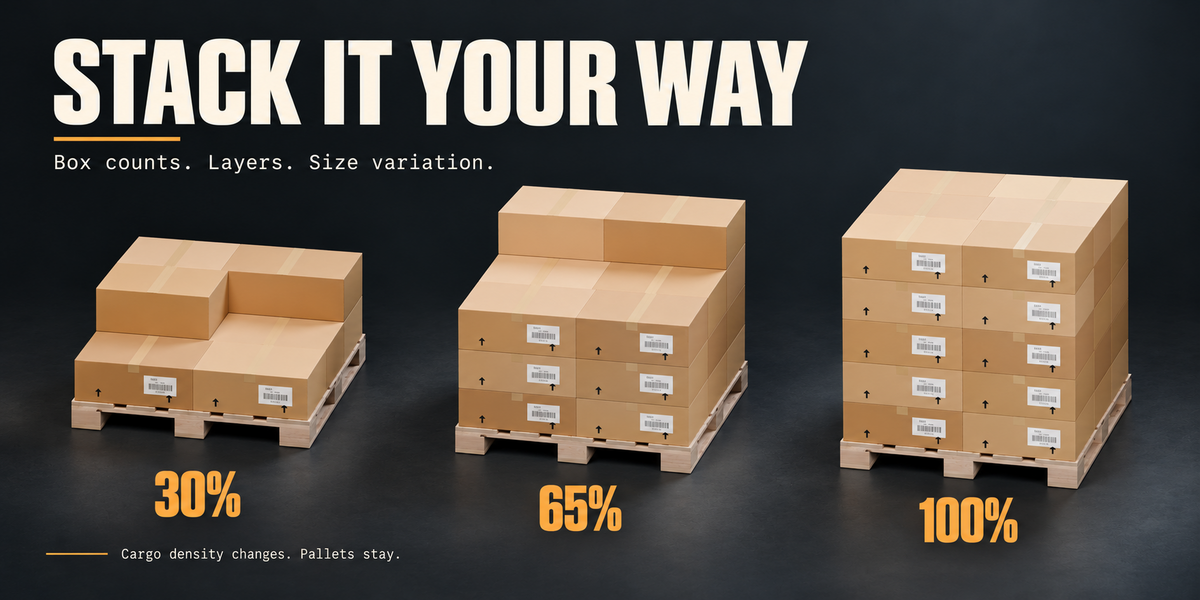
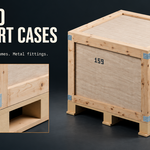
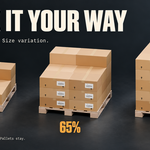
Cargo density changes the quantity of goods while retaining pallets and supports. This lets you create partially empty storage without changing the rack layout. Disable Generate cargo to remove the generated cargo and pallets together. Plywood transport cases have integrated bases, which also remain at zero density.
Which rack types and cargo are included?
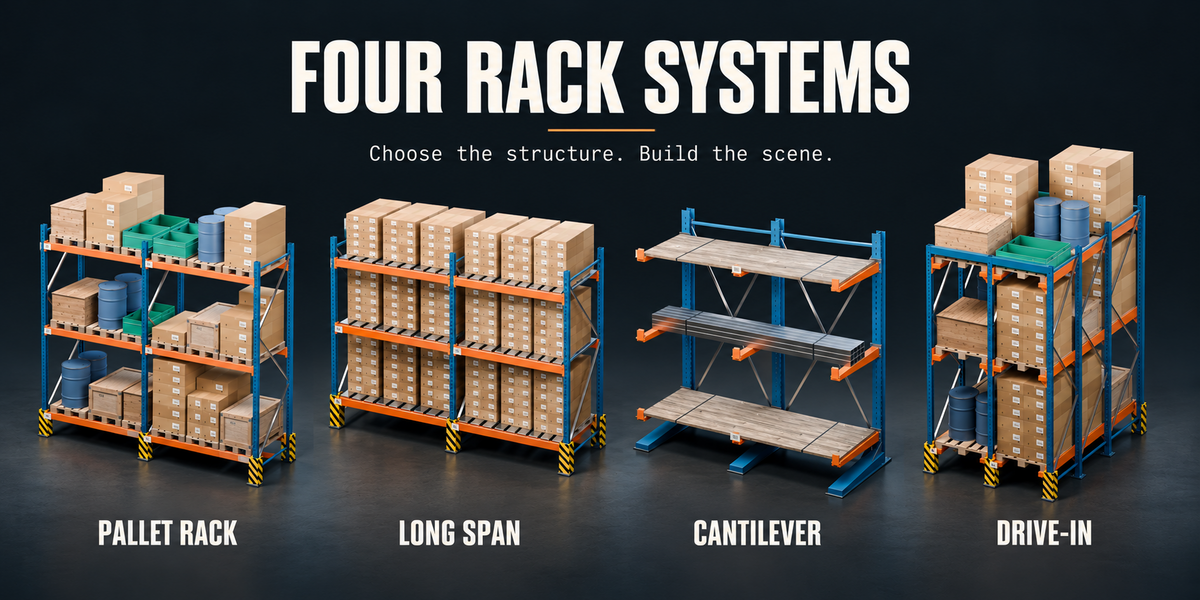
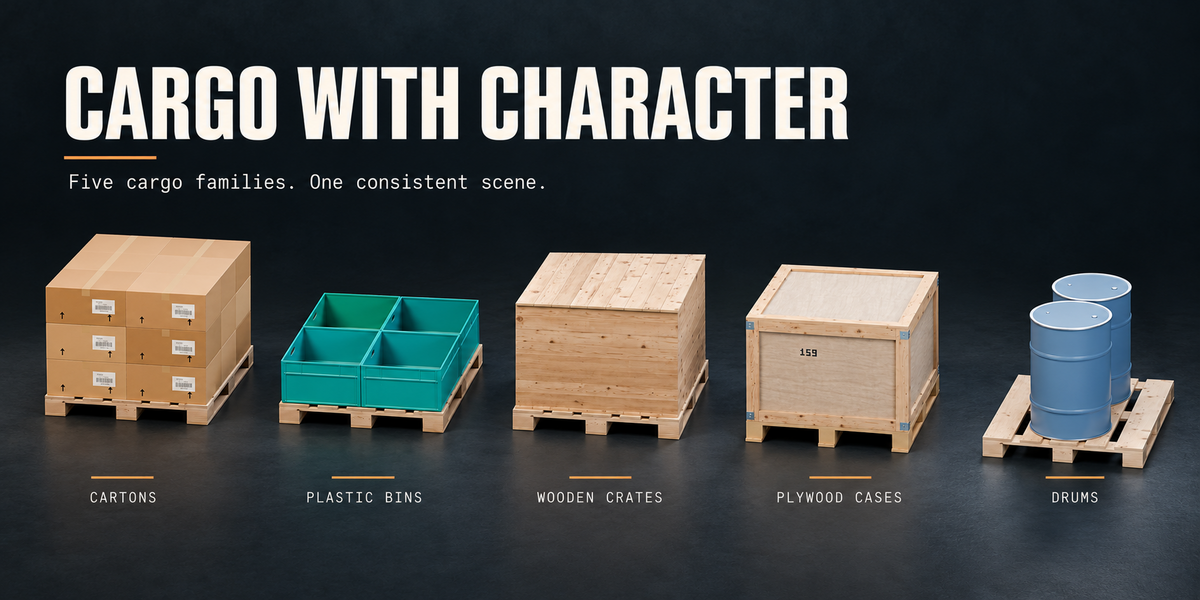
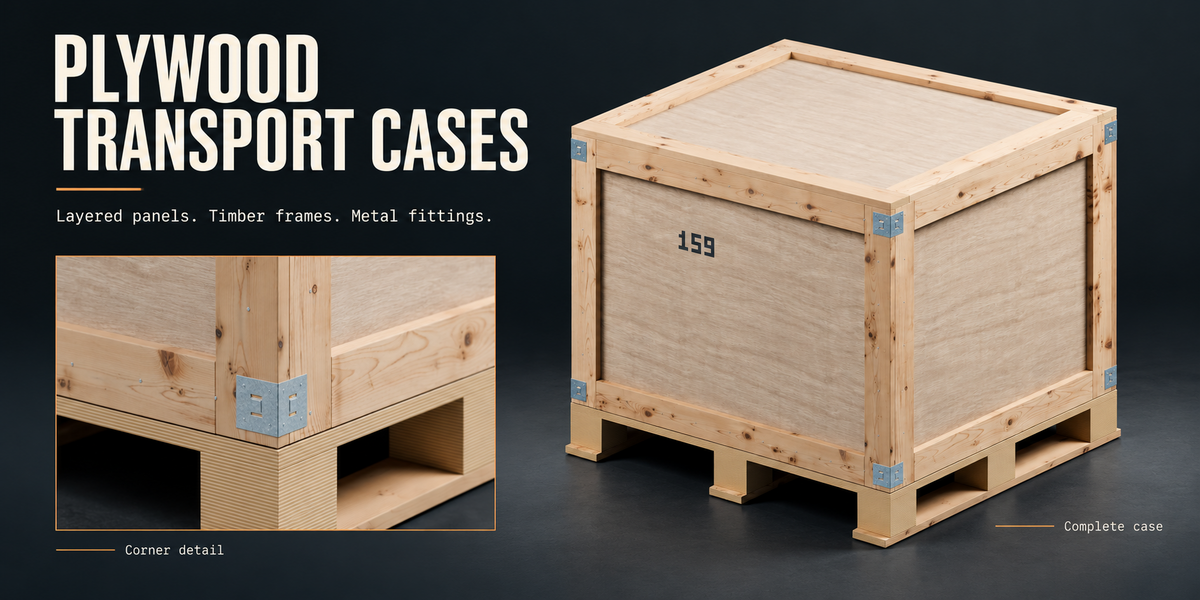
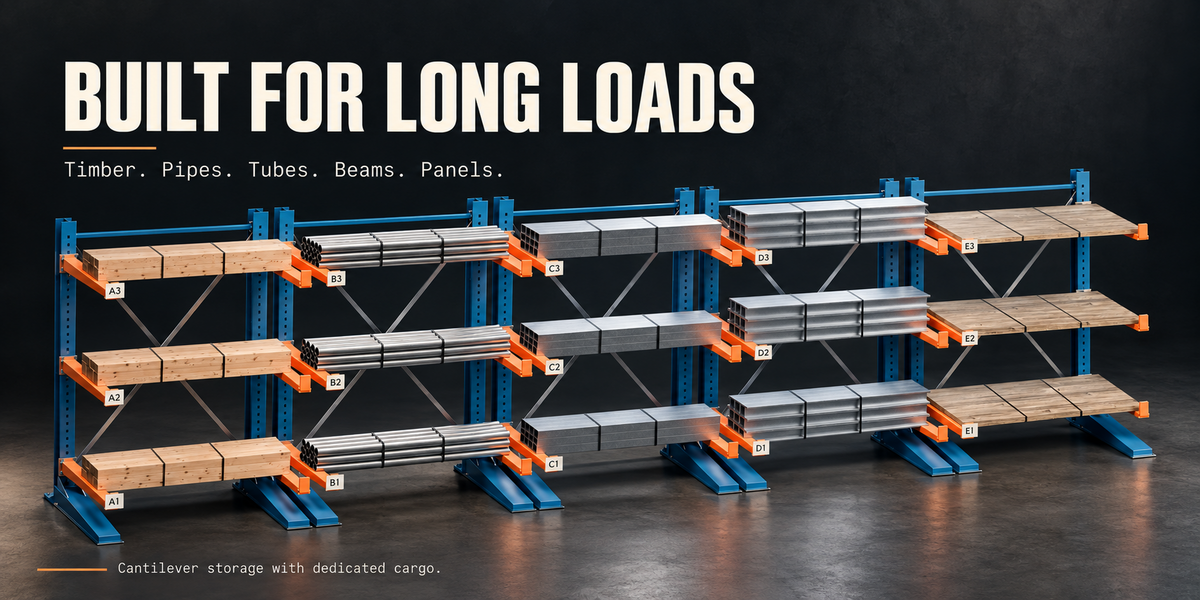
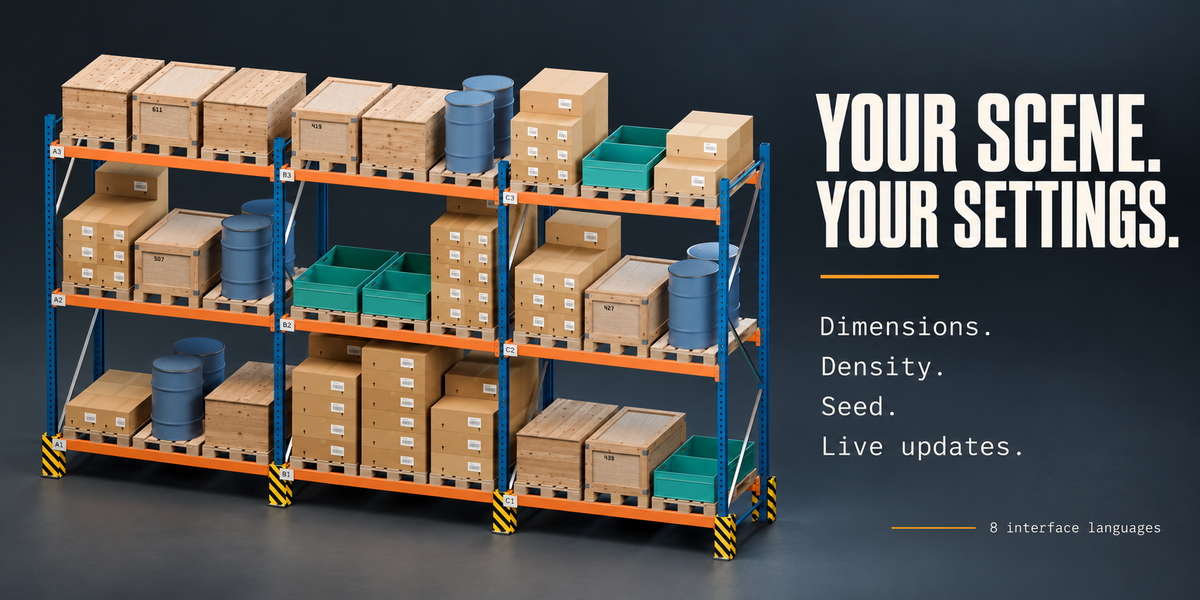
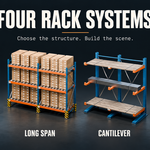
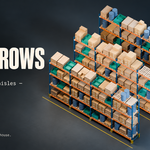
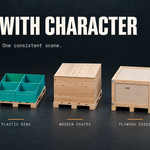
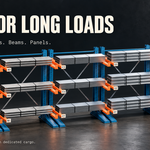
The add-on includes Pallet Rack, Long Span, Cantilever and Drive-In systems. Cargo includes cartons, wooden crates, plywood transport cases, plastic bins, steel drums and mixed loads. Cantilever racks support timber, hollow pipes, rectangular tubes, I-beams and sheet stacks.
Can I edit a rack after creating it?
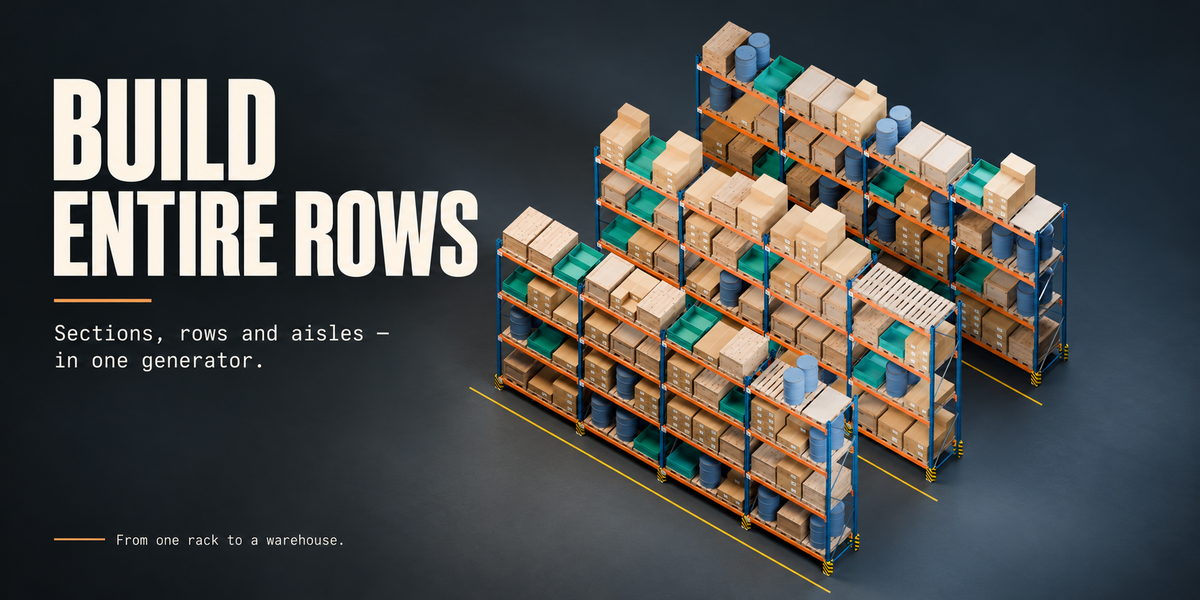
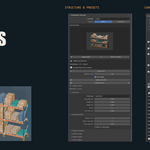
Yes. Select any generated rack part and adjust its settings in the sidebar. Each rack stores its own settings. Enable Auto update for automatic regeneration, or disable it and use Update selected to apply several changes together.
How do I install ShelfBuilder Generator?
Extract the outer customer package, then install Installer/ShelfBuilder_Generator_1.11.0.zip through Blender Preferences → Add-ons → Install from Disk. Do not extract the inner installation ZIP. Enable the add-on, open the 3D Viewport sidebar with N and select the ShelfBuilder tab.
Have questions about this product?
Login to message
| Blender Extension Compatible | Yes |
| Published | 1 day ago |
| Blender Version | 4.5 - 5.2 |
| Extension Type | Add-on |
| Render Engine Used | Cycles, Eevee |
| License | GPL |
Discover more products like this
pallets environment rack generator procedural modeling pallet-rack storage racks shelving logistics crates industrial cargo warehouse