 Mars0hod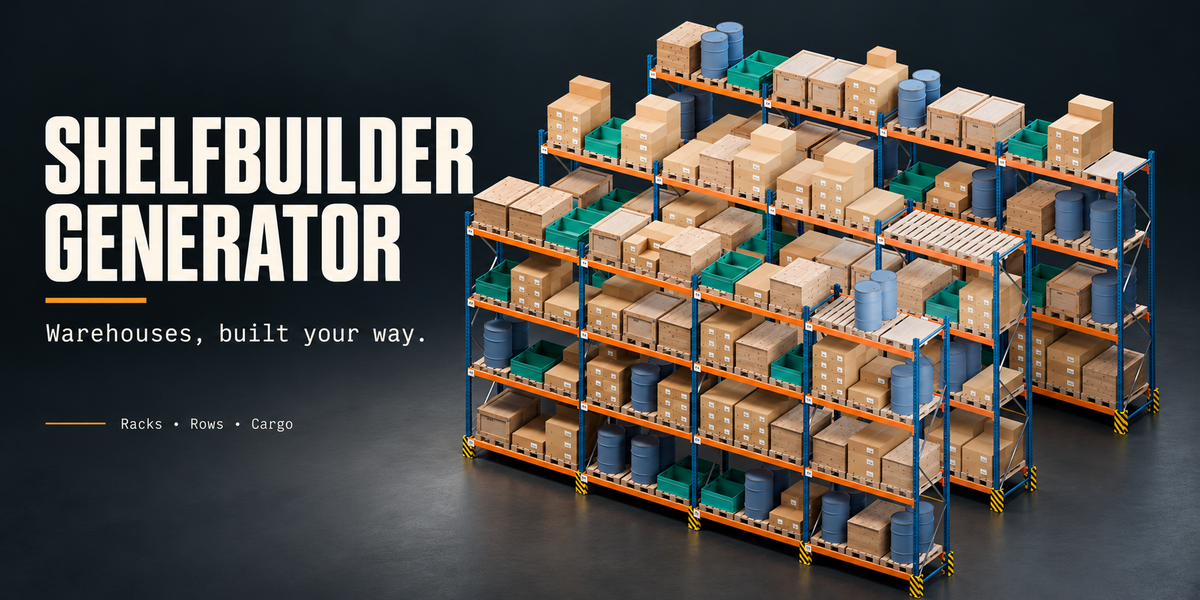
ShelfBuilder Generator — Quick Start
Installation
Extract the downloaded customer package.
Open Blender and go to Edit → Preferences → Add-ons.
Open the menu and choose Install from Disk.
Select Installer/ShelfBuilder_Generator_1.11.0.zip. Do not extract this inner ZIP.
Enable ShelfBuilder Generator.
In the 3D Viewport, press N and open the ShelfBuilder tab.
Use Blender 4.5 or newer for the included demo scenes.
Create your first rack
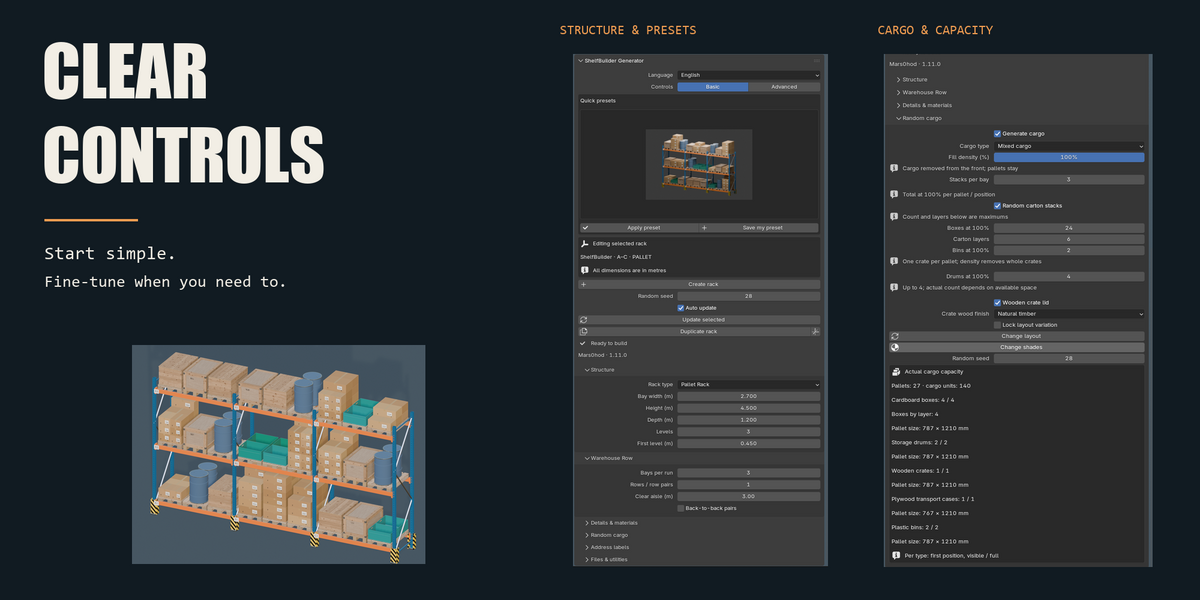
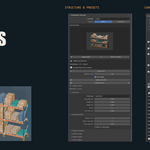
Choose an illustrated preset, click Apply, then Create rack. Adjust the rack dimensions, number of bays, shelf levels and depth.
Select any generated rack part to edit that rack. Each rack stores its own settings.
With Auto update enabled, changes rebuild the rack automatically after a short pause. To apply several changes together, disable Auto update and click Update selected when ready.
Create warehouse rows
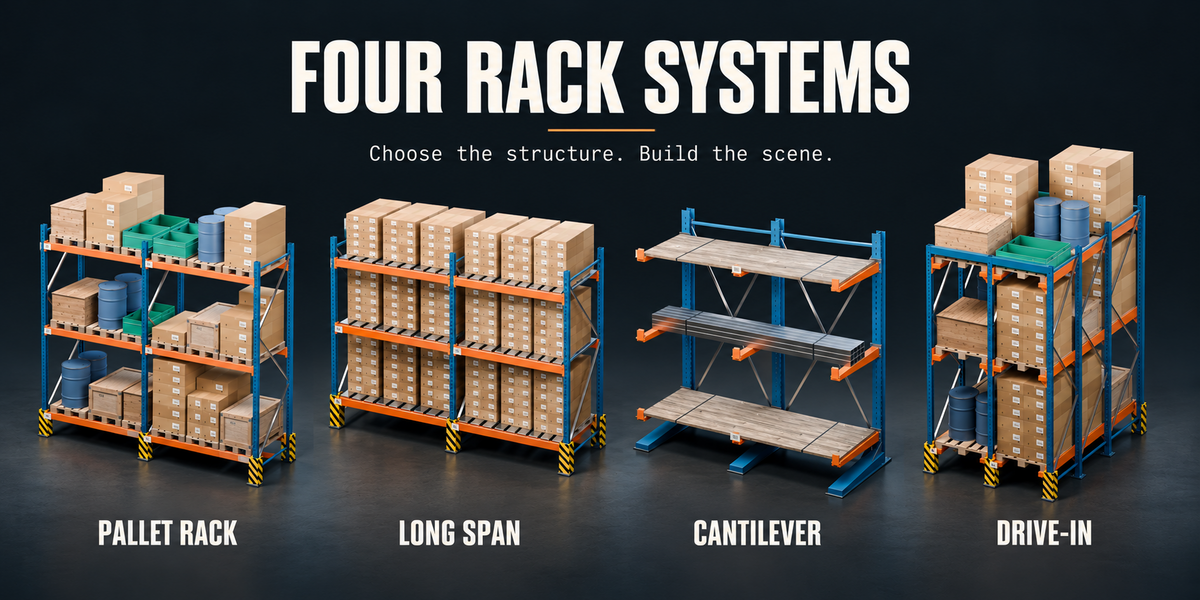
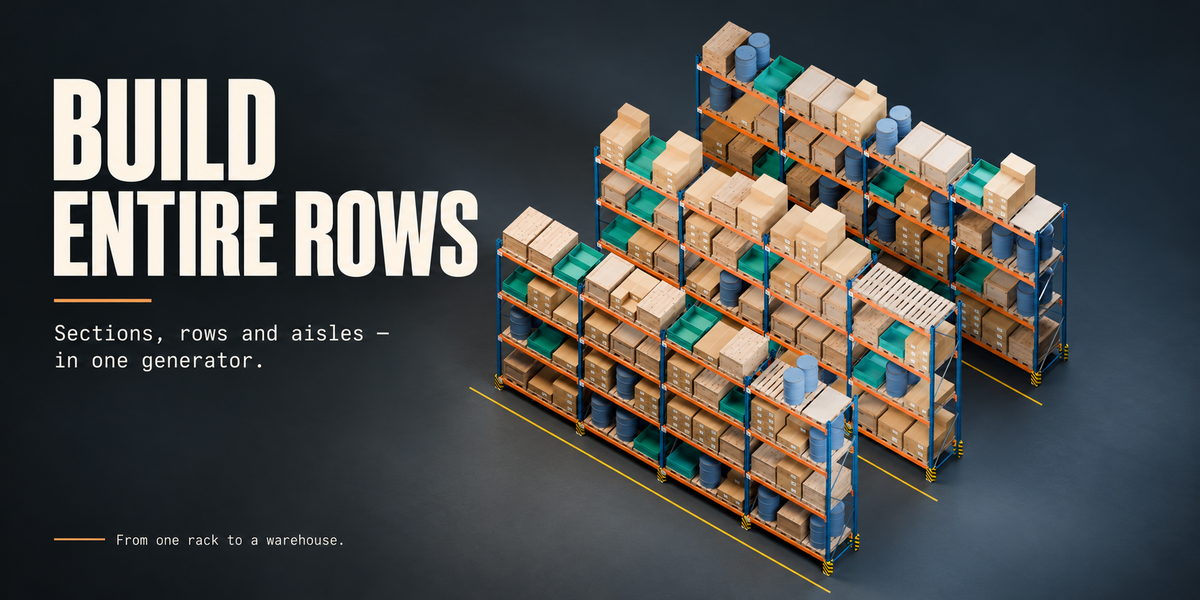
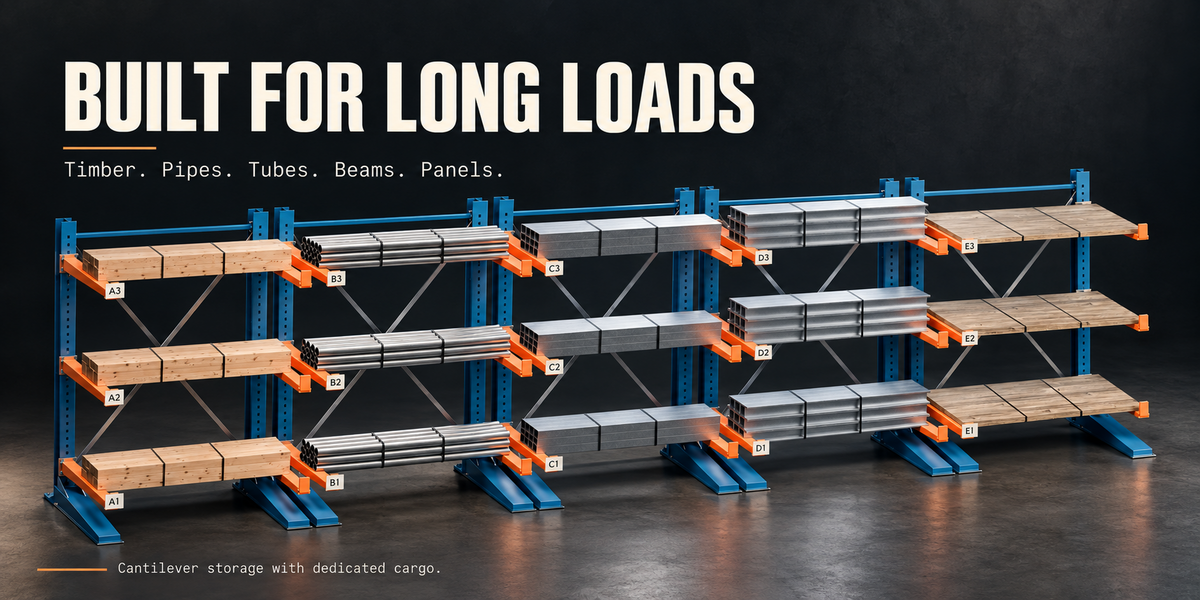
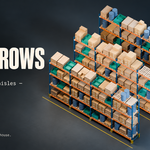
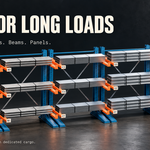
Use the row controls to set the number of bays and rows, aisle width and back-to-back arrangements. Choose Pallet Rack, Long Span, Cantilever or Drive-In according to the storage layout you need.
Advanced mode provides additional controls, including individual level heights and custom material slots.
Add cargo
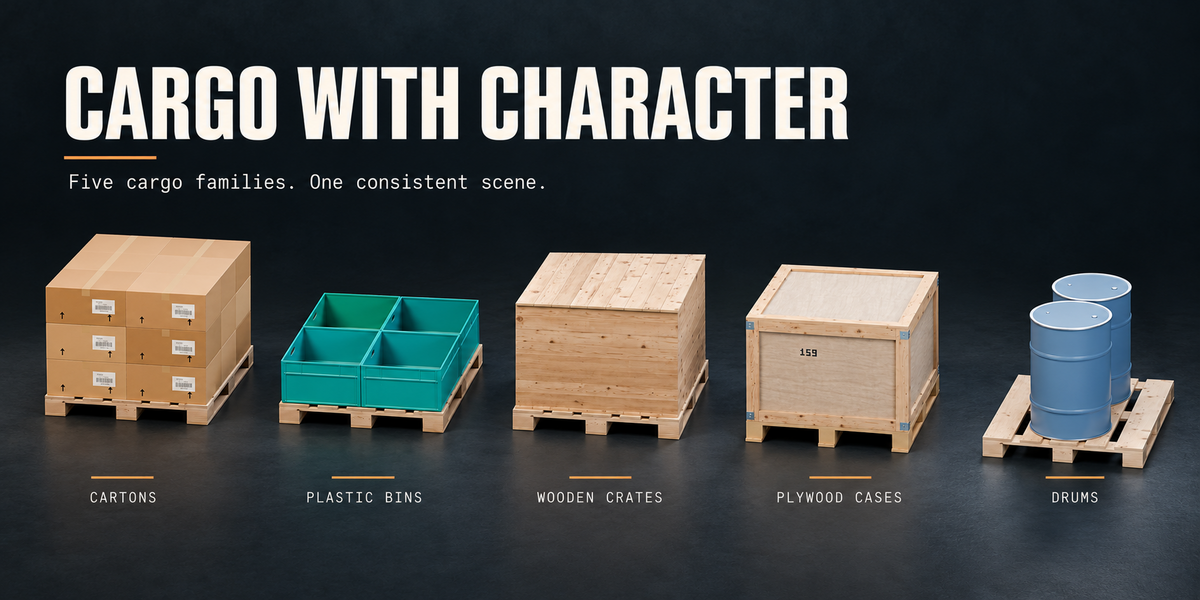
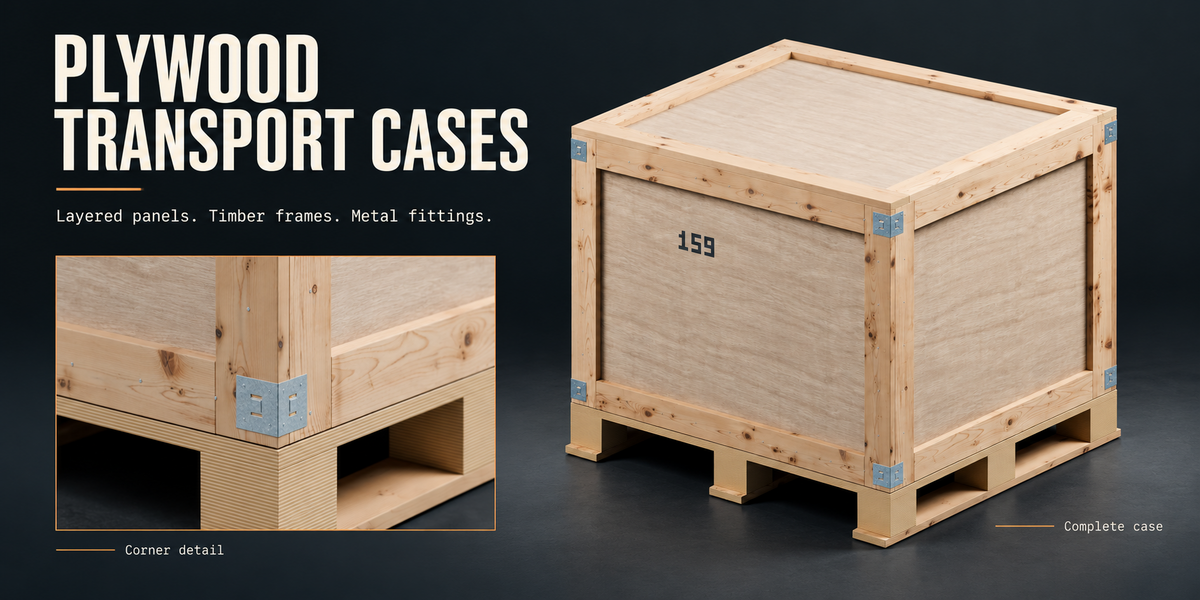
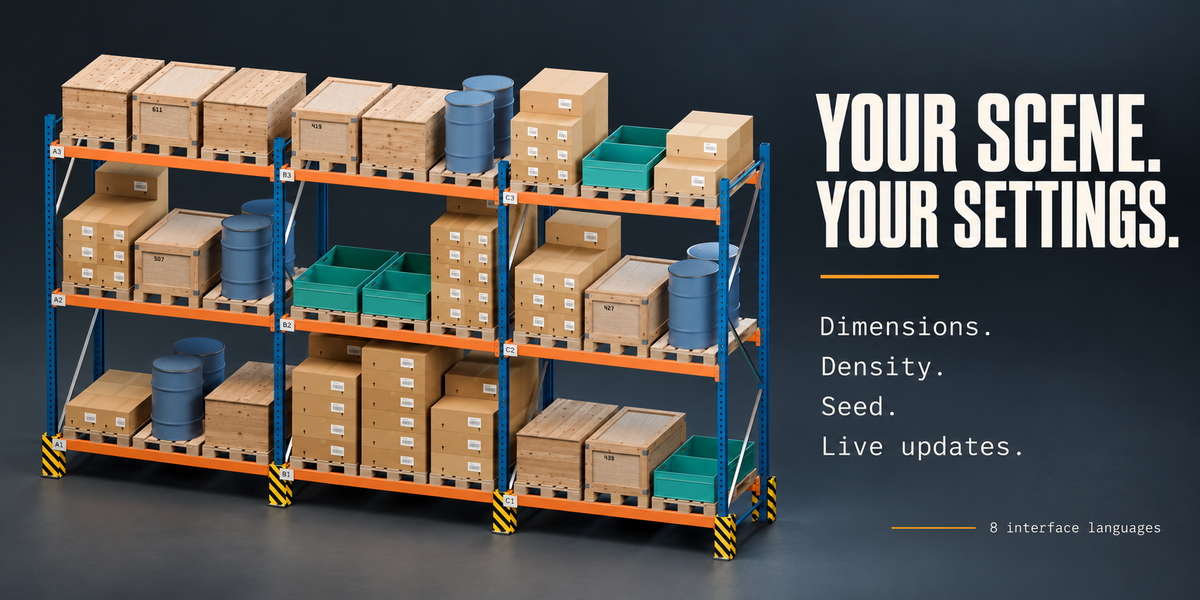
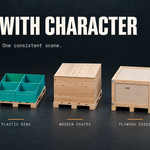
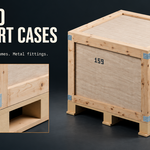
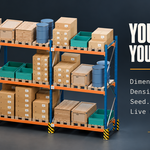
Enable cargo generation and choose cartons, wooden crates, plywood transport cases, plastic bins, steel drums or mixed cargo.
For cantilever racks, choose long-stock loads such as timber, pipes, tubes, I-beams or sheets.
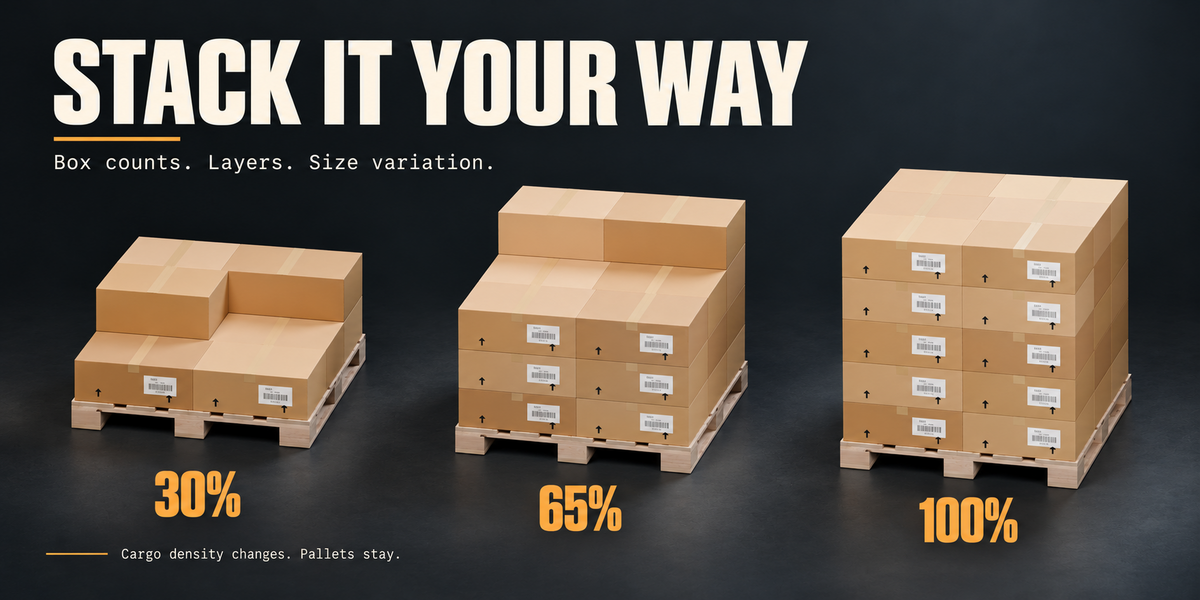
Cargo density controls the quantity of goods while retaining pallets and supports. Reducing density removes goods from the front first. Disable Generate cargo to remove both the generated cargo and its pallets.
Control variation
Use the random seed to generate another arrangement or reproduce a previous result with the same settings.
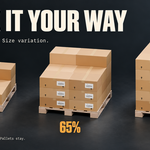
For cartons, choose a fixed total count and layer count, or enable random stacks within the available bounds. Size and height variation controls provide additional variety.
Material shade variation has its own seed, allowing you to change colours without changing the cargo arrangement.
Materials and detail
Use Material Preview or Rendered shading to see the materials.
Choose Draft, Standard or Close-up detail according to your scene requirements. Viewport preview modes are separate from the selected final geometry detail.
For larger scenes, Remove generation limits allows generation at the selected detail without reducing cargo quantities. Generation time and memory use depend on the scene size and available hardware.
Adjust wear, dirt and shade variation, or assign your own materials through Advanced mode.
Address labels
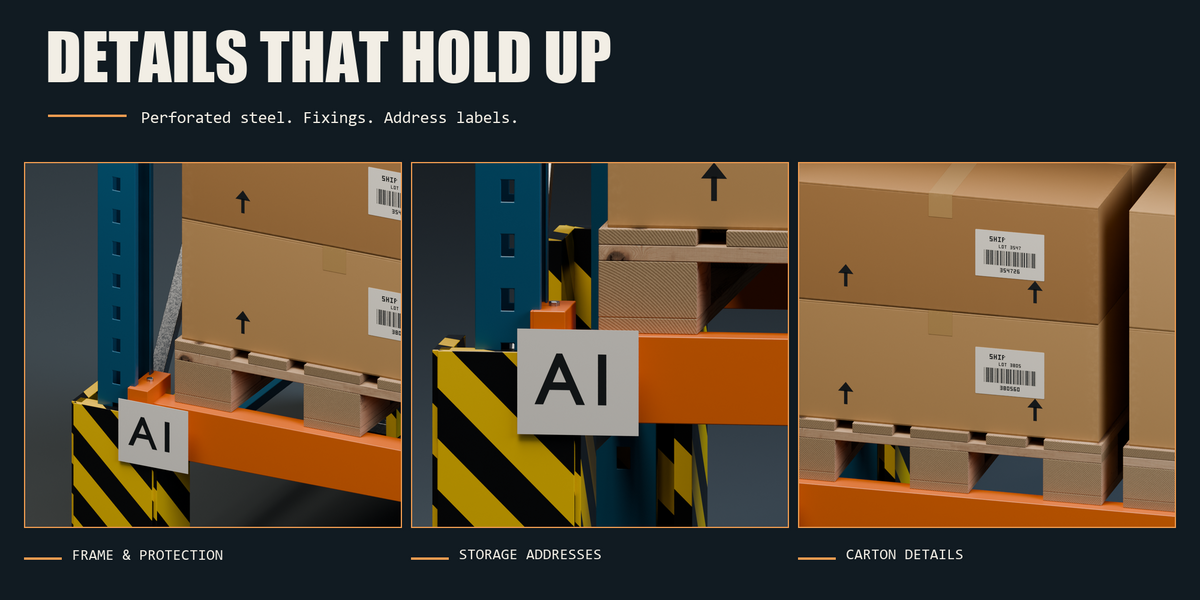
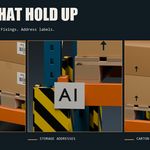
Enable address labels to identify storage sections and levels. Compact labels use addresses such as A1 and B3. The detailed format can include row, bay, level and position.
Save and reuse
Save your .blend file to preserve generated geometry, rack settings and custom materials.
Save custom presets for reuse, or export and import settings as JSON. JSON presets store settings rather than custom material datablocks.
Regeneration replaces direct edits to generated meshes. Keep a separate copy before making manual mesh changes that you want to preserve.
Language
Choose the add-on language from its interface. Available languages are English, Russian, German, French, Spanish, Italian, Portuguese and Japanese.
Support
When requesting help, include your add-on version, Blender version, operating system, relevant settings and the complete error message. A small .blend file or exported JSON preset that reproduces the issue is especially helpful.
ShelfBuilder Generator is a visualisation tool and does not calculate structural load capacity.
Author: Mars0hod.
Have questions about this product?
Login to message
| Blender Extension Compatible | Yes |
| Published | 1 day ago |
| Blender Version | 4.5 - 5.2 |
| Extension Type | Add-on |
| Render Engine Used | Cycles, Eevee |
| License | GPL |
Discover more products like this
procedural modeling environment pallet-rack shelving logistics crates storage racks pallets rack generator industrial cargo warehouse