 VisionAir Studio
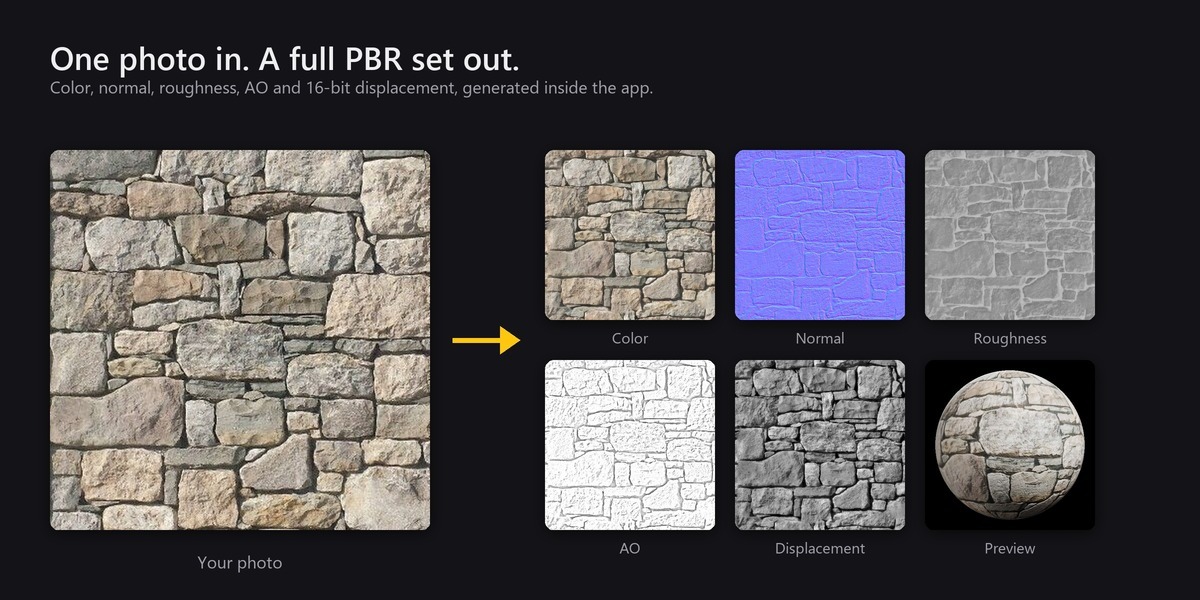
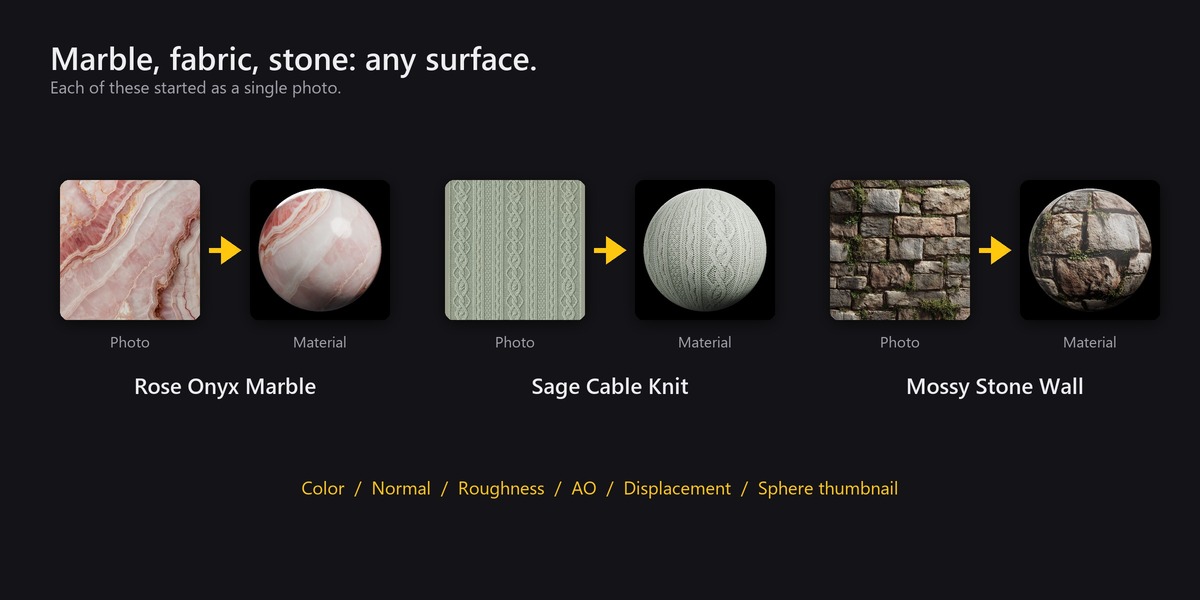
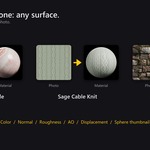
Shmexy Auto Texture turns a single photo into a complete, seamless PBR material in a few clicks, entirely inside Blender.
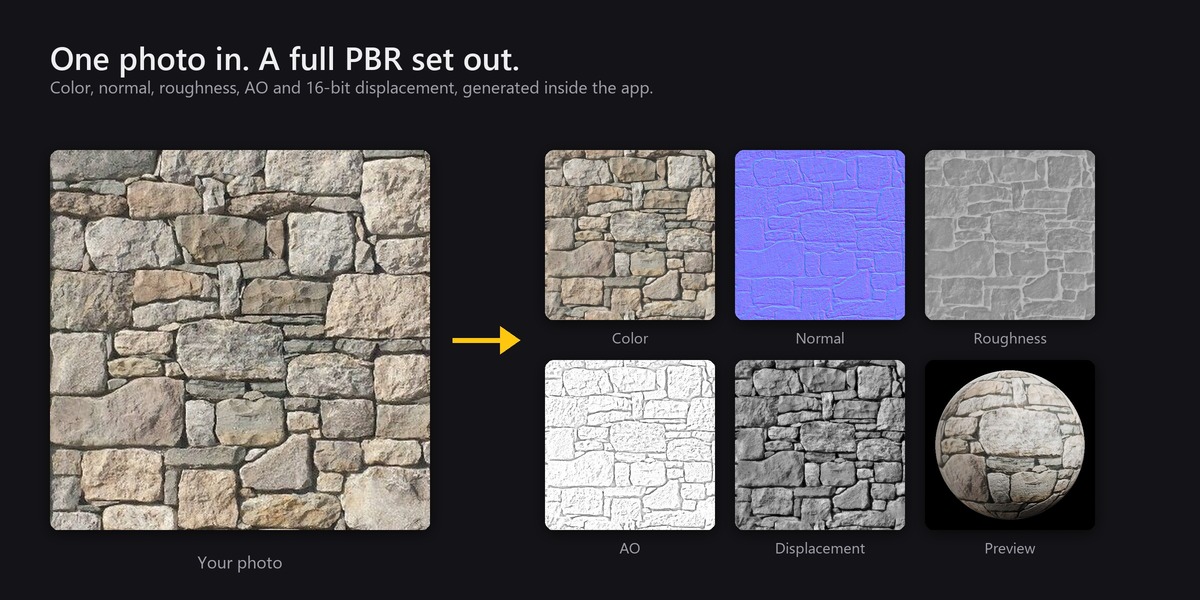
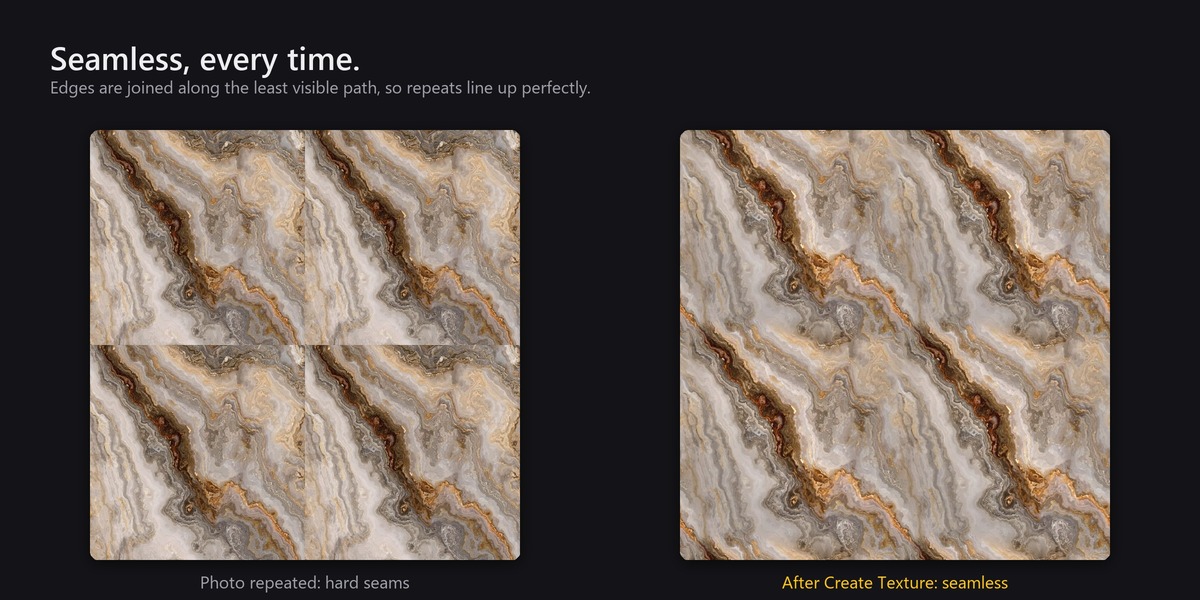
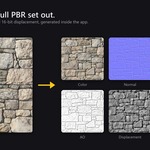
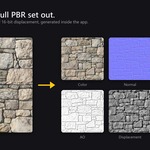
Point it at a photo of a wall, floor, fabric, wood or metal. It squares and crops the image, evens out the lighting, joins the edges so the result tiles without seams, and works out a full map set from it:
- Color (albedo)
- Normal (OpenGL)
- Roughness
- Ambient occlusion
- Displacement (16-bit)
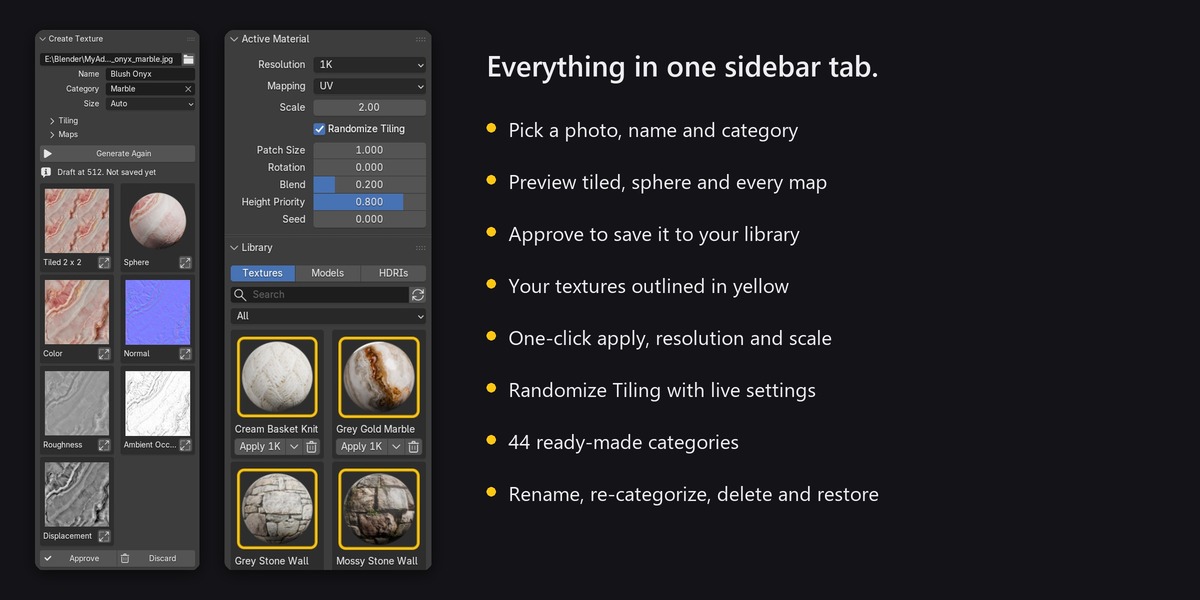
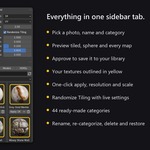
You see every map, a 2 x 2 tiled preview for spotting seams and a rendered sphere before anything is saved. Change a setting and generate again, then approve when it looks right. The add-on saves the texture into your library with its own folder and sphere thumbnail, under the category you choose. From then on it is one click to apply to any object.
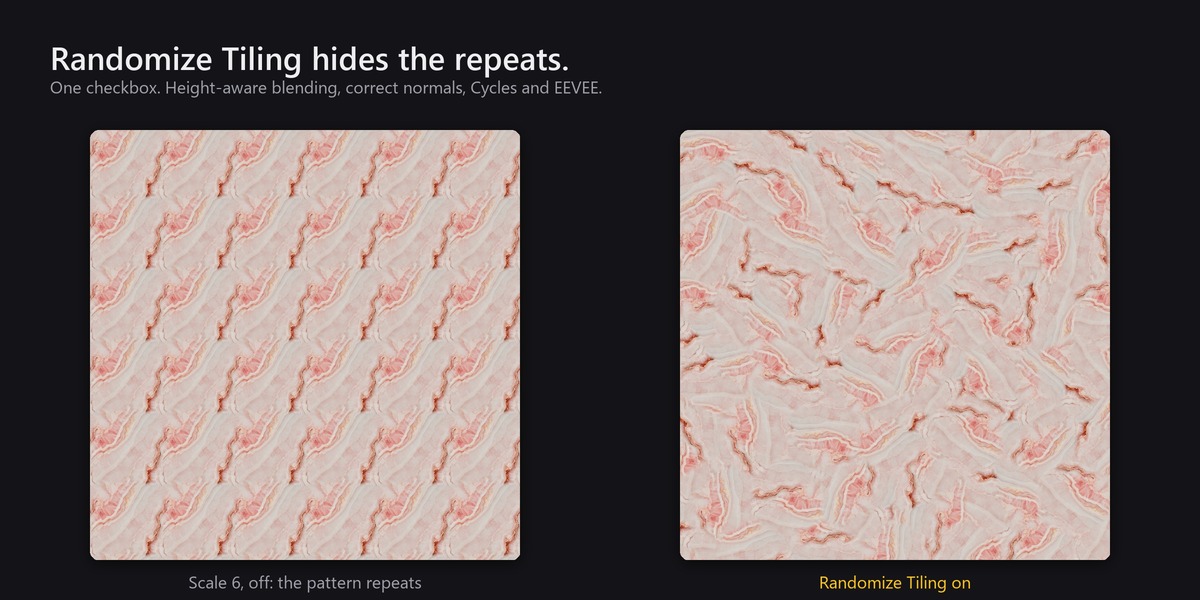
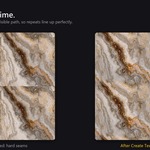
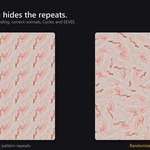
Randomize Tiling: no more visible repeats. Scale any texture up across a large floor or wall and the repetition usually jumps out. Tick Randomize Tiling and the surface is split into soft-edged patches, each with its own random offset and rotation, blended so raised details win at the borders. Color, roughness, normal and height stay perfectly aligned, normal maps are turned with their patch so lighting stays correct, and it works in both Cycles and EEVEE. Textures with a direction, such as wood or brushed metal, are detected and keep running the same way.
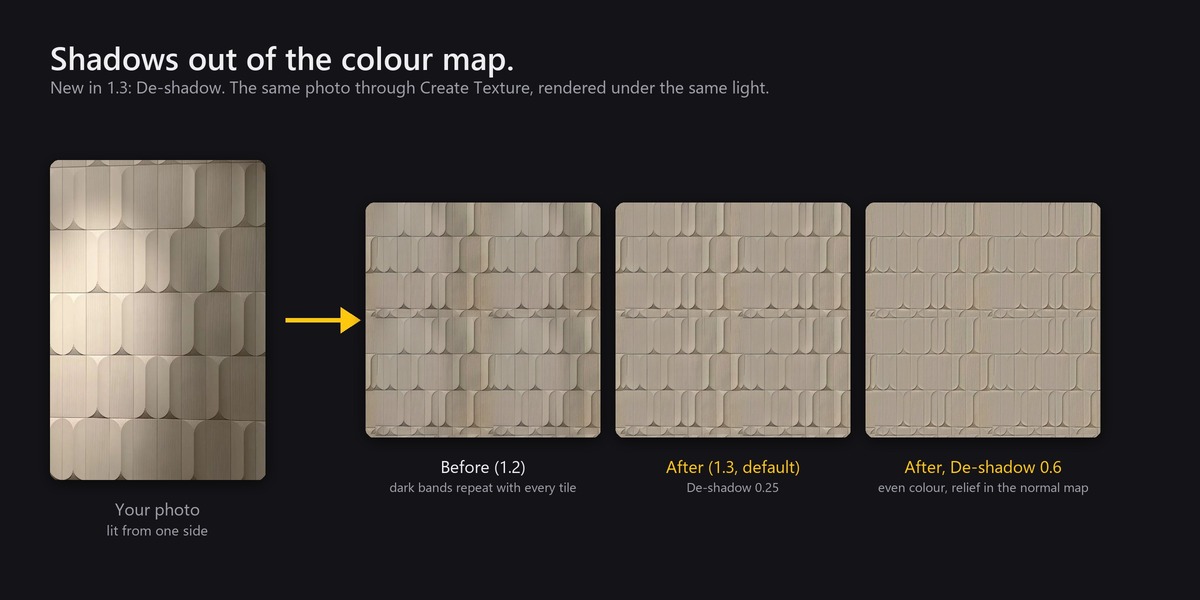
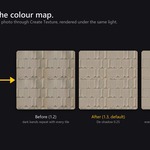
Shadows taken out of the colour (new in 1.3). A photo with a shadow across it, or lit from one side, used to give a texture with patches of a different shade that repeat with every tile. De-shadow evens them out, keeps what is really the surface's own colour, and leaves the relief to the normal, height and occlusion maps, so the material is lit by your scene instead of by the photo.
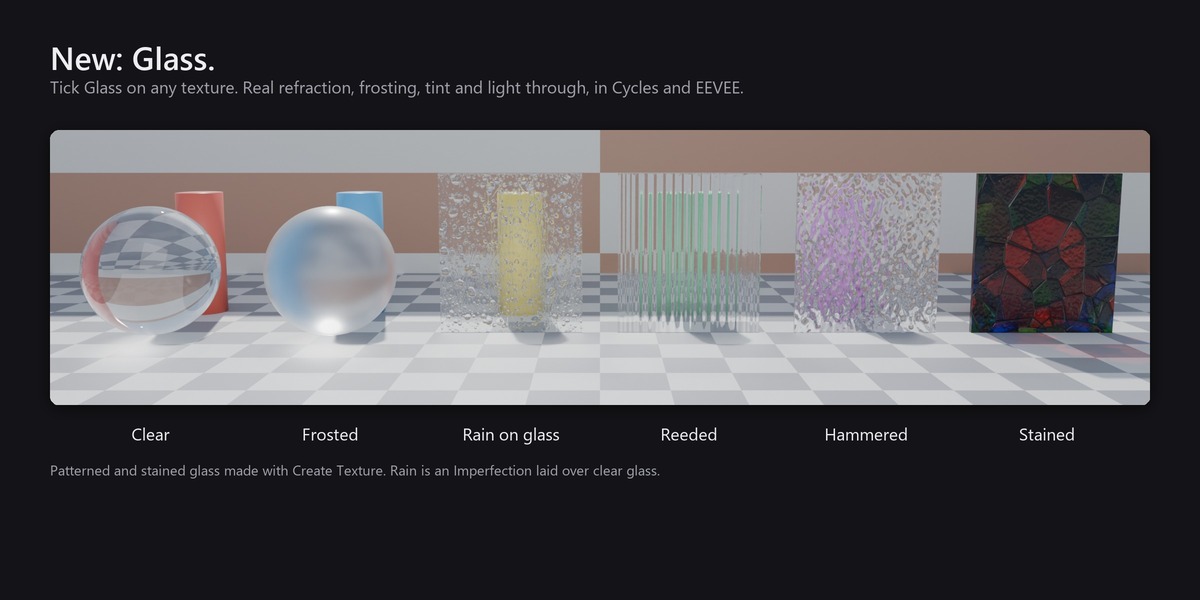
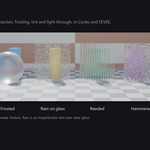
Glass, with the physics right (new in 1.2). Tick Glass on any texture and it becomes glass: light passes through, bends by the index of refraction of the glass you pick (window, crown, lead crystal, flint, diamond and more), and reflects off the surface more strongly at a slant. Set the transparency, frost it, tint it, or let a photo of stained glass supply the colour. A photo of reeded, hammered or rain glass becomes patterned glass that distorts the view like the real thing. Light passes through onto what is behind, in Cycles and EEVEE. The renders are tested against Snell's law and Fresnel's equations.
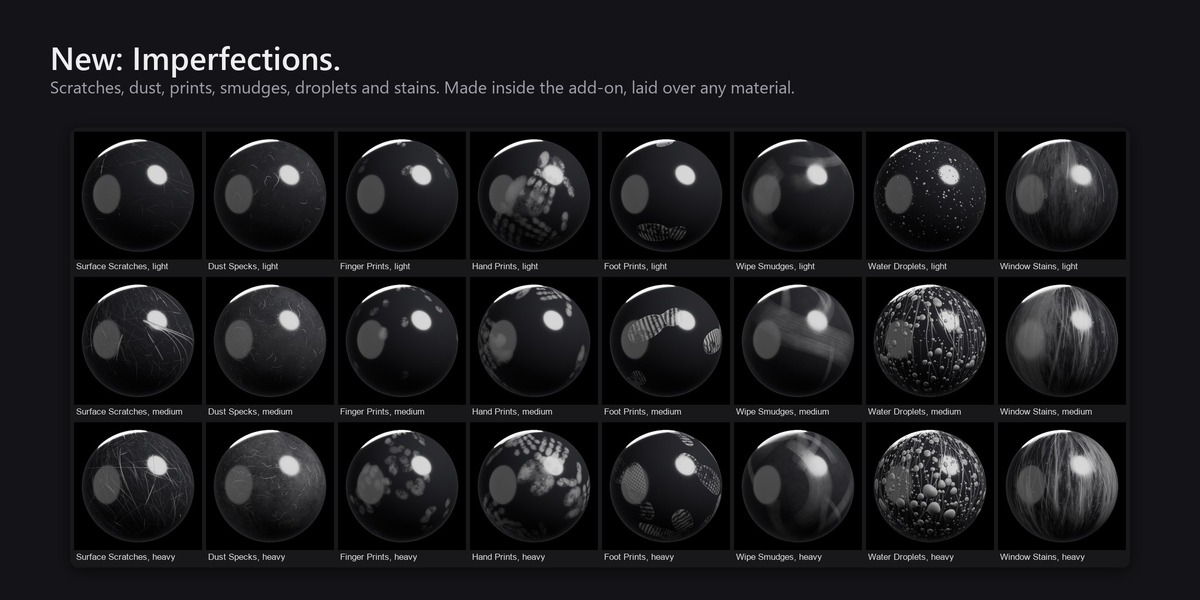
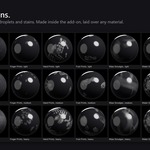
Imperfections, made on the spot (new in 1.1). Real surfaces are never clean. Create Imperfection draws scratches, dust, fingerprints, hand prints, foot prints, smudges, water droplets and window dirt stains as seamless overlay maps, each one unique, at light, medium or heavy amounts, one at a time or as a pack of over a hundred. Tick Imperfections on any material, pick one, and set how much it changes the roughness, colour and relief.
A texture library in your sidebar. Your textures appear as thumbnails, sorted into categories (Stone, Wood, Metal, Fabric, Concrete and 40 more are ready from the start). Search, filter, apply with one click, switch resolution, mapping and scale afterwards, rename, re-categorize, and delete textures you made (deleted folders go to the Recycle Bin on Windows, so they can be restored). You can also bring in texture sets you already own: drop folders into your library, or pick the files with Add Material.
What makes it different
- Photo to complete PBR set, with approval previews, without leaving Blender or using any online service.
- Built-in, seam-aware tiling (it cuts along the least visible path rather than cross-fading).
- Randomize Tiling with correct normal rotation and height-aware blending, as a simple checkbox.
- Fully offline: no account, no internet access, no telemetry. It only reads and writes the folders you choose.
- No textures are bundled: everything in your library is yours.