Shmexy Auto Texture
 VisionAir Studio
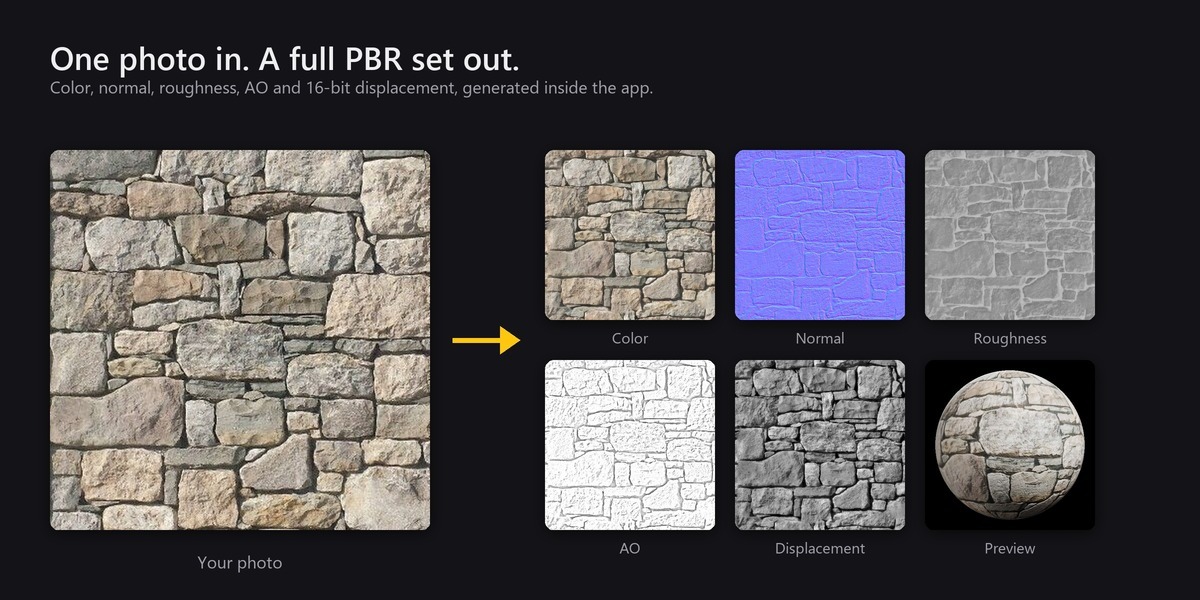
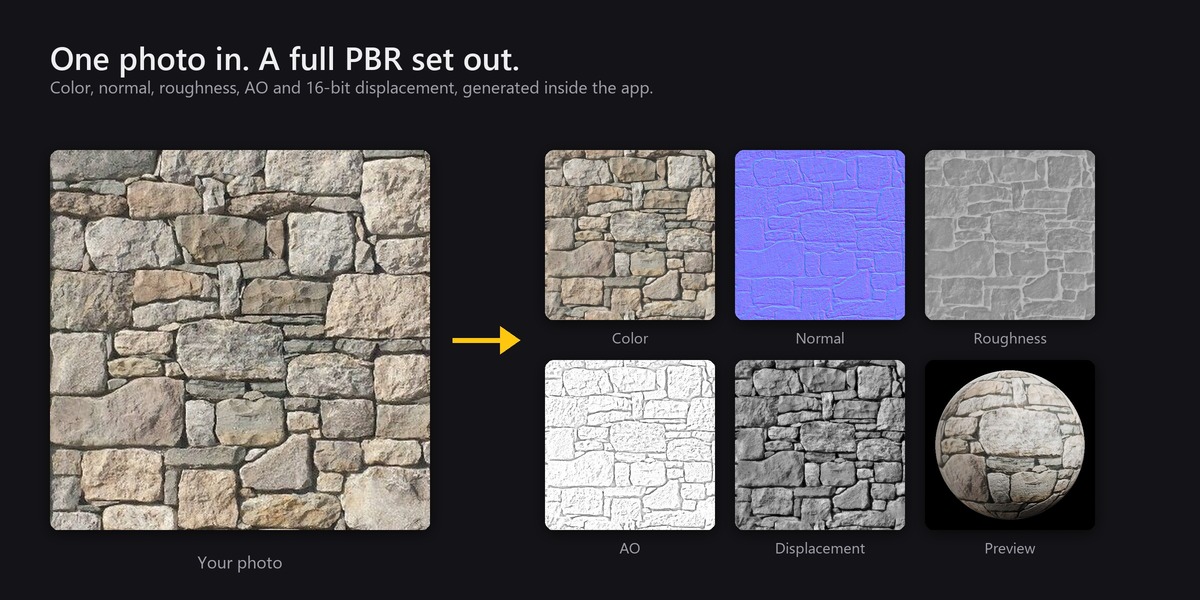
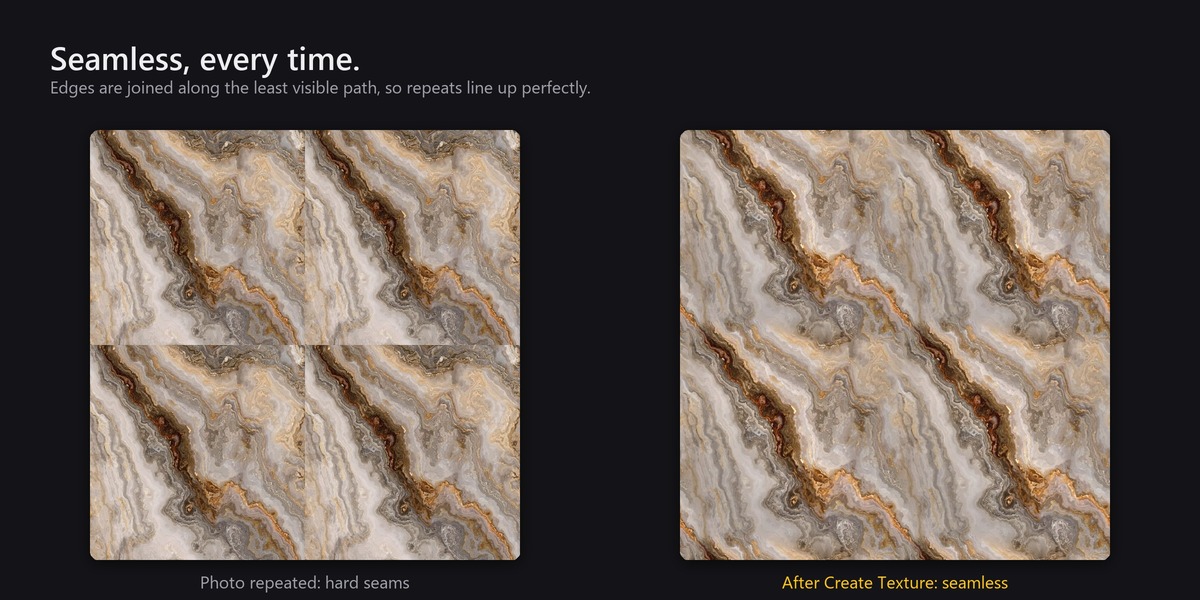
No. It never goes online and asks Blender for no network permission. It only reads and writes the library folders you set.
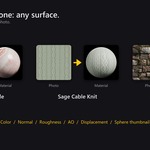
No. It makes textures from your photos, and it can manage texture sets you already own. Nothing is bundled, so everything in your library is yours to use.
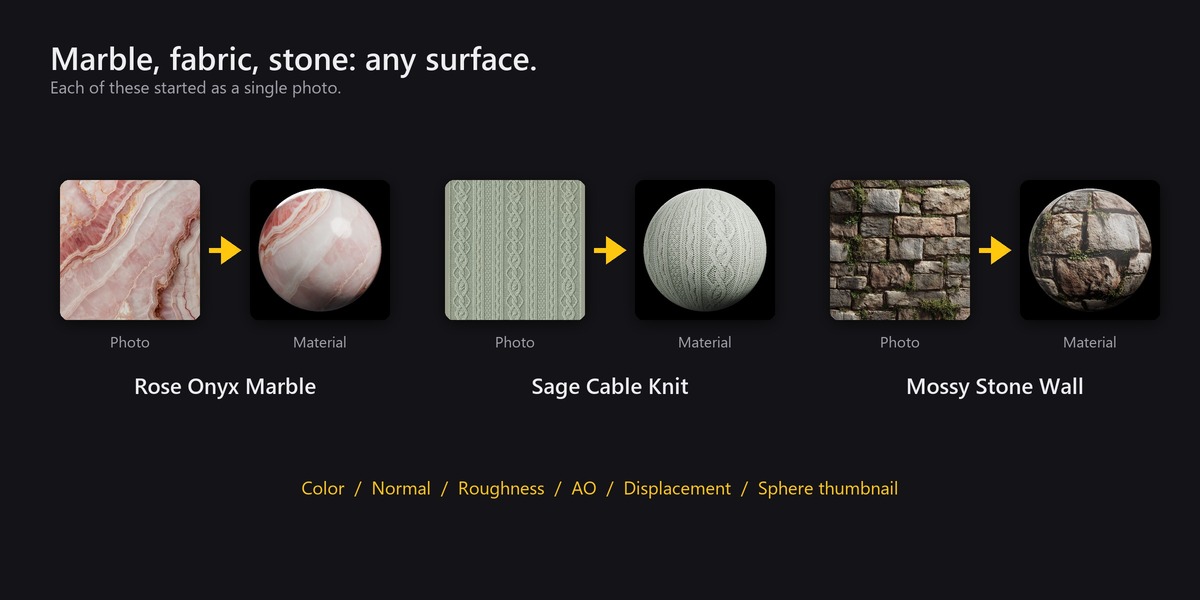
Flat surfaces shot straight on in even, soft light, filling the frame, at least 1200 pixels on the short side (2400 for a 2K texture). Avoid strong shadows, perspective and reflections.
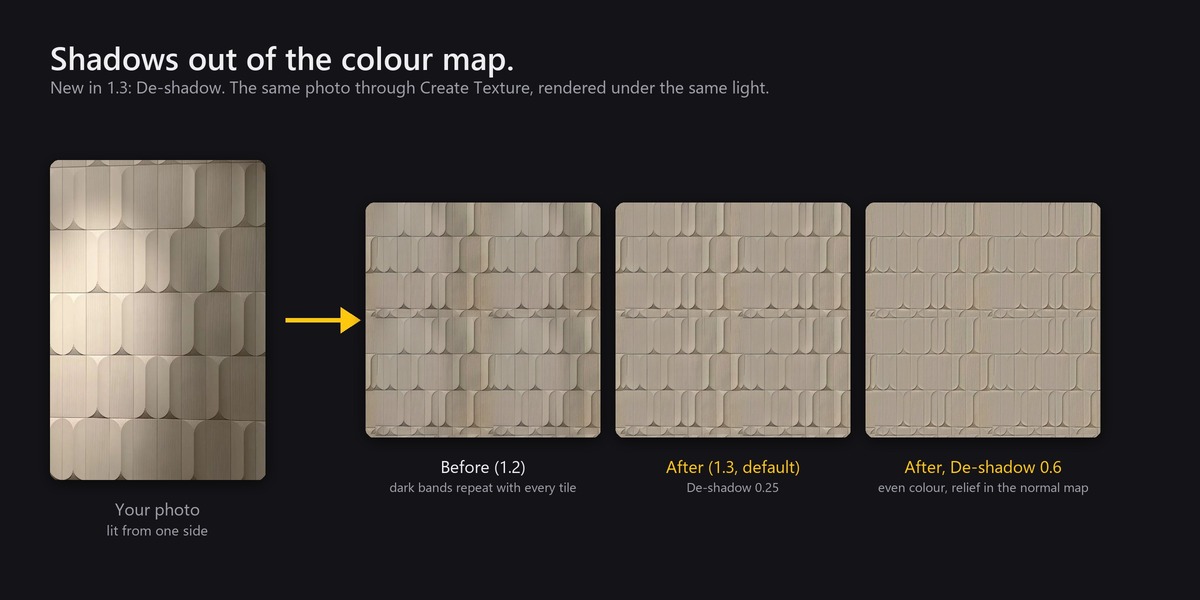
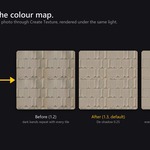
That is light from the photo: a shadow, or one side lit more than the other. Raise Tiling > De-shadow and generate again. At 1 only differences in colour and fine detail are left.
Lower it. It cannot tell a shadow from a darker area of the same colour, so for surfaces whose character is light and dark areas keep it at 0.25 or below; 0 turns it off.
Height is guessed from brightness. Turn on Dark Is High under Maps for surfaces whose low parts are lighter, then generate again.
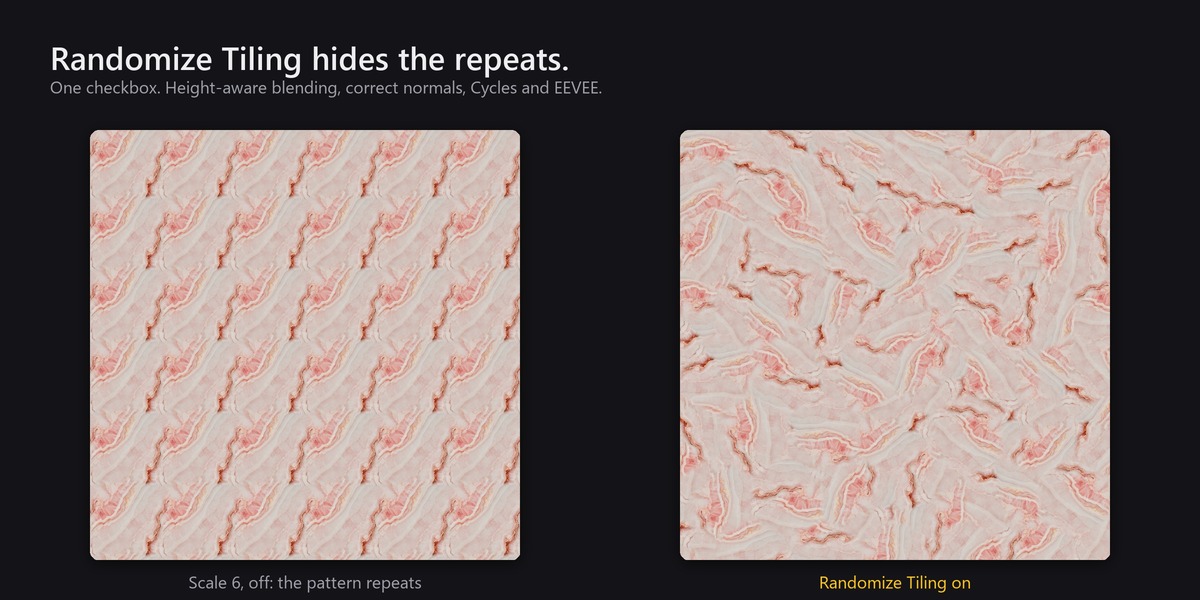
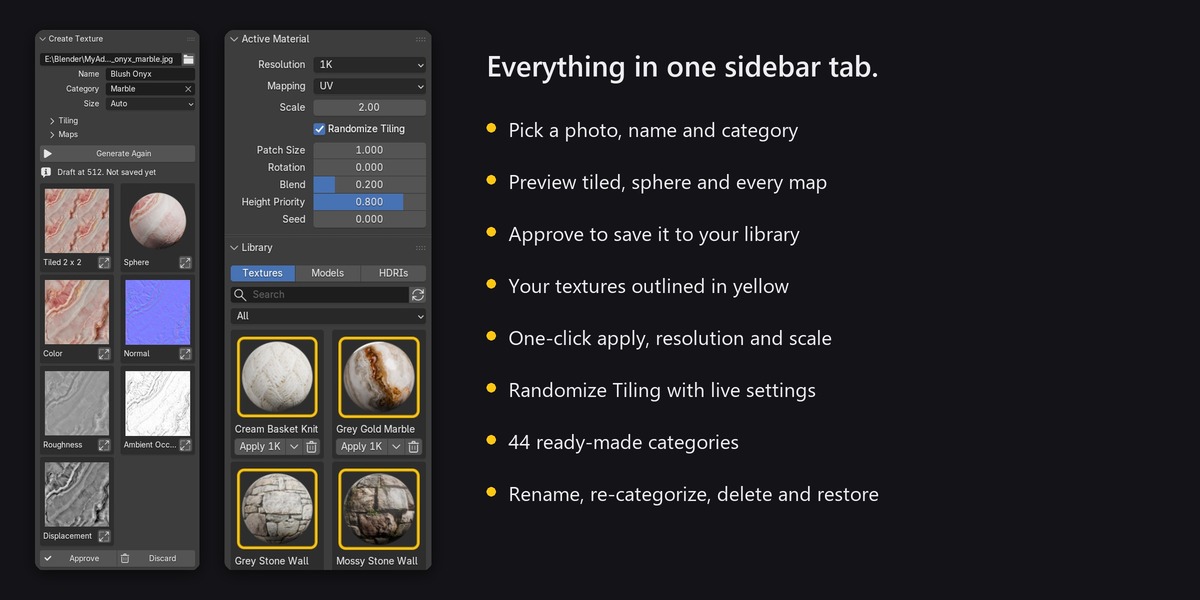
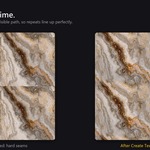
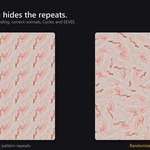
Turn on Randomize Tiling in Active Material. If large features get cut, raise Patch Size. For wood or other directional textures keep Rotation at 0.
Yes, in Cycles and EEVEE, with UV and Flat mapping. Box, Sphere and Tube mapping are not supported.
Textures with a strict grid will show broken grout lines where patches meet. Leave it off for those, or use a larger Patch Size.
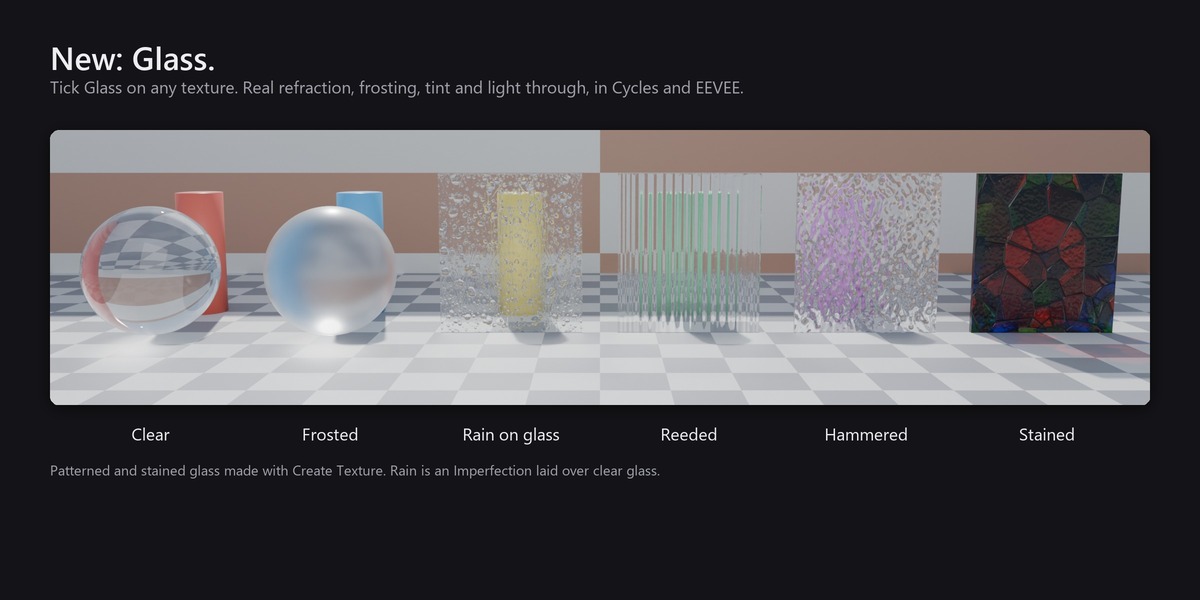
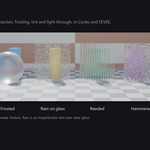
Apply a texture (for clear glass any texture will do, for patterned glass use a photo of the glass), then tick Glass in Active Material. Pick a glass type and set Transparency, Frosted and Tint.
Tick Thin Pane (Blender 5.2 or newer), or give the pane thickness with a Solidify modifier.
Turn on Raytracing in the render settings. The Glass section shows a button for it.
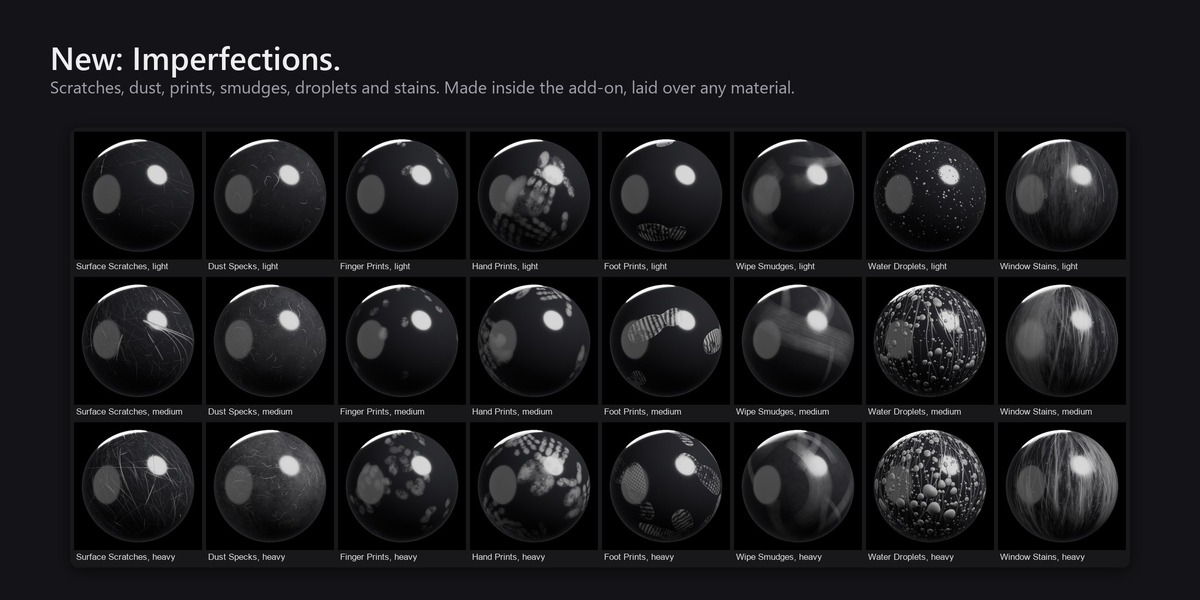
No. The add-on draws each one itself when you press Create, so they are original, different for every seed, and yours to use anywhere. Nothing is downloaded.
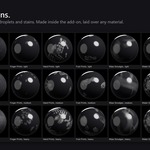
Yes. It works on any material with a Principled BSDF. Select the object and press Add on the imperfection in the library.
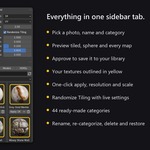
Yes, from the arrow menu beside Apply. Renaming updates materials in the open file. Other .blend files that already use the texture will need their images relinked.
On Windows, restore its folder from the Recycle Bin. On macOS and Linux, move it back out of the hidden .deleted folder next to where it was.
Blender 5.1 and newer. Tested on 5.1, 5.2 LTS and 5.3.
GPL-3.0-or-later. Parts of the material-building, map-naming, HDRI and model-import code are derived from the GPL-licensed Poliigon add-on for Blender. This product is not affiliated with or endorsed by Poliigon, and includes none of its textures.
Have questions about this product?
Login to message
| Blender Extension Compatible | Yes |
| Published | about 16 hours ago |
| Blender Version | 5.1 - 5.3 |
| Extension Type | Add-on |
| Render Engine Used | Cycles, Eevee |
| License | GPL |
Discover more products like this
PBR materials texture displacement photo to texture Texture Library seamless normal map anti-tiling tileable