 Phatarian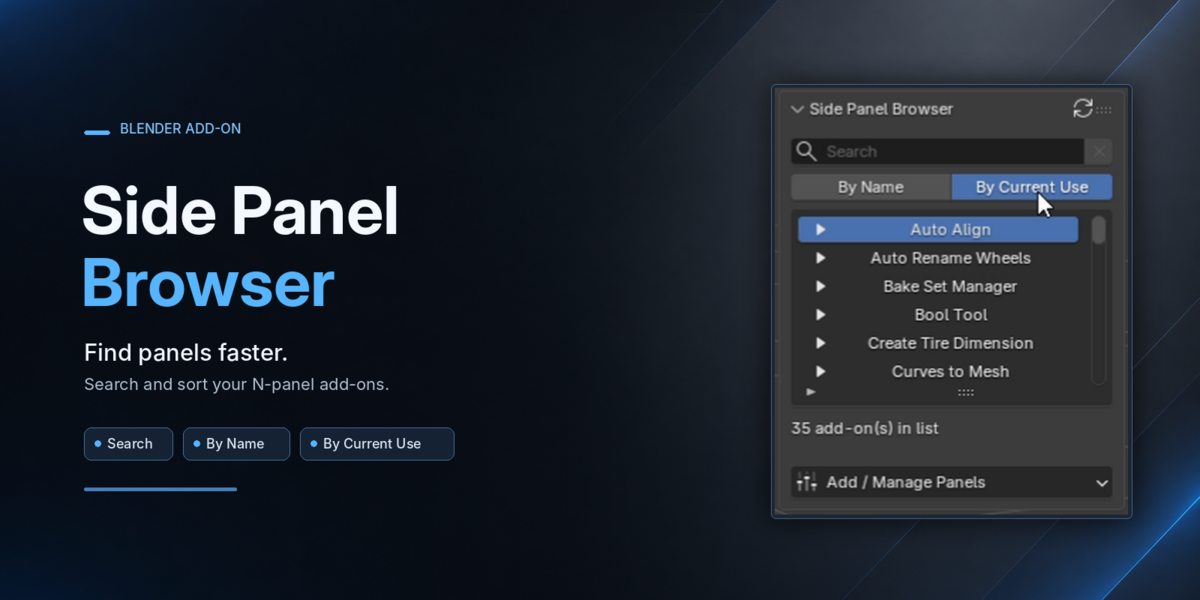
Side Panel Browser
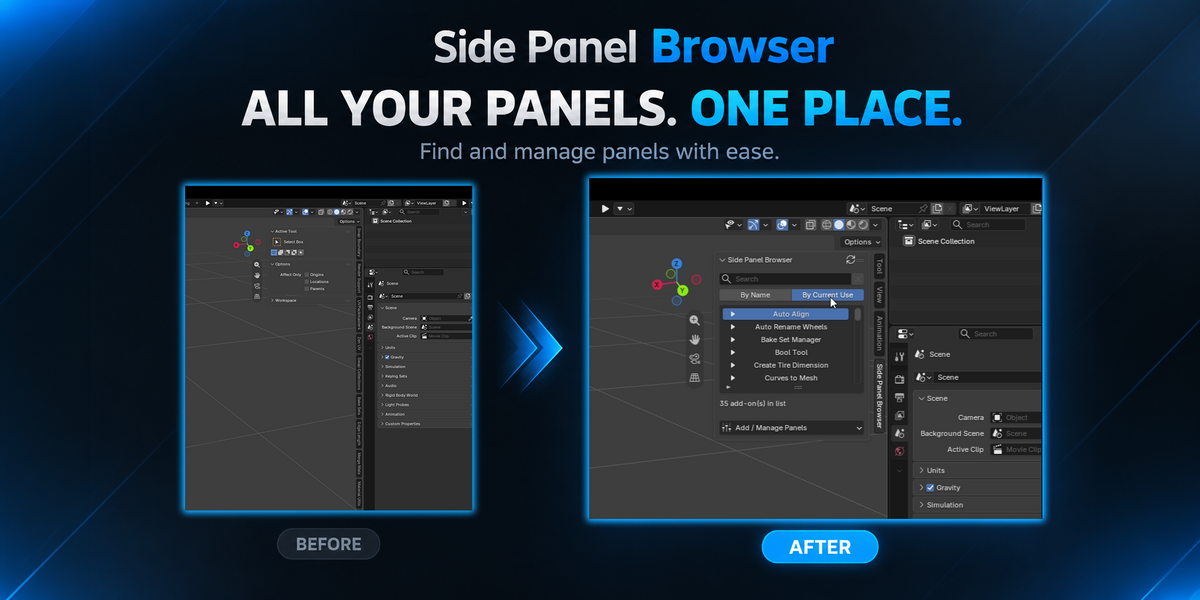
Keep your Blender Sidebar clean and your favorite add-on panels easy to find.
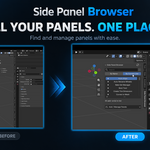
Side Panel Browser lets you manage selected add-on panels and access them from a single Sidebar tab — with less scrolling and fewer tab switches.
Features
📂 Keep Your Sidebar Clean
Bring your selected add-on panels together in one place while keeping their original functionality.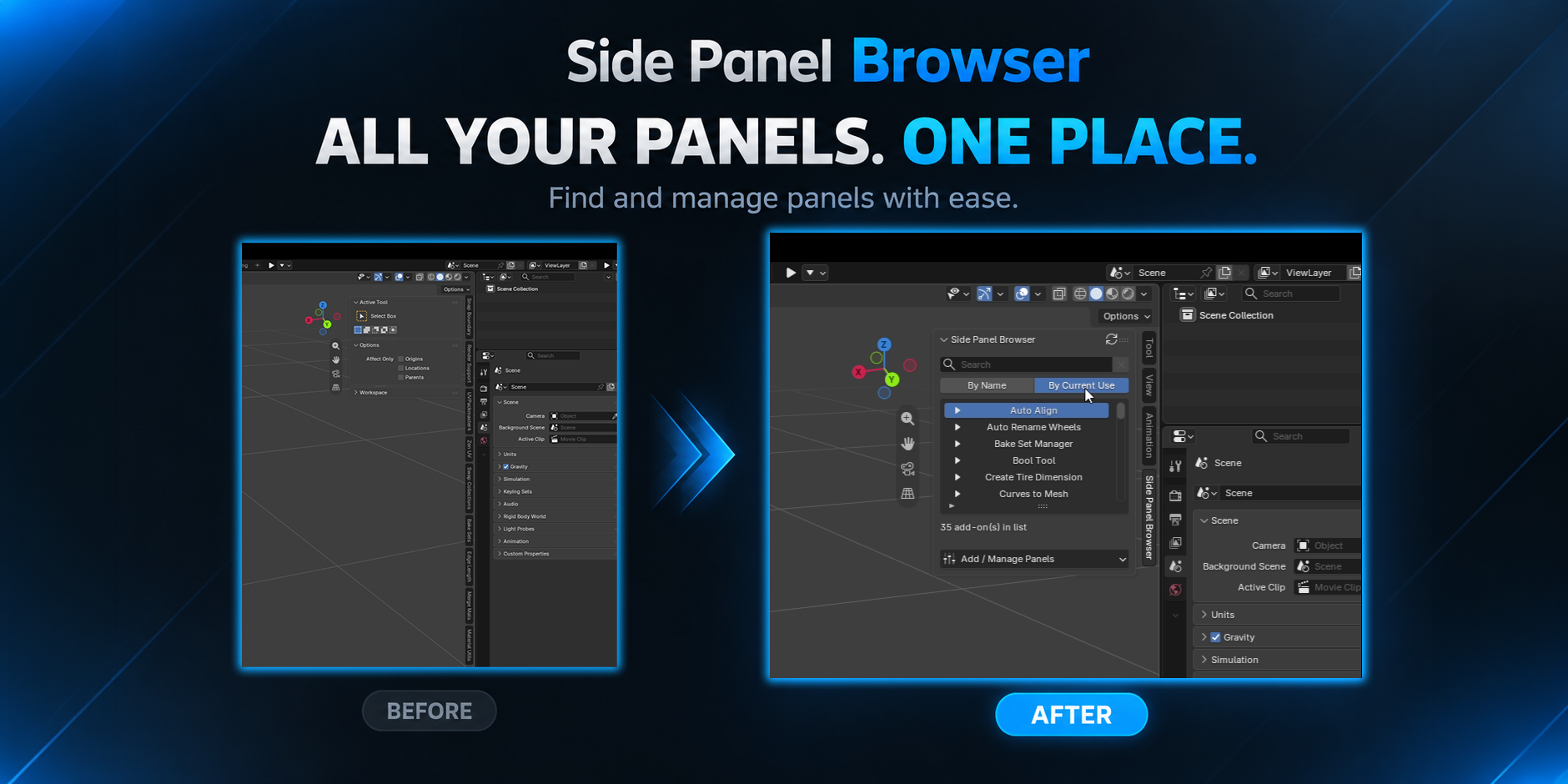
🔎 Quick Search and Sort by Current Use or by Name
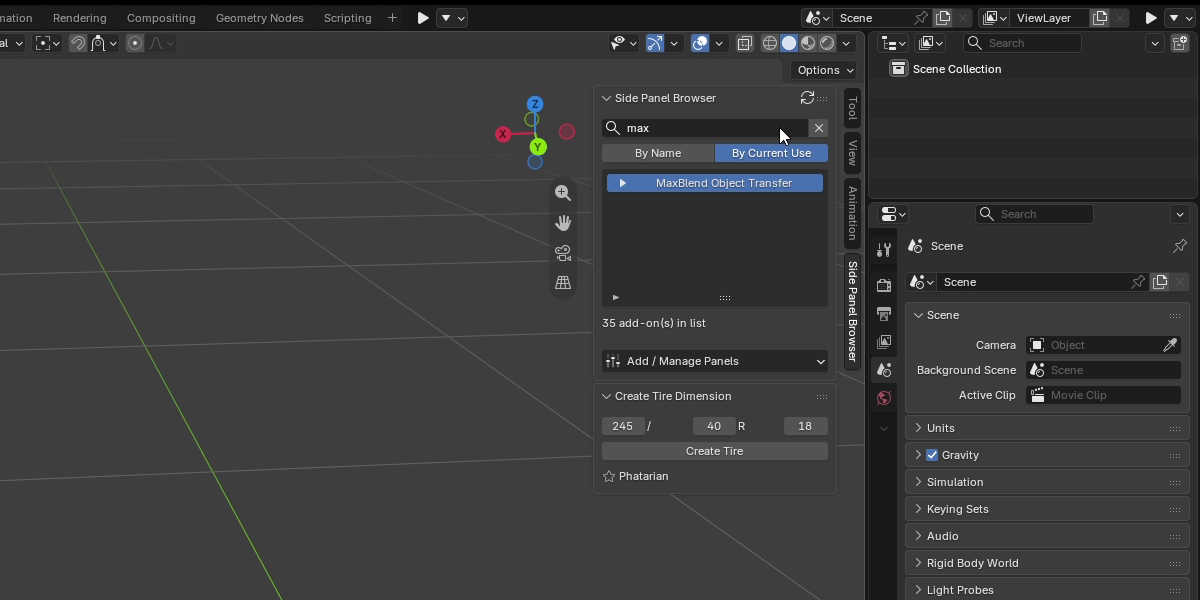
Find add-ons quickly with the built-in search box.
Keep frequently used add-ons within easy reach by sorting the list based on current use.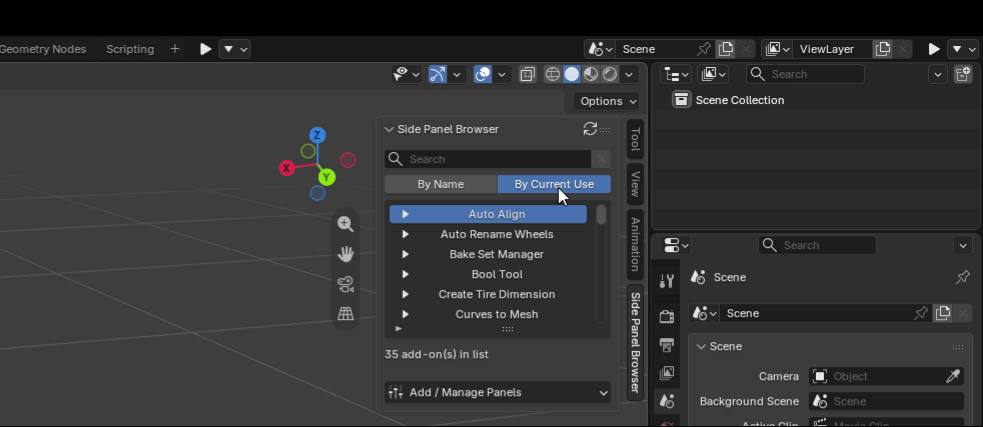
🖱️ Access Your Add-ons Easily
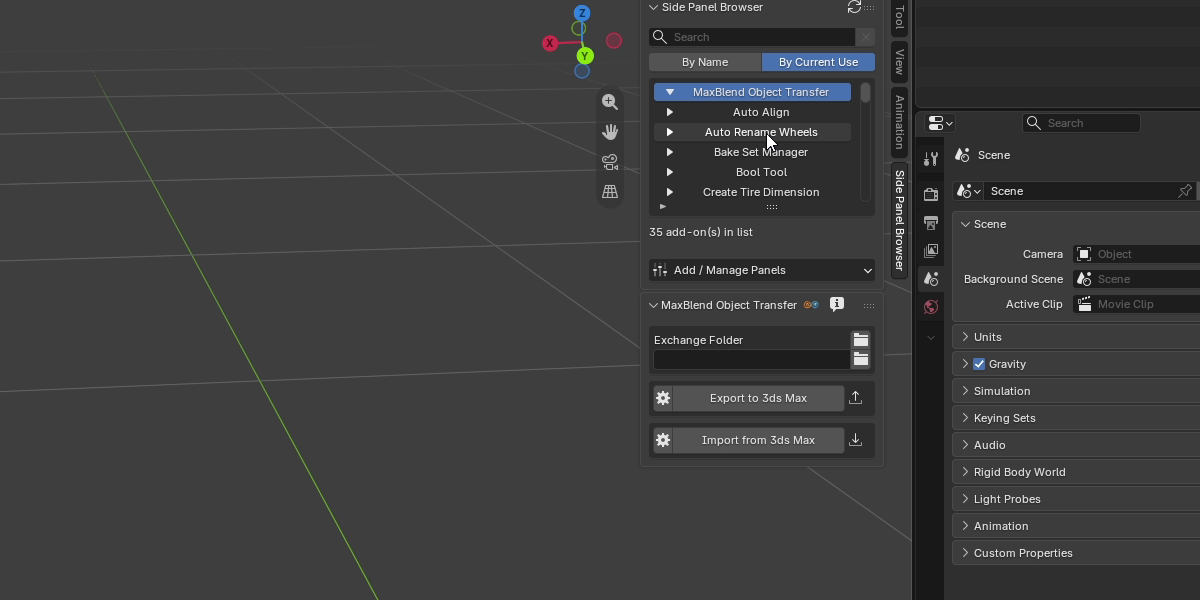
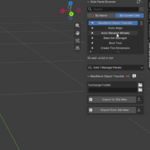
- Simply click an add-on in the Browser to show its original panels alongside Side Panel Browser. Your panels remain independent, fully functional Blender panels — not copies inside another interface.
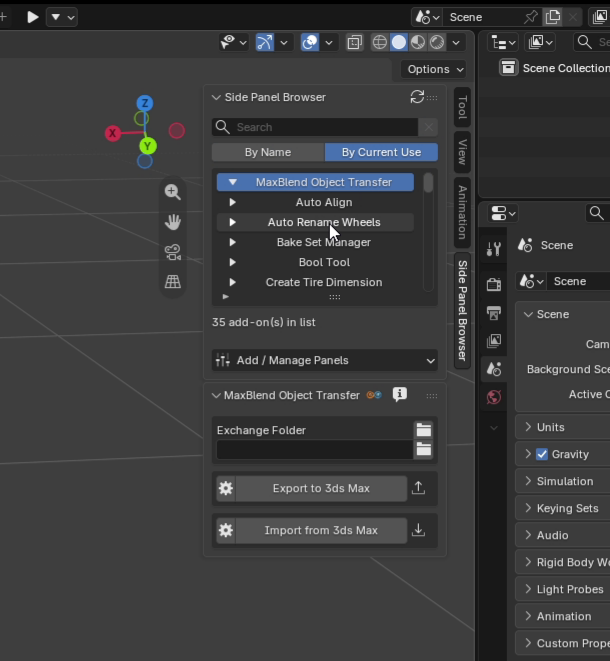
⚙️ Simple Panel Management and 💾 Your Setup Stays With You
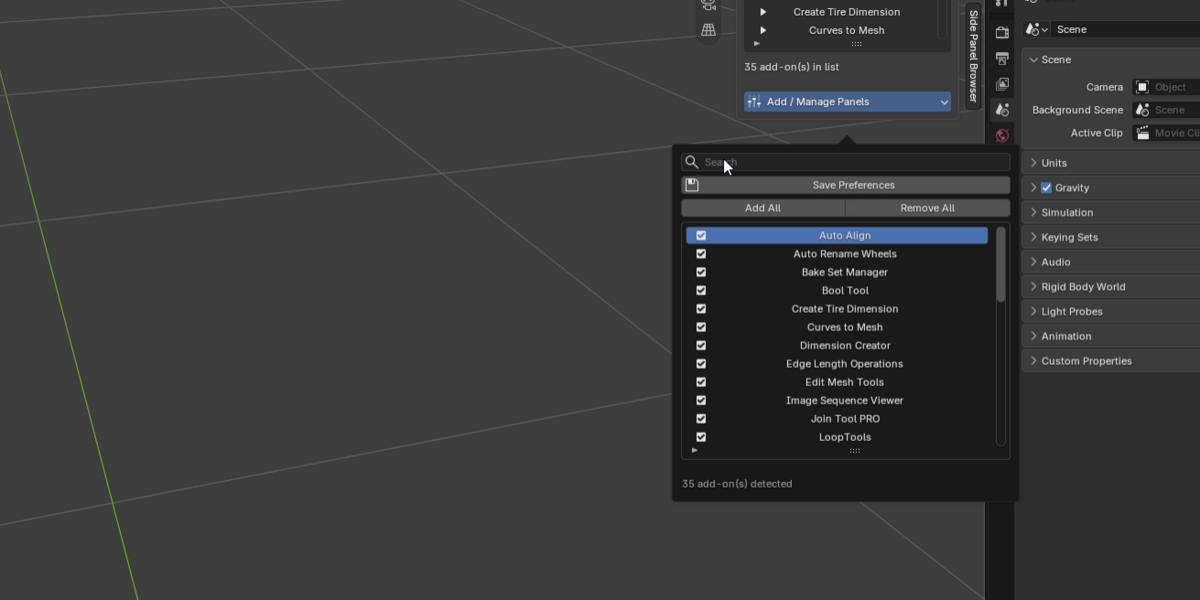
- Add or remove individual add-ons, use Add All / Remove All, and refresh the list whenever needed.
- Your managed add-on list is saved in Blender Preferences, so it stays organized across different .blend files and Blender restarts.
When a temporarily disabled add-on becomes available again, Side Panel Browser can resume managing its panels automatically.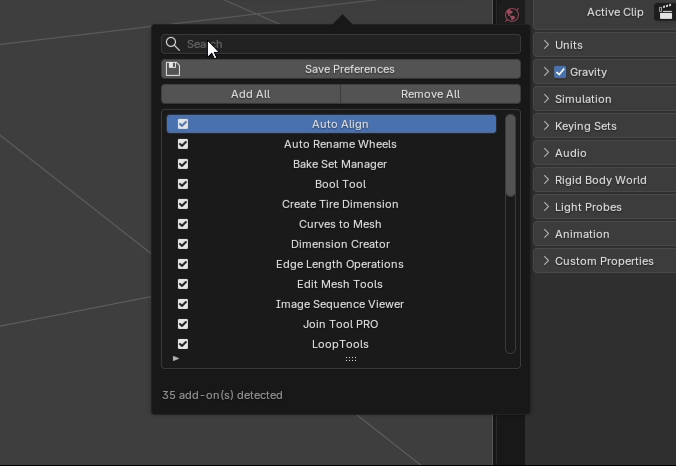
Feedback
Have a suggestion, found a bug, or want to share your experience? I'd love to hear from you!
Creator page: https://beacons.ai/phatarian3d
Changelog
v1.0.0
Initial release.
Made by Phatarian 💙