 KacaDev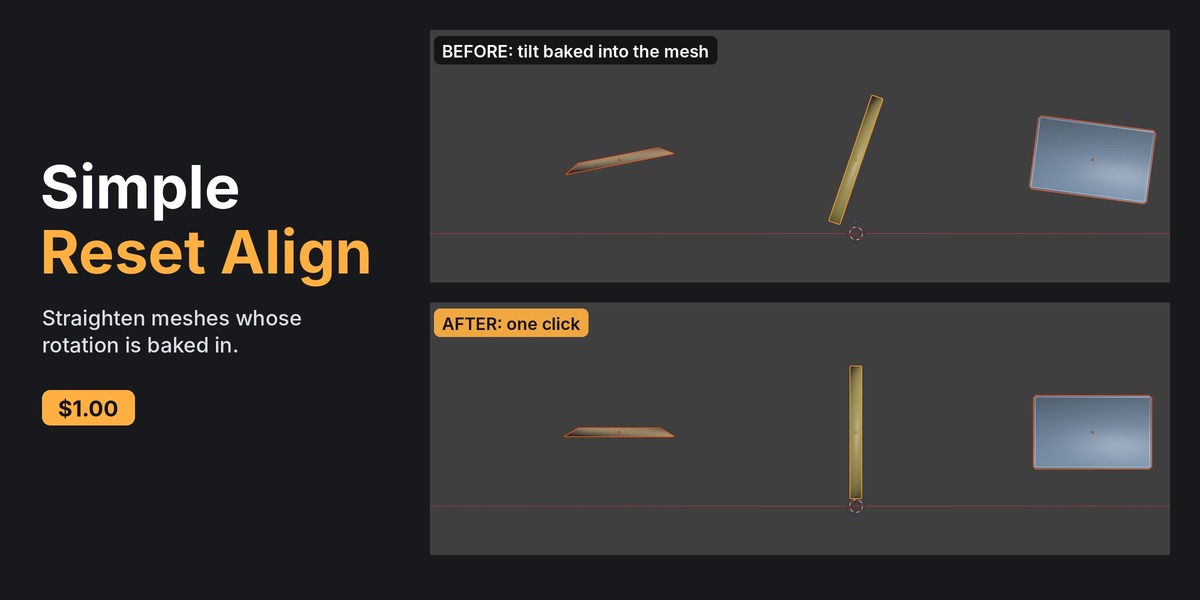
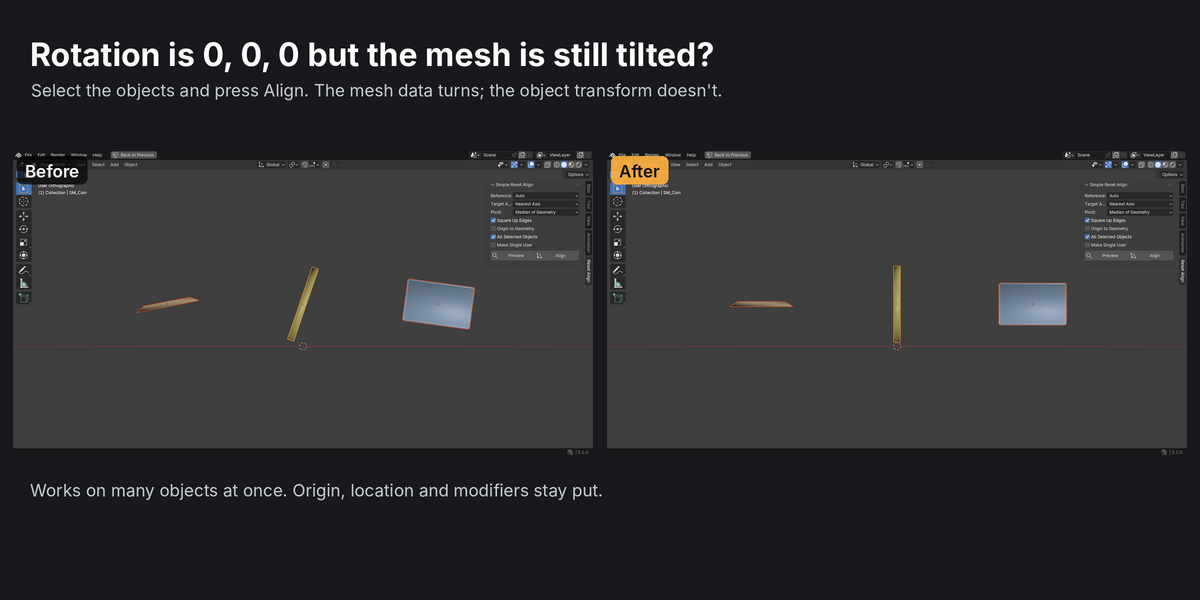
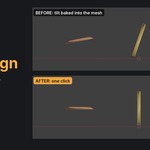
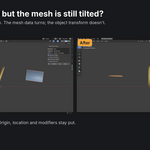
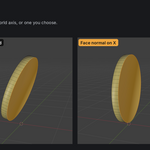
Rotation is 0, 0, 0, but the mesh is still tilted?
That happens when the tilt is baked into the mesh data: after Apply Rotation, after an import, or on a kitbash piece from someone else. There's no rotation value left to undo, so you end up guessing the angle and typing it in by hand.
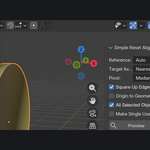
Simple Reset Align measures the tilt and rotates the mesh data back onto the world axes. The object's transform, location and origin stay where they are.
How it finds the tilt
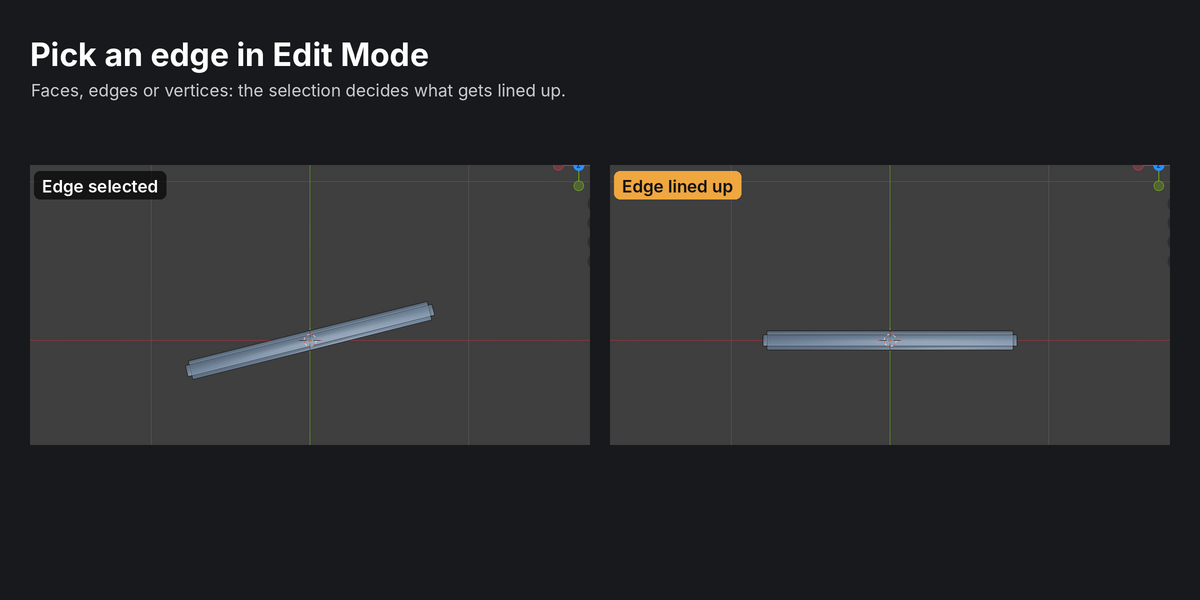
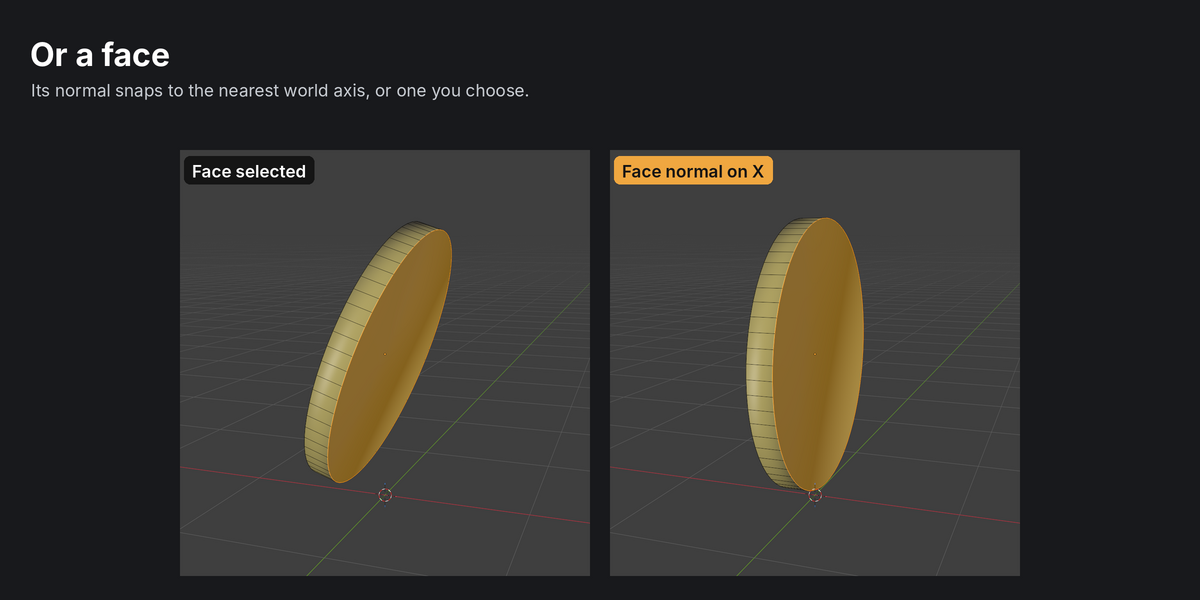
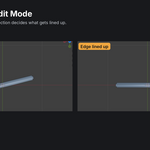
- In Edit Mode, your selection decides. Faces: their average normal. One edge or parallel edges: the edge direction. 3 or more vertices: the plane through them (or the line, if they're in a row). 2 vertices: the line between them.
- In Object Mode, it uses the largest flat area. That's the biggest group of parallel faces, which suits coins, plates, panels, tiles and boards. Caps split into triangles still count as one flat area.
- No clear flat area: it falls back to the thinnest direction of the vertex cloud (PCA).
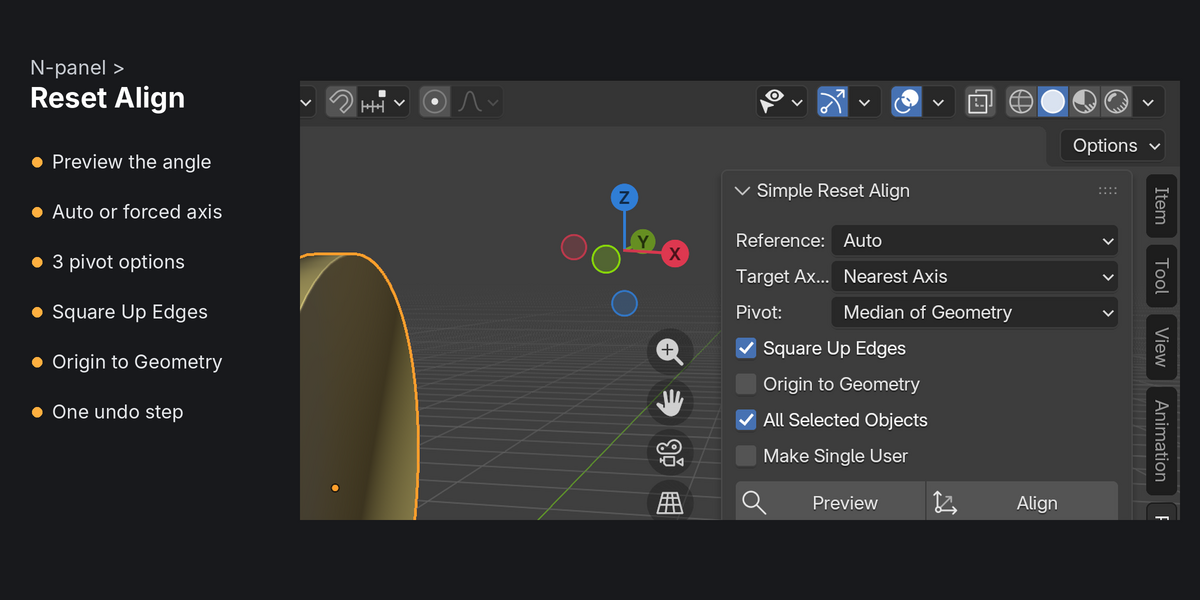
- Square Up Edges then spins the mesh around that axis so straight edges line up with the other world axes. Round shapes like discs are left alone.
Options
- Target axis: snap to the nearest world axis, or pick one (X, Y or Z with either sign, or a fixed +/- axis).
- Pivot: median of the geometry, the object origin, or the 3D cursor.
- Origin to Geometry afterwards (optional).
- Preview reports the angle without changing anything.
- After aligning, the status bar shows what changed, e.g. "Rotated -18.95 deg around Y".
Safe on real scenes
- Works on all selected objects at once, in Object or Edit Mode, with one undo step.
- Modifiers such as Weighted Normal and Smooth by Angle keep working. Shape keys rotate along with the mesh.
- Parented objects, non-uniform scale and negative scale: handled. The result is straight in world space.
- Shared mesh data: skipped with a warning, or given its own copy if you tick Make Single User.
- Mirror, Array, Screw and Simple Deform modifiers: these use the object's local axes, so you get a warning that their result will change.