 KacaDev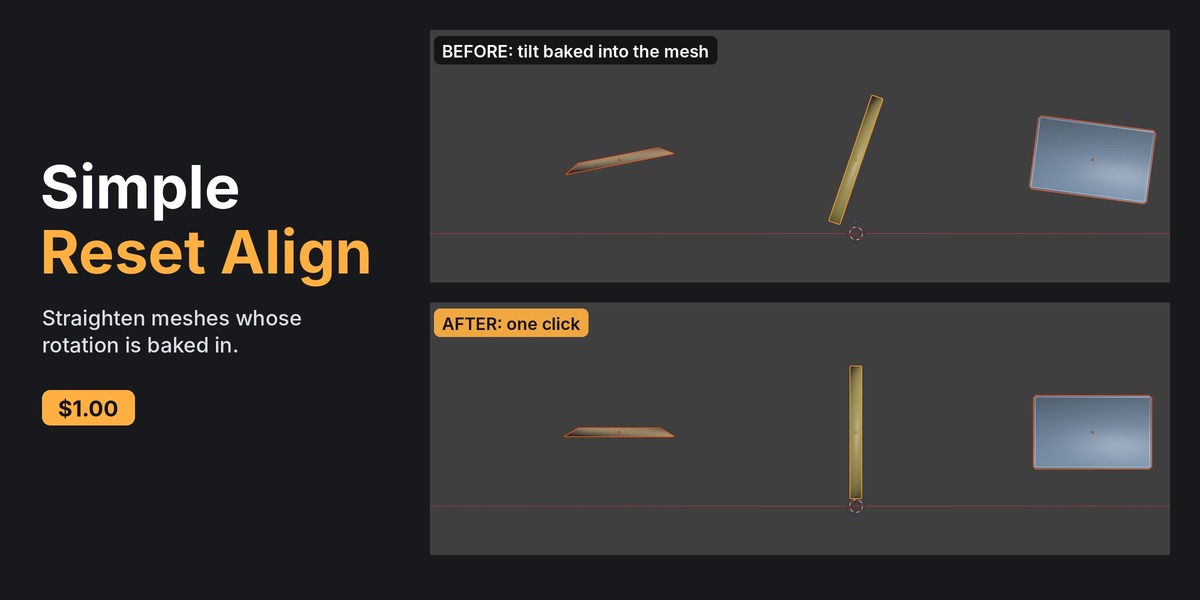
Does it change my object's rotation, location or scale?
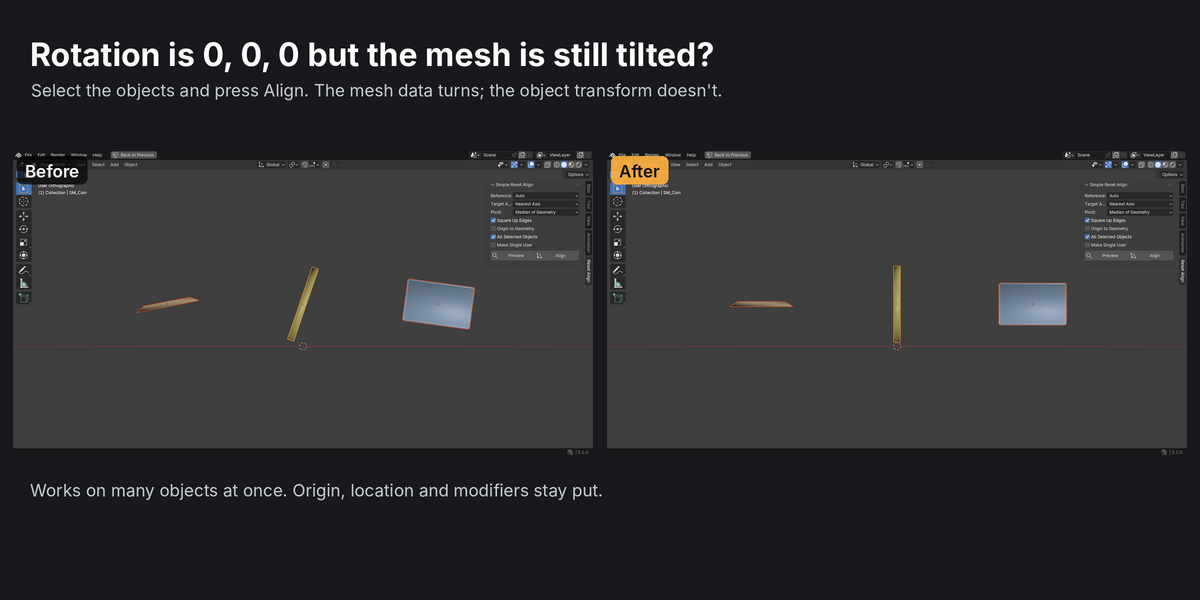
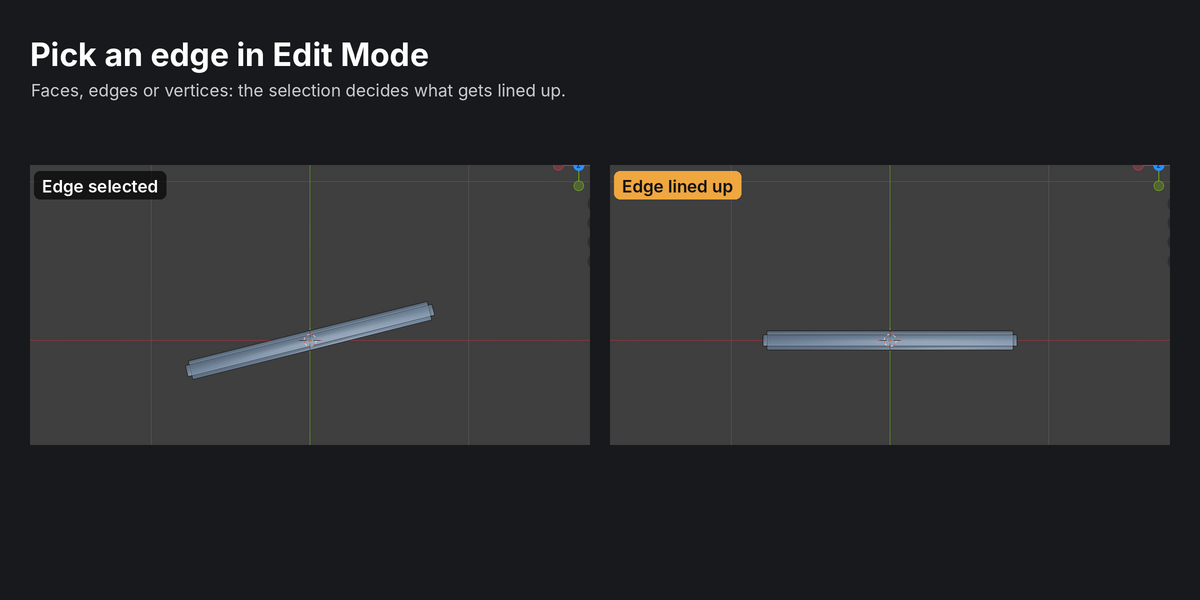
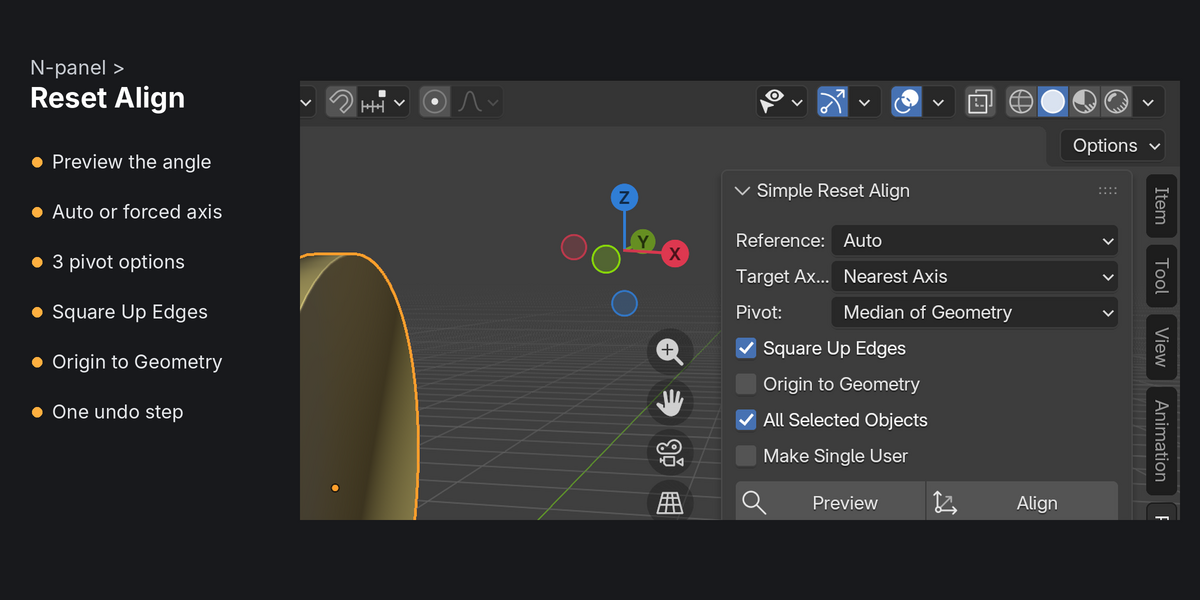
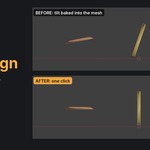
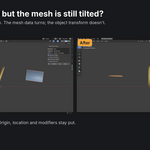
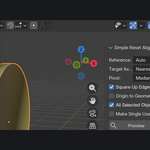
No. Only the mesh data turns, around the pivot you pick, so the object's transform and origin stay the same. The one exception is Origin to Geometry, which moves the origin when you turn it on.
Will my modifiers still work?
Yes. Modifiers like Weighted Normal, Smooth by Angle and Bevel just see a rotated mesh. Mirror, Array, Screw and Simple Deform work along the object's local axes, so their result will change. You get a warning when an object has one of these.
What if several objects share the same mesh?
They're skipped with a warning, because rotating shared data would also turn the other objects. Tick Make Single User to give the selected object its own copy first.
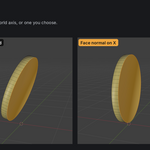
My object is a disc or coin. Will Square Up Edges spin it randomly?
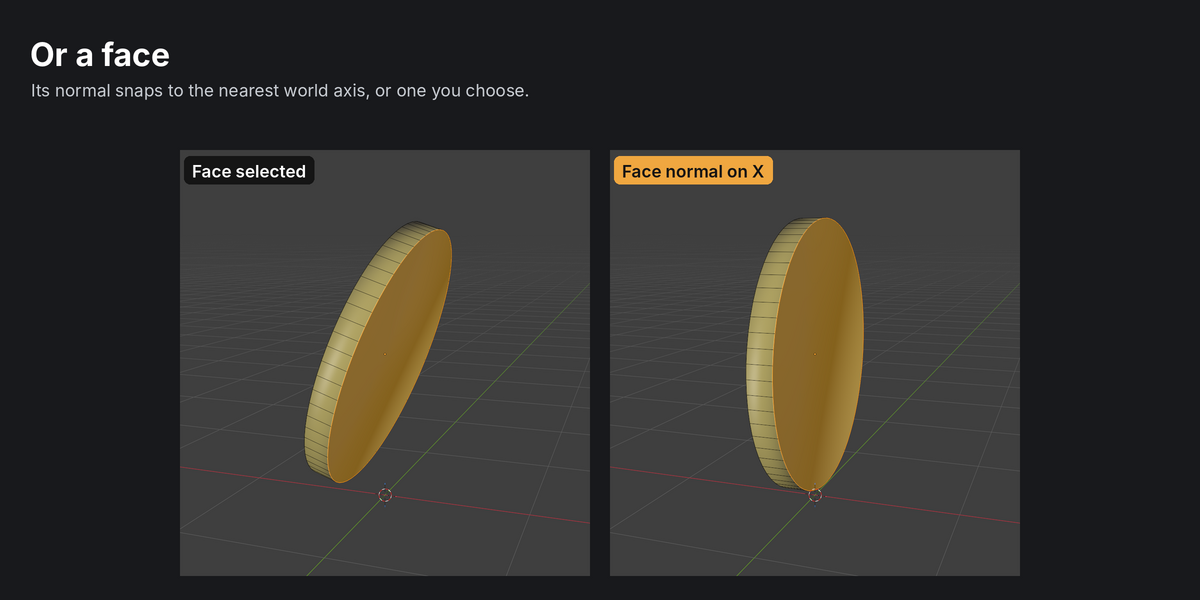
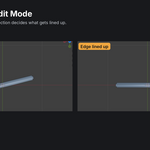
No. Square Up only acts when the edges show a clear direction. On round shapes the edges point every way, so it does nothing.
How do I undo it?
Ctrl+Z, once. It's a single undo step in both Object and Edit Mode.
Can I use it in commercial work?
Yes. The add-on is GPL, and anything you make with it is yours.
Have questions about this product?
Login to message
| Blender Extension Compatible | Yes |
| Published | 3 days ago |
| Blender Version | 4.2 - 5.1 |
| Extension Type | Add-on |
| Render Engine Used | Cycles |
| License | GPL |