 Matthias Patscheider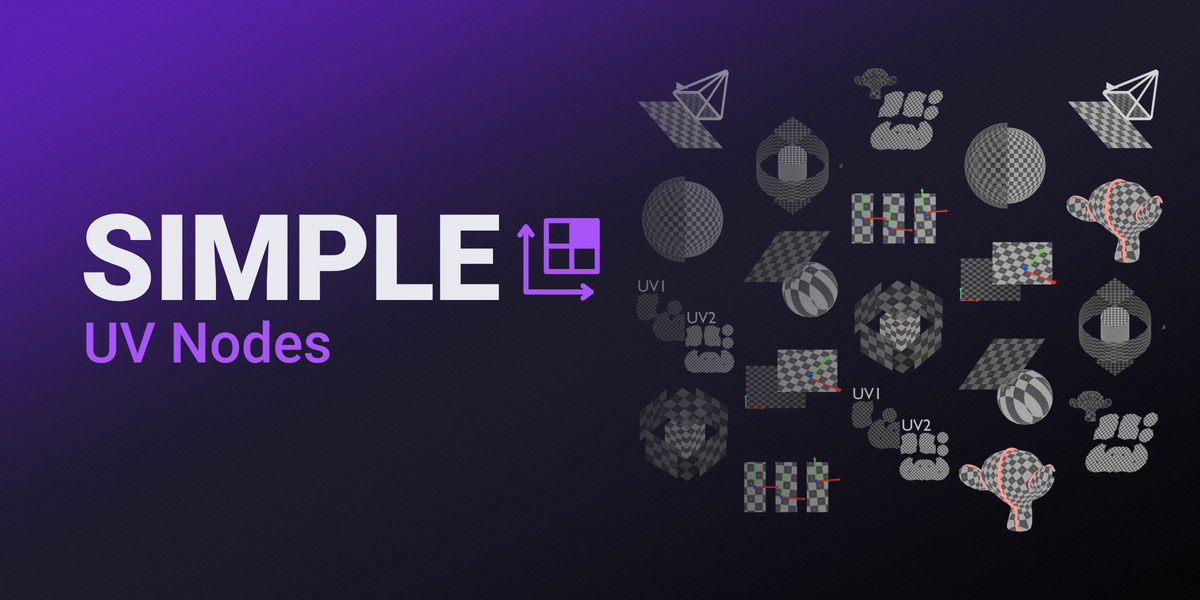
SIMPLE UV Nodes
UV projection and transformation, live in your modifier stack. No unwrapping, no operators, no context switch — just drag a node in.
See It Update Live
Change a parameter, move the camera, edit the mesh upstream — the projection re-runs in real time, right in the Geometry Nodes editor.
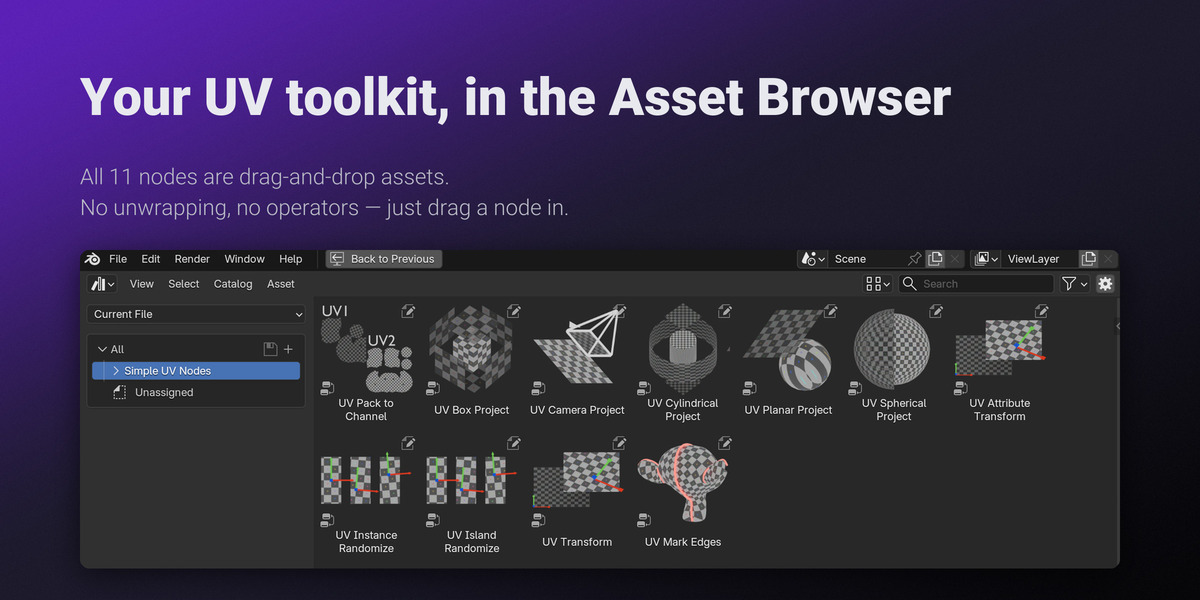
Every Node, One Asset Library
Drag straight out of Blender's Asset Browser into your modifier tree.

|
Setup: unzip, add the folder for your Blender version under Preferences → File Paths → Asset Libraries, then drag nodes from the Asset Browser.
|
|
Non-Destructive
|
| ✓ Change any parameter at any time — nothing is baked until you need it to be |
| ✓ Reacts automatically to upstream geometry changes |
| ✓ No context switching — stay in the Geometry Nodes editor |
|
|
See It in the Camera,
|
| ✓ Perspective or Orthographic — follows the camera's lens type, with true parallel projection when set to Orthographic |
| ✓ Projection resolution set independently of the scene render resolution |
|
|
Planar, Spherical,
|
| ✓ Planar — flat projection for dominant-direction surfaces |
| ✓ Spherical — normalized or real-world scale, seam-corrected |
| ✓ Cylindrical — optional blended caps on end faces |
|
|
Break Up
|
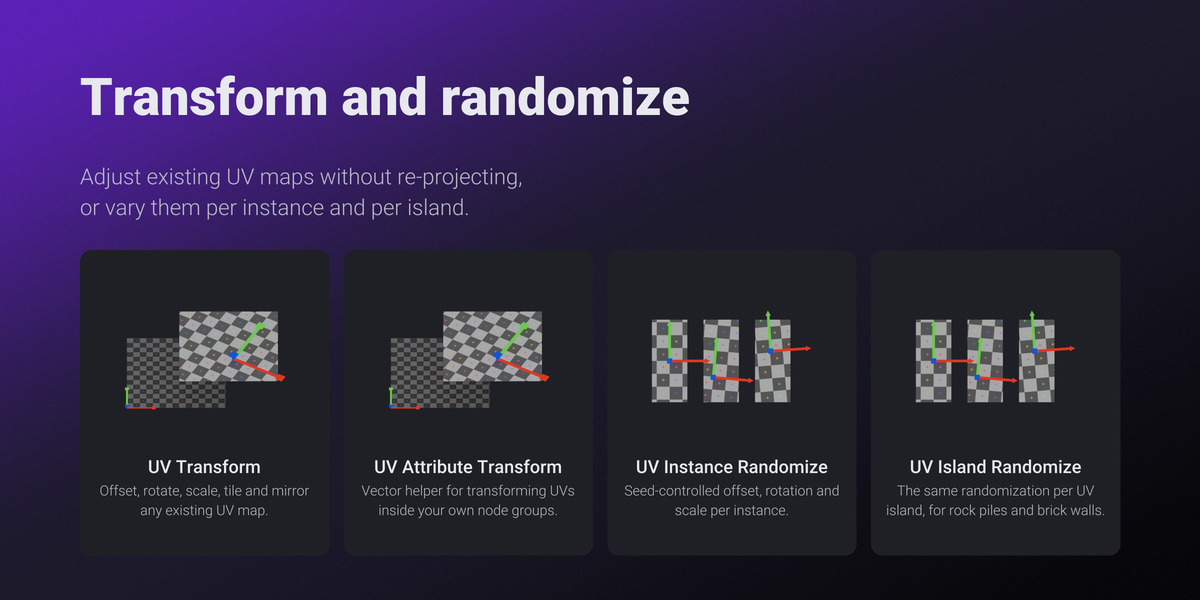
| ✓ Instance Randomize — random UV transform per instance |
| ✓ Island Randomize — random UV transform per UV island |
|
|
Skip the Manual
|
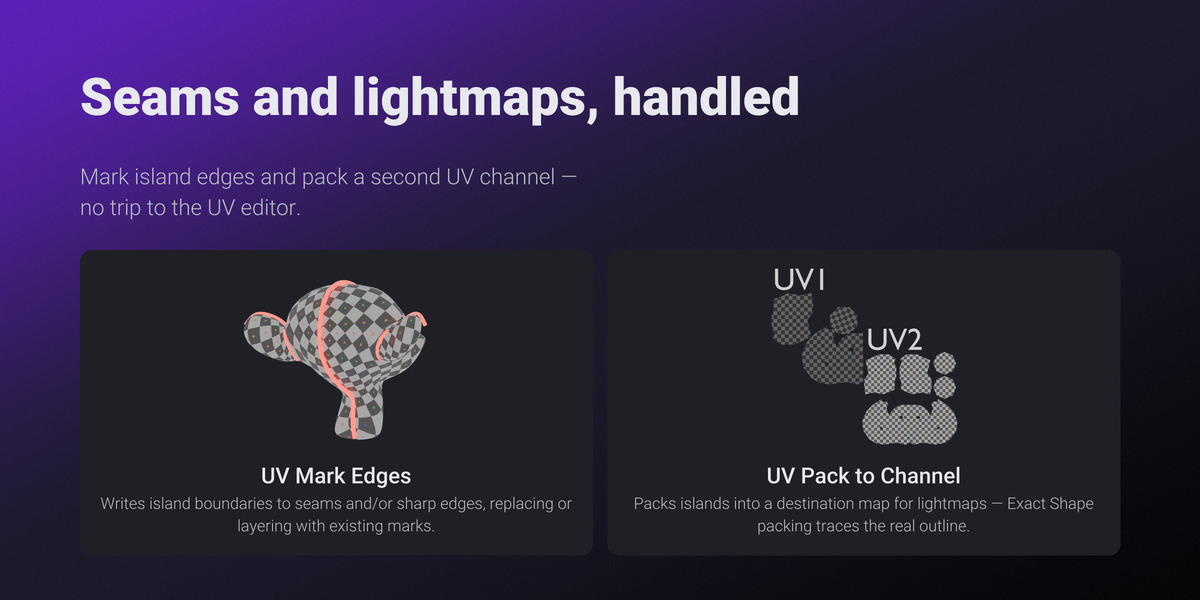
| ✓ Mark Edges — turn UV island boundaries into seams and sharp edges automatically |
| ✓ Pack to Channel — auto-pack islands into a second UV channel for lightmaps, ambient occlusion, or masks |
|
|
One Texture Across
|
| ✓ World — kit pieces and scattered copies line up without hand-offsetting UVs (listed as Global in the node's Coordinates menu) |
| ✓ Object — the texture stays put on a prop as you move, rotate, or animate it |
All 11 Starter Nodes
Every projection, transform, and utility node in the pack.
 UV Box Project
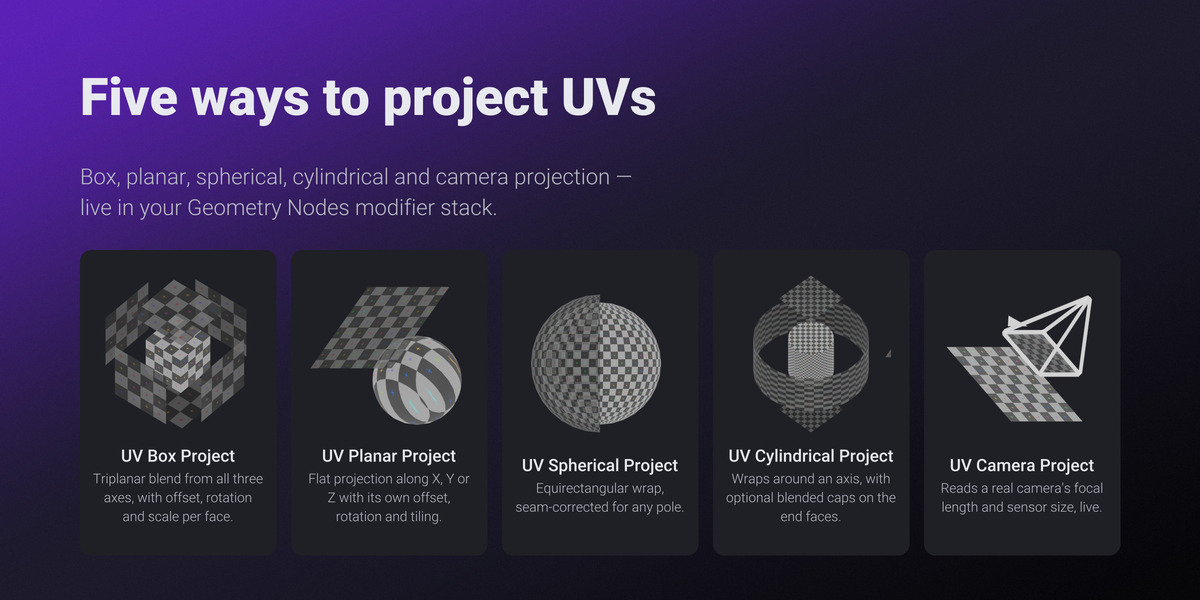
Triplanar blend from all three axes, with independent offset, rotation, and scale per face — Object or World space.
|
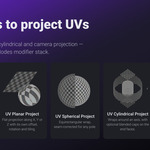
 UV Planar Project
Flat projection along a chosen X, Y, or Z axis, with its own offset, rotation, tiling, and scale.
|
 UV Spherical Project
Equirectangular wrap, seam-corrected on any pole axis. Real World Scale keeps texel density consistent with a neighboring projection.
|
 UV Cylindrical Project
Wraps around a chosen axis, with optional blended caps on end faces past a face-normal angle threshold. Rotate shifts the seam.
|
 UV Camera Project
Reads a real Camera's focal length, sensor size, and lens type — including true parallel projection in Orthographic. Updates live.
|
 UV Transform
Non-destructively offset, rotate, scale, tile, and mirror any existing UV map — no re-projecting from scratch.
|
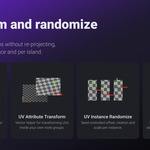
 UV Instance Randomize
Seed-controlled offset, rotation, and scale per instance, pivoted on each UV island's center so placement stays predictable.
|
 UV Island Randomize
The same per-instance randomization, scoped to UV islands on one mesh — stack both for rock piles and brick walls.
|
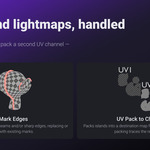
 UV Mark Edges
Writes island boundaries to seams and/or sharp edges, with independent Clear toggles to replace or layer with existing marks.
|
 UV Pack to Channel
Packs islands into a destination map for lightmaps — Exact Shape packing traces the real outline, not just a bounding box.
|
UV Transform (Vector)
A pure-vector helper with no Geometry socket — offsets, rotates, and scales a UV coordinate inline inside custom node groups.
|
…
More nodes on the way
New UV node groups will join the pack in future updates.
|
The Starter Kit
These 11 nodes cover the essential UV workflow — projection, transform, randomization, and cleanup. This is the first release: more UV node groups are planned and will be added in future updates to the pack.
Everything Inside
One library, the whole UV workflow.
|
Named UV Attributes
Every node targets a user-specified UV attribute name, so you can create and manage multiple UV maps on one mesh.
|
Pure Geometry Nodes
No Python dependency, no operator to run — everything is a standard Geometry Nodes modifier.
|
Minimum Blender version: 4.5. If you update to a new minor version, swap the registered Asset Library folder to the matching one from the zip — older folders keep working but won't include newer features.
Why Trust Simple UV Nodes?
Over a decade refining workflows for real-time engines. Simple Renaming, Simple Collider, Simple Export, and Simple Camera Manager are used and trusted by thousands of artists and studios worldwide.


|
10+
years of production experience
|
50,000+
Simple Renaming users
|
500+
Simple Collider users
|
