SlothMograph
 Philip Sloth
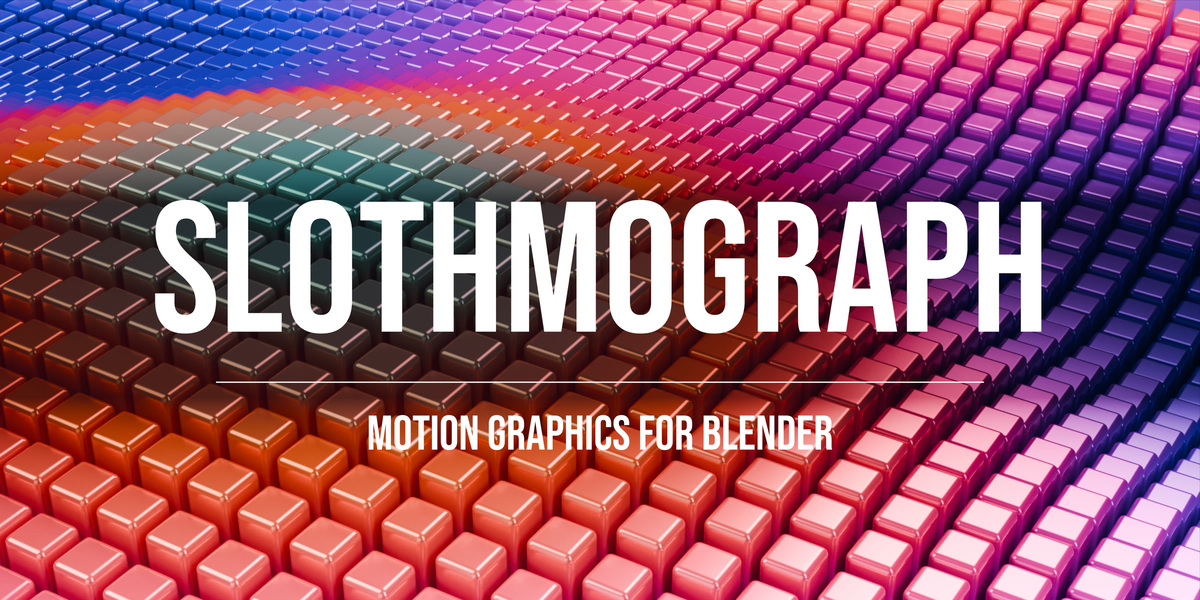


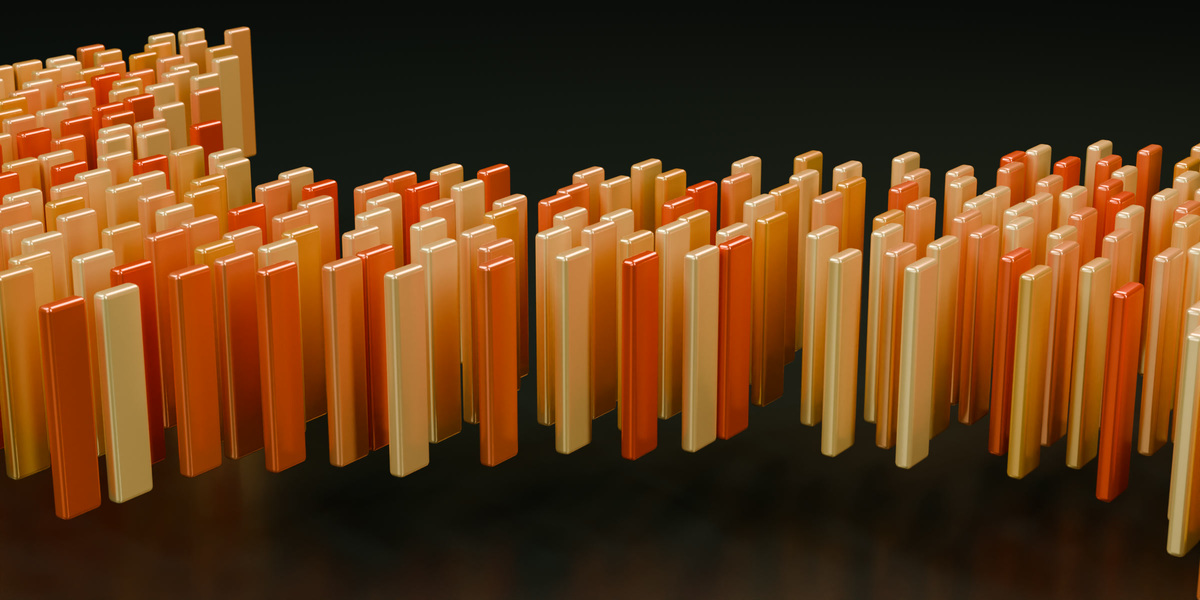
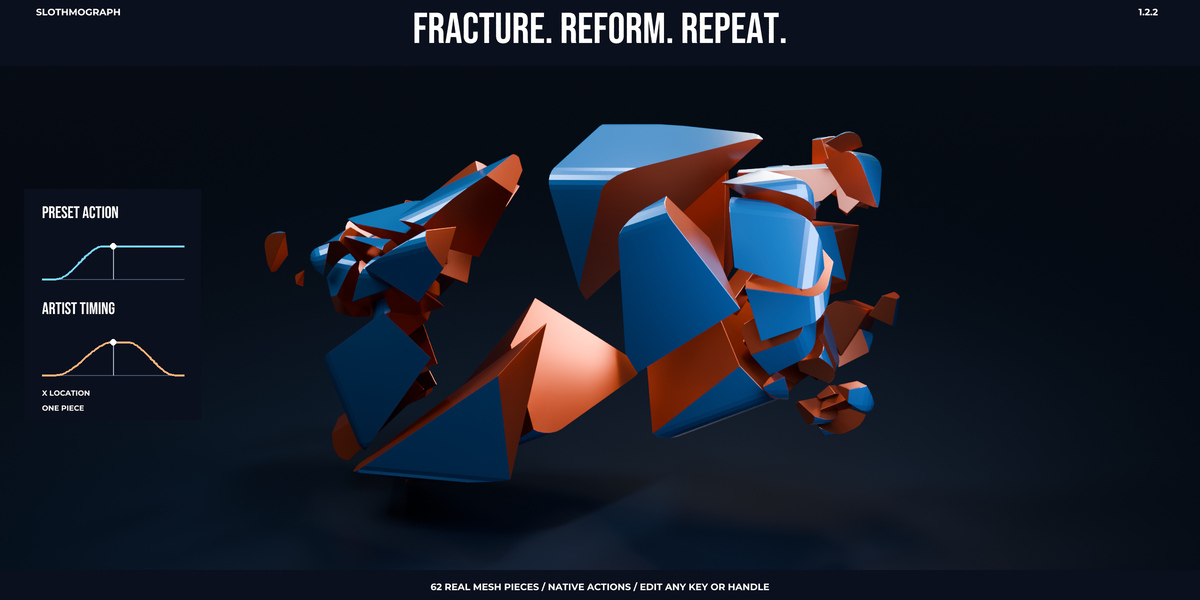
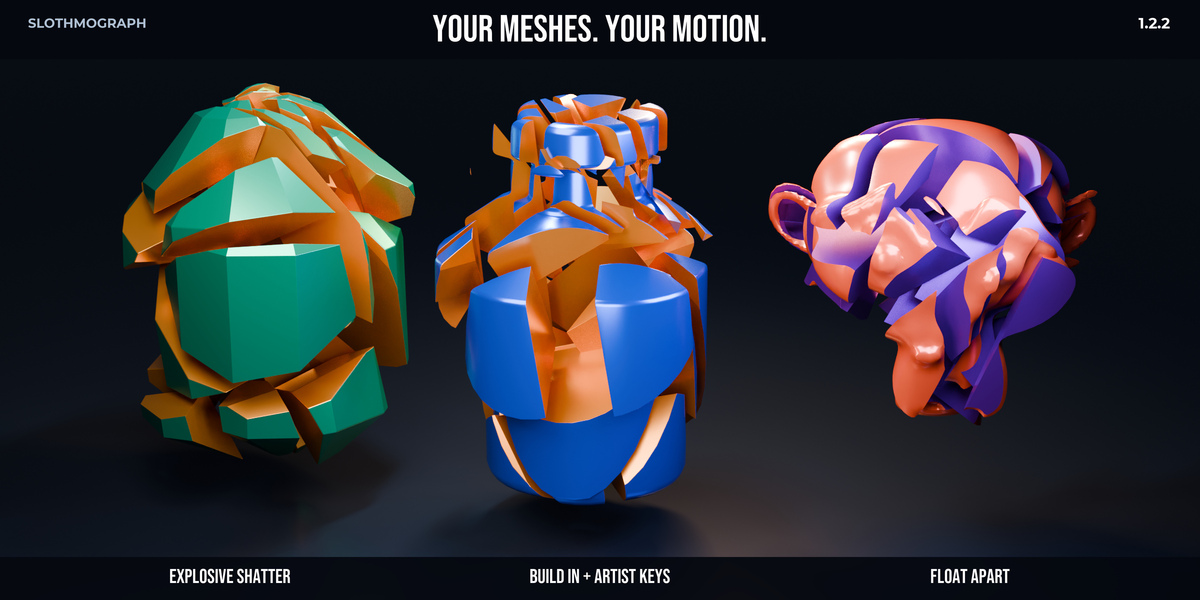
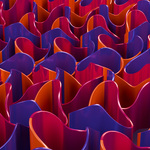


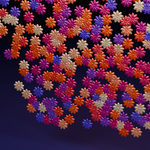


SlothMograph 1.2.3 - Blender 5.2 MoExtrude compatibility
- Fix MoExtrude Random Value node connections on Blender 5.2, including random extrusion offset, top-face random scale and seed handling.
- Restore native keyframed MoExtrude controls through Blender 5.2's typed modifier inputs while retaining the older Blender input API.
- Keep generated drivers bounded during repeated rebuilds, preserve artist Actions and unrelated drivers, and support the separate-face extrusion workflow.
- Keep the same addon package identity, minimum Blender version and saved project settings. One standard update ZIP serves all supported platforms.
- Includes matching offline documentation, changelog and five PDF manuals.
Verification: 44 automated headless suites passed on each of these Windows builds: Blender 4.1.1, 4.2.3 LTS, 4.3.2, 4.4.0, 4.5.14 LTS, 5.0.1 and 5.2.3 LTS. The checks include evaluated geometry and animation, parameter boundaries, invalid-input recovery, data preservation, Eevee/Cycles comparisons, and a 1.2.2-to-1.2.3 install/update/project/restart workflow.
macOS, Apple Silicon and Metal behavior have not been runtime-qualified. Automated tests cover bounded scenarios and do not guarantee every production scene or parameter combination. Existing native-bake requirements for background delivery remain documented.
Save a backup of established projects before updating. Install slothmograph_v1.2.3.zip using the same SlothMograph package; do not keep multiple versions installed under different module names. Restart Blender after replacing the installed addon. The included User Guide explains delivery and recovery limits.
SlothMograph 1.2.2 — Image Motion & L-System Artist Studio
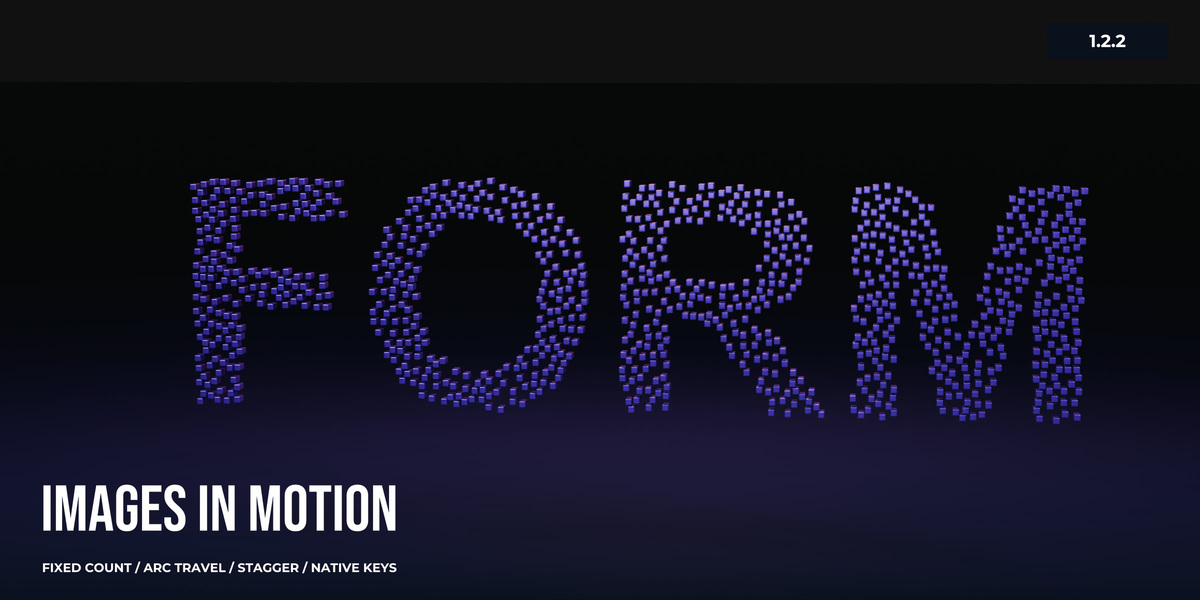
Image Density keeps a fixed number of full-size clones in two image-driven layouts. Independent A/B interpretation, Fit/Fill/Stretch, channels, alpha, levels, mirrors, rotation and seeds shape the distribution. Six easing choices, stagger/order, Straight/Arc/Lift travel, editable holds and returning Progress keys, and four motion starting points keep the artist in control. Native copies and individual clone keys support manual refinement.
L-System Artist Studio adds 24 editable starting points, tapered branches, leaves, petals, fruit, custom mesh sources, attraction/wind, native Growth Actions, editable curve/mesh copies, bounded mesh-frame handoff, recipe import/export and last-good-output recovery.
Reliability improvements include material/UV/color/shading preservation, Blender 5 frame-evaluation crash fixes, stable per-clone material cycling, rigid-body source/transform isolation, native Render Fast handoff, safer preset Apply/Clear and protected artist timing.
Single-download packaging: the installable addon ZIP now includes five structured PDF manuals (166 pages), offline HTML and Markdown guides. The built-in preset and material libraries remain. Optional demo scenes and the separate documentation, examples and fracture-project downloads have been removed from this release. Runtime Python code is unchanged by this packaging revision.
Install the ZIP directly. For an existing installation, save your project, remove the previous SlothMograph addon in Preferences, install the replacement and restart Blender. This clears obsolete bundled files; saved projects remain on disk. Open blender_mograph/documentation/PDF in the ZIP, or extract the documentation folder and open START_HERE.html.
Fresh install, registered operators, render smoke, overwrite behavior, clean replacement, rollback and preserved artist work are qualified on Windows Blender 4.1.1, 4.2.3 LTS, 4.3.2, 4.4.0, 4.5.14 LTS and 5.0.1. Read the User Guide for image size, sampling, topology and handoff limits. Back up established projects before rebaking.
SlothMograph 1.2.0 — Motion Studio
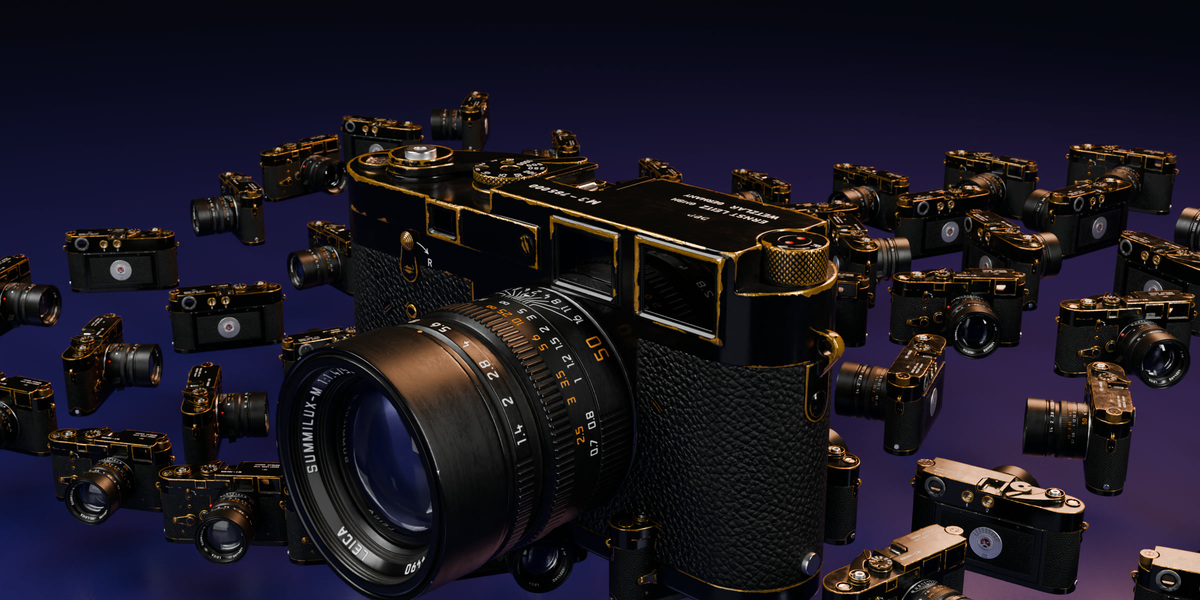
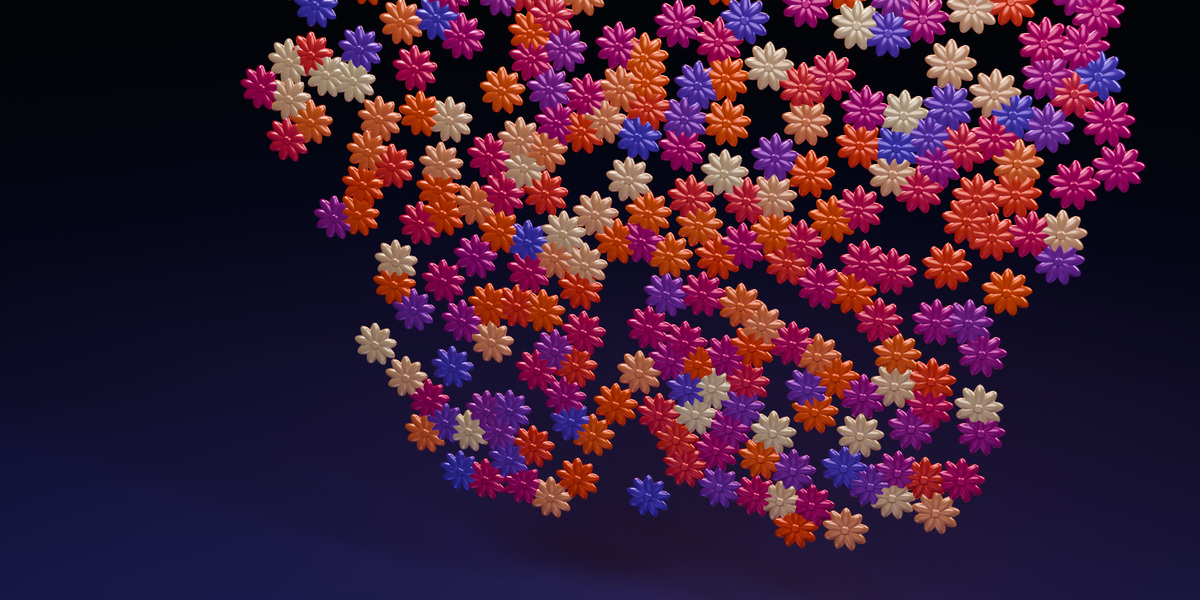
New workflows: A/B layout transitions with easing and stagger; fixed-topology Animated Clone Sequencer with per-clone phase; native Per-Clone Spline Wrap; independent Float, Shake, Turntable and Pulse motion layers; Shared Signals with audio shaping; and Shot Framing Check.
Editing and reuse: safer animated MoText revisions with recoverable archives; click, box and lasso clone-center selection; field modifier stack editing and diagnostics; independent motion rig duplication; My Setups libraries with supported local dependencies and relevant Shared Signal controls.
Delivery: validated persistent disk caches; native transform/shape-key or geometry-sequence handoff; recovery after failed bakes; source-preserving material presets; legacy clone shader repair; and corrected multi-source frame/material handling.
Reliability and polish: corrected curve spacing/orientation, polygon scatter, target normals, source fitting and empty layouts; effector masks, Time, Delay, Push Apart, Group, Volume, Visibility, ReEffector and Random behavior; explicit Multiply Delta blending; working SlothSignal field masks and Refresh; bounded Formula/L-system math; transactional preset imports and disabled-rule roundtrips; and native setup/file-picker recovery.
Includes 27 rig assets, 15 material assets, the editable PULSE Studio demo, README, Quickstart, User Guide, Troubleshooting and changelog. Guides open inside Blender, and long sidebar help wraps for readability. Bundled libraries use Blender 4.2 format.
Minimum Blender 4.2. Qualified configurations: Blender 4.2.3 LTS and 5.0.1 on Windows, with numerical output, native mouse/keyboard/file-picker workflows, save/reopen, Eevee/Cycles comparisons and extension installation checks.
Keep a project copy before updating: corrected scatter, orientation, field masking and blend behavior can visibly change older shots. Read the included guides for sampling, topology, cache, asset and delivery limits. Use verified native baked output for command-line/render-farm animation; live procedural handlers are not qualified for background animation.
Have questions about this product?
Login to message
| Blender Extension Compatible | Yes |
| Published | 8 months ago |
| Blender Version | 4.1 - 5.2 |
| Extension Type | Add-on |
| Render Engine Used | Cycles, Eevee |
| License | GPL |
Discover more products like this
procedural motion graphics fracture mograph motext cloner animation 3DMotionGraphics effector mospline cinema 4d non-destructive