Slow-Mo Generator - Blender Speed Ramps & Animation Retiming
 Rasheed's Edit

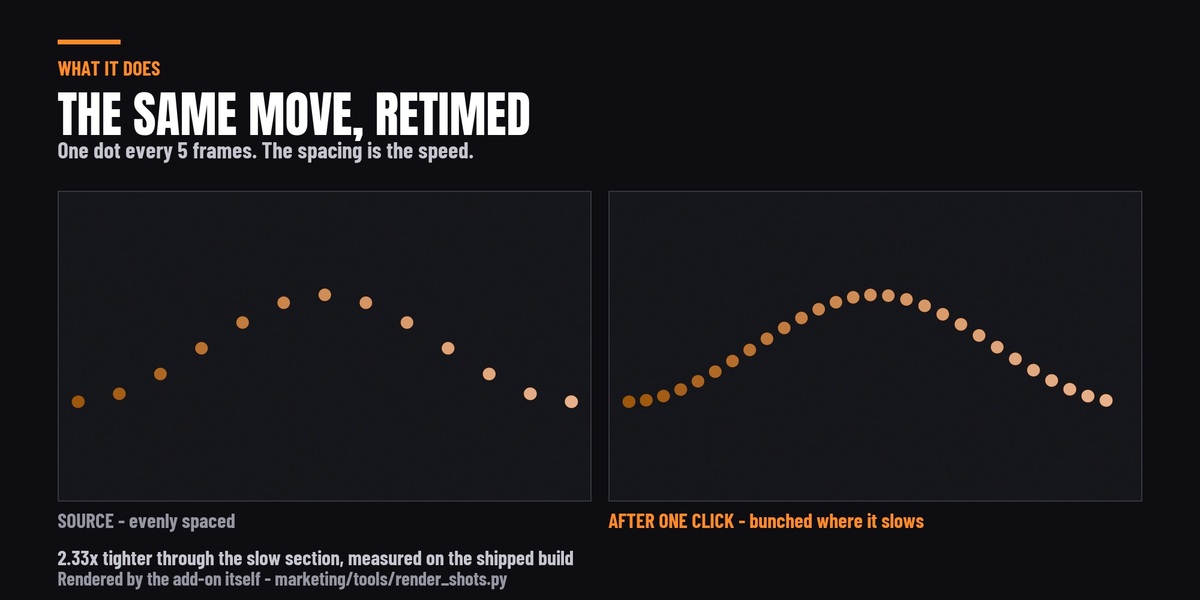



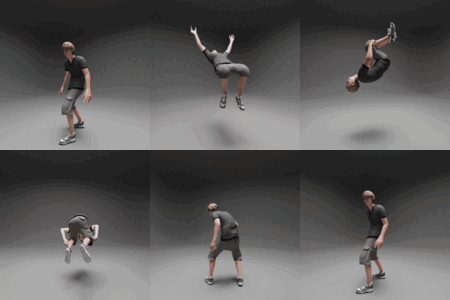
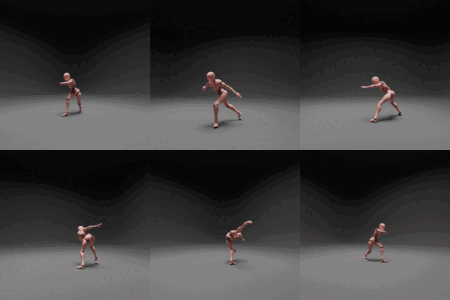

Yes. Select the armature, not the mesh - a rigged character's pose animation is stored in the armature object's action, and that is what gets retimed. Tested on a keyframed pose bone: after baking, the bone reaches its target at the new retimed frame rather than the original one.
If your character's face is driven by shape keys, see the shape key question below.
No. It writes a new action, named after your original with _SlowMo on the end, and assigns that to the object. Your original action is still in the file and you can switch back to it any time in the Action editor. Ctrl+Z undoes the whole bake.
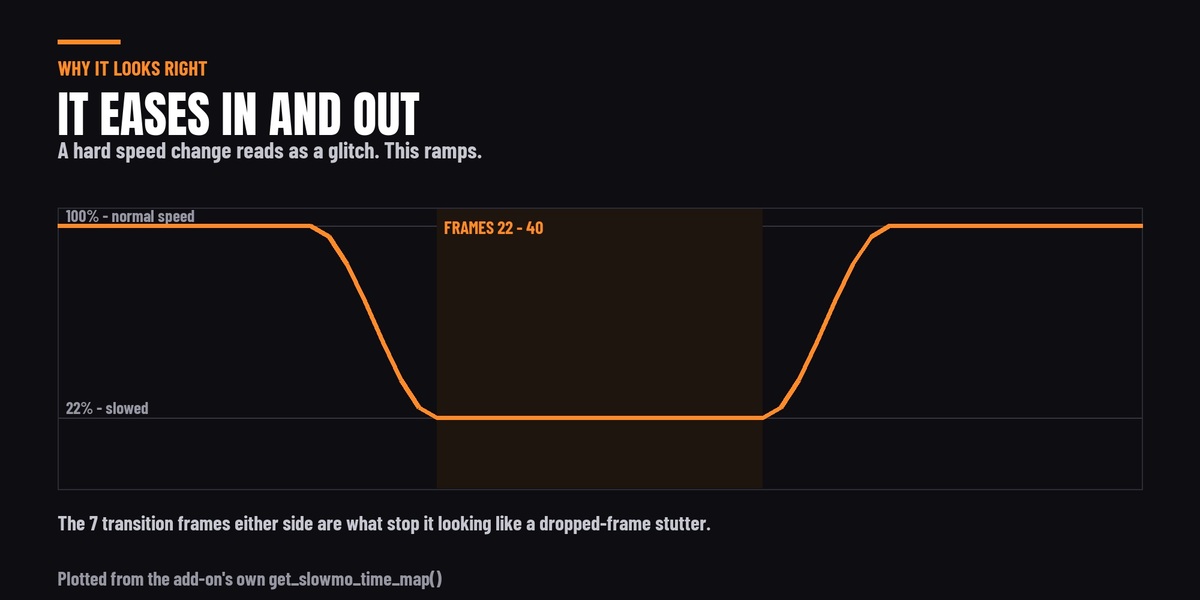
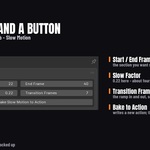
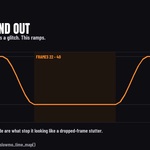
Scaling keys slows the section, but the speed changes instantly at both ends, which reads on screen as dropped frames rather than as a decision. This ramps in and out over a number of frames you choose, using a smoothstep curve, so the speed change has a shape. That ramp is the part that takes the time to build by hand, and it is the whole reason the add-on exists.
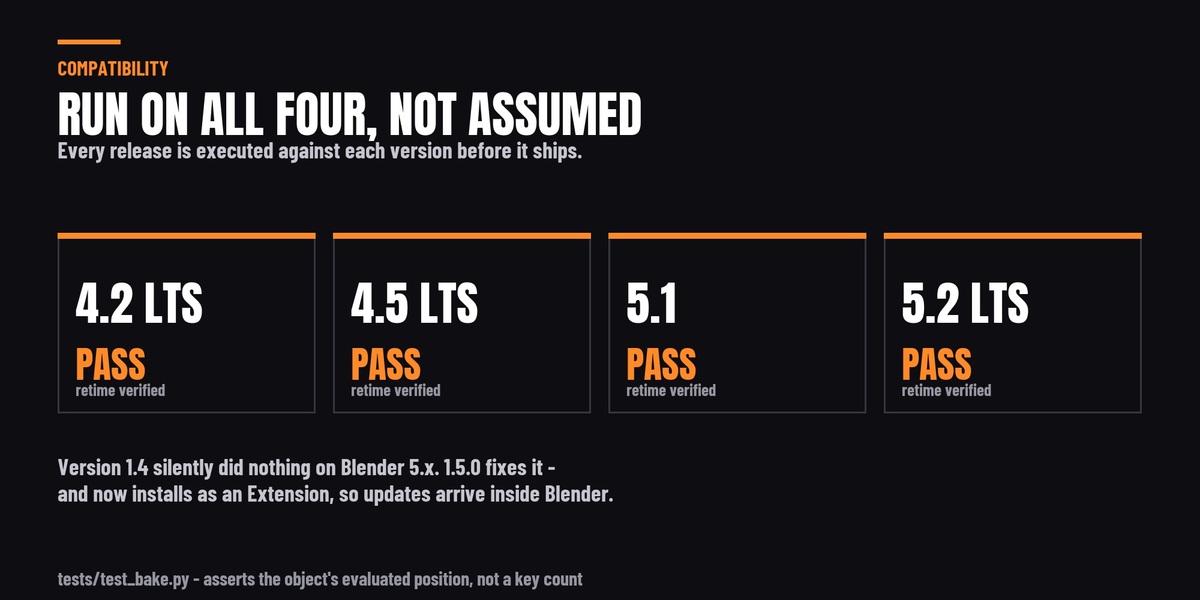
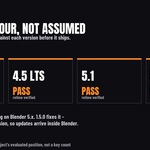
Blender 4.2 LTS through 5.2 LTS. Every release is actually executed against 4.2, 4.5, 5.1 and 5.2 before it ships - not assumed.
Important if you already own it: version 1.4 silently does nothing on Blender 5.0 and newer. Blender 5.0 changed how actions store their F-curves and 1.4 could not read the new layout, so it reported success and left the animation alone. Version 1.5.0 fixes this. The update is free.
Your scene's end frame needs extending. Slowing a section makes the animation longer, and the add-on deliberately does not change your scene frame range - it cannot know whether your timeline is set by this object or by twenty others.
For example, a 61-frame animation slowed between frames 22 and 40 comes back as an action running to frame 65. With the scene still ending at 61 those last four frames never play. Set Output Properties → Frame End to cover the new length.
Yes, and it is one of the better uses for it - a camera push or whip that ramps down through the moment and back up. Anything with keyframes on the object works the same way: cameras, props, lights, empties.
No. Simulations are solved frame by frame rather than stored as keyframes, so there are no F-curves for the add-on to retime. If you need a simulation slowed, bake it to keyframes first and then run the add-on on the result.
The same applies to shape key animation, which Blender stores on the mesh data rather than on the object - a character rigged for the body but shape-keyed for the face will have the body retimed and the face left at full speed.
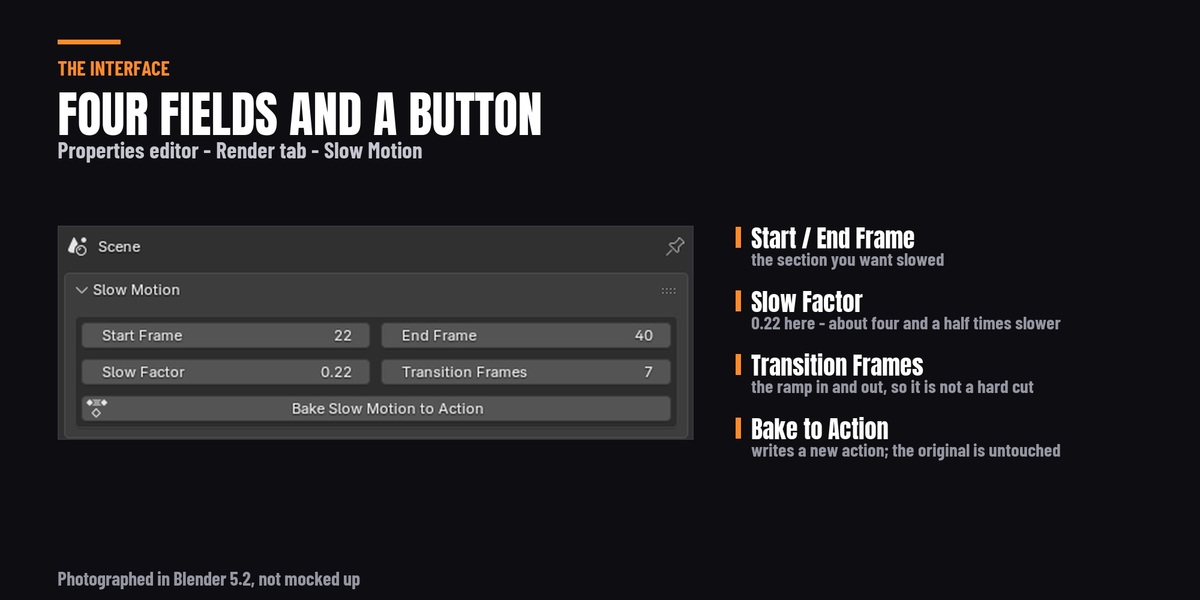
Yes. Slow Factor runs from 0.05 to 5.0, and anything above 1.0 speeds that section up while still easing in and out of it. The ramp behaves the same way in both directions.
No, none of the three. It runs entirely offline and always will.
On Blender 4.2 and newer you can drag the zip straight into Blender, or use Preferences → Add-ons → Install from Disk.
It also ships as a proper Blender Extension, so if you connect Superhive as a remote repository in Blender it appears under Preferences → Get Extensions with one-click install - and a one-click Update button whenever a new version is published here, with no manual downloading.
Updates are free for life.
Version 1.4 is still installed alongside 1.5. The two are packaged differently, so 1.5 installs as a new add-on rather than replacing the old one. Go to Preferences → Add-ons, find the older Slow-Mo Generator, disable it and press Remove. Version 1.5 warns you in its own panel until you do.
No. The add-on retimes animation data and never touches render settings, so every renderer behaves identically.
-
$3
Have questions about this product?
Login to message
| Blender Extension Compatible | Yes |
| Sales | 40+ |
| Published | over 1 year ago |
| Blender Version | 4.2 - 5.2 |
| Extension Type | Add-on |
| Render Engine Used | Cycles, Eevee |
| License | GPL |
Discover more products like this
action-editor animation tools VFX time-remapping camera animation Retime Slow Motion keyframes animation speed ramp cinematic slowmo