Slow-Mo Generator - Blender Speed Ramps & Animation Retiming
 Rasheed's Edit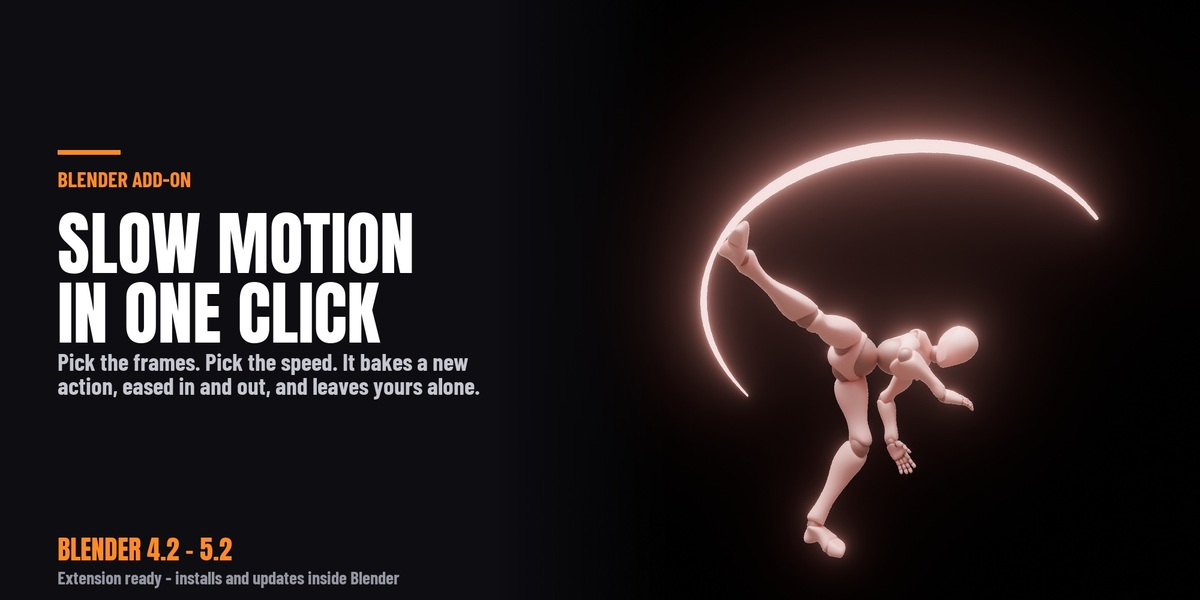





New in 1.5.0
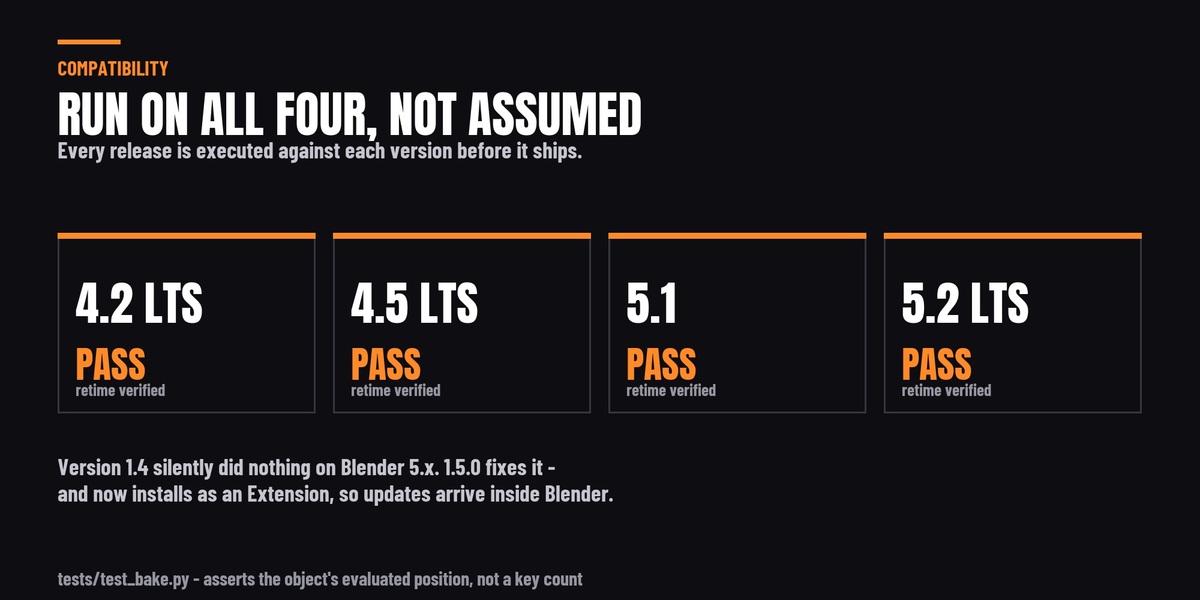
- FIXES BLENDER 5.x. On Blender 5.0 and newer, version 1.4 did nothing at all:
it reported "Slow motion baked." and left your animation untouched. If you are
on 5.0, 5.1 or 5.2, this update is the whole reason to install it.
- Now ships as a Blender Extension. On Blender 4.2 and newer you can drag the
zip straight into Blender, and if you have connected Superhive as a remote
repository it appears under Preferences > Get Extensions with one-click
install and update.
- Failures are reported to you instead of to the console. If there is nothing to
retime, the add-on now says so in the status bar rather than claiming success.
- Undo now works on the bake.
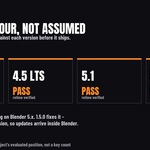
- Tested on Blender 4.2 LTS, 4.5 LTS, 5.1 and 5.2 LTS - actually run on all
four, not "should work".
Upgrading from 1.4
Version 1.5 installs as a NEW add-on rather than replacing 1.4, because the two
are packaged differently. Before installing, go to Preferences > Add-ons, find
the old Slow-Mo Generator, disable it and press Remove. Then install 1.5.
If you skip that step, 1.5 tells you: the panel shows "Slow-Mo Generator 1.4 is
still enabled" until you remove it.
-
$3
Have questions about this product?
Login to message
| Blender Extension Compatible | Yes |
| Sales | 40+ |
| Published | over 1 year ago |
| Blender Version | 4.2 - 5.2 |
| Extension Type | Add-on |
| Render Engine Used | Cycles, Eevee |
| License | GPL |
Discover more products like this
camera animation cinematic speed ramp animation time-remapping VFX Slow Motion animation tools Retime slowmo keyframes action-editor