 BlendR6


PROFESSIONAL EXTRUSION TOOLKIT FOR BLENDER
Smart Extrude
Extrude More. Fix Less.
A complete extrusion system for manifold geometry, non-manifold topology, multiple mesh islands, mixed face normals, edges, vertices, and everyday production modeling.
Comprehensive extrusion methods, production-focused stability, and high performance for demanding Blender workflows.
A Smarter Way to Extrude in Blender
Blender's native Extrude tools are powerful, but difficult topology can still require additional connecting, deleting, merging, and cleanup operations. Smart Extrude removes these interruptions by providing a unified extrusion workflow for both regular and complex meshes.
Work with clean manifold surfaces, open non-manifold boundaries, disconnected mesh islands, edges, vertices, or selections containing inconsistent face normals. Smart Extrude helps produce predictable results without repeatedly stopping to repair the mesh.

WHY SMART EXTRUDE?
More Than a Single Extrusion Mode
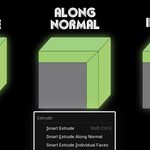
Many extrusion add-ons are designed around one specialized method. Smart Extrude combines manifold, non-manifold, multi-island, normal-independent, individual, normal-based, axis-based, edge, and vertex extrusion in one consistent toolkit.
It is built to provide a more complete workflow, stable mesh results, and class-leading performance while helping prevent overlaps, unwanted internal geometry, broken connections, and cleanup problems commonly caused by less robust extrusion workflows.
LATEST UPDATE
New Extrusion Workflows
The latest version expands Smart Extrude into a more complete system for production modeling and difficult topology.
Manifold Extrude
A topology-aware extrusion workflow for clean, connected, and regular surface geometry. Designed to produce predictable results while preserving a continuous mesh structure.
Non-Manifold Extrude
Extrude open boundaries, holes, loose edges, and non-manifold selections without requiring the entire mesh to be repaired first.
Super Extrude
Ignore Face Normals
Extrude without being restricted by existing face-normal directions. Super Extrude remains predictable even when normals are mixed, reversed, or unsuitable for normal-based extrusion.
Multi-Island Extrude
Extrude multiple disconnected mesh islands in a single operation. Maintain consistent control across complex selections without processing every island separately.
Redo Panel
Fine-tune the available extrusion settings from Blender's Redo / Adjust Last Operation panel. Refine the result without repeating the entire modeling workflow.
FACE | EDGE | VERTEX
Comprehensive Extrusion System
Choose the appropriate mesh-processing type, then select the extrusion mode that best matches your modeling task.
TOPOLOGY PROCESSING
Working Mesh Type
Select how Smart Extrude should interpret and process the current mesh topology or component selection.
EXTRUSION BEHAVIOR
Mode
Choose how the selected geometry is extruded and controlled.
FAMILIAR CONTROLS
Works the Way Blender Users Expect
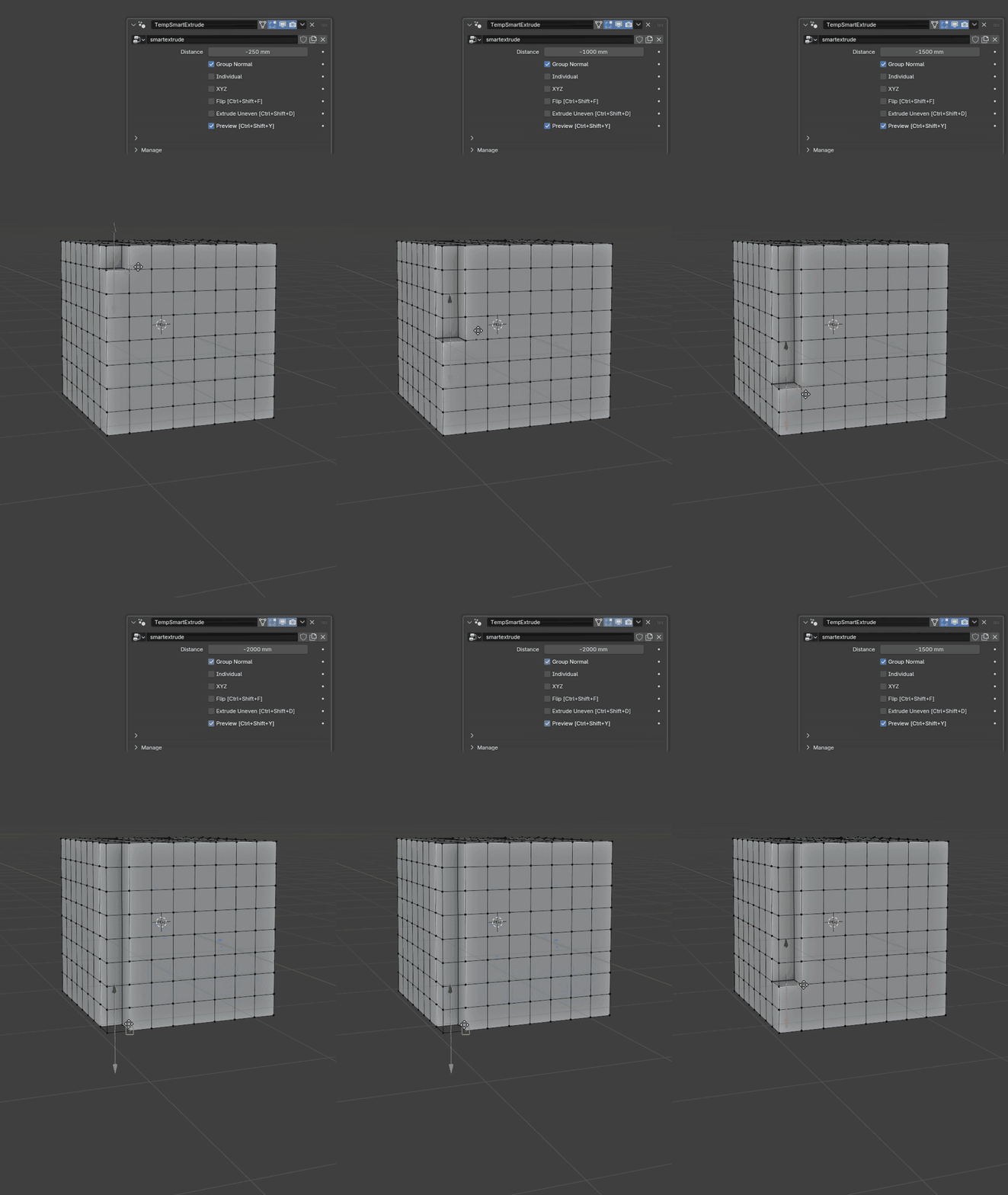
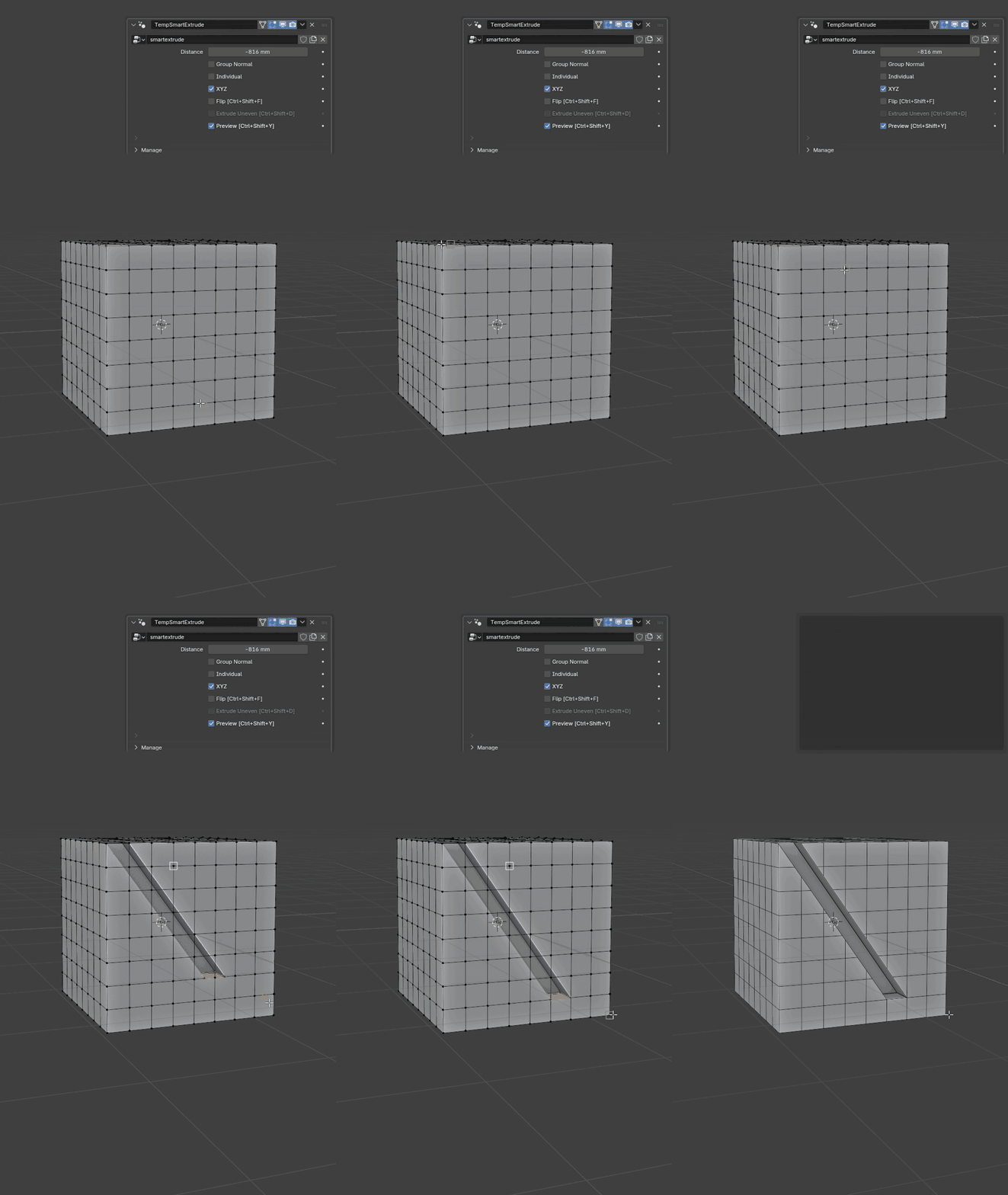
Smart Extrude follows Blender's native interaction style, including mouse movement, direct keyboard input, axis constraints, snapping with the B key, and point-to-point placement when extruding along an axis.
No completely new control system to memorize. Start modeling immediately with a minimal learning curve.
CLEAR VISUAL FEEDBACK
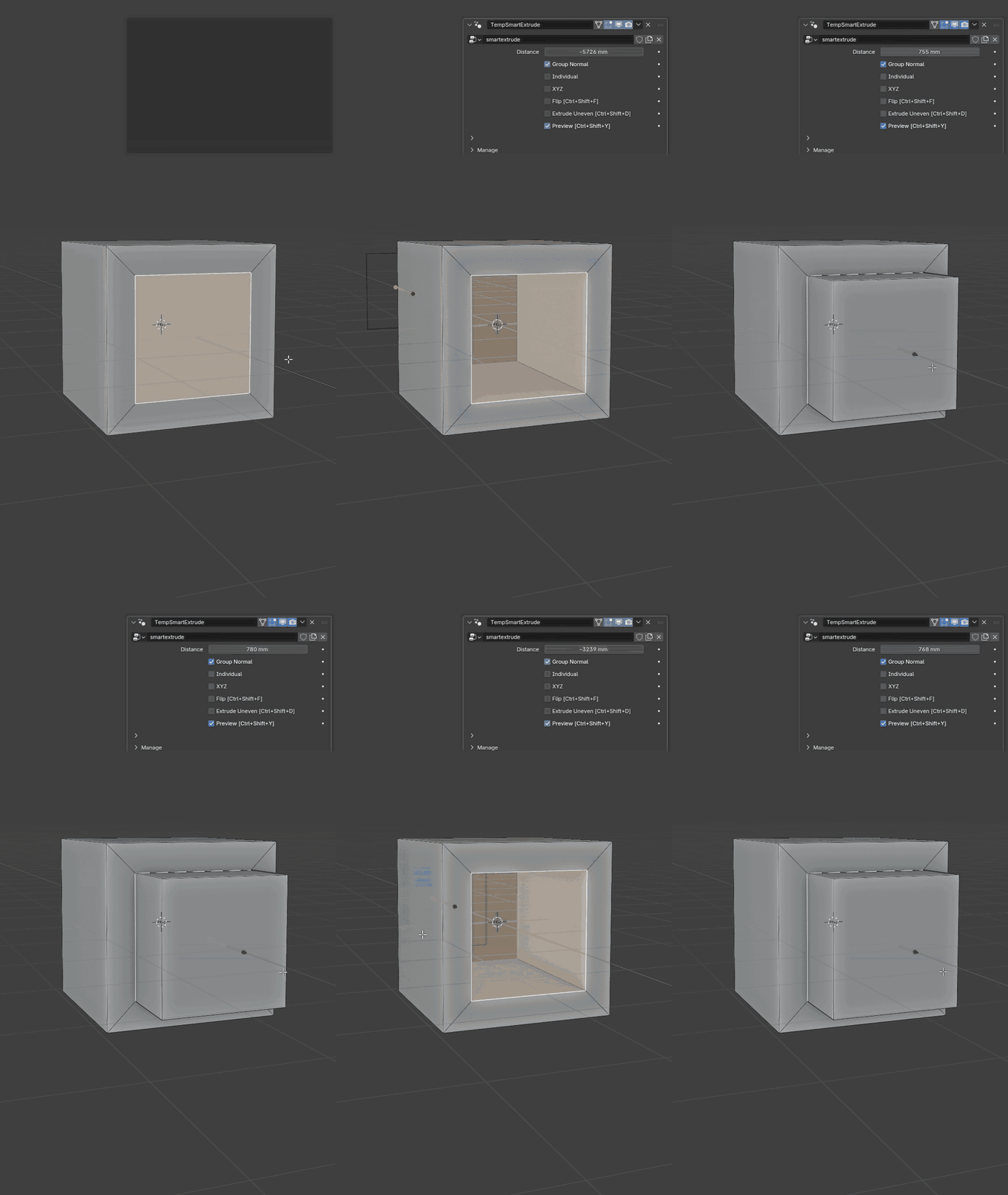
Default and X-Ray Preview
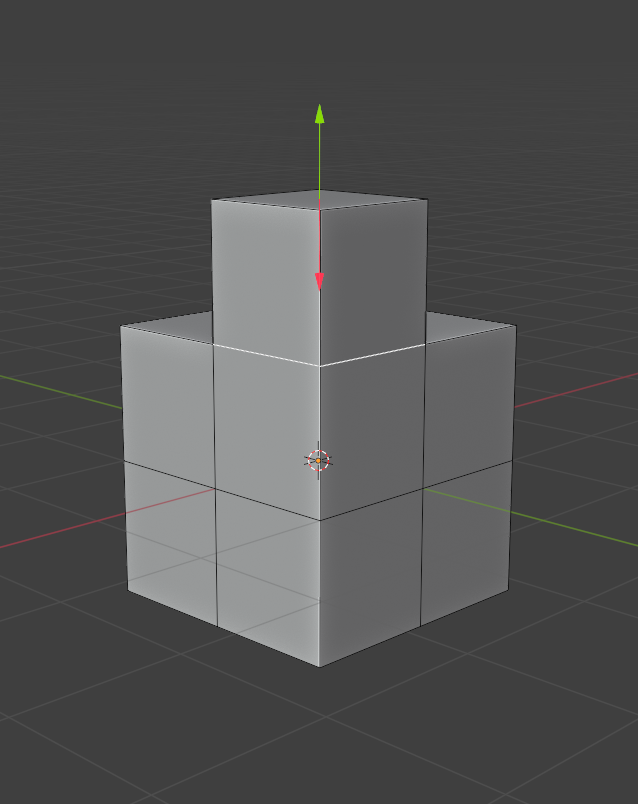
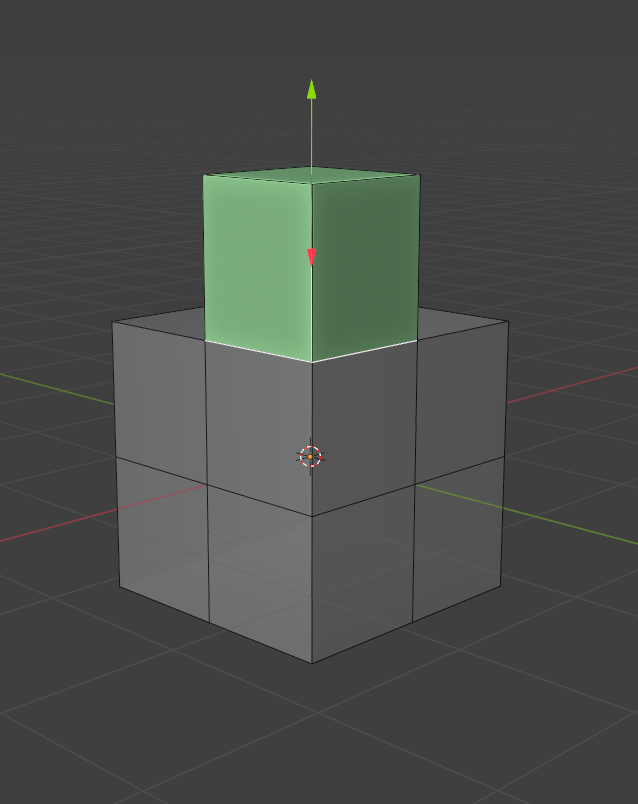
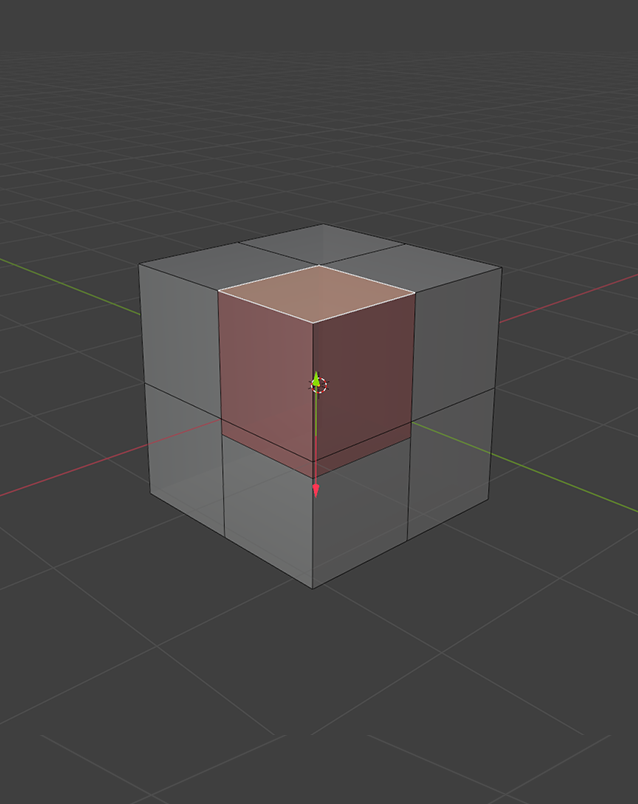
Choose the preview mode that best matches the current model. Inspect the extrusion clearly, including geometry that would normally be hidden behind the visible surface.
Modeling and Mesh Repair
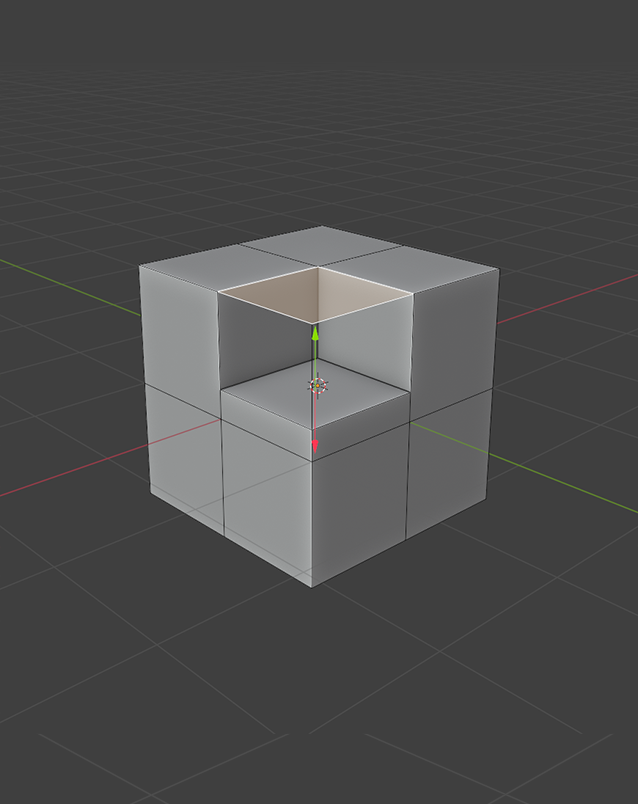
Smart Extrude is not limited to creating new forms. Its manifold and non-manifold workflows can also help rebuild open boundaries, extend damaged areas, and work through topology that would normally interrupt a standard extrusion operation.
Spend less time performing repetitive cleanup and more time shaping the model.

One Extrusion Toolkit for Every Topology
From clean manifold surfaces to non-manifold boundaries, mixed normals, edges, vertices, and multiple disconnected mesh islands, Smart Extrude keeps the workflow fast, consistent, and predictable.
Extrude faster. Keep the mesh cleaner. Stay in the modeling flow.