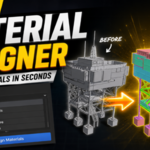
Material Assigner
 Piano Man's Shop


Does it work in Edit Mode?
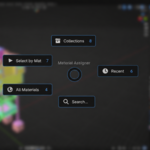
The pie menu shortcut is designed for Object Mode. The sidebar panel remains available regardless of shortcut settings.
Can I customize the shortcut?
Yes. The default shortcut is Ctrl + E, but you can fully customize the key combination from the add-on preferences.
Can I select objects by material?
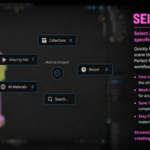
Yes. The Select by Material feature will select all mesh objects using a chosen material.
What does the Collections feature do?
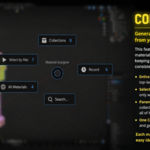
Collections can generate and assign materials automatically from your Outliner structure. This is particularly useful for organizing large scenes, environment art, and game assets.
Does the add-on create new materials?
Yes. The Collections feature can automatically generate materials based on your collection hierarchy and assign them to meshes.
Can I use this in commercial projects?
Yes. Materials assigned using Material Assigner can be used in both personal and commercial projects.
Does this work with all material types?
Material Assigner works with Blender materials and can assign any material available in your .blend file.
Which Blender versions are supported?
Material Assigner supports Blender 3.6 and newer. It has been tested on Blender 5.0.
$5
Have questions about this product?
Login to message
| Published | 3 months ago |
| Blender Version | 3.6 - 5.0 |
| Extension Type | N/A |
| License | GPL |