 Techqon core


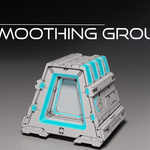
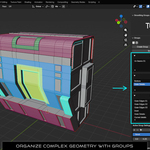
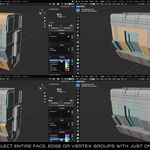
Smoothing Groups
The Complete Shading Control System for Blender
Group-based workflow for professional hard-surface and subdivision modeling
The Problem with Auto Smooth
✗ Limited control over complex geometry
✗ Constant manual marking of sharp edges
✗ Error-prone on dense or evolving meshes
✗ Tedious to maintain in hard-surface workflows
✗ No way to save and reuse shading definitions
The Smoothing Groups Solution
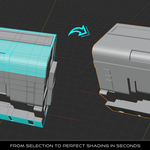
✓ Define shading once using reusable groups
✓ No manual edge marking per iteration
✓ Predictable, editable, persistent results
✓ Non-destructive and production-safe
✓ Link to UV Seams, Crease, and Bevel weights
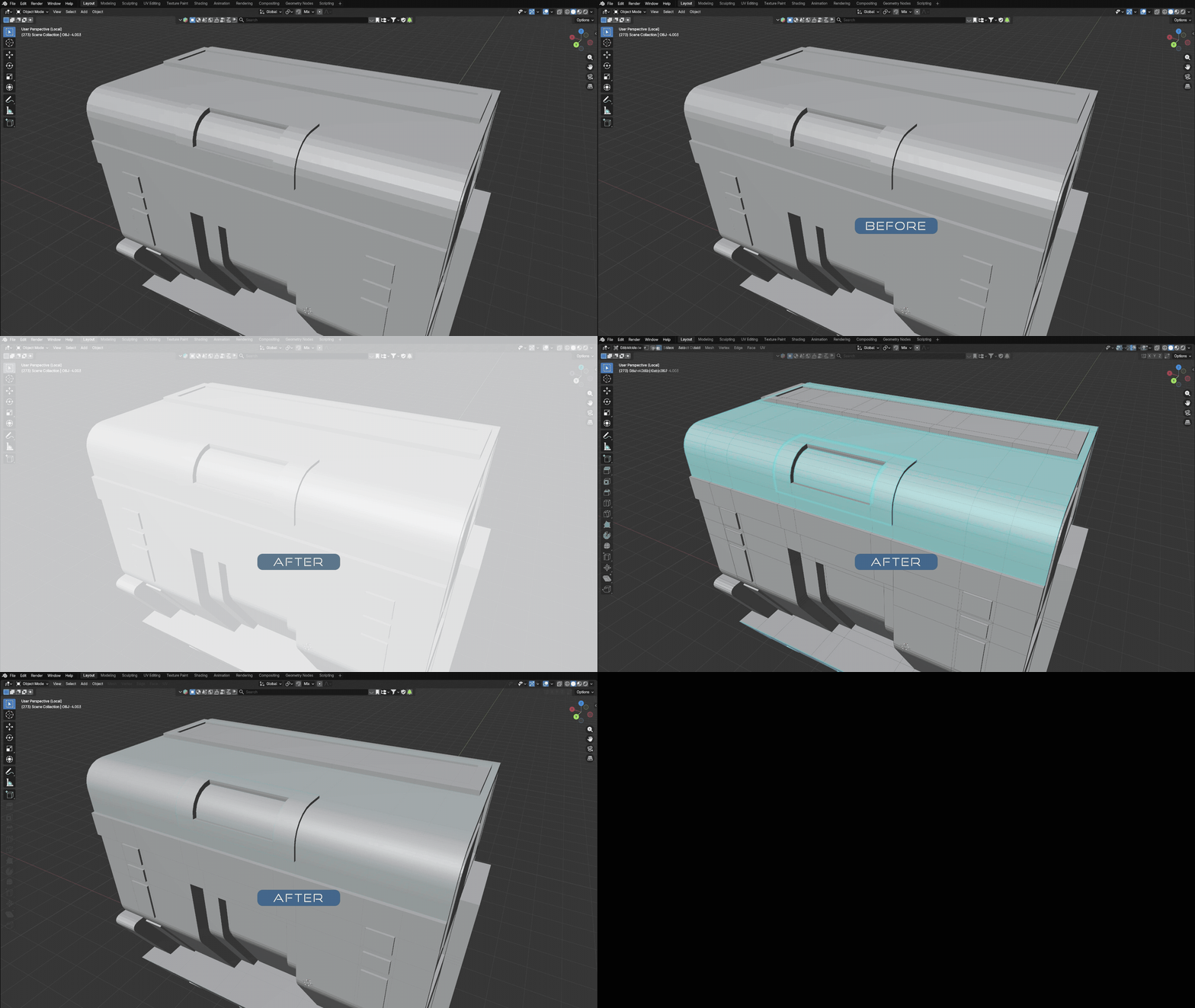
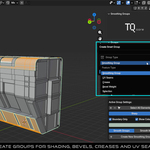
5 Group Types — One Unified System
| Group Type | Purpose | Use Case |
|---|---|---|
| Smoothing Groups | Control sharp/smooth shading | Hard-surface edges, panel lines |
| UV Seams | Define UV unwrapping boundaries | Texture mapping preparation |
| Crease | Subdivision edge sharpness | SubD modeling, edge control |
| Bevel Weight | Per-edge bevel modifier control | Chamfered edges, fillets |
| Selection | Store and recall selections | Complex selection management |
All group types work together. All editable. All non-destructive.
Group Linking — A Game Changer
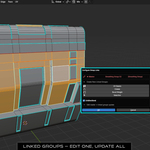
Link your Smoothing Group to other feature types. Create UV Seams, Crease, and Bevel groups from a single master. Edit the master — linked groups update automatically.
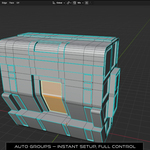
Smart Auto Grouping
Generate intelligent base groups automatically with multiple methods:
Angle-Based Detection
Sharp edges above your threshold become separate groups. Perfect for mechanical parts.
Normal-Based Grouping
Group faces by orientation. Ideal for architectural and product surfaces.
Island Detection
One group per disconnected mesh region. Great for complex assemblies.
Normal Merging
Combine disconnected regions with similar facing direction into one group.

Traditional vs. Smoothing Groups
Traditional Auto Smooth
✗ Angle-based only
✗ Stateless — no memory
✗ Manual edge corrections
✗ Per-mesh, not reusable
✗ No visualization
Smoothing Groups
✓ Geometry-aware groups
✓ Persistent and editable
✓ Automatic edge handling
✓ Linkable to other features
✓ Color overlay visualization
Workflow Features
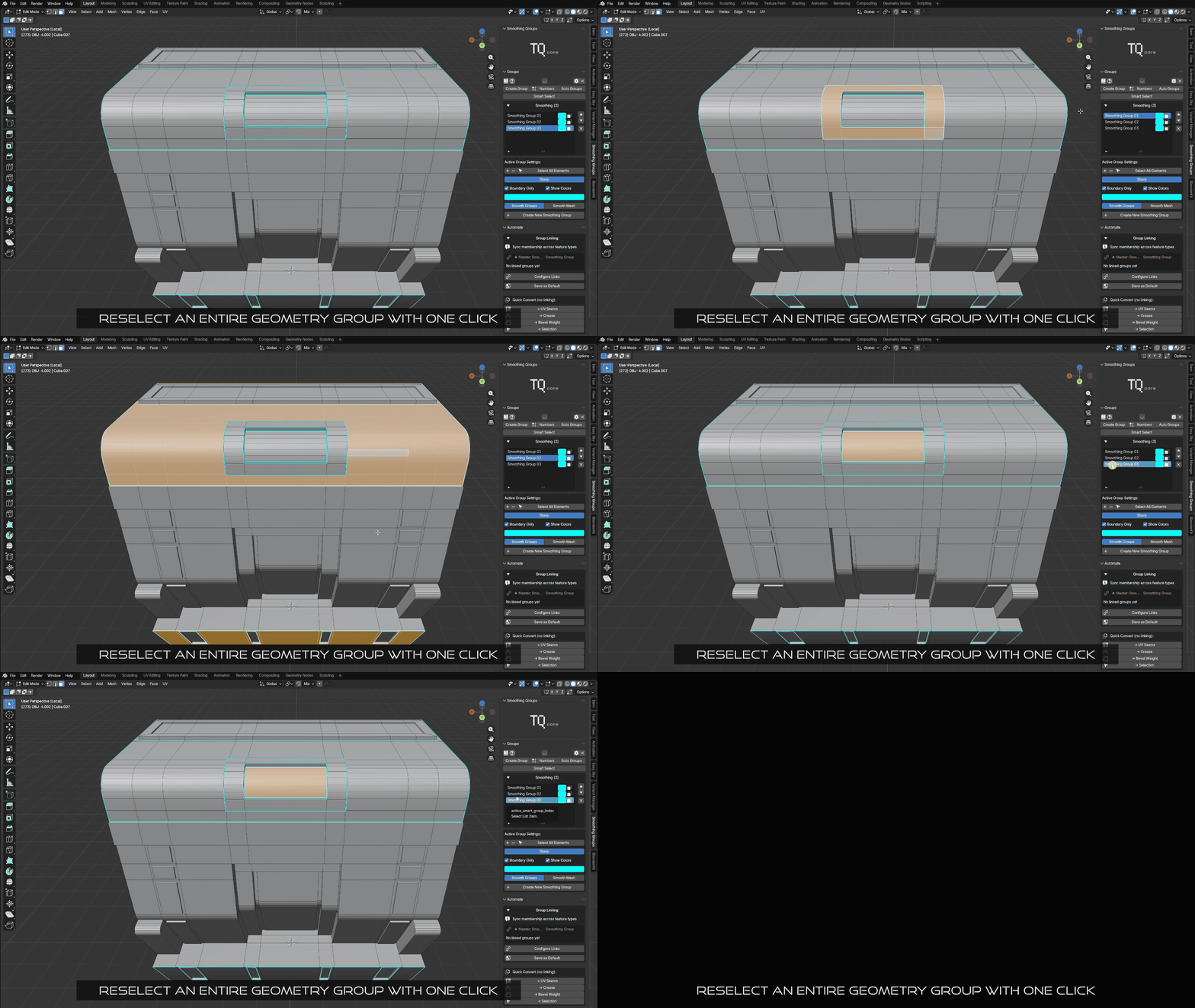
Smart Select
Click one element, automatically select the entire group. Toggle on/off as needed.
Group ID Grid
Visual grid for quick group assignment. Works while selecting in viewport.
Pie Menu
Configurable quick-access menu for common operations. Customize slots to your needs.
Color Overlays
See groups at a glance with color visualization. Two modes: Overlay or Vertex Colors.
Modifier Manager
Built-in Subdivision and Bevel modifier controls directly in the panel.
Selection Tools
Expand, Shrink, Linked, Similar, and Boundary selection utilities.
Keyboard Shortcuts
| Shortcut | Action | Description |
|---|---|---|
| Alt + Q | Pie Menu | Quick access to common operations |
| Alt + O | Group ID Grid | Visual grid for group assignment |
| Alt + G | Quick Create | Create group from selection |
All shortcuts are customizable in the Settings panel.
Built for Professionals
Non-Destructive Workflow
- • Groups stored in mesh data
- • Persistent across sessions
- • Undo/redo support
- • Safe for production pipelines
Extensive Customization
- • Default values for new groups
- • Color palettes (2 presets)
- • Per-feature overlay settings
- • Configurable shortcuts
Learning Resources
- • Interactive tutorial system
- • Smart Helper contextual tips
- • Step-by-step guidance
Use Cases
- • Hard-surface modeling
- • Subdivision workflows
- • Product visualization
- • Game asset creation
Familiar Concept — Expanded for Blender
If you know 3ds Max Smoothing Groups, you'll feel at home instantly.
But in Blender, Smoothing Groups go further:
✓ Sync with UV Seams — Define unwrap boundaries from shading groups
✓ Link to Crease — Control subdivision sharpness
✓ Link to Bevel Weights — Drive bevel modifier with groups
✓ Selection Groups — Store complex selections for later use
✓ Color Overlays — Visualize all groups in the viewport
✓ Boundary Only Mode — Apply features only to group edges
Want to see it in action?
Watch the full step-by-step video tutorial to learn how to use Smoothing Groups efficiently.
▶ Watch Video TutorialWork Smarter. Stay Organized. Focus on Creativity.
Smoothing Groups keeps your Blender hard-surface and subdivision workflows integrated, automated, and effortless.
Explore More Tools by TQ Core
Smoothing Groups for Blender
© Techqon Core • www.techqon-core.com
Compatible with Blender 4.0+