Smoothing Groups
 Techqon core


The shortcut isn't working. What should I do?
After changing keyboard shortcuts in settings, you need to restart Blender to apply the keymap changes. This is noted in the settings panel.
How is this different from 3ds Max Smoothing Groups?
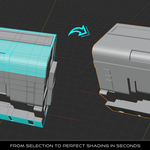
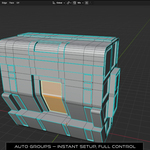
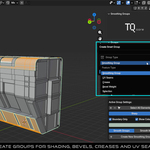
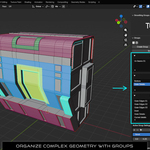
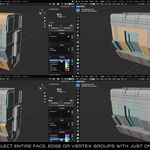
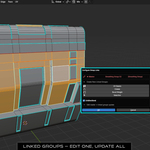
This addon brings the familiar concept to Blender but goes further: linking to UV Seams, Crease, Bevel Weights, Selection groups, color visualization, auto-grouping, and built-in tutorials that don't exist in 3ds Max.
Is there undo support?
Yes. All operations support Blender's undo system. Press Ctrl + Z to undo any action.
What happens if I edit the mesh after creating groups?
Groups stay assigned to their elements. New geometry won't be in any group until you assign it. Deleted geometry is automatically removed from groups.
Can I use this for game assets?
Yes. Smoothing Groups is perfect for game asset creation. The shading control and UV Seam features are essential for game-ready models.
Does this work with modifiers like Subdivision Surface?
Absolutely. Crease groups are specifically designed to work with the Subdivision Surface modifier. Bevel Weight groups work with the Bevel modifier (set Limit Method to "Weight").
Are groups saved with the .blend file?
Yes. Groups are stored in the mesh data and persist across sessions. Your groups will be there when you reopen the file.
Discover more products like this
modeling shading subdivision sharp edges bevel Edge Control Workflow addon blender smoothing 3d_hard_surface auto selection tools groups