 Martin R.

I found a bug or have an idea. Where do I send it?
Leave a comment or send me a message here on Superhive. It's an early release, so this is exactly the kind of feedback I'm looking for.
Can I move several objects at once, or a collection instance?
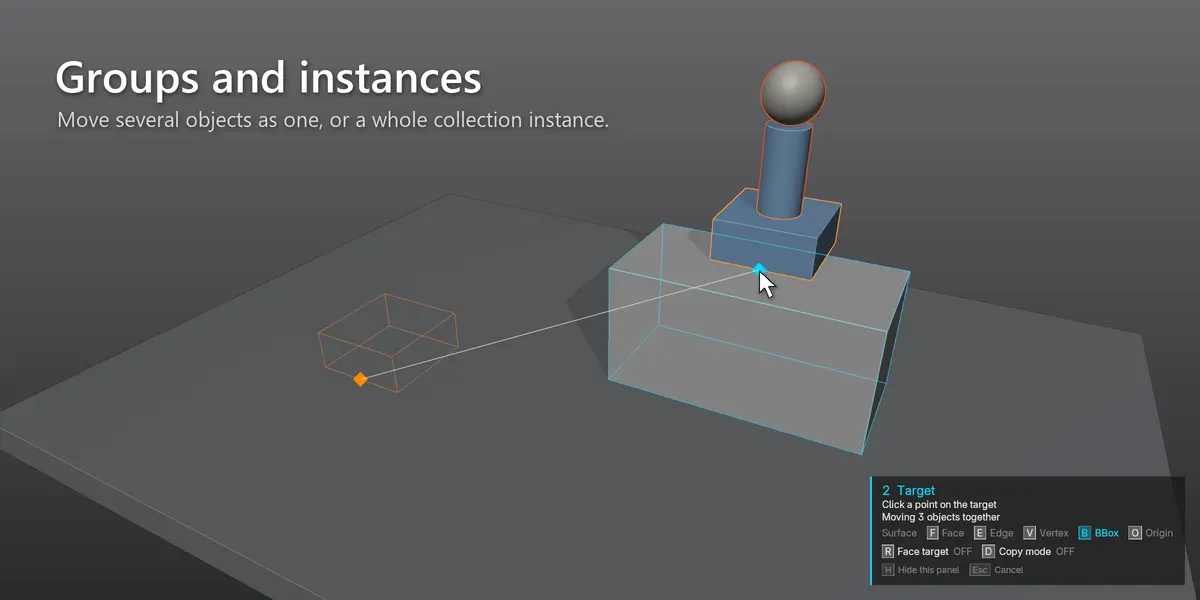
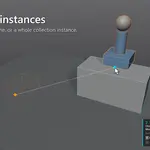
Yes. Everything selected moves together as one group and keeps its relative positions. For a collection instance or linked asset, select the instance and click its geometry as the source point.
Why does my object end up upside down or sideways?
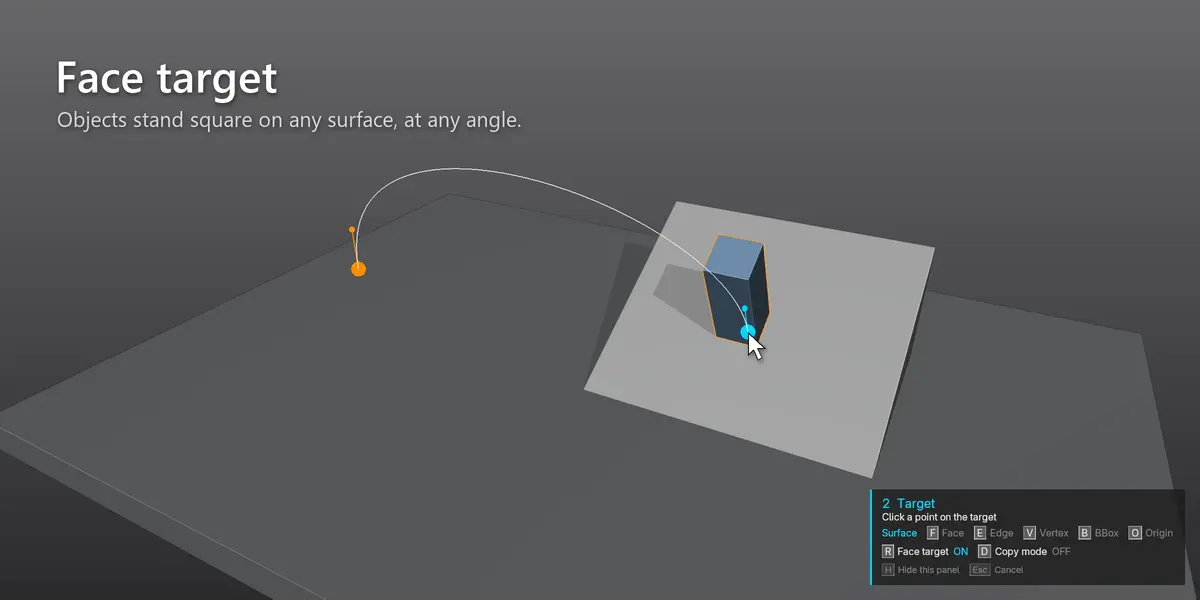
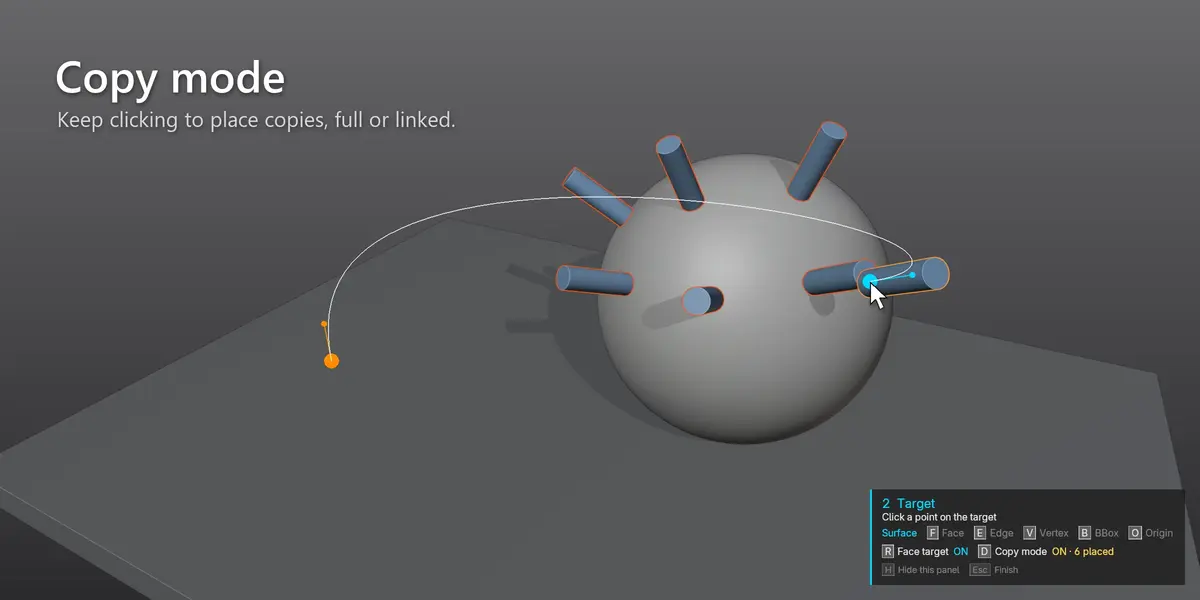
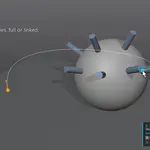
With face target on, the point you click on your object is turned to face the target surface. Click the side that should touch the target (for example the bottom of a vase), or press R to snap without rotating.
How is this different from Blender's own snapping?
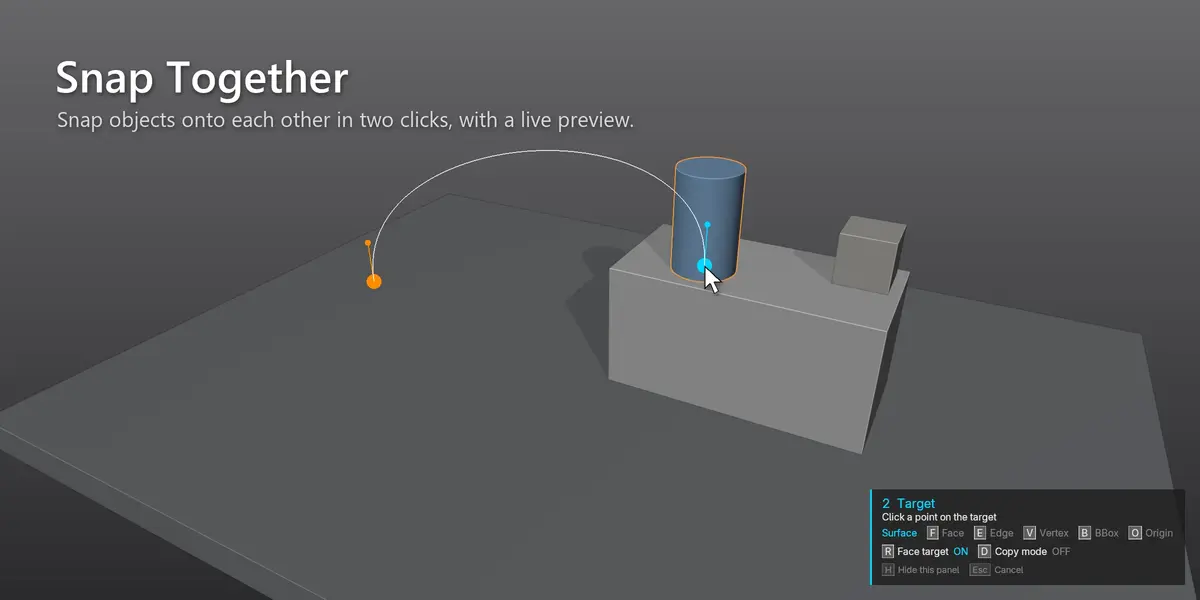
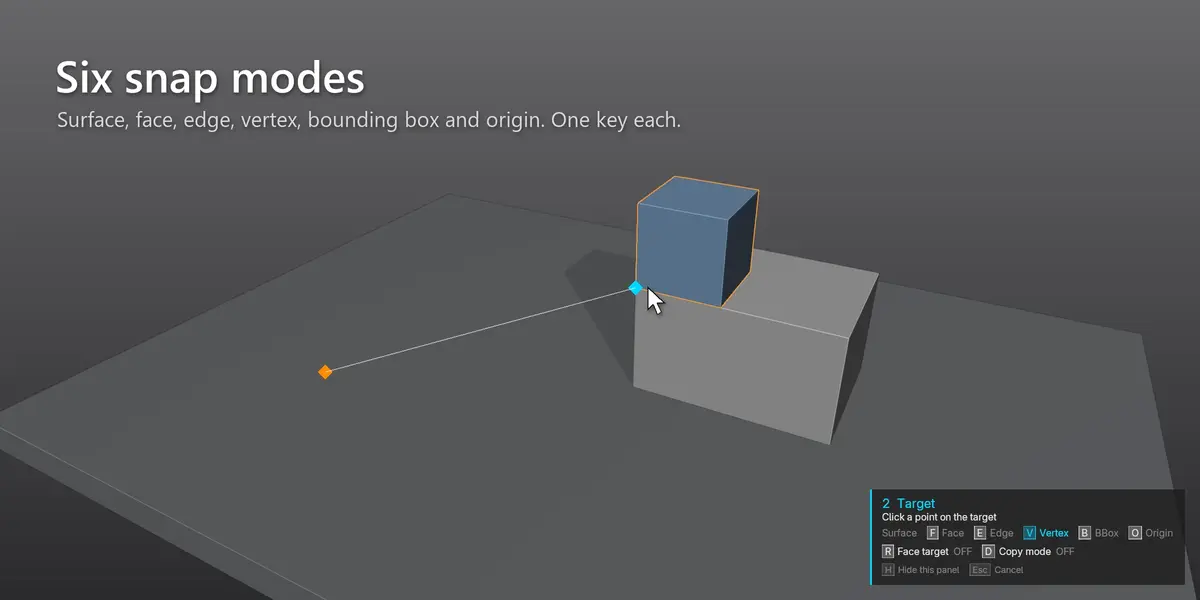
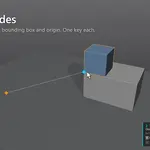
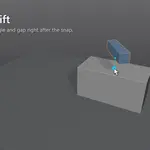
Blender's snapping works while you move something (G) and snaps to the element under the mouse. Snap Together works from two points you pick, one on your object and one on the target, and also turns the object to face the target surface. It's closer to Maya's Snap Together Tool, which is what inspired it.
$8
Have questions about this product?
Login to message
| Blender Extension Compatible | Yes |
| Published | about 3 hours ago |
| Blender Version | 4.2 - 5.2 |
| Extension Type | Add-on |
| Render Engine Used | Cycles |
| License | GPL |
Discover more products like this
productivity Scene Building Interior snapping transform layout Workflow object placement snap placement align maya