 Blendwright Studio



Blender modifier stack manager
Build once. Keep the whole object family consistent.
Stack Studio compares, aligns, reuses, and live-syncs Blender modifier stacks—with a visible review before important changes.
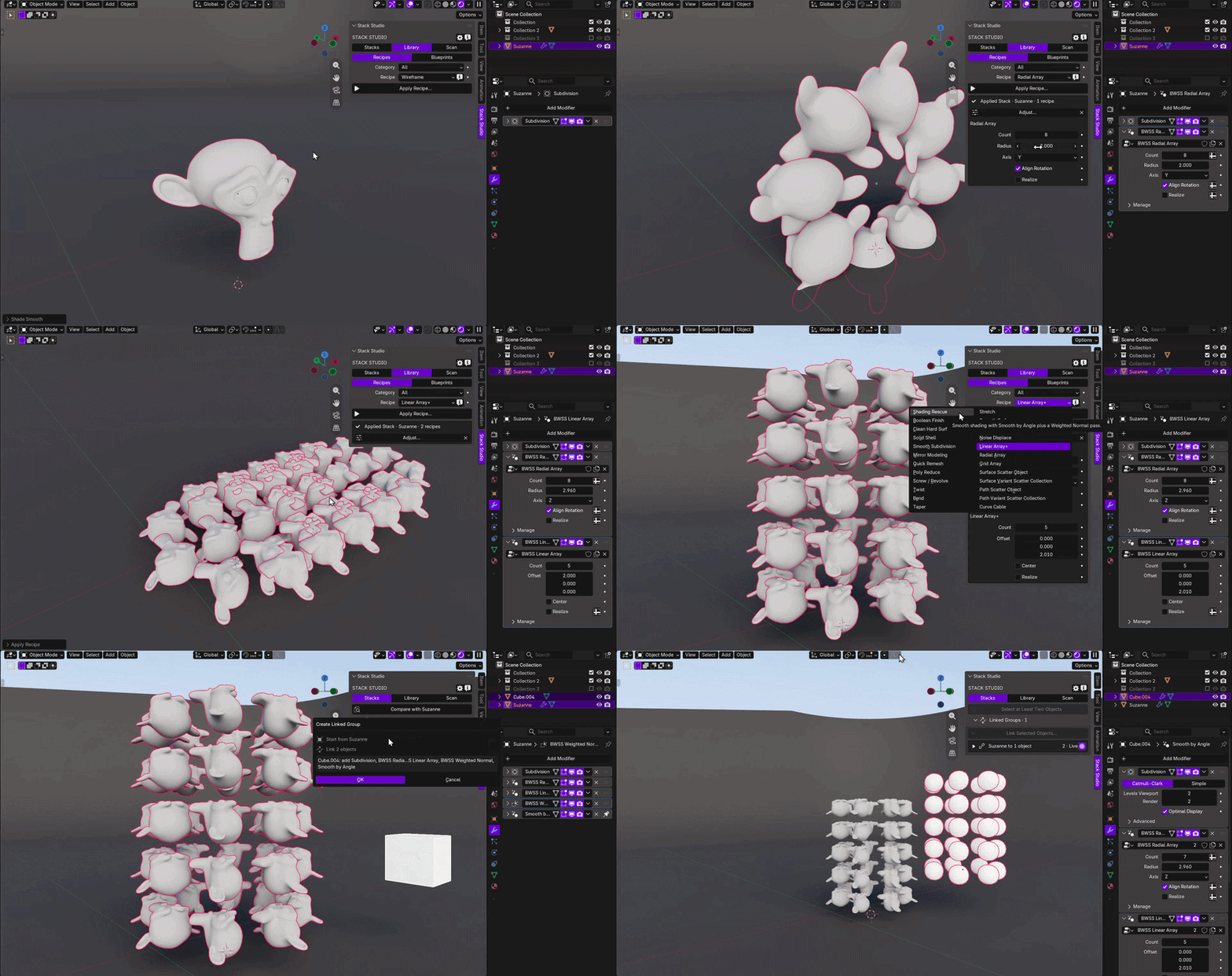
From one setup to a controlled standard.
Start from a focused recipe, adjust the source, and keep linked objects moving together.
Less stack hunting. More visible control.
Know what differs, what will change, and what stays yours.
Compare clearly.
Surface missing modifiers, order changes, values, states, references, and exposed node inputs.
Preview precisely.
See the affected objects and intended stack, value, and reference behavior before confirmation.
Reuse confidently.
Align once, keep a Linked Group synced, or carry a Blueprint into another file.
Real Blender proof
One source. Three ways to stop repetitive stack work.
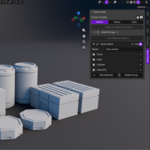
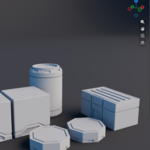
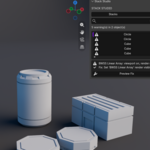
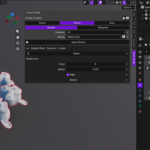
Each capture shows one honest state change in the real add-on.
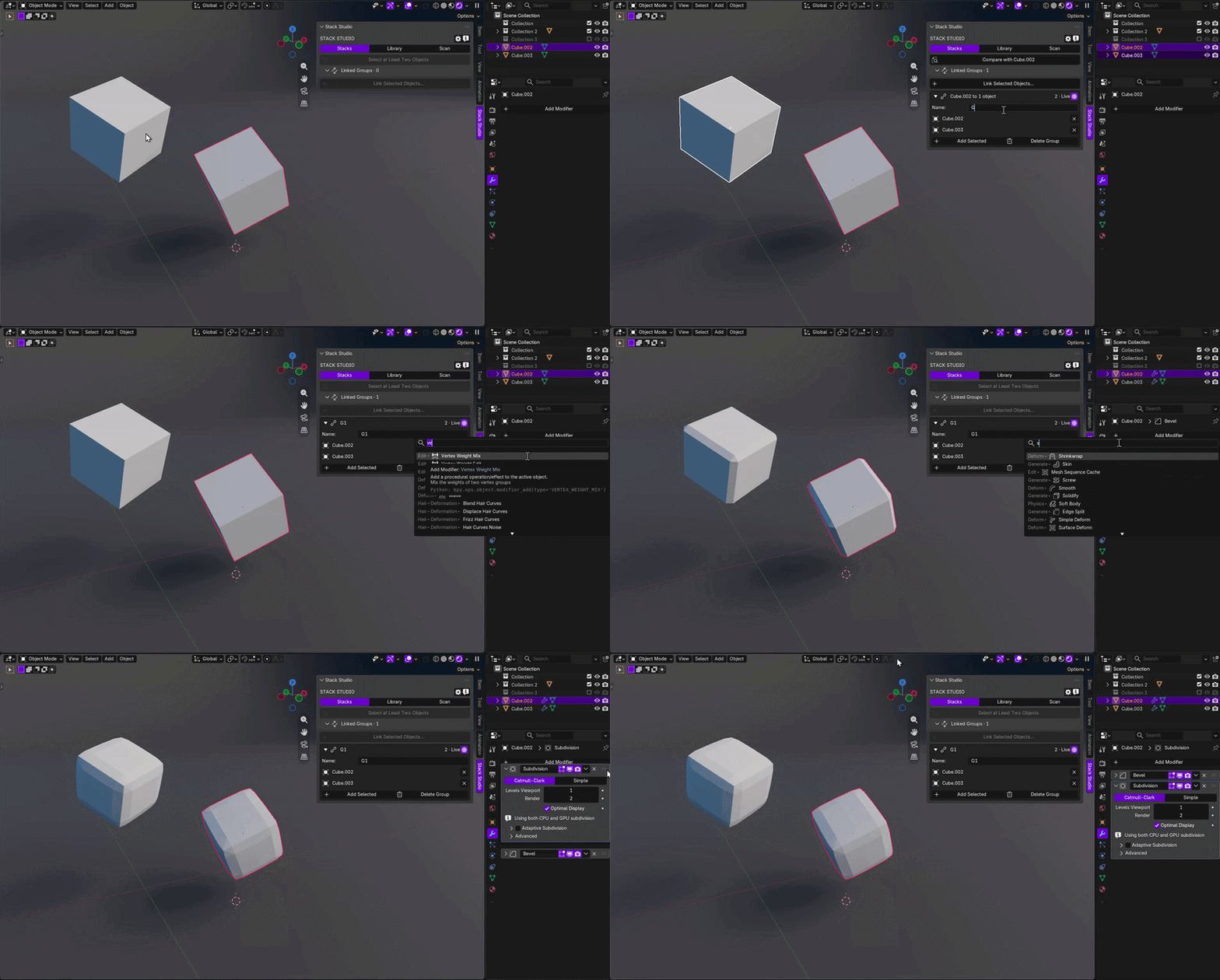
Edit one. Let the group follow.
Pause a member for a local variation. Conflicting edits stop instead of choosing silently.
Choose the scope before you apply.
Keep, add missing, match order, or replace—while values and supported references remain separate choices.
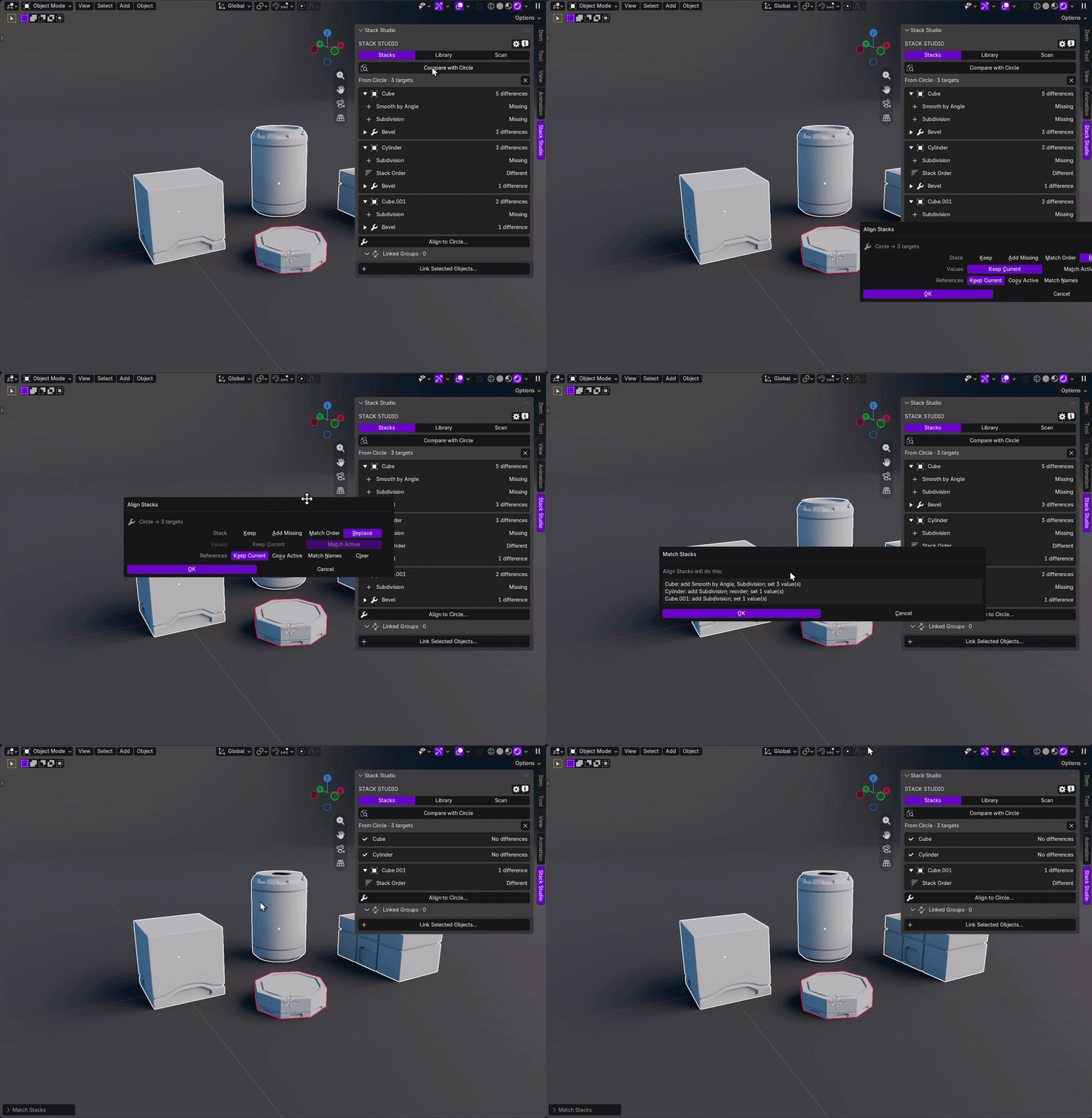
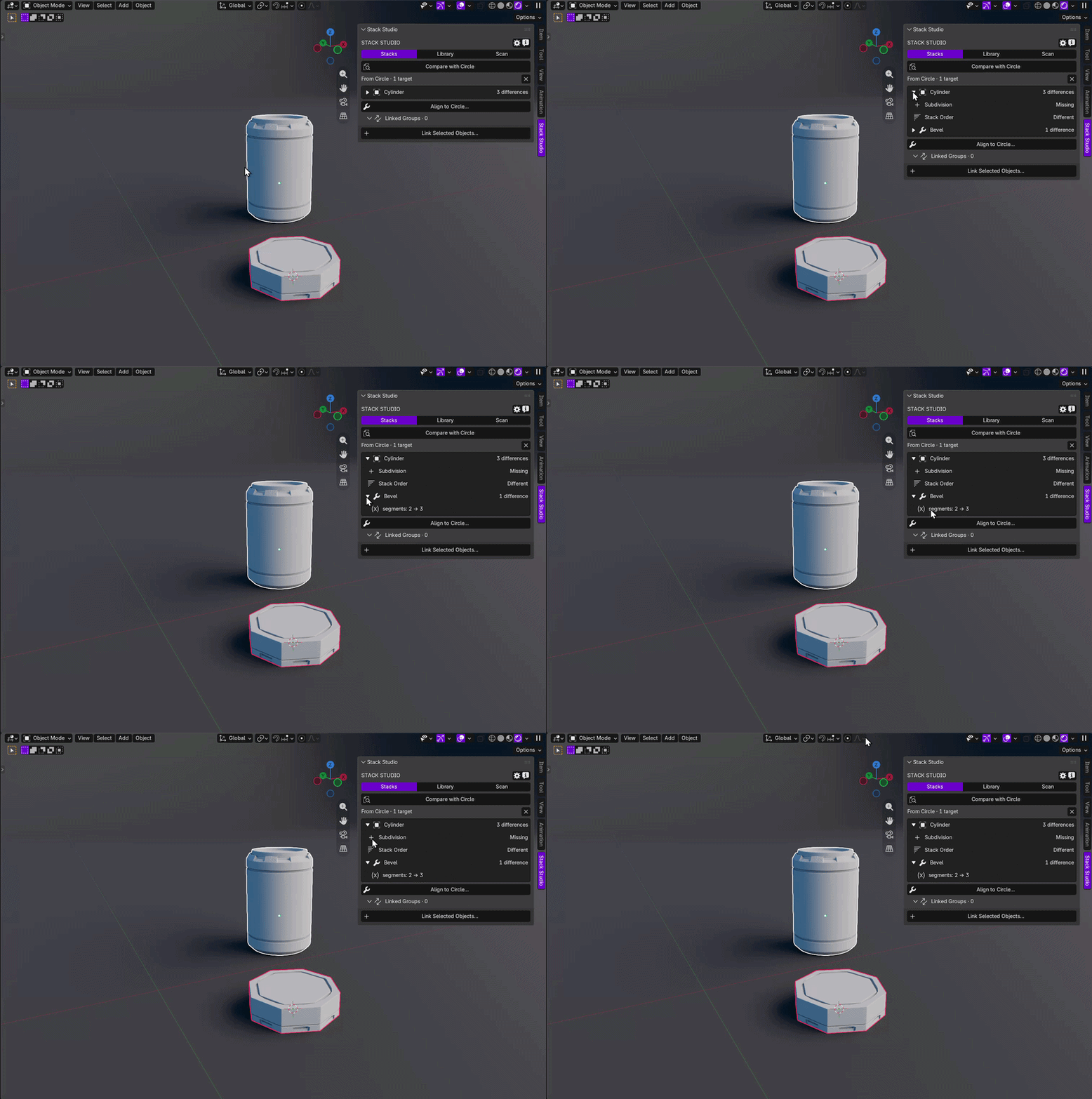
Open only the difference you need.
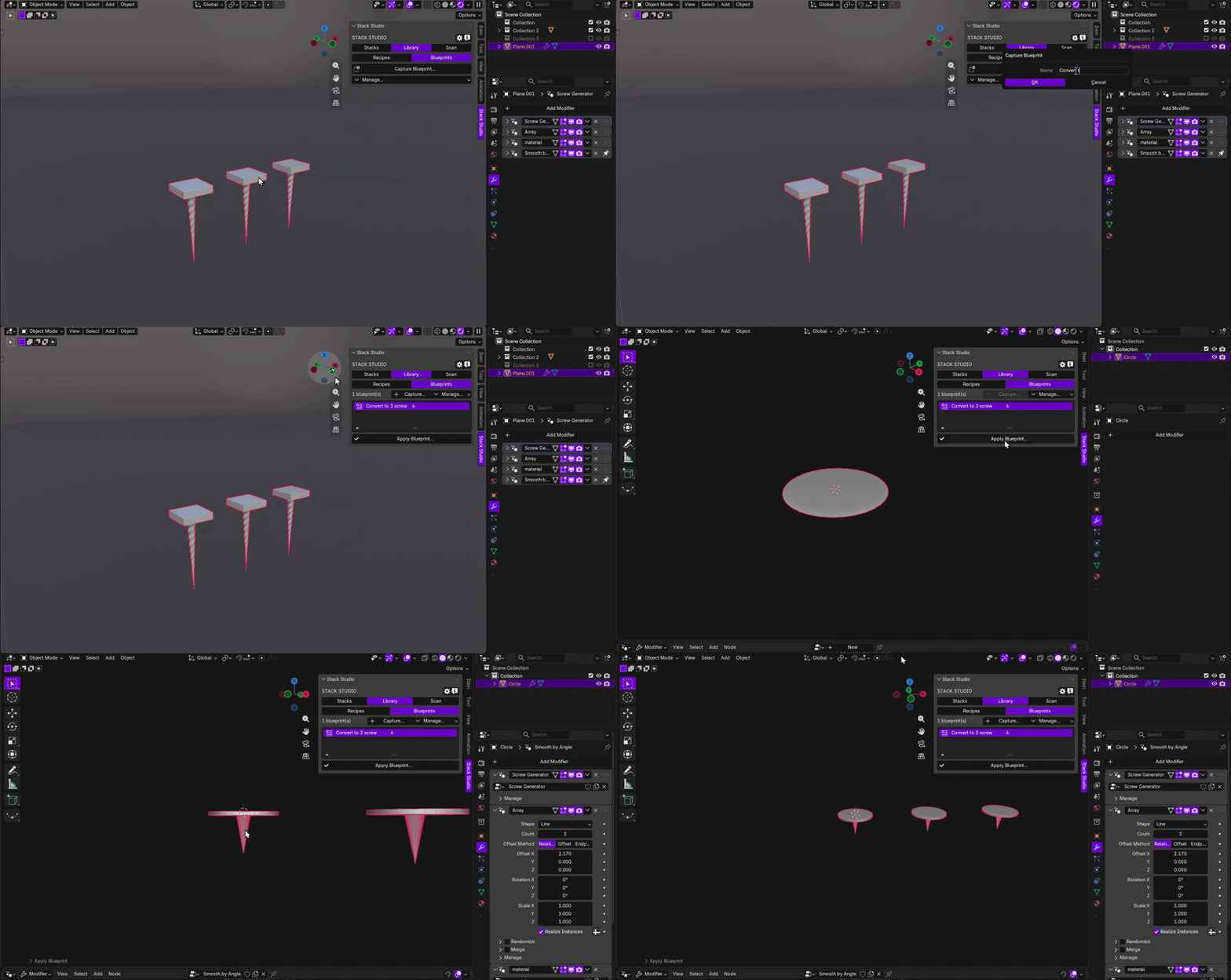
Portable Blueprint v3
Reuse the setup in the next file.
Carry supported local node groups and Object or Collection dependencies into a reviewed Apply plan.
The whole workflow
Choose. Compare. Apply.
Choose the family.
Make the intended source active and select the targets.
Compare the stacks.
Review grouped differences and the intended action.
Apply the scope.
Align once, link the group, or save a Blueprint.
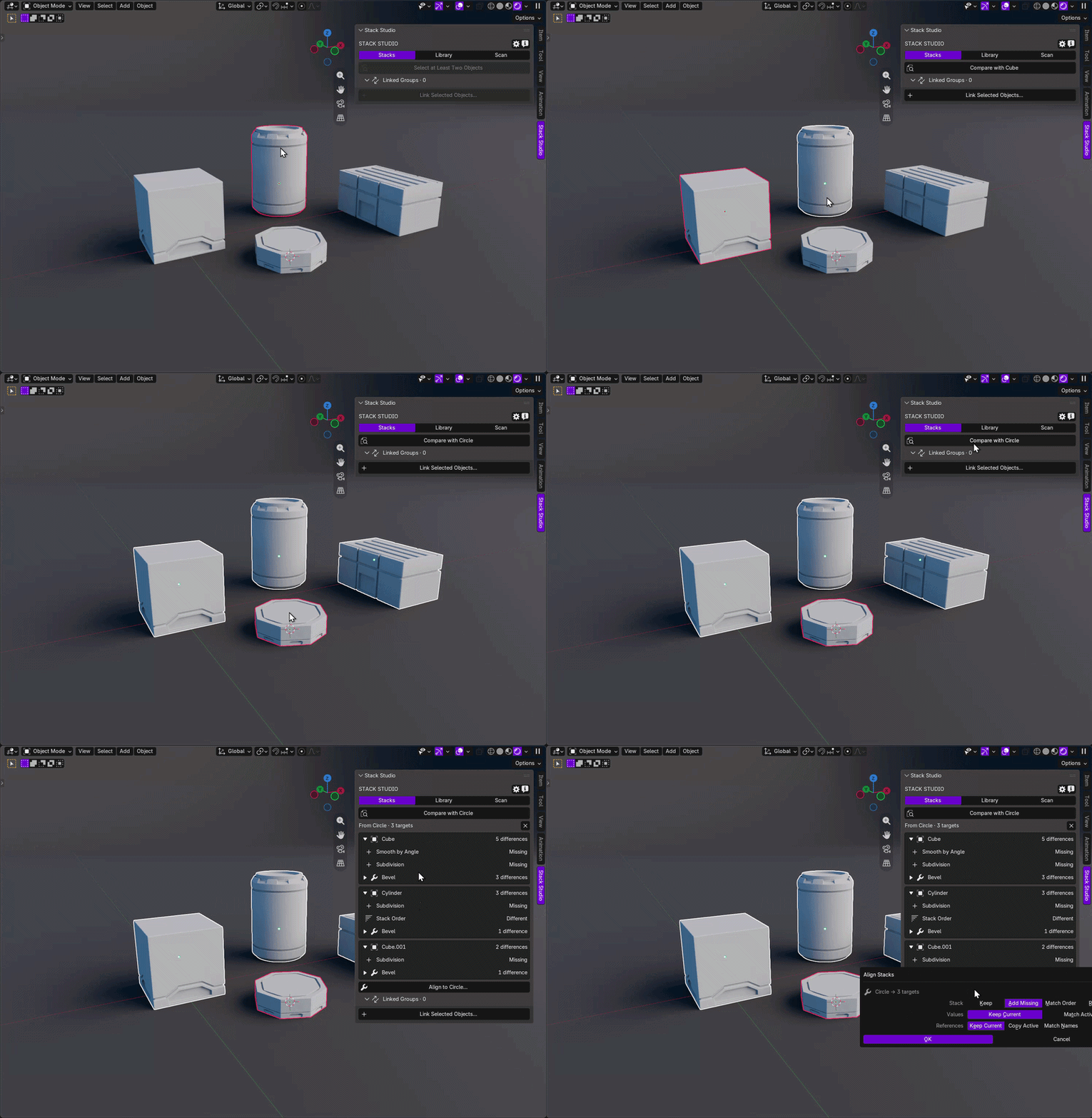
Matching objects stay quiet. Differences surface where you can inspect them.
Stale plans cancel.
A changed selection or stack invalidates an outdated review.
Blender 4.5 and 5.2 LTS.
One conventional Add-on ZIP; stack changes require Object Mode and editable local data.
Import trusted files.
External file-backed assets are not guaranteed to be embedded.
Quick answers
Before you standardize.
Which object is the source?
The active object. The other selected editable objects become targets.
Align, Live Sync, or Blueprint?
Align is one-off, Live Sync is ongoing, and a Blueprint moves a reusable setup between files.
Will it silently overwrite my setup?
Broad changes show their plan first. Stale context cancels instead of applying.
Does it work offline?
Yes. No account, telemetry, analytics, or network connection is required.
BW/05 · Stack Studio
One visible standard across every reviewed object.
Spend less time opening modifier stacks one by one—and more time working with a setup you can see, review, and repeat.