StageKit One-Click Product Studio Builder
 Hatim Dahmouni



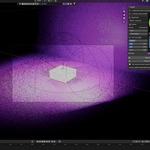
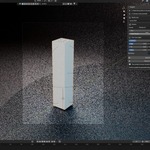
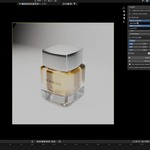
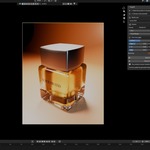
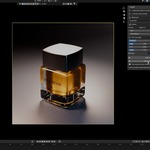
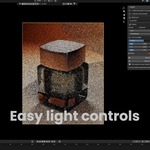
Can I select a multi-part product?
Yes. Select all product parts, or select their parent Empty. StageKit automatically includes renderable descendants when calculating the complete product bounds.
Does StageKit move or modify my product?
No. StageKit only reads the selected geometry bounds and creates a separate tagged studio setup around it. Your product is not moved, deleted, or modified.
Can I edit the generated setup?
Yes. The generated camera, lights, backdrop, world, and materials remain normal editable Blender data.
Does StageKit replace my render engine or materials?
No. StageKit leaves the current render engine and all product materials untouched. It works with both Cycles and Eevee workflows.
Which output formats are included?
StageKit includes Square 1:1, Portrait 4:5, Story 9:16, and Landscape 16:9 output presets.
How do I return to my previous scene setup?
Click Remove Stage. StageKit removes only its generated data and restores the previous camera, world, and output resolution.
 Included
Includes 12 months of
- Support from Hatim Dahmouni
- Product updates
Extend this product’s Support Period +12 months: 50% of product price
Have questions before purchasing?
Login to message
| Blender Extension Compatible | Yes |
| Published | about 2 months ago |
| Blender Version | 4.2 - 5.2 |
| Extension Type | Add-on |
| Render Engine Used | Cycles, Eevee |
| License | GPL |
Discover more products like this
product render social-content rendering Workflow camera-framing product lighting ecommerce Studio Lighting