 Outlier Labs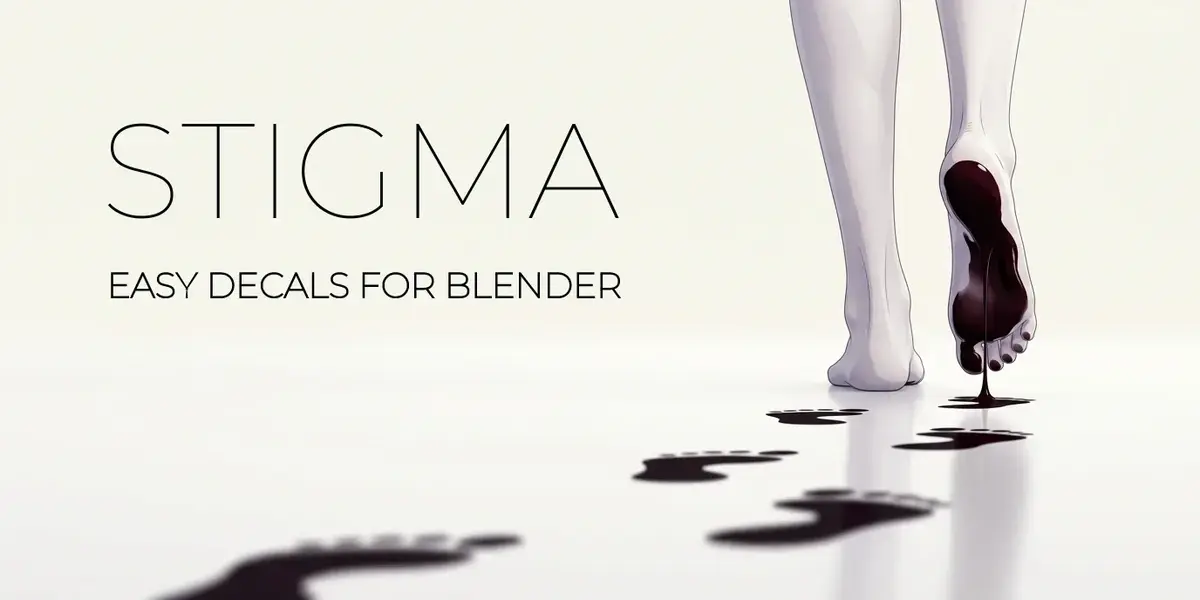
STIGMA / BY OUTLIER LABS
Leave
a mark.
Every surface has a story.
Give yours something to remember.
26 included textures · 19 color blend modes · Eevee + Cycles
Small marks. Real character.
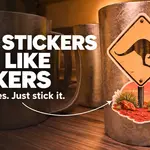
A sticker on a mug. Footprints across a floor. A splash that crosses several objects. Stigma projects editable image decals directly into your Blender materials, without adding decal planes.
Place, recolor, layer and repeat your marks. Give them their own material finish, then keep refining them as your scene takes shape.
01 / SURFACE PLACEMENT
Put it where it belongs.
Drag a texture from the library onto a mesh. Move, rotate and scale with Blender’s familiar controls, then fine-tune the projection directly in the viewport.
- Place against the surface. Hold Ctrl while moving or use the projection arrow.
- Shape the projection. Adjust width, height and depth with handles, or pull a handle through the opposite side to mirror the image.

From texture shelf to surface, with every placement still editable.
02 / MATERIAL FINISH
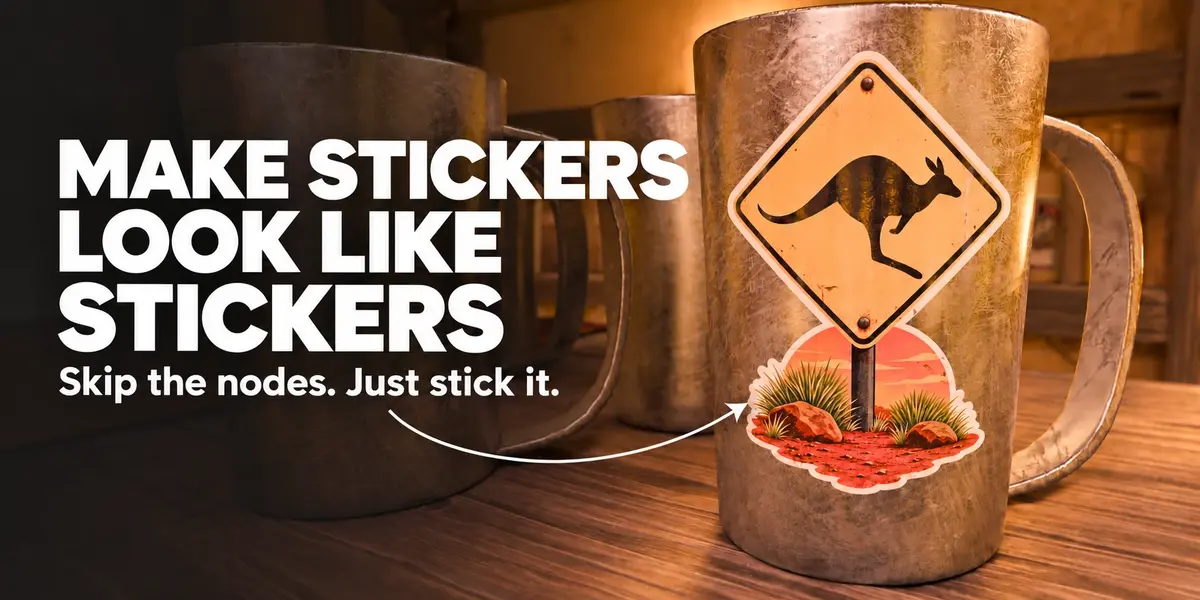
Make a sticker feel like a sticker.
A mark can change how a surface catches the light. Material Influence blends Metallic, Roughness and Specular settings per layer, using the decal’s coverage.
Give a sticker its own finish while preserving the material around it. Recolor the image with Solid Color, adjust strength and contrast, and combine layers with 19 color blend modes.

The decal’s finish changes; the surrounding surface keeps its character.
03 / REPETITION
One mark. As many as you need.
Duplicate placements to build a trail or scatter repeated details. Each copy stays independently editable while sharing its layer’s image.
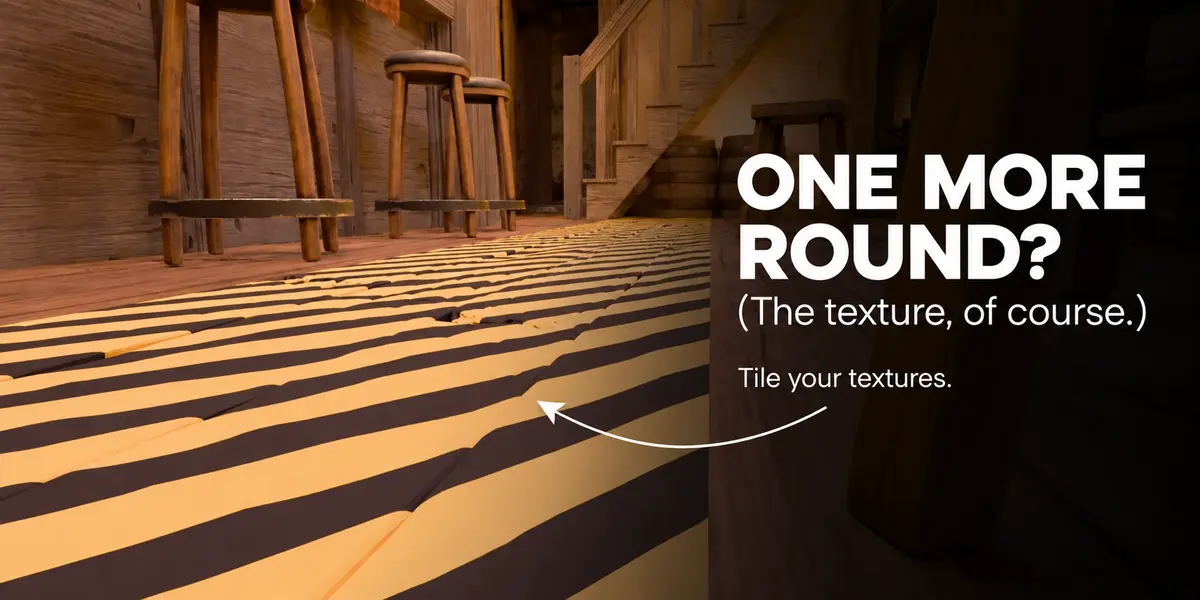
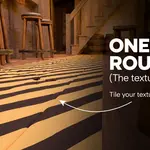
For a continuous pattern, enable Repeat inside the projection bounds. Set tile size and X/Y offsets, then enlarge the area without stretching the pattern. Use a tileable source image for seamless joins.

Tile a pattern within its bounds, or place individual copies exactly where you want them.
04 / SHARED GROUPS
Several pieces.
One shared story.
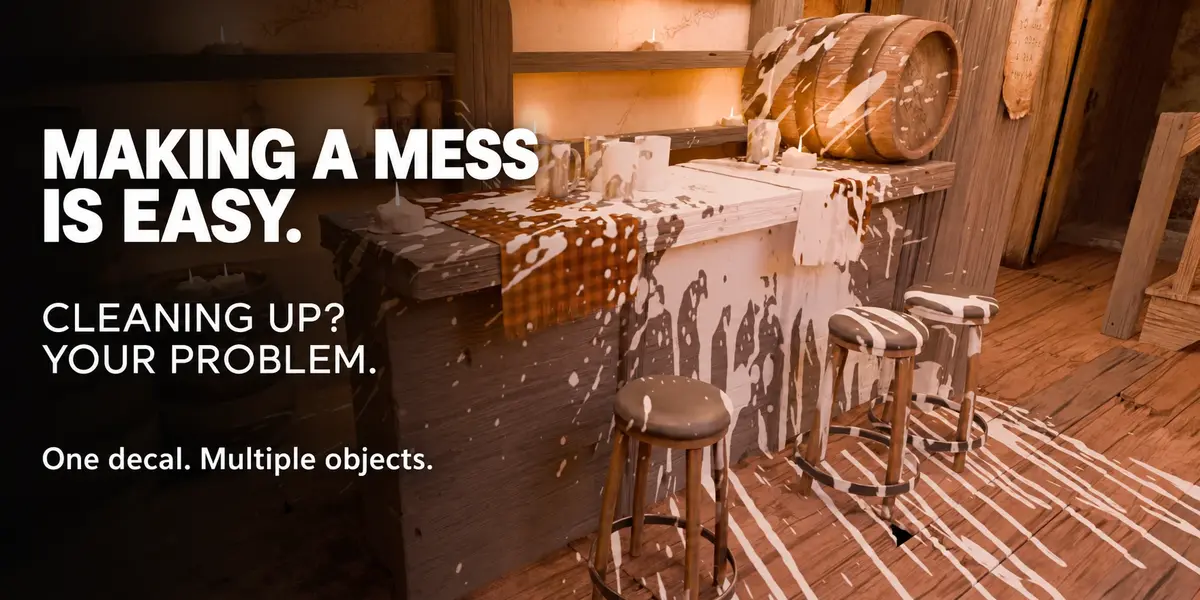
Carry a mark across an assembly with shared groups. Choose the receiving meshes explicitly, add or remove members, and organize the result with groups, layers and placements.
Higher groups and layers compose on top. Toggle their visibility without losing settings, or pin a group’s placements to a receiver so they follow that object.

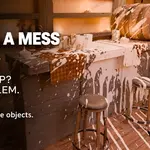
One splatter across several receiving objects: cloth, wood and mugs.
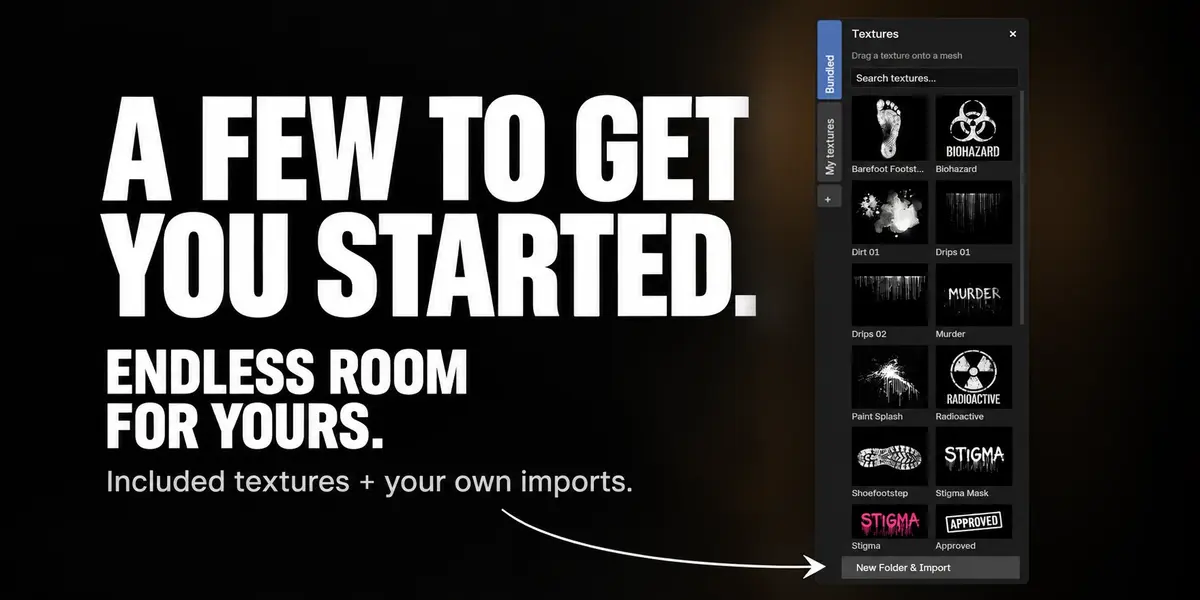
YOUR TEXTURE SHELF
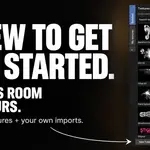
Start with 26.
Make room for yours.
Get started with footprints, drips, dirt, scratches, rust, moisture, signs and stickers from the 26 included textures.
Build your own collection with searchable personal folders, batch imports and drag-and-drop organization. Drop a library thumbnail onto a mesh to create a mark, or use it to change the image of a selected placement.
A LITTLE MORE CONTROL
Keep the detail editable.
- Alpha or luminance masks. Preserve transparency or turn a black-and-white image into a stencil. Adjust strength, contrast and inversion.
- Facing controls. Fade the projection on surfaces that turn away, using Angle and Softness.
- Placement overlap. Choose Topmost for the strongest coverage or Blend to build up overlapping marks.
- Room to experiment. Undo scene edits, cancel a placement gesture, or preview Auto Settle before confirming it.
- Your shader, your workflow. Use the coverage Mask output in your own nodes. Inspection and repair tools help you manage the setup.
BEFORE YOU START
Made for Blender.
- Blender 4.2.23 or newer. Eevee and Cycles. Validated on Linux with Blender 4.2.23, 4.5.14 and 5.2.0. Windows and macOS have not yet been formally validated.
- Compatible materials: local, editable materials with a Principled BSDF connected directly to Material Output. Linked materials, Library Overrides and arbitrary shader layouts are outside the supported workflow.
- Bounded projection: Facing filters surface orientation; it does not calculate occlusion. Objects sharing a material may also receive a mark inside its volume. Use separate materials when you need strict object exclusion.
- Current scope: editable decals inside Blender. Baking and game-engine export are not included.
Included: the Stigma add-on, 26 bundled textures and an online field guide. Install the supplied ZIP from Blender’s Preferences, enable Stigma and open its sidebar tab.
Included artwork supports personal and commercial projects, including client work, without attribution. It may not be redistributed as a standalone texture library. Imported artwork retains its original license; the add-on code is GPL-3.0-or-later.
STIGMA / OUTLIER LABS
