Stigma
 Outlier Labs


## Which Blender versions and operating systems are supported?
Stigma requires Blender 4.2.23 or newer and has been tested on Windows and Linux. The recorded Linux test versions are 4.2.23, 4.5.14 and 5.2.0. macOS has not yet been formally validated.
## Does Stigma work with Eevee, Cycles and my existing materials?
Yes. Stigma works in Eevee and Cycles with local, editable materials that have a Principled BSDF connected directly to Material Output. It preserves the existing inputs to that shader. Arbitrary shader layouts and linked materials are outside the supported workflow. Use Material Preview or Rendered shading to see your decals.
## Do I need UV maps or extra decal geometry?
You do not need to unwrap a mesh for Stigma’s decal projection. Stigma projects images into the material using an editable volume, without adding decal planes. Your existing textures can keep using their own UV maps. Move, rotate, scale or remove a placement whenever you need to change the mark.
## Can I use my own images? Are any textures included?
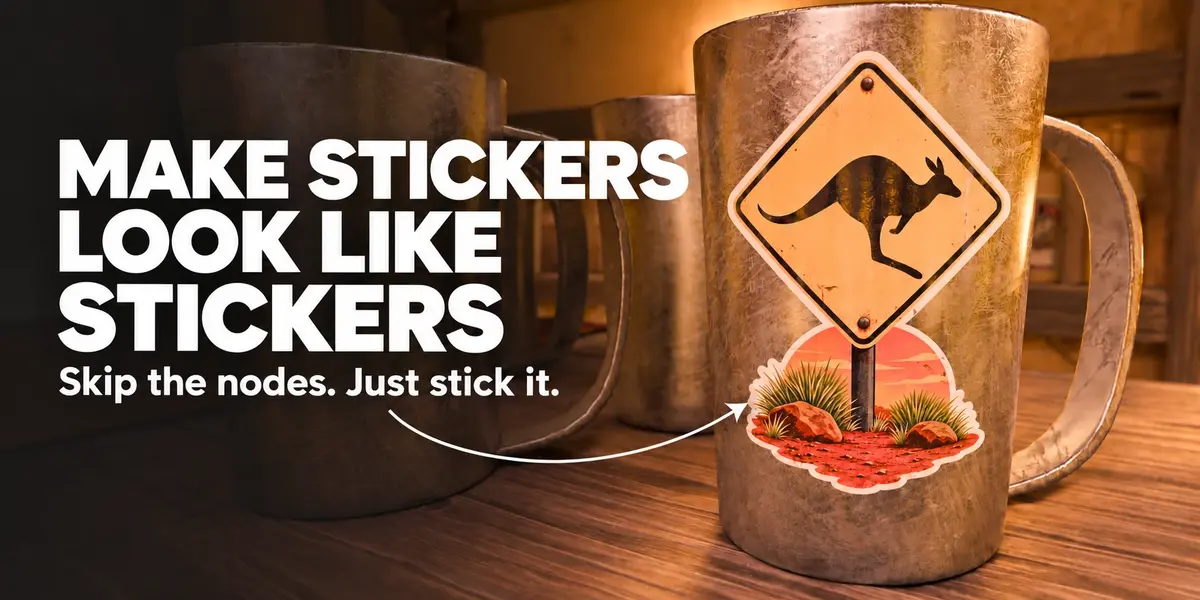
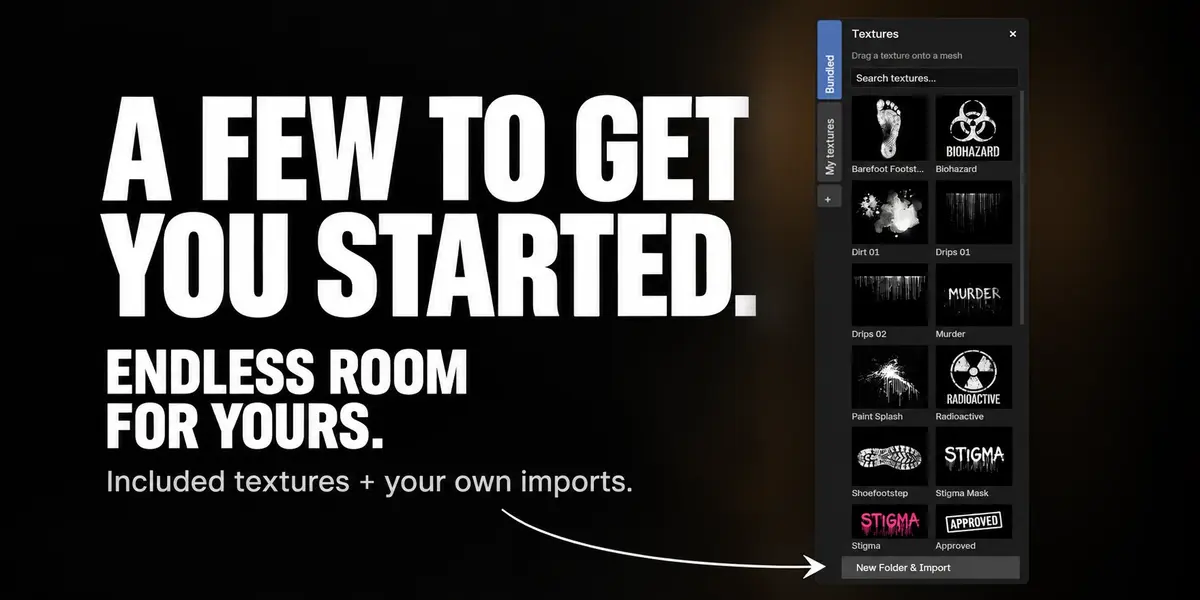
Yes. Stigma includes 26 textures, and you can import your own images into searchable personal folders. Use transparent PNGs for stickers and cutouts, or choose Luminance to use a grayscale image as a mask. You can also drag a library thumbnail directly onto a mesh to place a new decal.
## Can a decal have a different finish from the surface underneath?
Yes. Raise Material Influence to control the decal’s Metallic, Roughness and Specular settings. You can make a sticker glossy on a rough surface, or add a non-metallic mark to metal. The effective mask determines where the finish applies; areas outside its coverage retain their original finish.
## What is the difference between duplicating a decal and using Repeat?
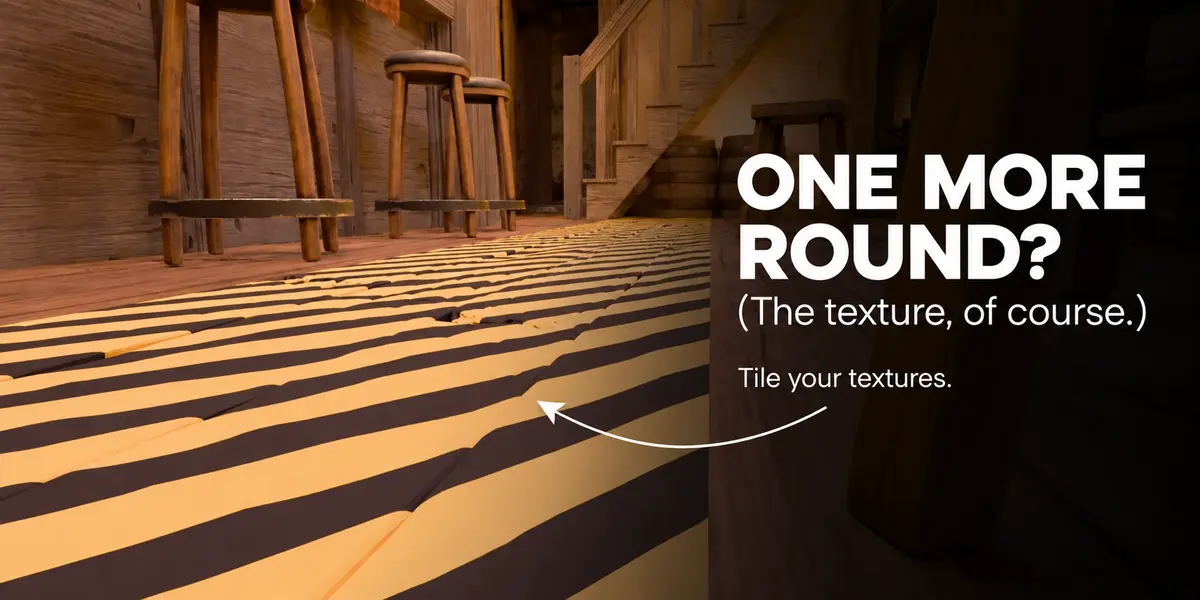
Duplicating creates separate placements that you can position independently while sharing the same layer image. Repeat tiles that image inside a single projection volume, with controls for tile size and offsets. Use a seamless source image when you need seamless repetition. Create another layer when a copy needs different artwork.
## Can one decal cross several objects?
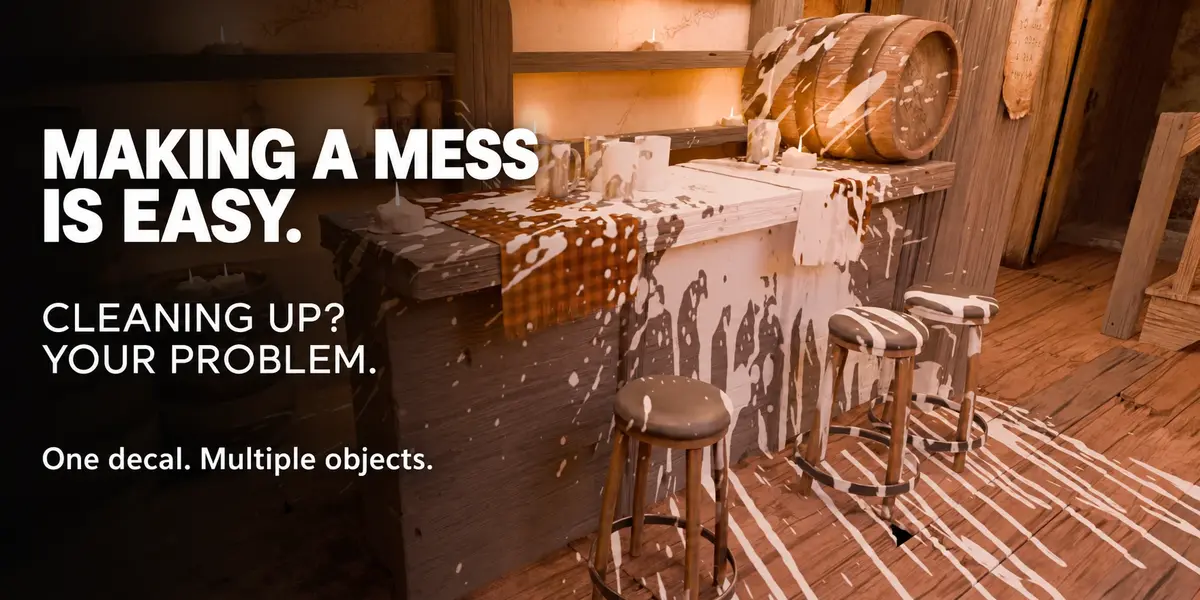
Yes. A group can share its layer stack across several receiving meshes, so one mark can cross separate objects. The surfaces must intersect the projection volume. Projection does not calculate occlusion: use Depth, Facing and the receiver setup to control coverage. Objects sharing the same material may also show the mark inside that volume; use separate materials when you need strict exclusion.
## Will my decals follow a moving or animated object?
Pin the group to an object, or choose an anchor, to make its placements follow that object’s position, rotation and scale. In World mode, placements stay in world space. Anchoring follows object transforms, not mesh deformation, so it does not make a decal stick to an armature-deformed or otherwise deforming surface.
## Can I move my project to another computer?
Yes. Save your .blend; images selected from the Stigma library are packed into the project. Check and pack any other external resources before transferring it. Install Stigma on the other computer for continued editing. Your complete personal texture library is stored separately, so back it up as well if you want to take the whole collection with you.
## Can I bake the decals or export them to a game engine?
Stigma currently provides editable projected decals inside Blender. It does not include a dedicated baking or game-engine export workflow. If your project needs baked textures or an engine-ready asset, plan a separate conversion workflow; the live projection setup does not transfer automatically.
## Can I use the included textures in commercial projects?
Yes. The bundled artwork can be used in personal and commercial work, including client projects, without attribution. You may deliver it inside a working project when needed for that project. You may not resell or redistribute the textures as a standalone library or asset pack. Imported images keep their own licenses; the add-on code uses GPL-3.0-or-later.
## Where can I find instructions or get help?
Start with the Documentation tab for installation, first steps, controls and troubleshooting. You can also read the online field guide and watch the demo linked below. For help, contact the creator through Superhive and include your Blender and Stigma versions, operating system, render engine and the steps that reproduce the issue.
[Online field guide](https://outlierlabs.dev/stigma/docs/) · [Video demo](https://www.youtube.com/watch?v=pkiiN5bbosc) · [Release notes](https://outlierlabs.dev/stigma/changelog/)
-
$29
Complete Stigma add-on with all features and 26 bundled textures for personal and commercial projects. Includes 12 months of updates and support for one artist. Code licensed under GPL-3.0-or-later.
-
$119
Complete Stigma add-on with all features and 26 bundled textures for personal and commercial projects. Includes 12 months of updates and team support for up to 5 artists, coordinated through one contact. Team size defines support coverage; GPL rights remain unchanged.
 Included
Includes 12 months of
- Support from Outlier Labs
- Product updates
Extend this product’s Support Period +12 months: 50% of product price
Have questions before purchasing?
Login to message
| Dev Fund Contributor | |
| Published | about 21 hours ago |
| Blender Version | 4.2 - 5.2 |
| Extension Type | N/A |
| Render Engine Used | Cycles, Eevee |
| License | GPL |