Stylized Cartoon Pig 3D Rigged Character
 Salman Animator
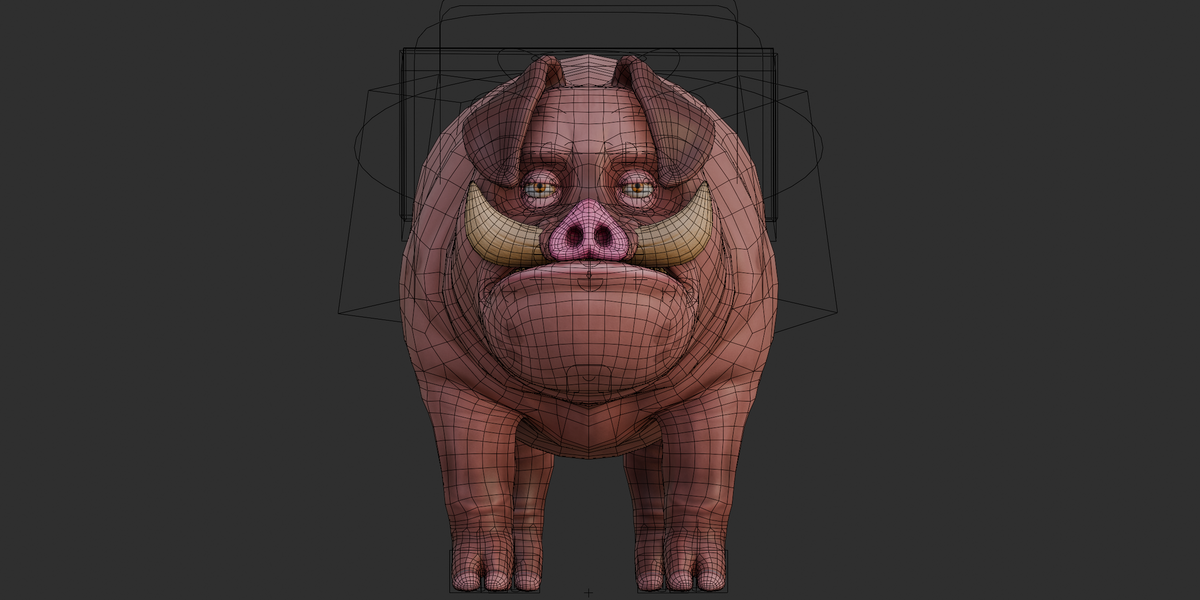
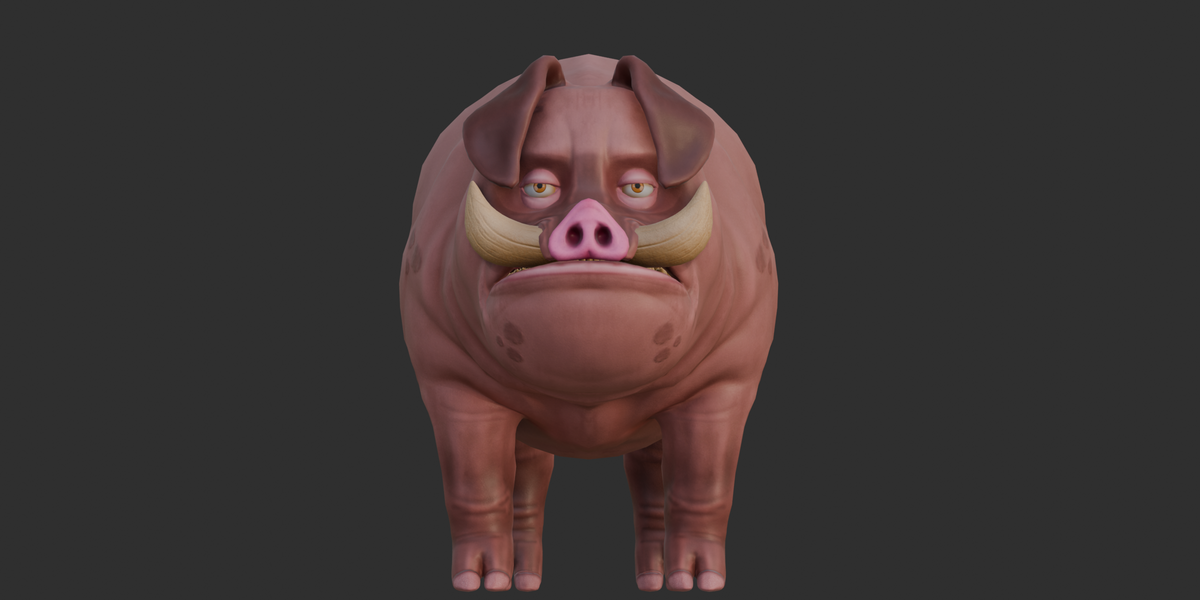
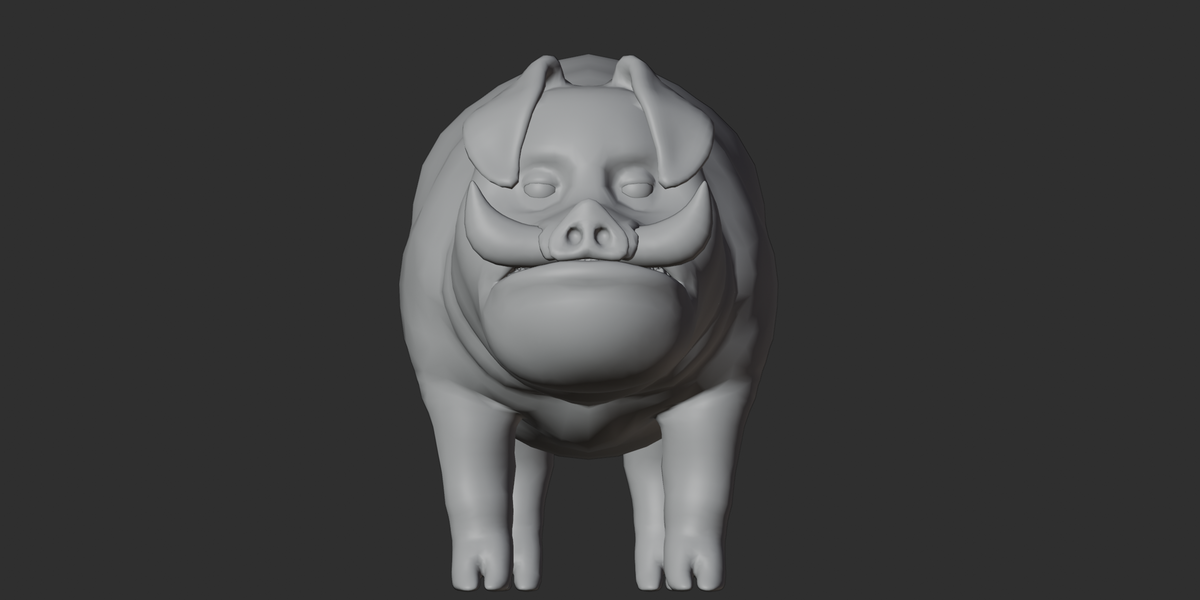
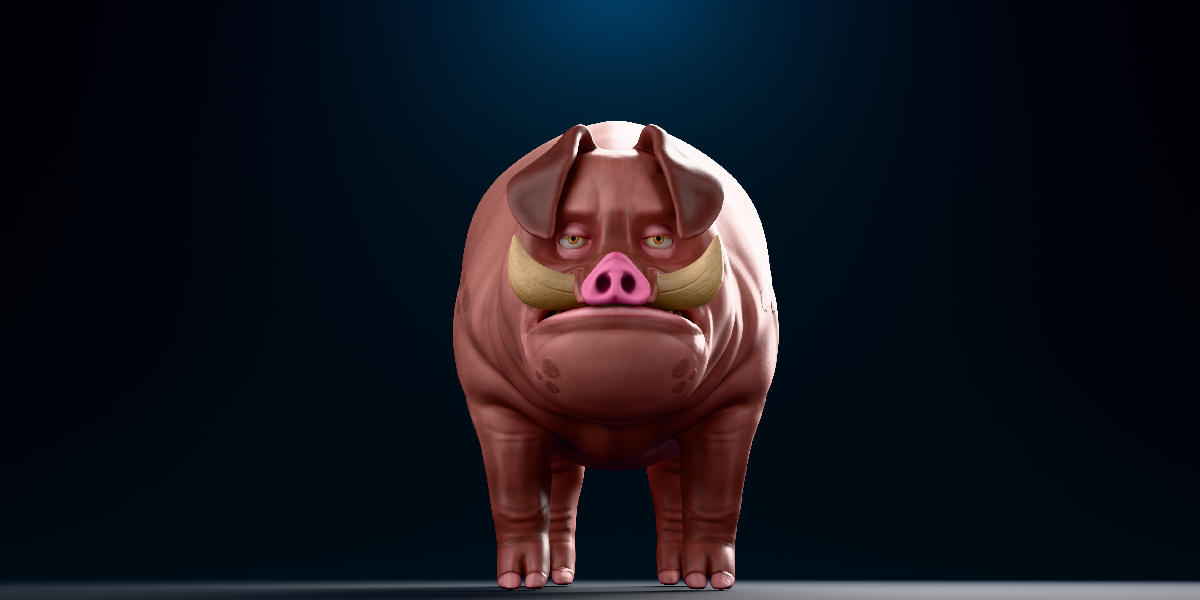
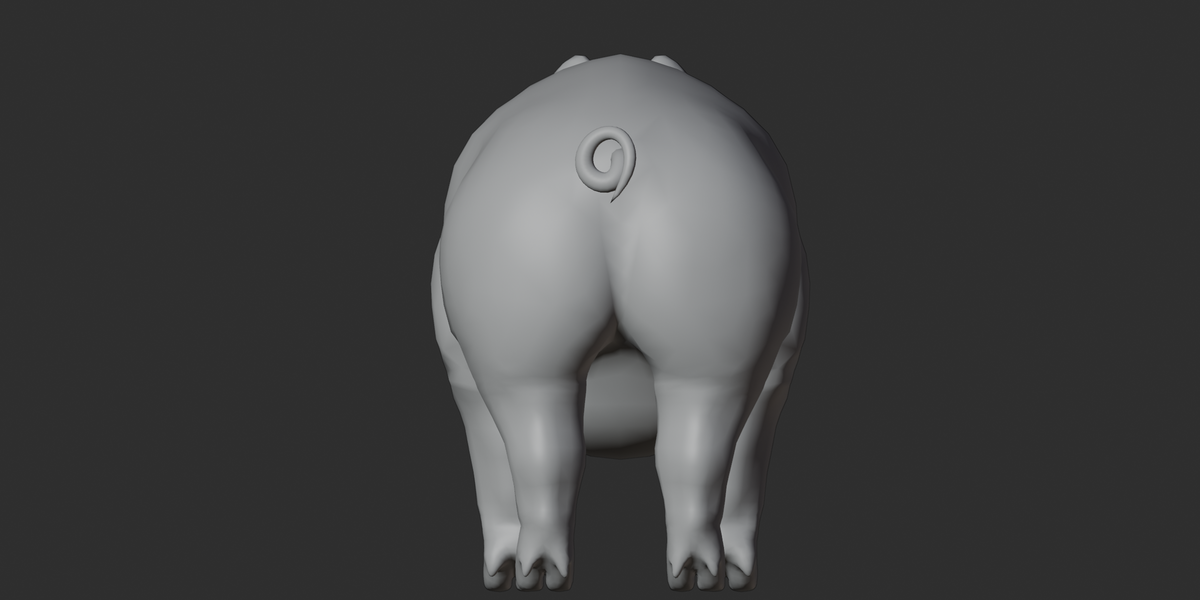
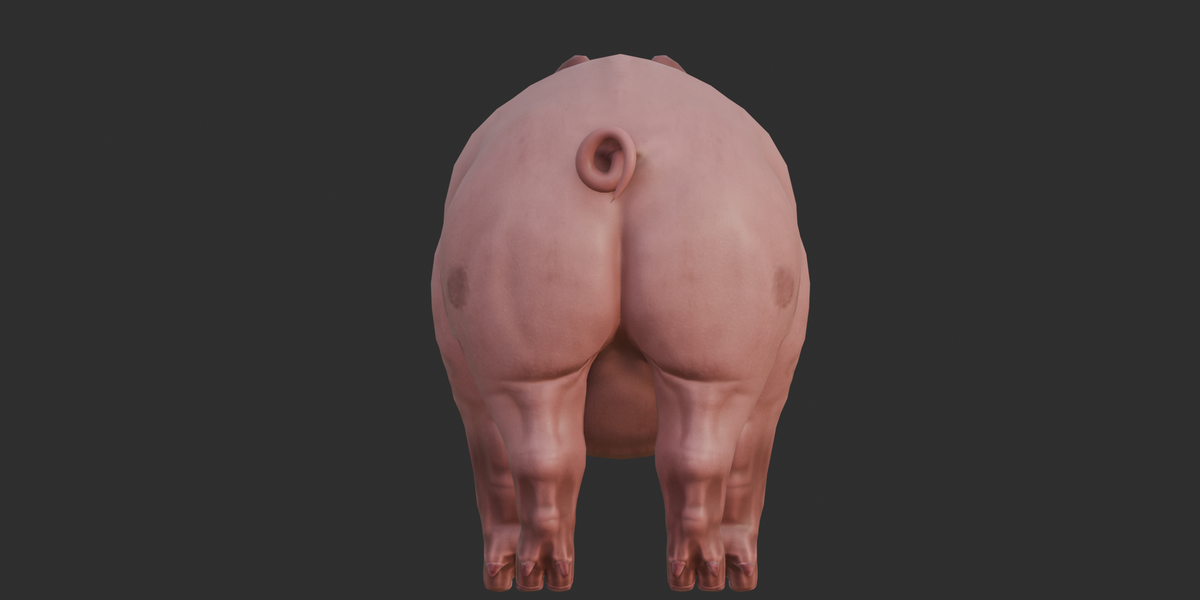
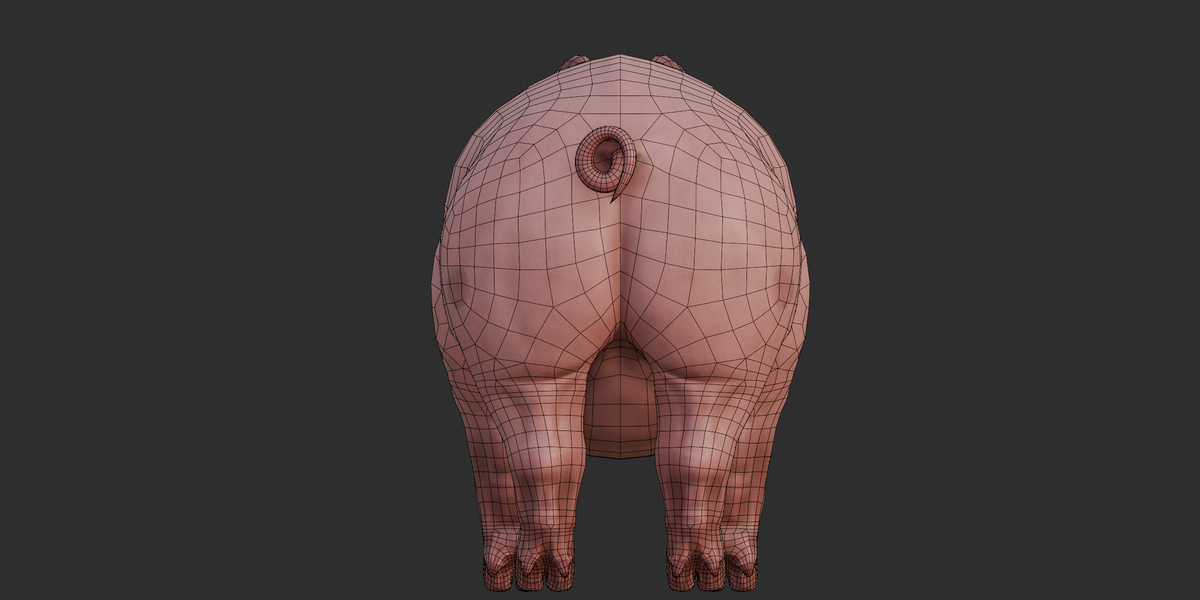
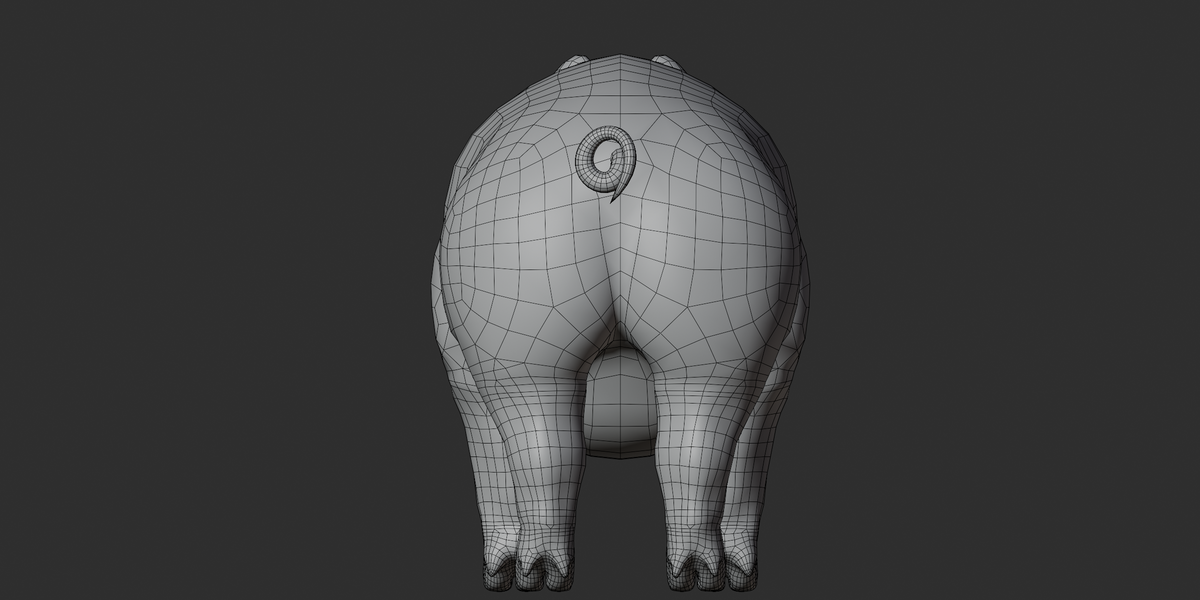
Documentation
1. Overview
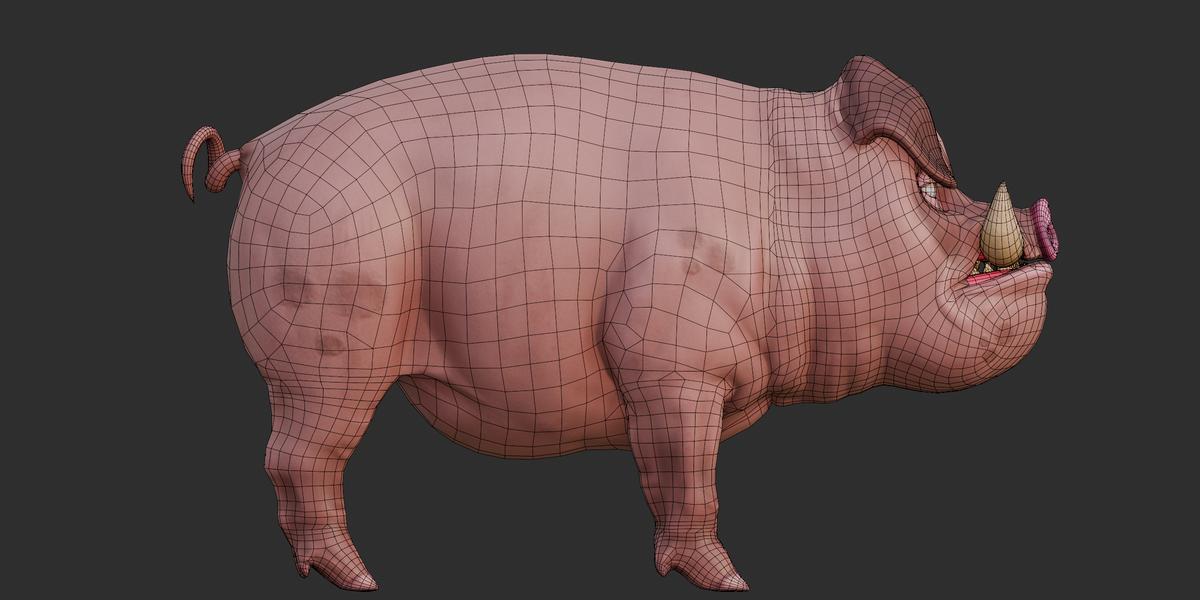
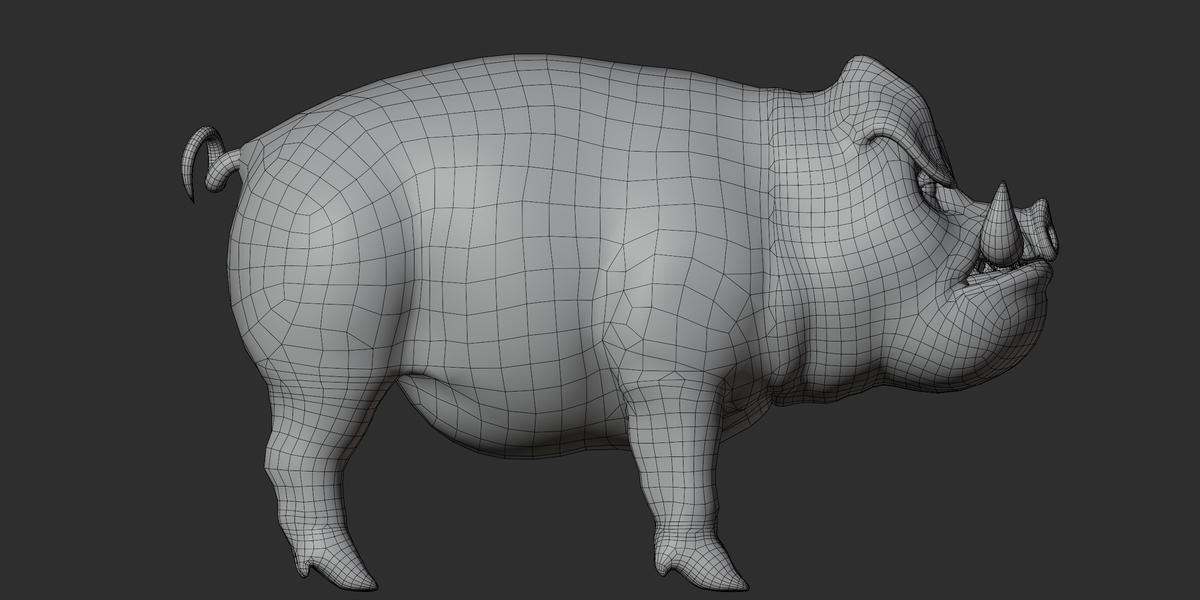
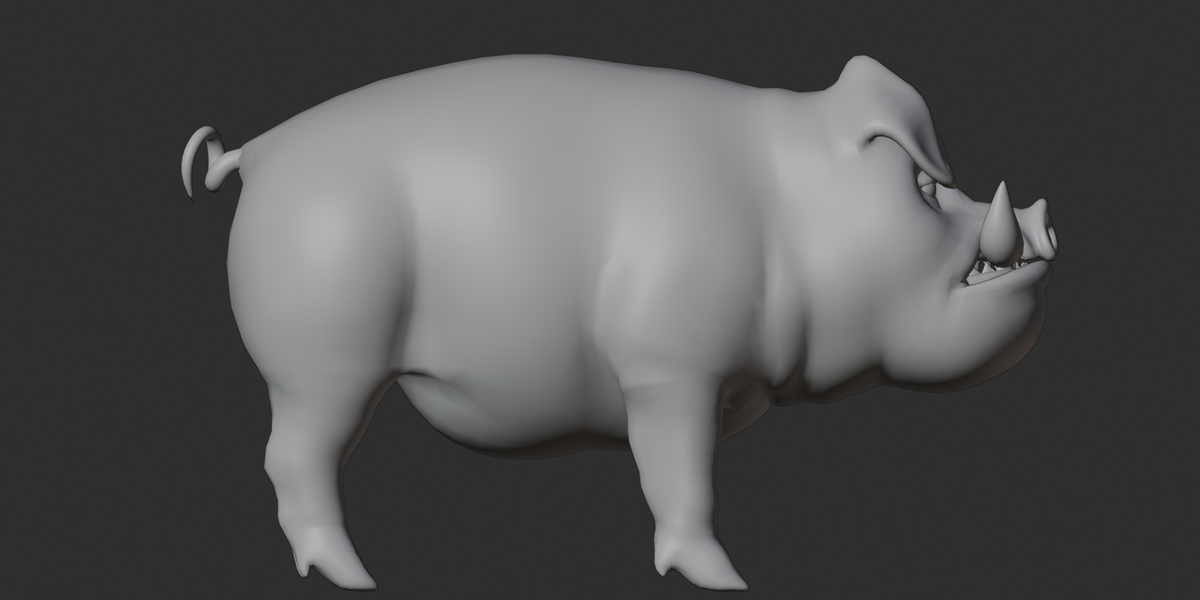
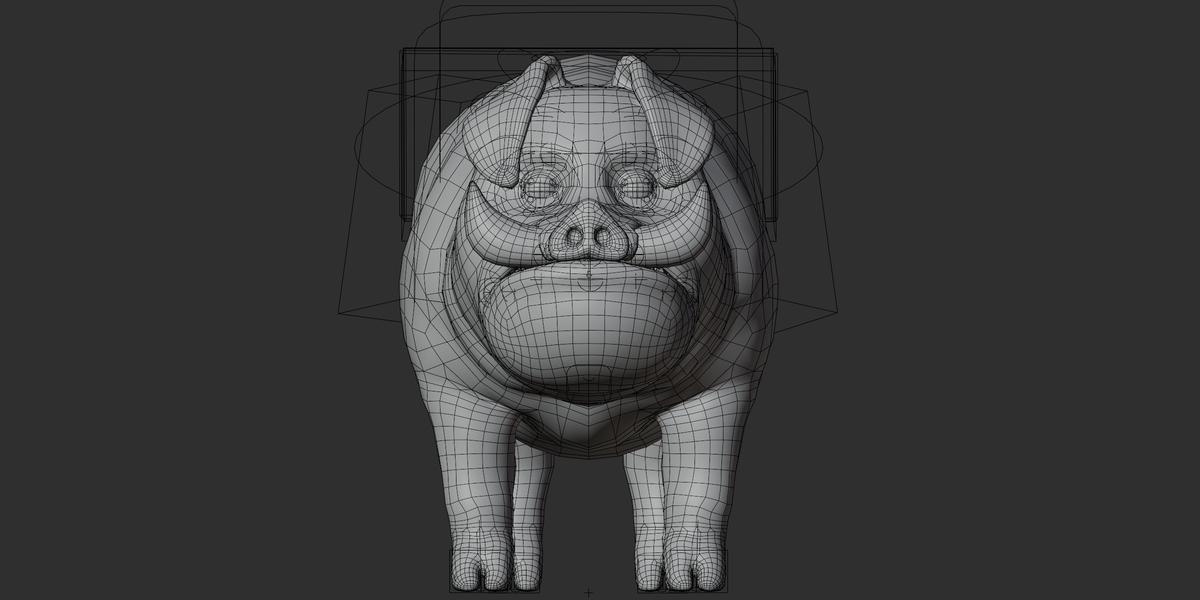
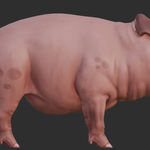
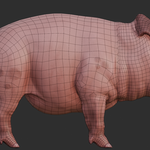
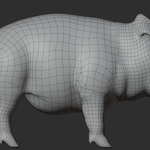
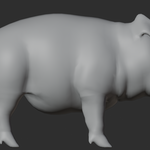
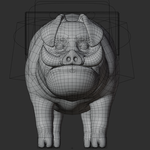
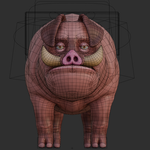
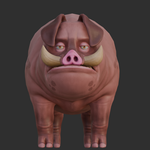
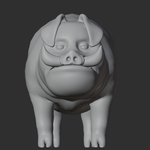
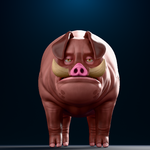
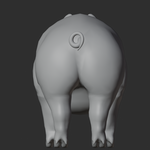
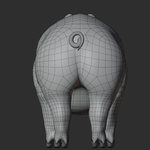
This stylized pig/boar character is a rigged 3D model designed for animation, posing, rendering, and general 3D production.
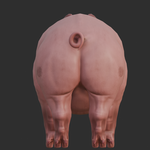
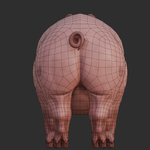
The character features curled tusks, floppy ears, a curled tail, and stylized skin details. The native Blender file includes the character meshes, materials, textures, armature, custom rig controls, camera, and scene setup.
The model is supplied in Blender, FBX, OBJ, and GLB formats, with the original PNG textures included separately in a ZIP archive.
2. Included Files
Main Files
pig.blend— Native Blender scene with the character, rig, materials, and scene setuppig.fbx— FBX export for use in other 3D applicationspig.obj— Static OBJ meshpig.mtl— Material file used by the OBJpig.glb— glTF 2.0 binary with mesh, rig, materials, and embedded texturestextures.zip— 5 source PNG textures
3. File Formats
| Format | Included | Use |
|---|---|---|
Blender .blend
|
Yes | Full native scene and rig workflow |
FBX .fbx
|
Yes | Character and rig interchange |
OBJ .obj + .mtl
|
Yes | Static mesh workflow |
GLB .glb
|
Yes | Mesh, rig, materials, and embedded textures |
| PNG | Yes | Source texture maps |
The OBJ format is static and does not contain the character rig or animation.
4. Materials
The model contains 7 materials:
pig body— Main body material with base color and normal mapsMaterial.004— Dark flat-color materialseeng— Tusks/horn material with base color and normal mapseyes— Eye material with base colorMaterial.002— Flat-color material used on teethMaterial.003— Flat-color material used on teethMaterial.001— Tongue material
The materials use a standard PBR-style metallic/roughness setup in the GLB export.
The supplied materials use:
Metallic:
0.0Roughness:
0.5
The main textured areas use the supplied PNG maps, while several smaller materials use direct color values instead of texture maps.
5. Textures
The package includes 5 PNG textures, all at 1024×1024 resolution:
| Texture | Type | Use |
|---|---|---|
pig body_Base_color.png |
Base Color | Main body |
pig body_Normal_OpenGL.png |
Normal | Main body surface detail |
seeng_Base_color.png |
Base Color | Tusks |
seeng_Normal_OpenGL.png |
Normal | Tusks |
eyes_Base_color.png |
Base Color | Eyes |
No separate roughness, metallic, AO, height/displacement, or emission texture maps are included.
6. Rig
The character includes a full deformation rig with 496 exported joints.
The rig uses Auto-Rig Pro-style naming and control structures and includes custom controls for posing the character.
Main Rig Features
IK/FK leg controls
Foot roll and foot bank controls
Pole controls
Leg stretch controls
4-segment spine
6-segment tail
Root and COG controls
Head and neck controls
Jaw controls
Lip controls
Eyelid controls
Eyebrow controls
Cheek controls
Nose controls
Ear controls
Eye aim/tracking controls
Teeth controls
Tongue controls
The facial setup is primarily bone-based, allowing the face to be posed using the supplied rig controls.
7. Bones
The exported GLB contains a 496-joint skin.
The rig includes bones for:
Legs and feet
Toes
Spine
Tail
Neck and head
Jaw
Teeth
Tongue
Lips
Eyelids
Eyebrows
Ears
Eyes
Cheeks
Nose
Root and COG
The Blender source may contain additional helper/reference bones that are not counted in the exported deformation-joint total.
8. Animation
No finished character animation clips are included in the supplied GLB.
The character is supplied with a rig so you can create your own:
Walk cycles
Run cycles
Idle animations
Facial movements
Tail movement
Custom poses
Character actions
A CameraAction data block is present in the Blender source, but it should not be treated as a character animation.
9. Shape Keys / Blendshapes
No product-specific facial blendshape set was confirmed.
A default Basis shape-key reference was found, but no separate facial blendshape library such as blink, smile, or viseme keys was identified.
Facial posing is therefore intended to be handled through the supplied facial bone controls.
10. UV
Each character mesh uses a single UV map.
The exported GLB uses TEXCOORD_0, with no second UV channel identified.
No UDIM texture setup was found.
11. Geometry
The GLB export contains approximately 13,782 vertices and 24,264 triangles across the six character mesh objects.
The main objects are:
Body
Tusks
Eyes
Lower teeth
Upper teeth
Tongue
The OBJ version contains the same character components in a non-triangulated mesh representation.
12. Customization
The character can be customized through the supplied materials, textures, and rig.
Materials
You can change the colors of the supplied materials directly in Blender.
Textures
The PNG textures can be edited or replaced using an image editor and then reloaded in Blender.
Posing
Use the supplied rig controls in Pose Mode to change the character's body, tail, facial expressions, ears, eyes, and other supported areas.
Animation
New animations can be created from scratch using the included rig.
13. Texture Workflow
The original textures are supplied inside:
textures.zip
To edit a texture:
Extract the ZIP archive.
Open the required PNG in an image editor.
Edit or repaint the texture.
Save the updated texture.
Reload it in Blender.
Pack the textures into the
.blendfile if you want a self-contained Blender project.
For missing texture links in Blender, use:
File → External Data → Find Missing Files
and select the folder containing the extracted textures.
14. Material Workflow
To edit the materials in Blender:
Open the
.blendfile.Select the character object.
Open the Shading workspace.
Select the required material.
Adjust the Base Color or texture connection.
Adjust roughness and other PBR values as needed.
The main textured materials are:
pig bodyseengeyes
The remaining materials primarily use direct color values.
15. Blender Workflow
For the most complete workflow, use the native:
pig.blend
Recommended steps:
Open the file in Blender.
Check the character and materials.
Select the
rigarmature.Enter Pose Mode.
Use the custom rig controls to pose the character.
Edit materials or textures if required.
Create animation if needed.
Export to FBX or GLB for another application.
The source file contains Blender 4.2 metadata.
16. FBX Workflow
Use the supplied pig.fbx when you need a rigged character in an application that supports FBX.
Basic workflow:
Import the FBX.
Check the character scale and orientation.
Check the skeleton.
Assign or relink textures if required.
Review the materials.
Set up animation or retargeting as needed.
Exact FBX behavior can vary between applications, especially for rig controls, IK systems, materials, and texture paths.
17. OBJ Workflow
The OBJ version is intended for static mesh workflows.
Files required:
pig.objpig.mtlTexture files from
textures.zip
Keep the OBJ and MTL together.
For the textures, extract the ZIP and place the texture folder beside the OBJ/MTL files. If the normal maps do not automatically load, assign them manually in the material settings.
Important: OBJ does not contain the character rig or animation.
18. GLB Workflow
The supplied pig.glb contains:
Character mesh
Materials
Embedded PNG textures
496-joint skin/armature
The textures are embedded inside the GLB, so a separate texture folder is not required when using this format.
No character animation clips are included in the GLB.
19. Scene Setup
The Blender scene includes the character, rig, camera, and lighting-related scene elements.
An external forest.exr HDRI is referenced by the original Blender scene but is not included in the package. This affects scene lighting only and is not required for the character itself.
If the HDRI is missing when opening the scene, you can replace it with your own environment texture or lighting setup.
20. Compatibility
The asset is supplied in widely supported formats:
Blender: Native
.blendsourceFBX: Character interchange
OBJ: Static mesh workflows
GLB/glTF: Mesh, rig, materials, and embedded textures
Compatibility with individual engines or applications may vary. When moving the rig outside Blender, IK controls and other rig-specific behavior may require additional setup or retargeting.
21. Known Limitations
No verified character animation clips are included.
No separate facial blendshape library was confirmed.
OBJ texture paths may require manual texture relinking.
The external
forest.exrHDRI is not included.Real-world meter/centimeter scale is not explicitly confirmed.
FBX rig and material behavior can vary depending on the receiving application.
22. Quick Start
For Blender
Open → Check Textures → Select Rig → Pose → Customize → Animate → Export
For GLB
Import pig.glb → Check Materials → Check Skeleton → Use in your GLB-compatible workflow
For OBJ
Place OBJ + MTL together → Extract Textures → Import OBJ → Relink Textures if Needed
For FBX
Import FBX → Check Scale/Orientation → Check Skeleton → Relink Materials/Textures if Needed
23. Recommended Workflow
For the best editing experience, use the native Blender file.
Import → Materials → Rig → Pose → Customize → Animate → Export
The Blender source provides the most direct access to the character's rig, materials, textures, scene setup, and custom controls.
Have questions about this product?
Login to message
| Published | 6 days ago |
| Blender Version | 2.6x - 5.2 |
| Render Engine Used | Cycles, Eevee, Freestyle |
| Misc Data | Rigged, Textured |
| License | Royalty Free |

Discover more products like this
stylized boar farm animal 3d model pig character rigged pig animated pig cartoon pig blender pig rig hog 3d model stylized pig 3d model pbr pig model