What does the Substance Painter bridge do?
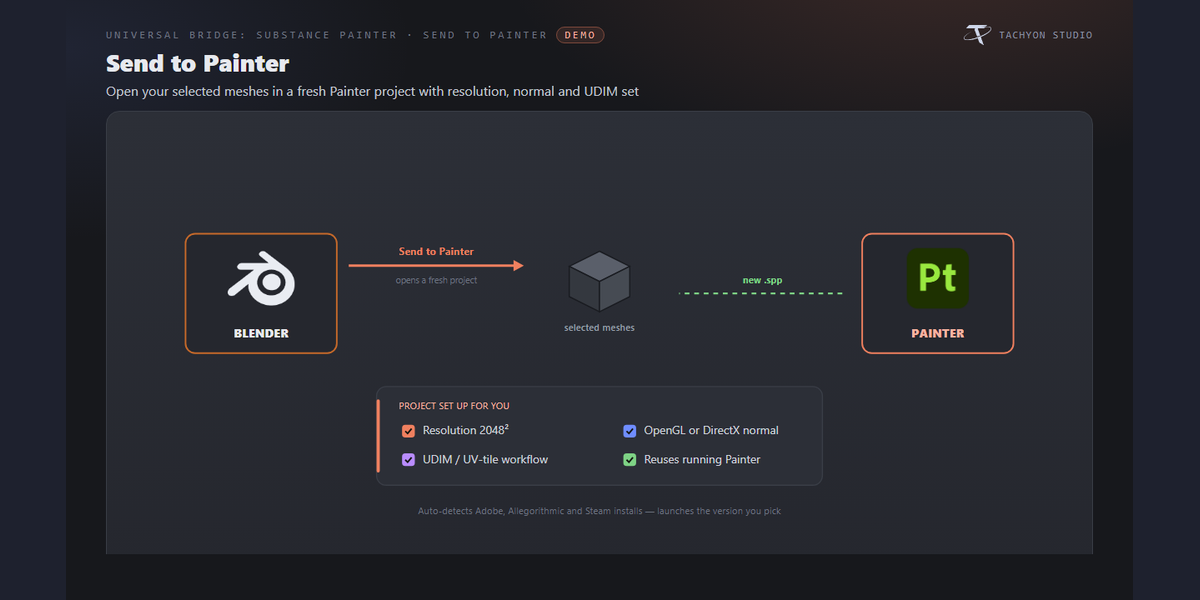
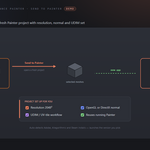
Send your meshes to Substance Painter, texture them, and pull the maps back into Blender as ready-wired Principled materials — no manual exporting or importing. Re-send after an edit and Painter reloads the mesh in place, so your paint layers survive.
Do I have to set anything up in Painter?
Sending a mesh works on its own. For the two-way link — Get Textures, in-app baking and the live status readout — install the companion plugin once (a button in preferences), enable "tachyon_painter_bridge" in Painter's Python ▸ Plugins menu, and restart Painter.
Does it bring my textures back automatically?
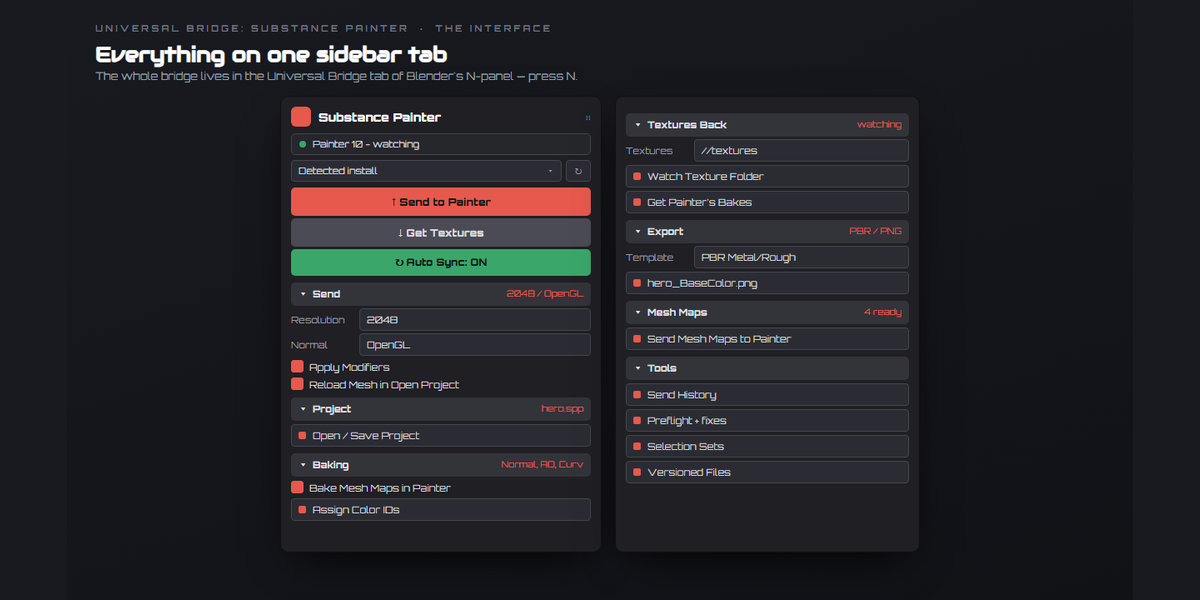
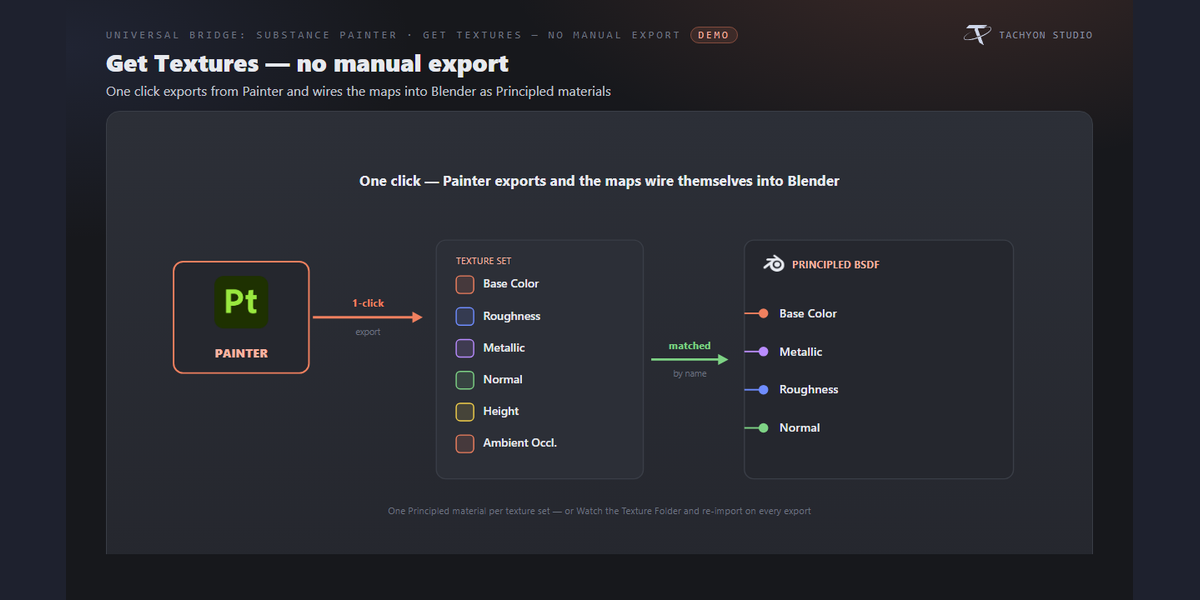
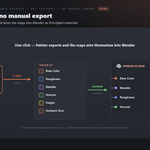
Yes. Get Textures tells Painter to export and imports the maps for you, building a Principled material per texture set matched to your Blender materials by name. You can also Watch the Texture Folder so it re-imports on every Painter export.
Can I edit the mesh after I've started texturing?
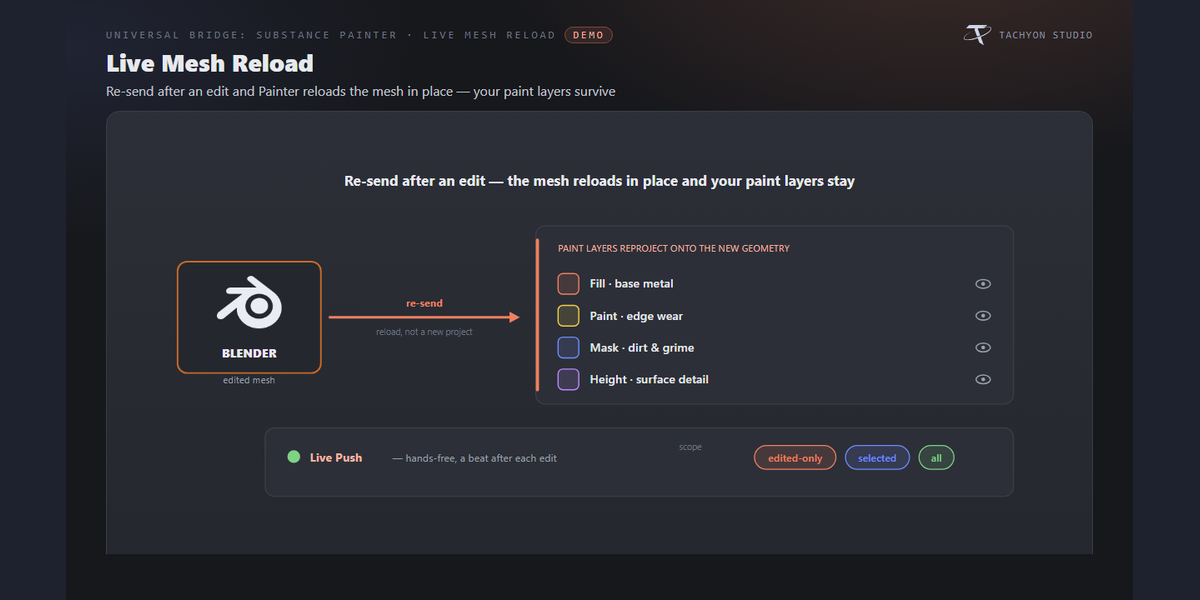
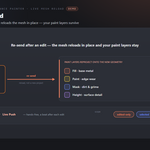
Yes. With "Reload Mesh in Open Project" on, re-sending reloads the edited mesh into the open project in place and your paint layers reproject onto it (Painter 7.4+). Live Push does this hands-free a beat after each edit.
Can it bake mesh maps for me?
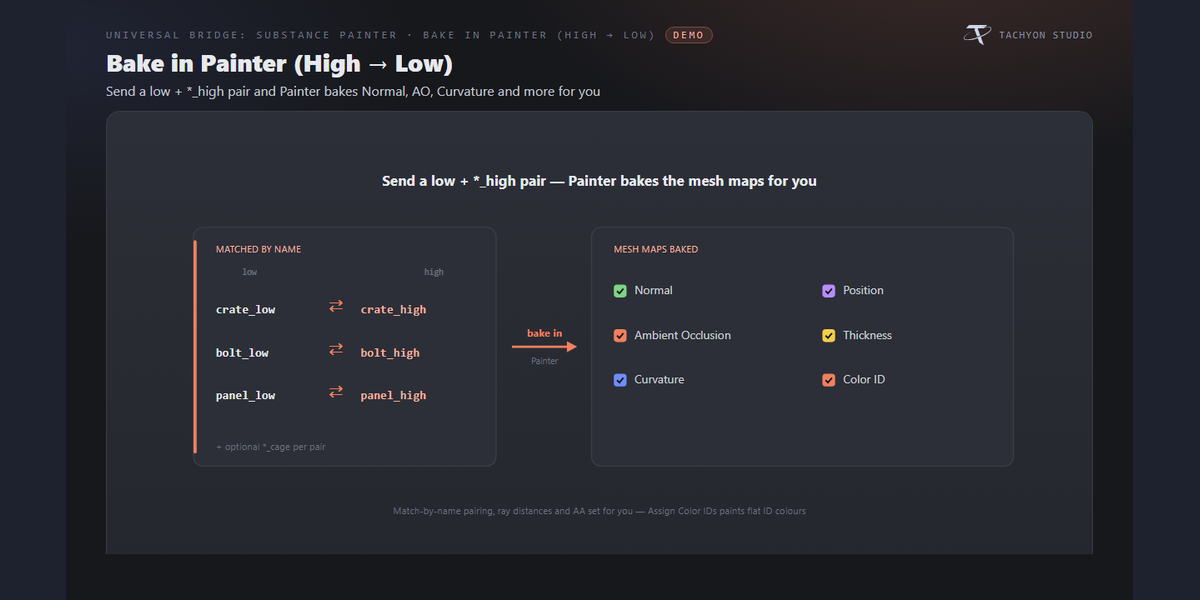
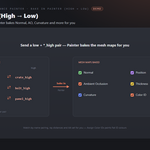
Yes. Select the low meshes together with their `*_high` (and optional `*_cage`) meshes and Send has Painter bake Normal, AO, Curvature, Position, Thickness and Color ID automatically (Painter 8.2+), with match-by-name pairing so nothing needs exploding. "Assign Color IDs" paints a random vertex colour per object for instant ID masks.
I already baked my maps in Blender or Marmoset — can I reuse them?
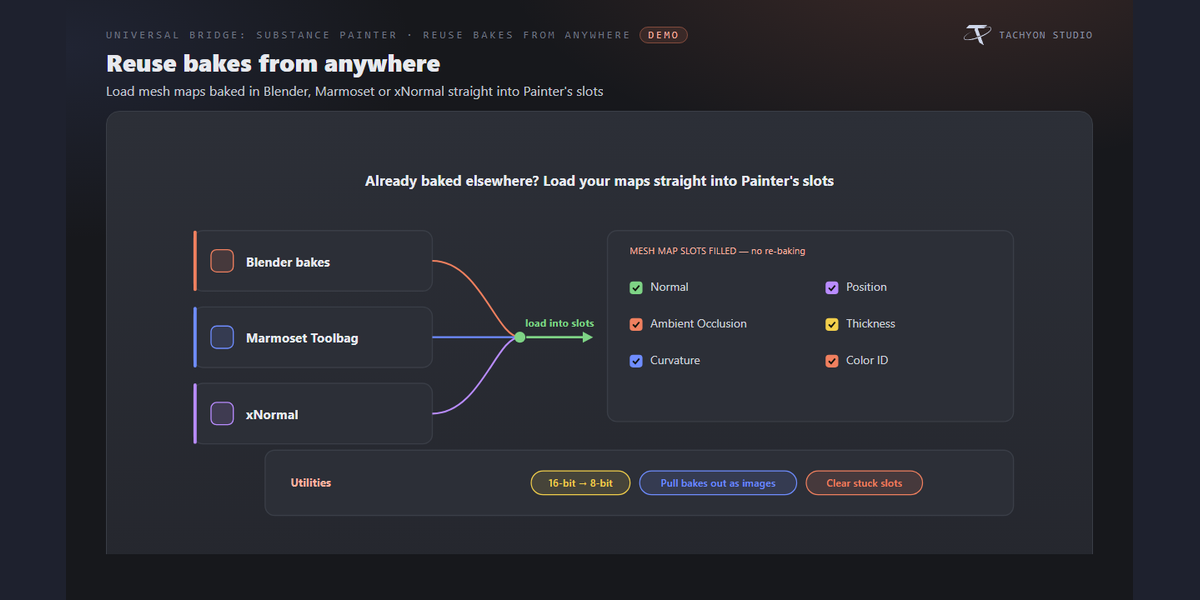
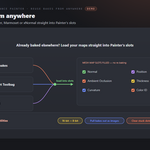
Yes. Point the Mesh Maps folder at them and Send loads them straight into Painter's mesh map slots, so you don't bake twice. If Painter reports "Failed to decode bitmap" on a 16-bit map, turn on Convert to 8-bit.
Can it export for Unreal and Unity, not just Blender?
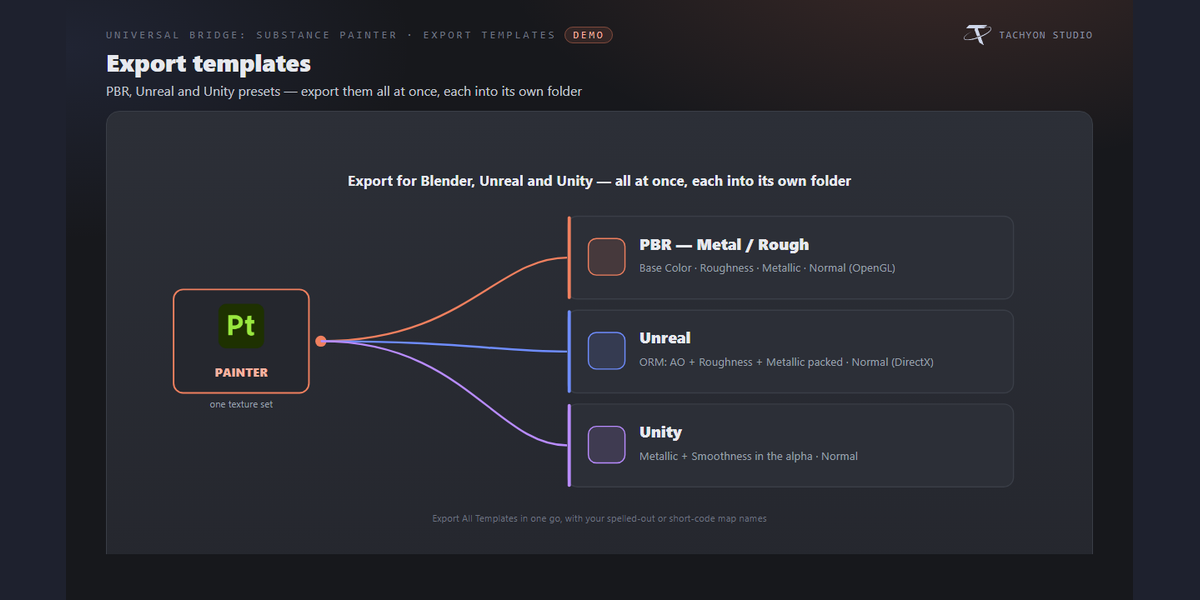
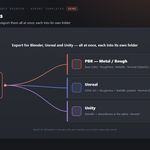
Yes. Choose the PBR Metal/Rough, Unreal (ORM-packed, DirectX normal) or Unity (metallic + smoothness in alpha) template, or Export All Templates at once — each lands in its own folder. Only the PBR set imports back into Blender; the packed engine maps are export-only.
Can I control the exported file names?
Yes. Pick a naming convention (Painter default, `T_` prefix, or Mesh + Set), spelled-out or short map codes, or type your own pattern — with optional per-template patterns. Format, bit depth, size, padding and dithering apply to every map.
Can I reuse a specific Painter project file?
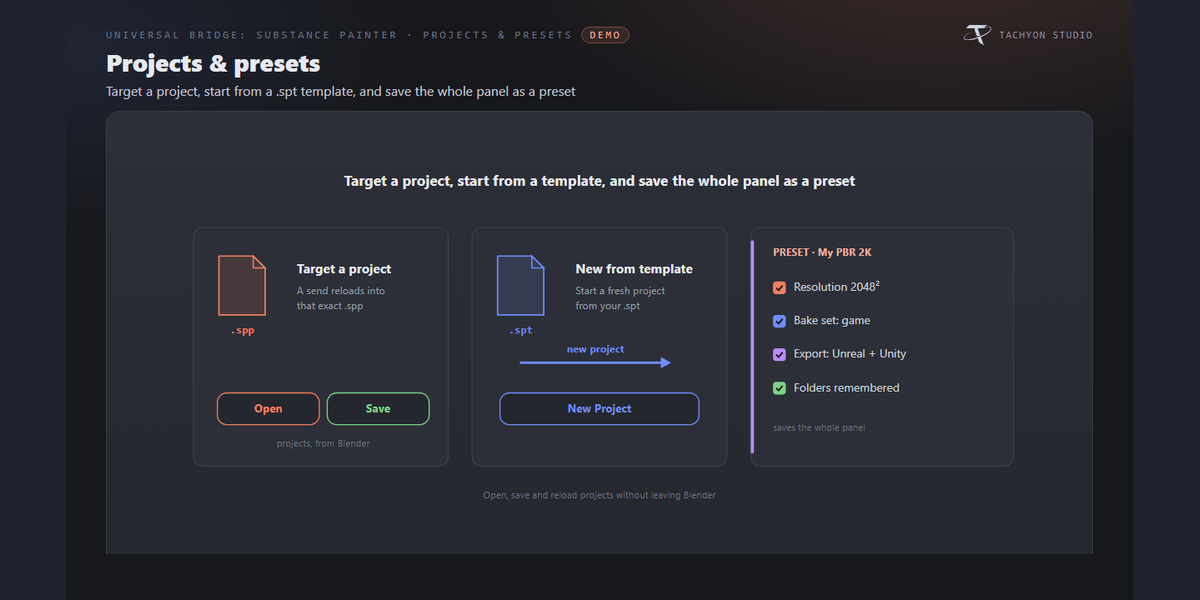
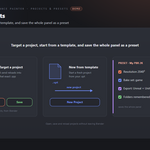
Yes. Name a `.spp` as the Project File and Send opens it and reloads into it instead of starting fresh; if it doesn't exist yet, a new project is saved there. You can also Open and Save the project from Blender, and start new projects from a `.spt` template.
Does it change my Blender mesh?
No — it's non-destructive. Your mesh is untouched, with an optional backup collection before send. Only textures and materials come back into Blender.
Which Blender versions are supported?
Blender 3.3 through 5.2. On 4.2+ it installs as a modern Extension; on 3.3–4.1 as a classic add-on. Windows.
Can I use it for commercial work?
Yes. Like all Blender add-ons it's licensed under the GPL, so you can use it in any commercial project. Substance Painter is licensed separately by Adobe.
Do I need Adobe Substance 3D Painter, and is a licence included?
You need your own Adobe Substance 3D Painter - it is sold separately by Adobe and is not included with this product. This add-on is the Blender side of the bridge only, and is not affiliated with, endorsed by, or a reseller of the vendor. It is also Windows only: macOS and Linux are not supported.
Can I change the icons, or turn them off?
Yes. Preferences ▸ Button Icons offers Brand Colours (the default, each bridge in its own colour), Mono with a colour swatch you pick, and Blender Built-ins if you would rather have no custom icons at all. Colour-code Status decides whether link and modifier icons keep their green / amber / red. The icons are drawn from masks and tinted as they load, so any colour stays crisp.
 Tachyon Studio