Super Easy Slow Motion
 Make It Move Media
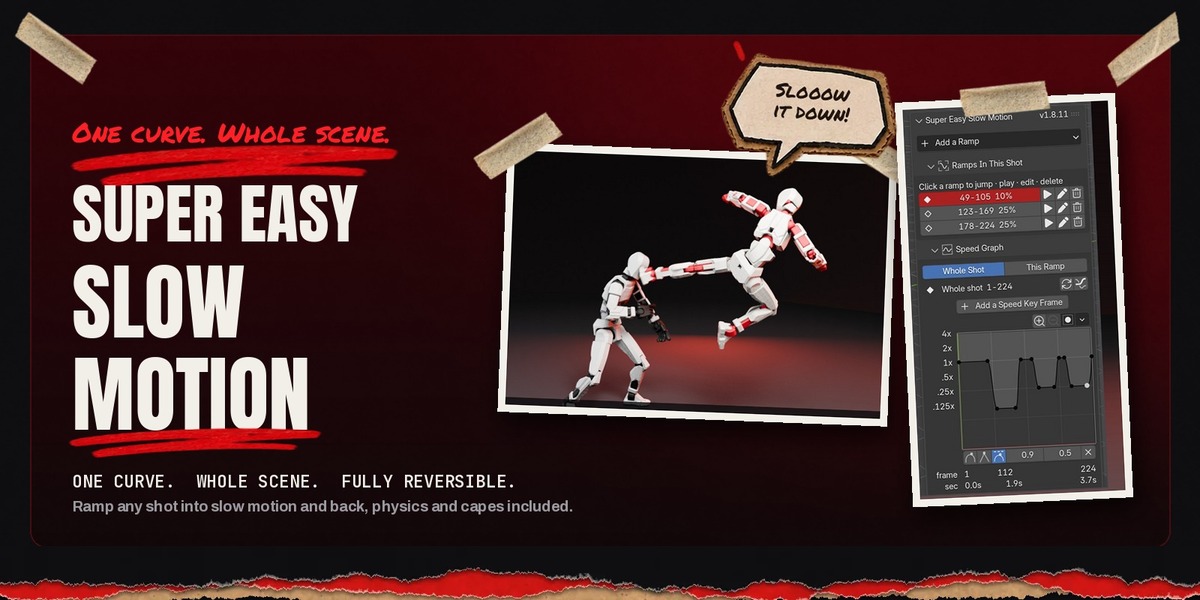
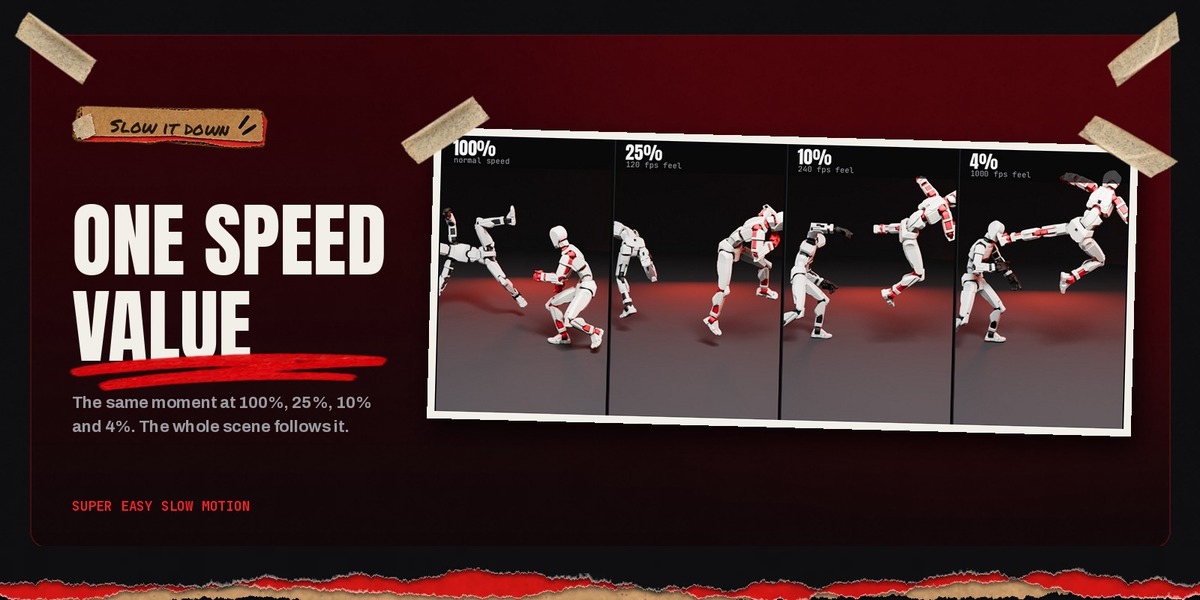

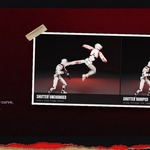
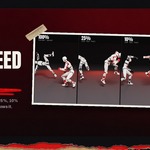
Capes slow down with the shot. Capes made with Super Easy Cape are geometry-nodes cloth, not a Cloth modifier, so before this version the character slowed while the cape kept flying at full speed.
- Apply now keys each cape's own Time Scale, so the cape swings in slow motion with your character.
- The cape's node group is left alone, so it is slowed once, not twice.
- Restore puts the cape back exactly: no keys left, Time Scale back to 1.
- The pre-flight line counts capes and warns when one is baked, since a baked cape needs a re-bake after Apply.
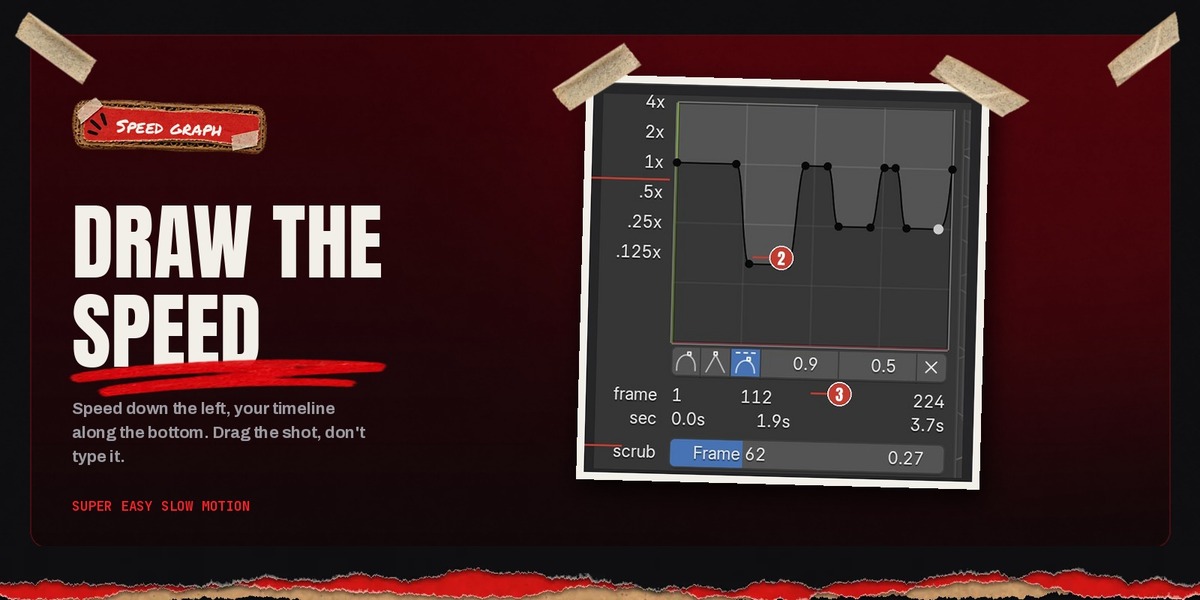
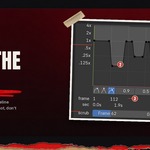
The Speed Graph. The whole shot’s speed is now drawn against its own timeline, on screen at all times — frames along the bottom, seconds under them, and a speed axis that halves at every line (1x, .5x, .25x, .125x) so slow motion gets most of the height.
- Drag a bead to reshape a ramp. Hold Ctrl and it snaps to the gridlines, 1x included.
- Whole Shot / This Ramp — the whole timeline by default, or one ramp for four times the precision.
- Scrub the playhead from under the graph without leaving the panel.
- Update From Graph writes the shape back to the speed keys; Open Speed Graph hands the same curve to Blender’s Graph Editor.
- Edit speed keys in the Dope Sheet and the panel graph follows — the F-curve stays the source of truth.
- Beads cannot cross over one another, and flat stretches no longer collect extra keys.
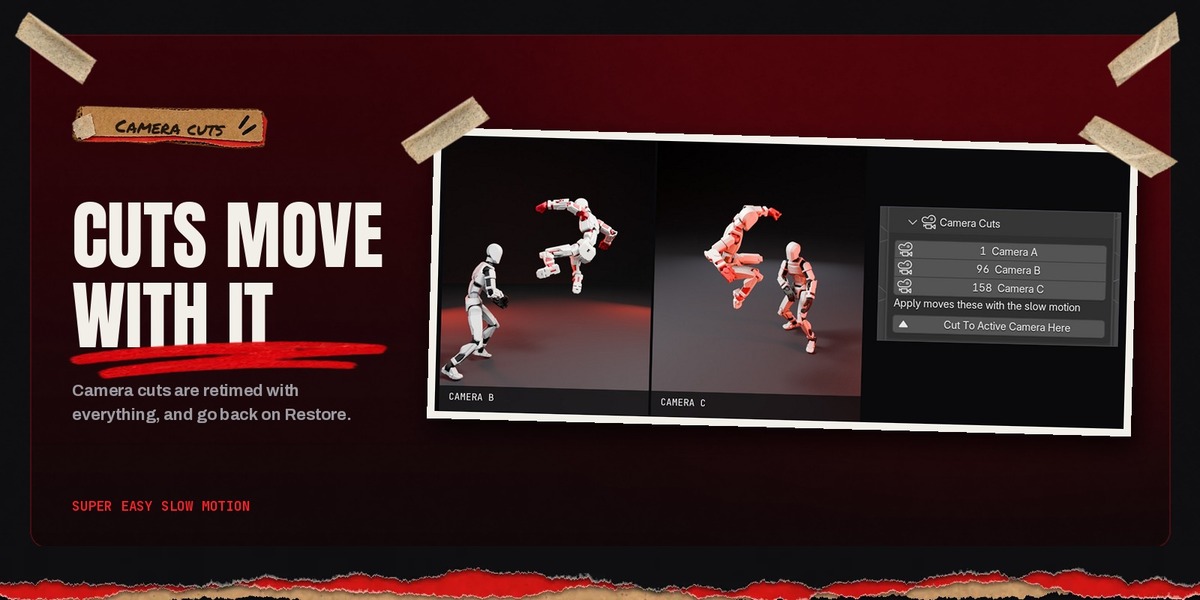
Also: Key Speed is now Add a Speed Key Frame, with a button above the graph as well as below. Camera Cuts, Custom Ramp & My Presets and Scene Coverage & Sims moved under More, and the panel is about 37% shorter. 4x Timelapse is no longer clamped to 2.5x.
The first Superhive release, kept here so existing customers keep access to the files they bought.
Have questions about this product?
Login to message
| Blender Extension Compatible | Yes |
| Published | 9 days ago |
| Blender Version | 5.0 - 5.3 |
| Extension Type | Add-on |
| Render Engine Used | Cycles, Eevee |
| License | GPL |
Discover more products like this
Motion Blur animation high-speed speed ramp NLA Retime time-remap Slow Motion mocap camera