Surface Detail Pro - Real Geometry Surface Detail From Images
 Salman Animator
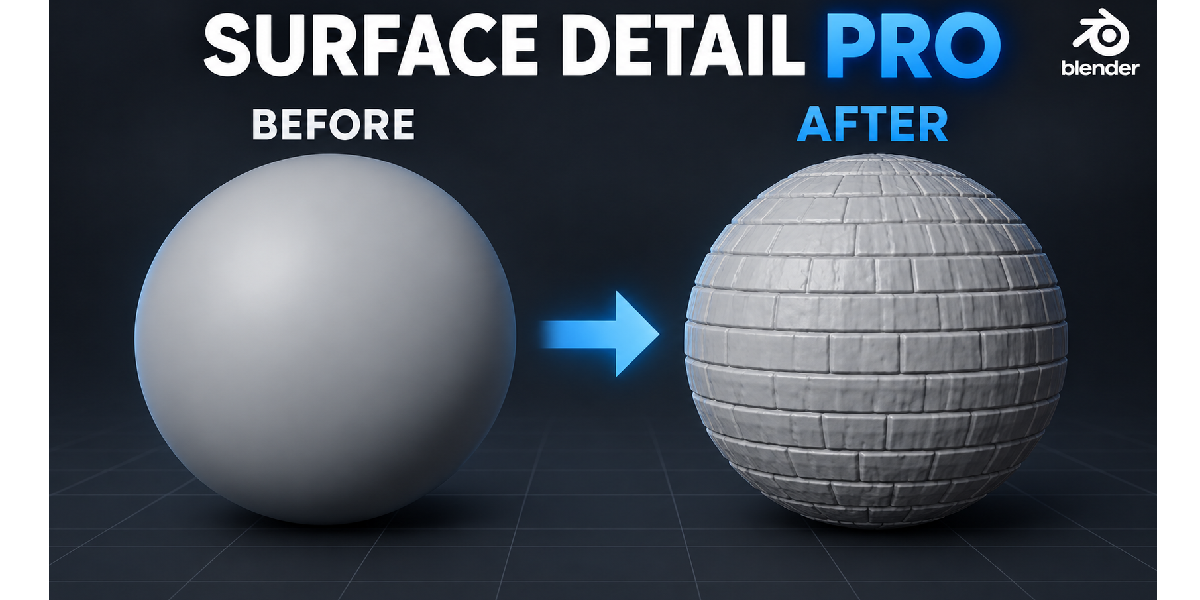
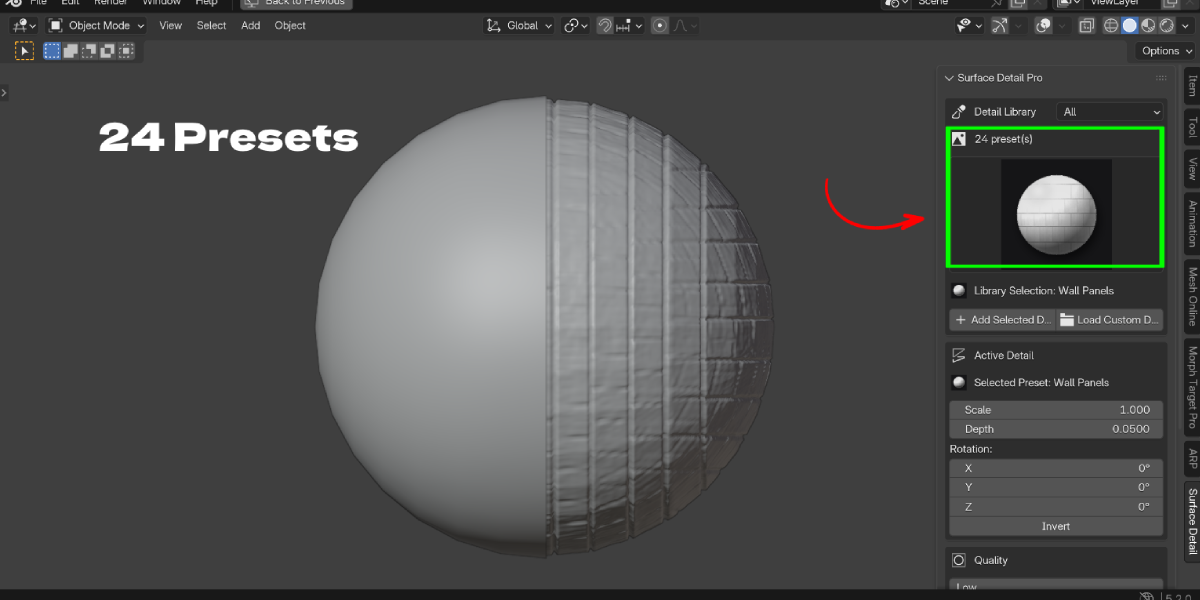
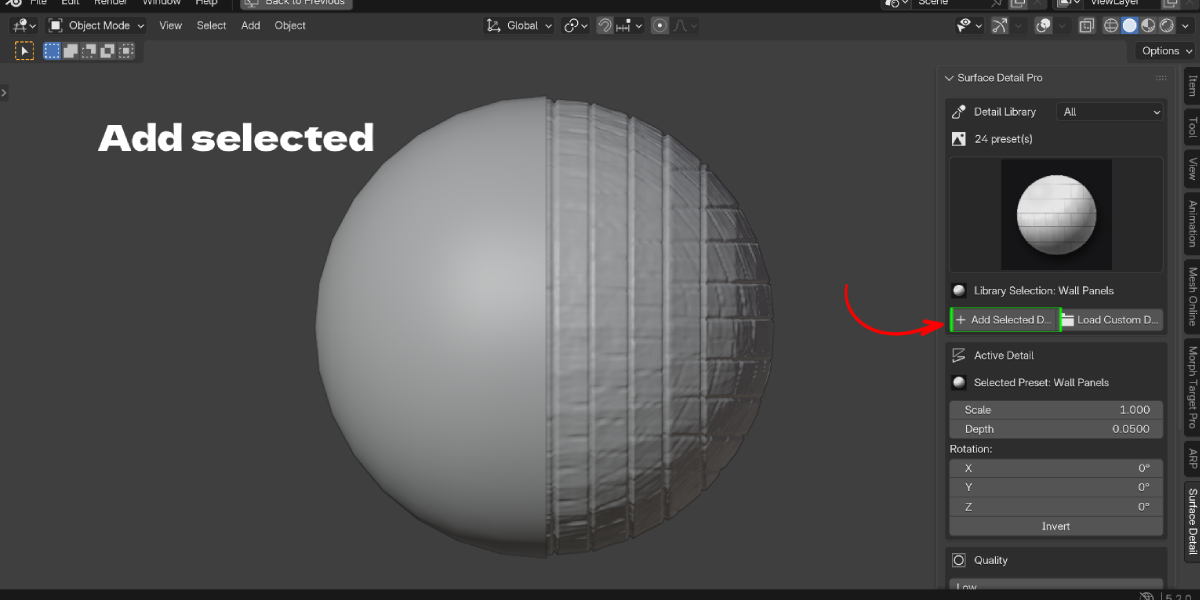
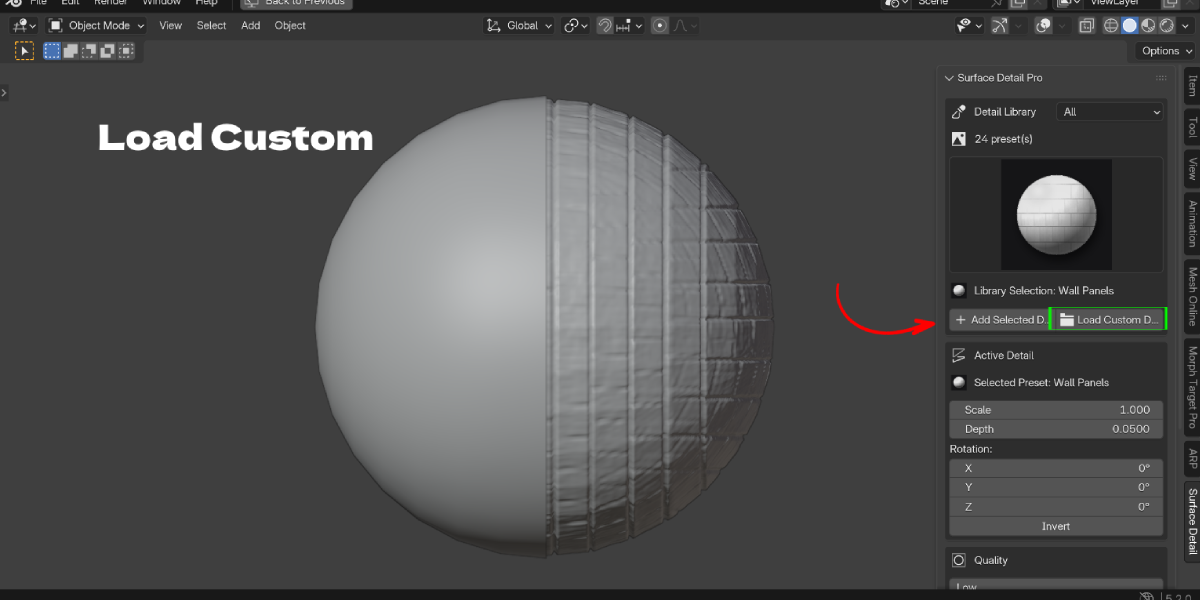
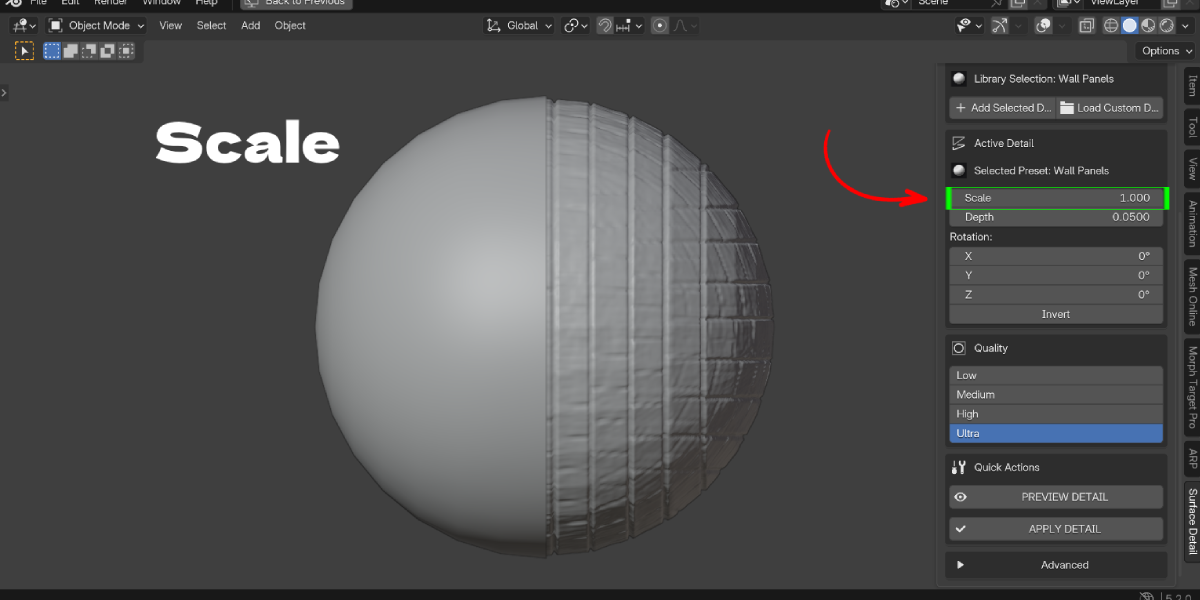
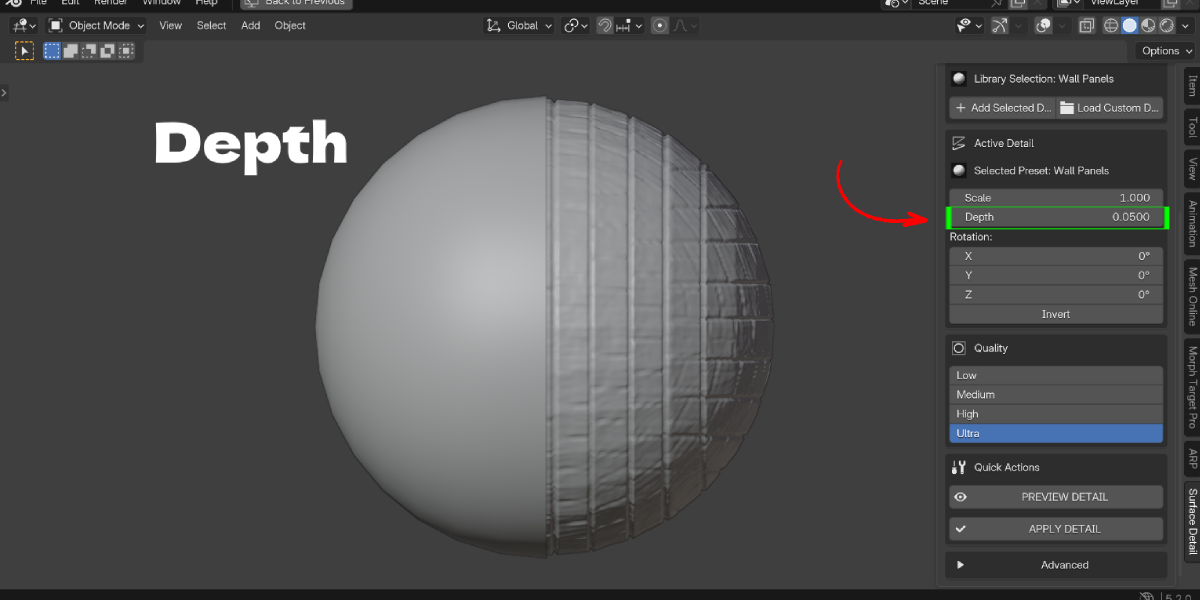
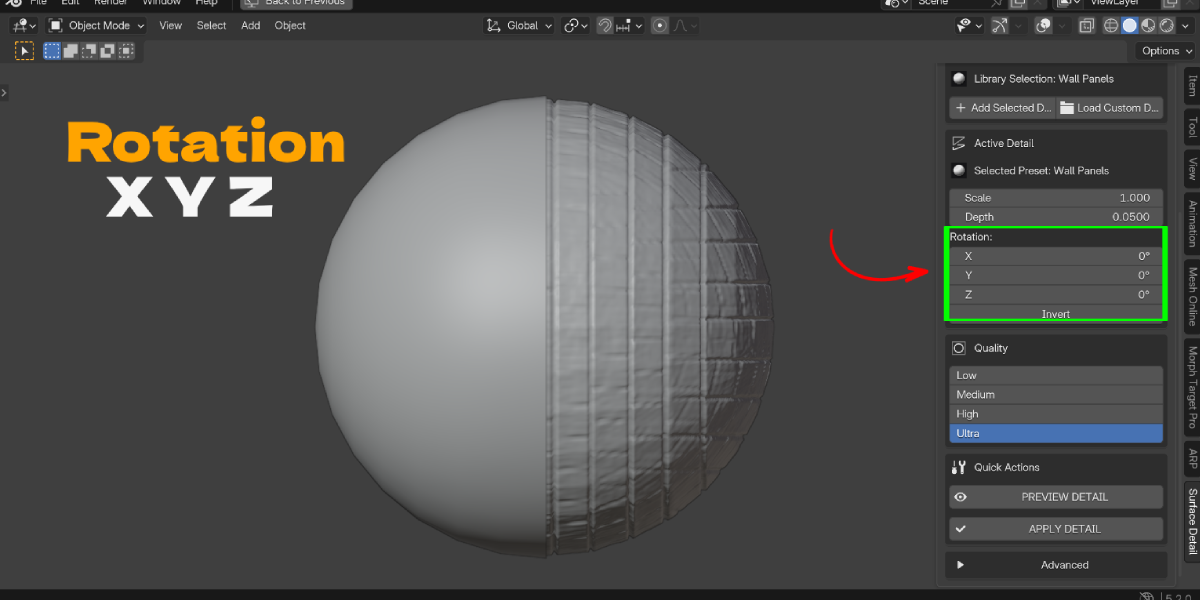
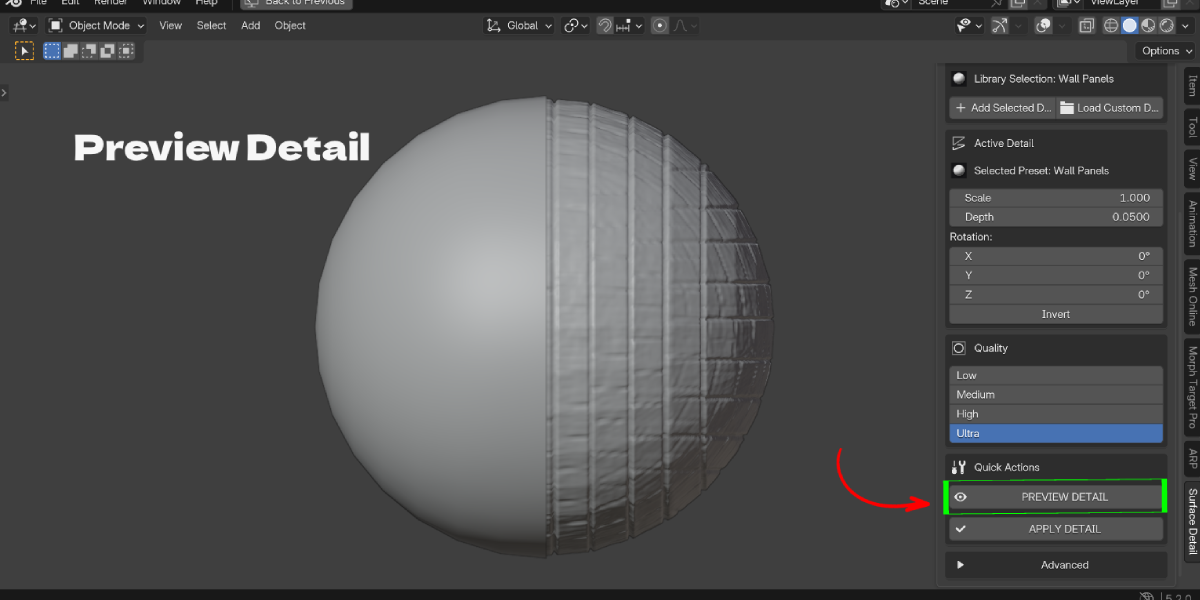
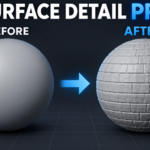
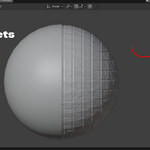
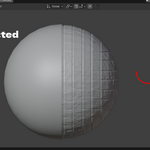
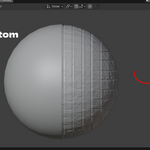
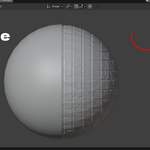
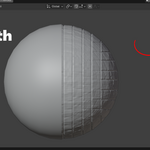
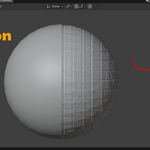
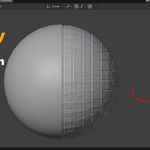
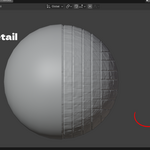
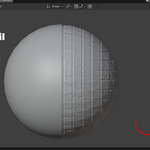
Select your mesh, pick a preset in the Surface Detail panel and click Add Selected Detail. The detail is real displaced geometry, made from an image instead of sculpt strokes.
No. The default Box / Triplanar projection works without UVs. UV mode is there if you want to use your own UV map.
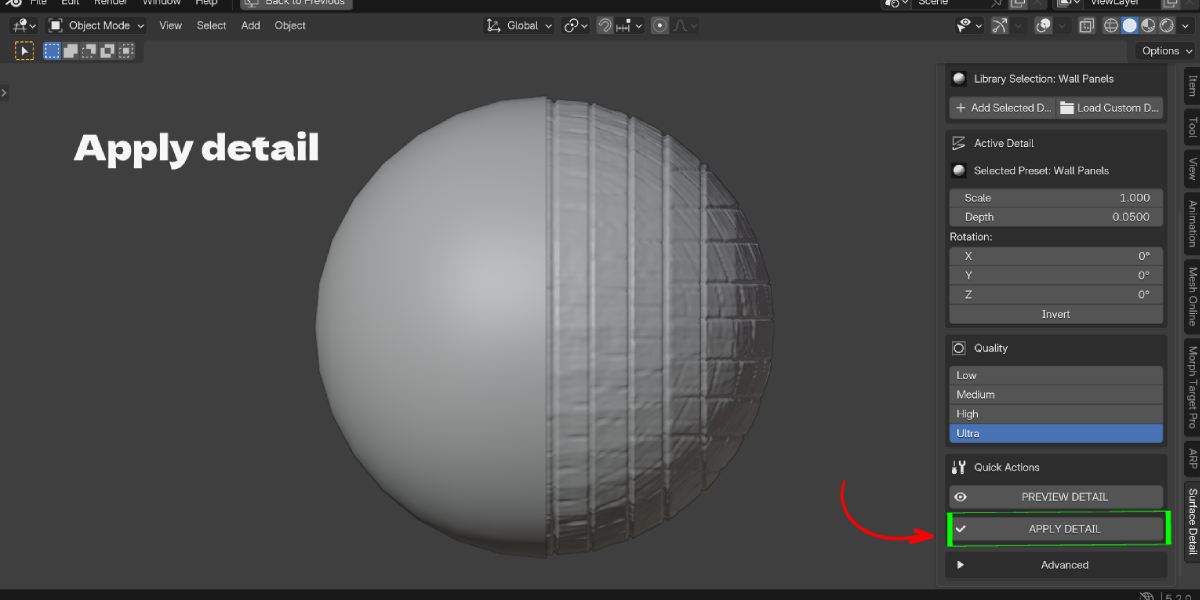
No, not until you click APPLY DETAIL. Until then the detail is a live Geometry Nodes setup you can edit, hide or delete without changing your base mesh.
Yes. Load Custom Detail accepts PNG, JPG/JPEG and TIFF images. Grayscale height maps work best; you can also read height from the alpha channel.
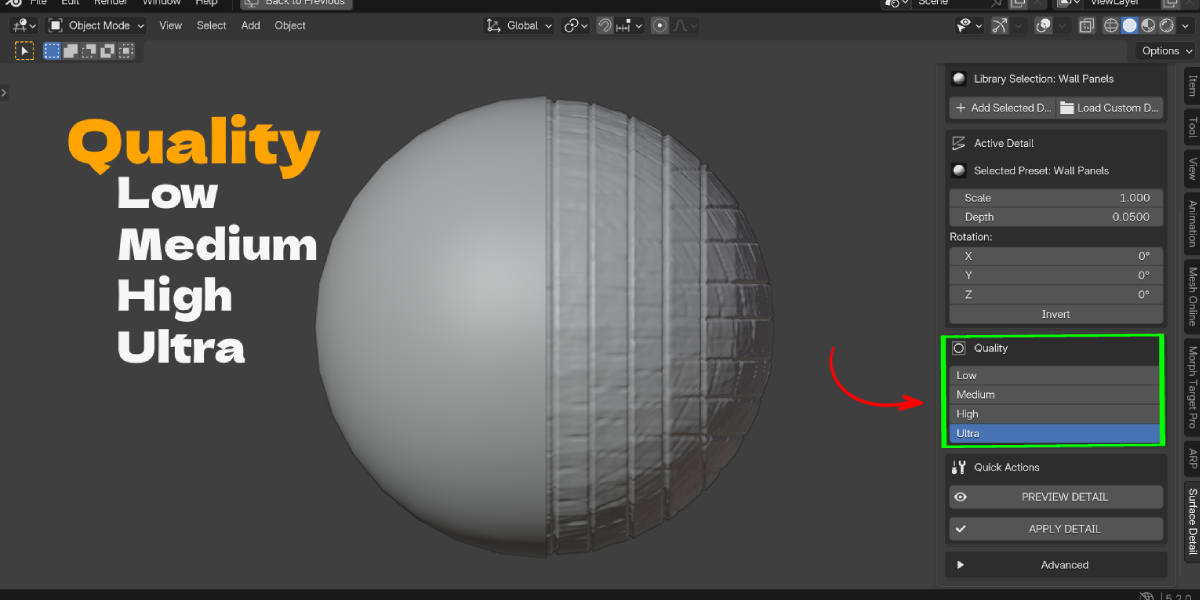
Displacement needs enough geometry. Raise Quality, increase Depth and click PREVIEW DETAIL. Also check the layer is visible in Detail Layers.
Quality has an automatic safety clamp of about 1.5 million faces for the live preview, so Ultra will not run away on heavy meshes. Work on Low or Medium and raise Quality at the end.
Yes. The detail is real mesh geometry made by modifiers, not a shader trick, so it shows in the viewport and in both render engines.
Yes. Each preset you add becomes a layer you can reorder, hide, duplicate or delete.
Yes. Click APPLY DETAIL to bake the detail into the mesh, then export as usual.
Blender 4.2 and newer.
Have questions about this product?
Login to message
| Blender Extension Compatible | Yes |
| Published | 9 days ago |
| Blender Version | 4.2 - 5.2 |
| Extension Type | Add-on |
| License | GPL |

Discover more products like this
presets surface detail brick wall displacement tree bark height map real geometry no uv unwrap sculpting alternative triplanar geometry nodes non-destructive