Surface Diagnostics
 Josef Ludvík Böhm


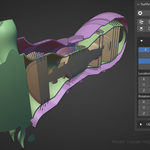
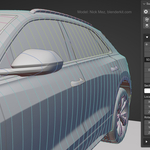
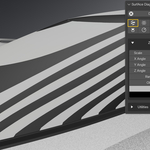
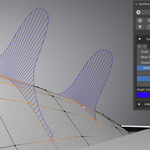
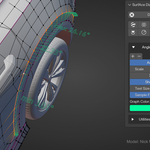
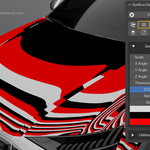
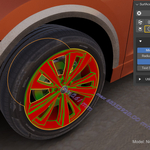
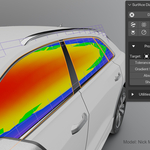
In Eevee this is the default normals behaviour.
To fix this, just activate "High Quality Normals" in Addon UI, or Eevee Settings.
There is some performance drop associated.

I have to drop suppor for 3.3 LTS, due to incompatibility of geometry nodes for curvature and radius shaders.
From now on focusing on 3.4+, namely 3.6 LTS.
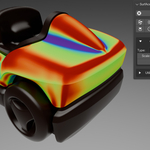
Curvature data are calculated via Geometry nodes modifier. This allows realtime editing and flexibility, but at a performance cost. This node setup was heavily optimized for speed during development, but still can be laggy on denser objects. To go around that, lower subdivision levels, or select subset of faces to perform diagnose on.
Yes.
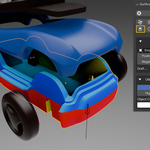
They do not, Diagnostic shaders use standard Blender Material system.
To see them, use Material preview or Rendering shading mode.
