 Tachyon Studio


Screencast Keys
Every key you press, on screen. Click one button at the bottom of the 3D viewport’s toolbar and your keys show in the corner as you work: combinations read as one press, repeats count up, and a mouse beside them lights up as you click, roll and drag. Made for tutorials, shorts and livestreams, in the Tachyon look or your own colours.
THE TACHYON STUDIO COLLECTION
Go beyond
Screencast Keys.
The keys are on screen. Now make something worth watching: shape the corners, draw the guides and keep the sidebar tidy.
SHAPE THE CORNERS
Advanced Modeling Bundle
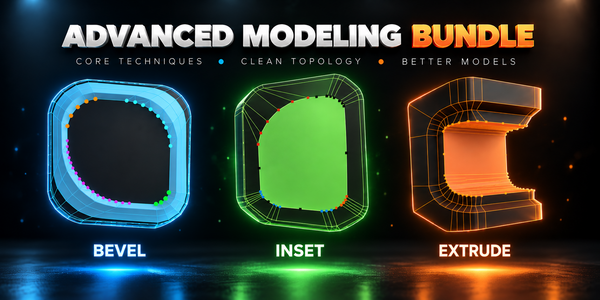
Advanced Inset, Bevel and Extrude: every corner gets its own depth, width and vertex count, and none turns inside out.
DRAW THE GUIDES
CAD Guides
Construction lines like in CAD software: select an edge, press Ctrl + Alt + G, and snap to the guides and where they cross.
Build out your workflow.
A few more tools, chosen for the work you do here.
TIDY THE SIDEBAR
Sidebar Order
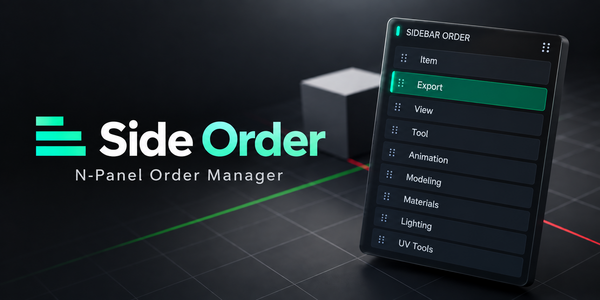
Put the 3D Viewport sidebar tabs in your order, and lock the ones you use most.
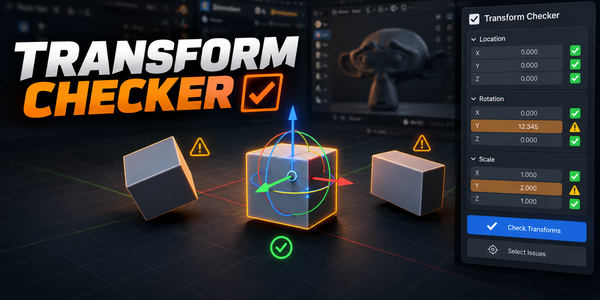
CATCH UNAPPLIED SCALE
Transform Checker
Spot unapplied location, rotation and scale directly in the viewport.
PACK THE MAPS · FREE
Tachyon Texture Tools
Free. Pack and unpack ORM maps; rename, resize and convert whole texture folders.
There is more in the studio.
See the full collection ↗Optional products, sold separately. Check requirements; external applications are not included.