 Tachyon Studio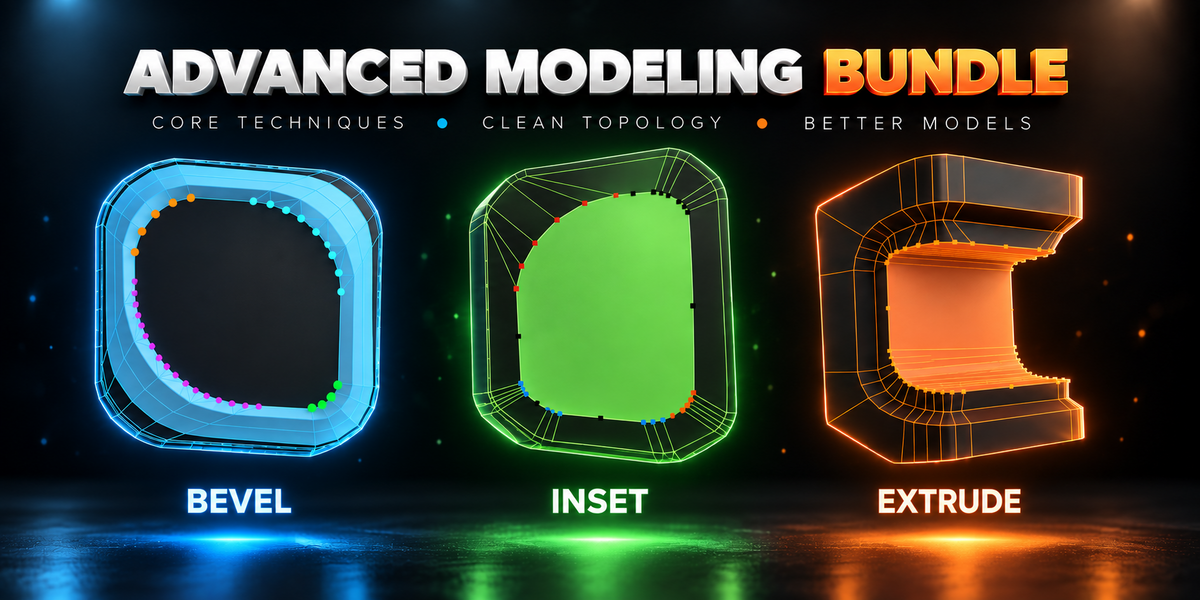






TACHYON STUDIO / MODELING COLLECTION
Advanced Modeling Bundle

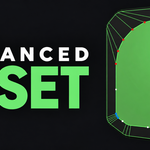
Corners that never collapse.



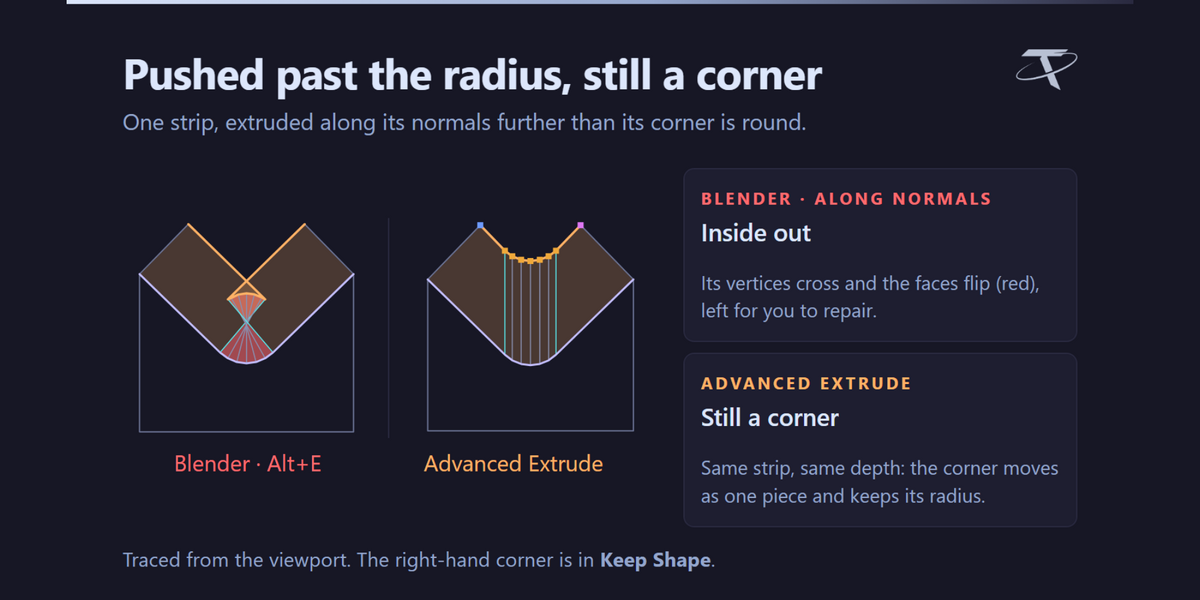
Blender's inset, bevel and extrude, held open for editing: every corner becomes a handle you can push to its own depth, widen or give more vertices before you confirm — and none of them can turn inside out.
3 separate add-ons. Install only the ones you use — each is standalone, and they share one sidebar tab and one set of keys.
Included in your bundle
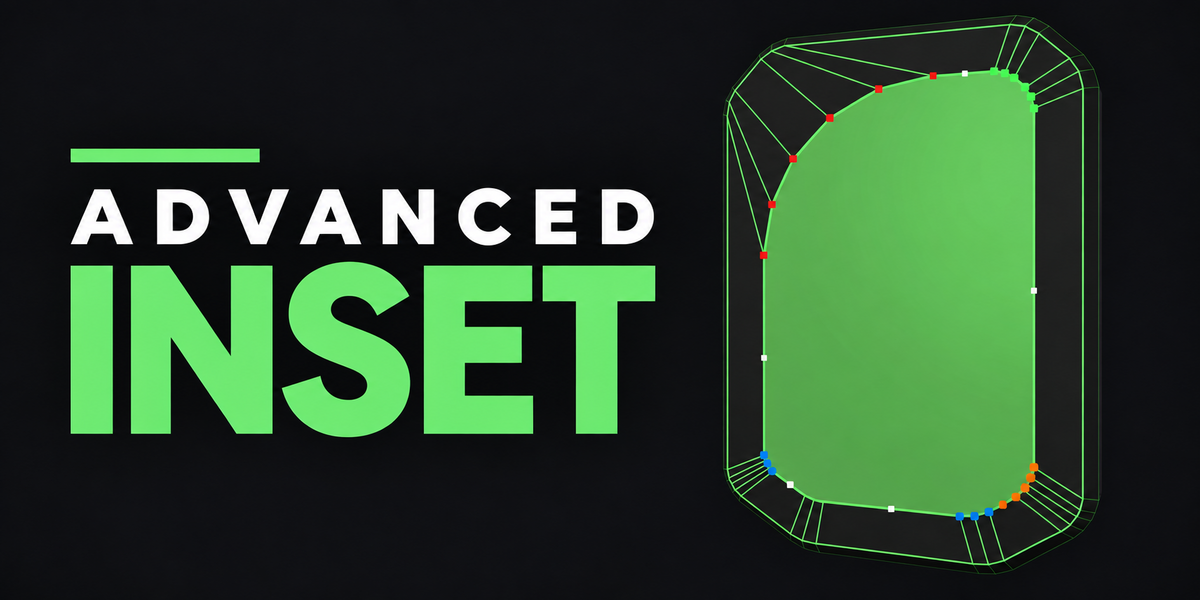
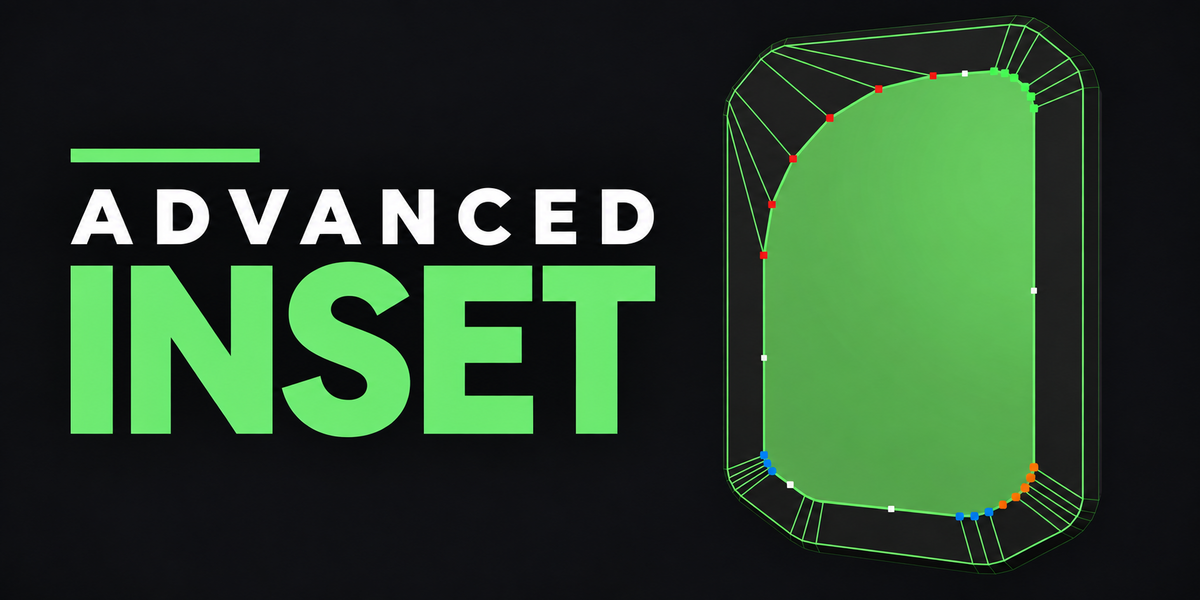
Advanced Inset
An inset whose rounded corners never collapse, every corner a handle you edit before you confirm.

Advanced Bevel

Blender's own bevel, then every corner it runs around is yours to shape, with the profile live.

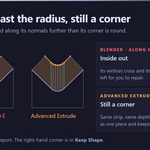
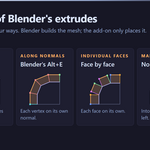
Advanced Extrude
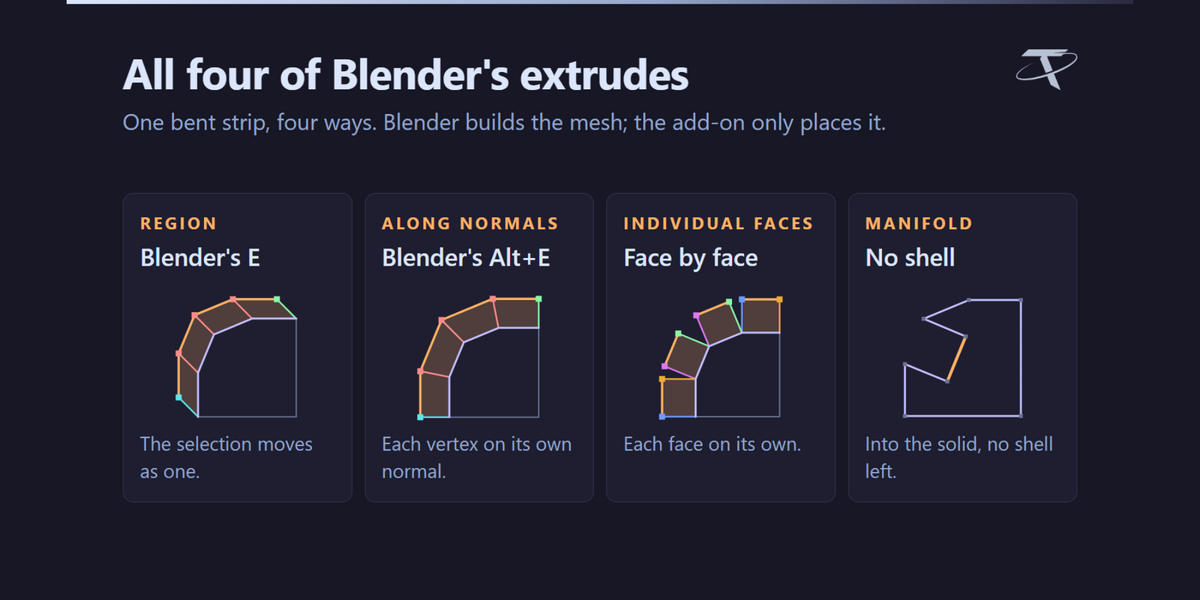
All four of Blender's extrudes, held open: every corner its own depth, width and vertex count.
One idea. Three tools.



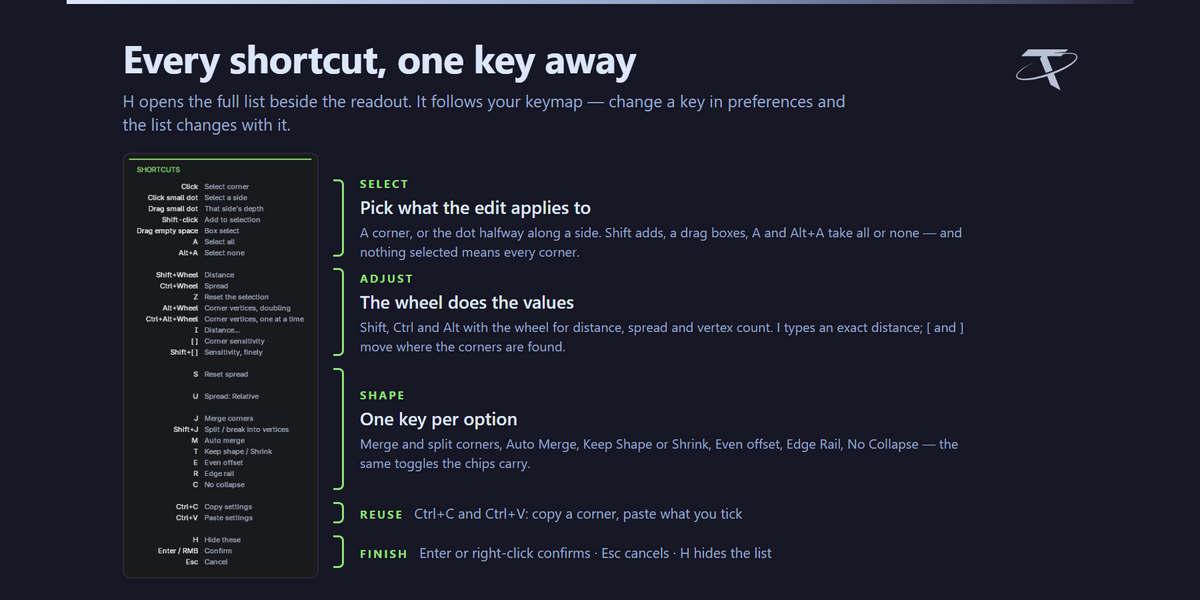
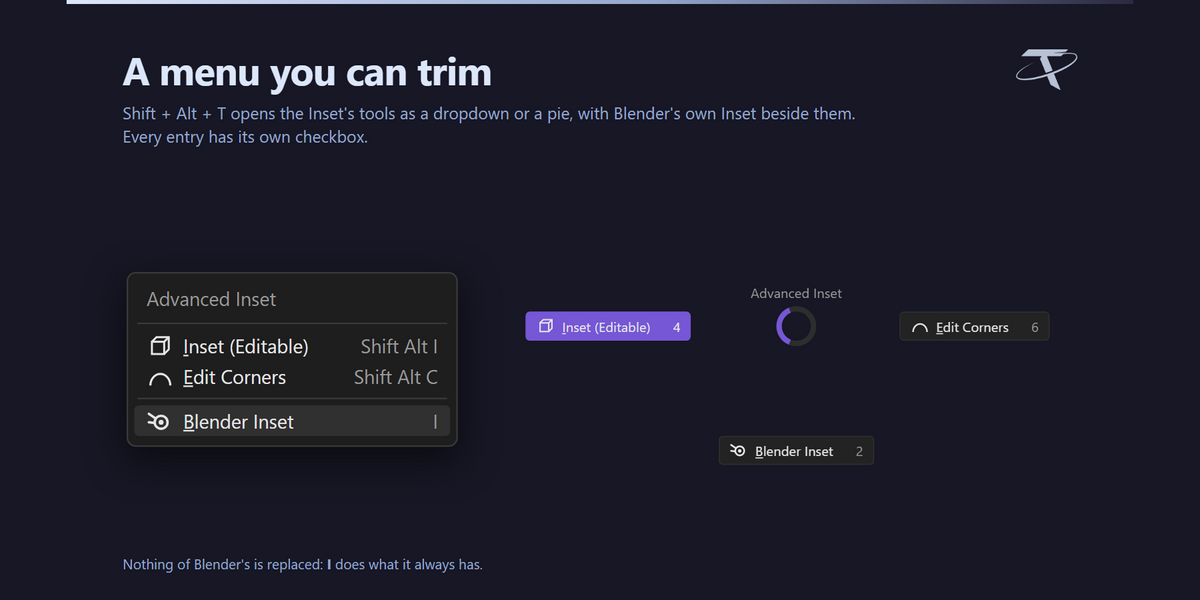
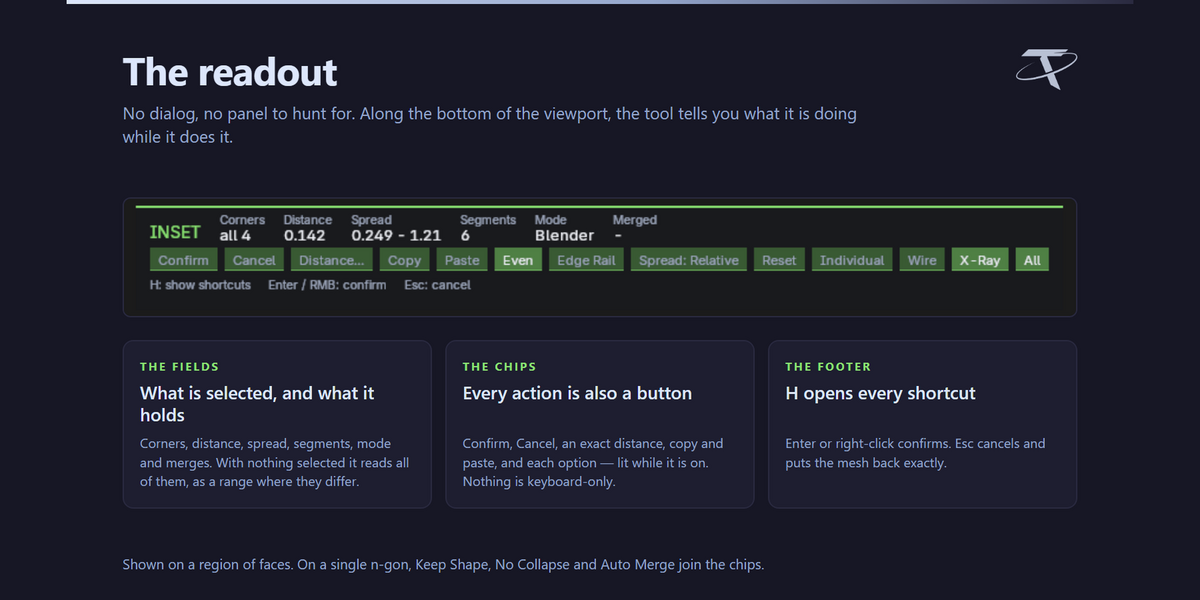
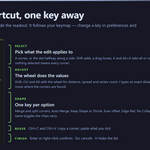
The same editor in all three: click once and every corner is a handle. Shift + Wheel for depth, Ctrl + Wheel for spread, Alt + Wheel for vertices; merge, split, copy and paste corners; Esc puts the mesh back exactly. Blender's own Inset, Bevel and Extrude stay untouched on their usual keys.
Check your setup
Windows, macOS or Linux · Blender 3.3–5.2.
Pure Blender: no external apps, no network use, nothing to configure. Each add-on is one package — an extension on 4.2+, a classic add-on on 3.3–4.1. On 3.3, changing a corner's vertex count and Auto Merge are declined.
