 RealDevCode



BLENDER ADDON
TEXFORGE PRO
Smart Texture Management for Blender
A Smarter Way to Organize Your Blender Textures
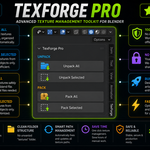
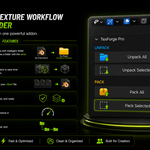
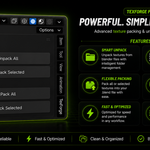
TexForge Pro gives you a simple way to pack and unpack textures while keeping your project files clean and organized. You can unpack all textures at once, or unpack only the textures used by selected objects. When unpacking, TexForge Pro automatically creates a texture folder using your .blend file name and places the textures inside it.
| 01 Unpack All Unpack all packed textures into a folder named after your .blend file. | 02 Unpack Selected Work only with textures used by your selected mesh objects. | 03 Pack All Pack available image textures into your Blender file. | 04 Pack Selected Pack only the textures used by selected mesh objects. |
Automatically create a texture folder from your .blend filename
This is where TexForge Pro keeps things simple. The folder is created next to your Blender file and uses the same project name.
My_Character.blend
My_Character/
├── body.png
├── face.jpg
├── hair.png
└── clothes.jpg
My_Character/
├── body.png
├── face.jpg
├── hair.png
└── clothes.jpg
PROJECT NAMED FOLDER
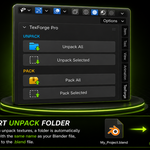
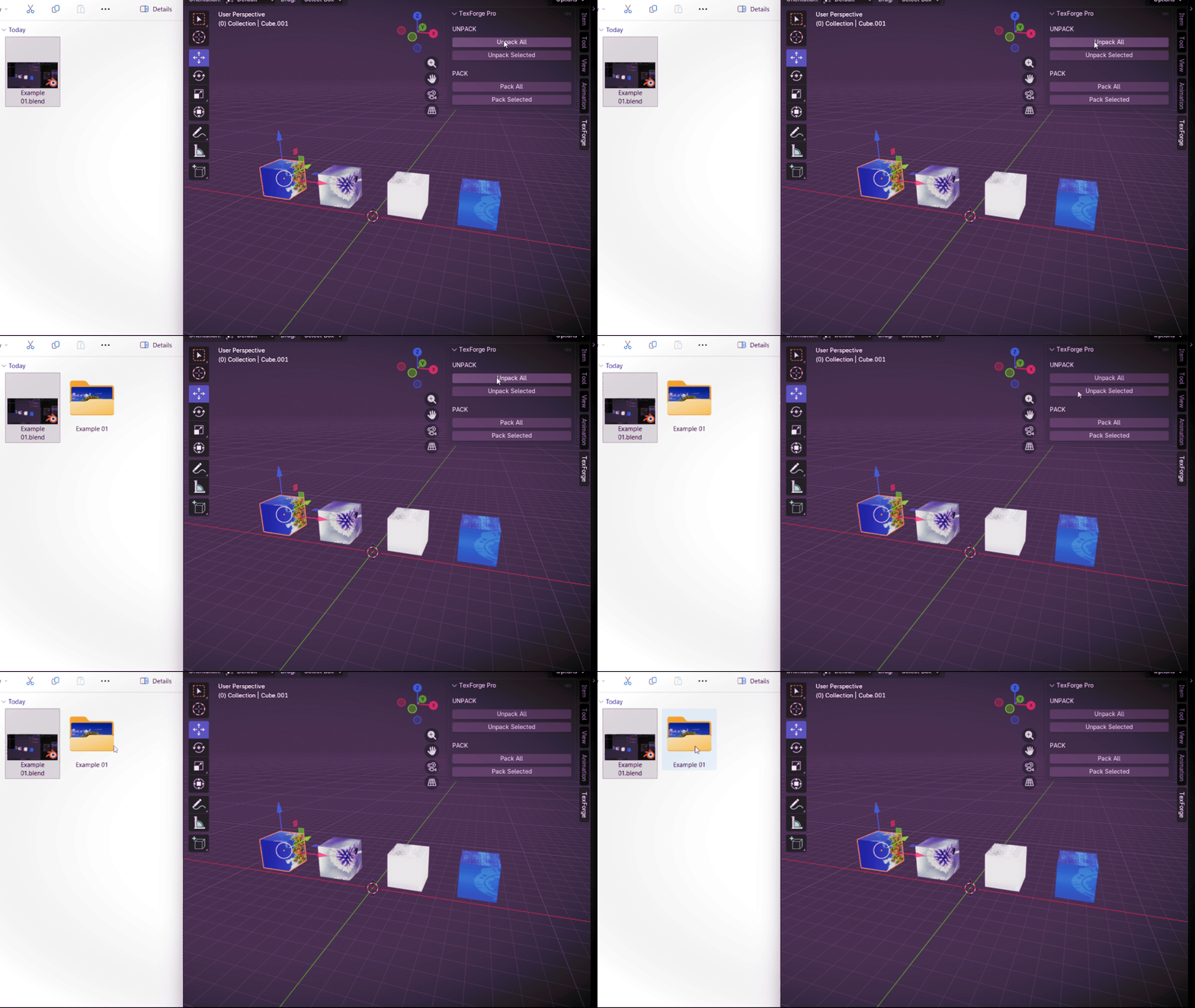
Unpack Textures Using Your .blend File Name
When you unpack textures, TexForge Pro automatically creates a folder using your saved .blend file name and places the textures inside it.
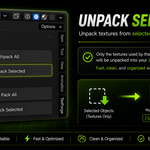
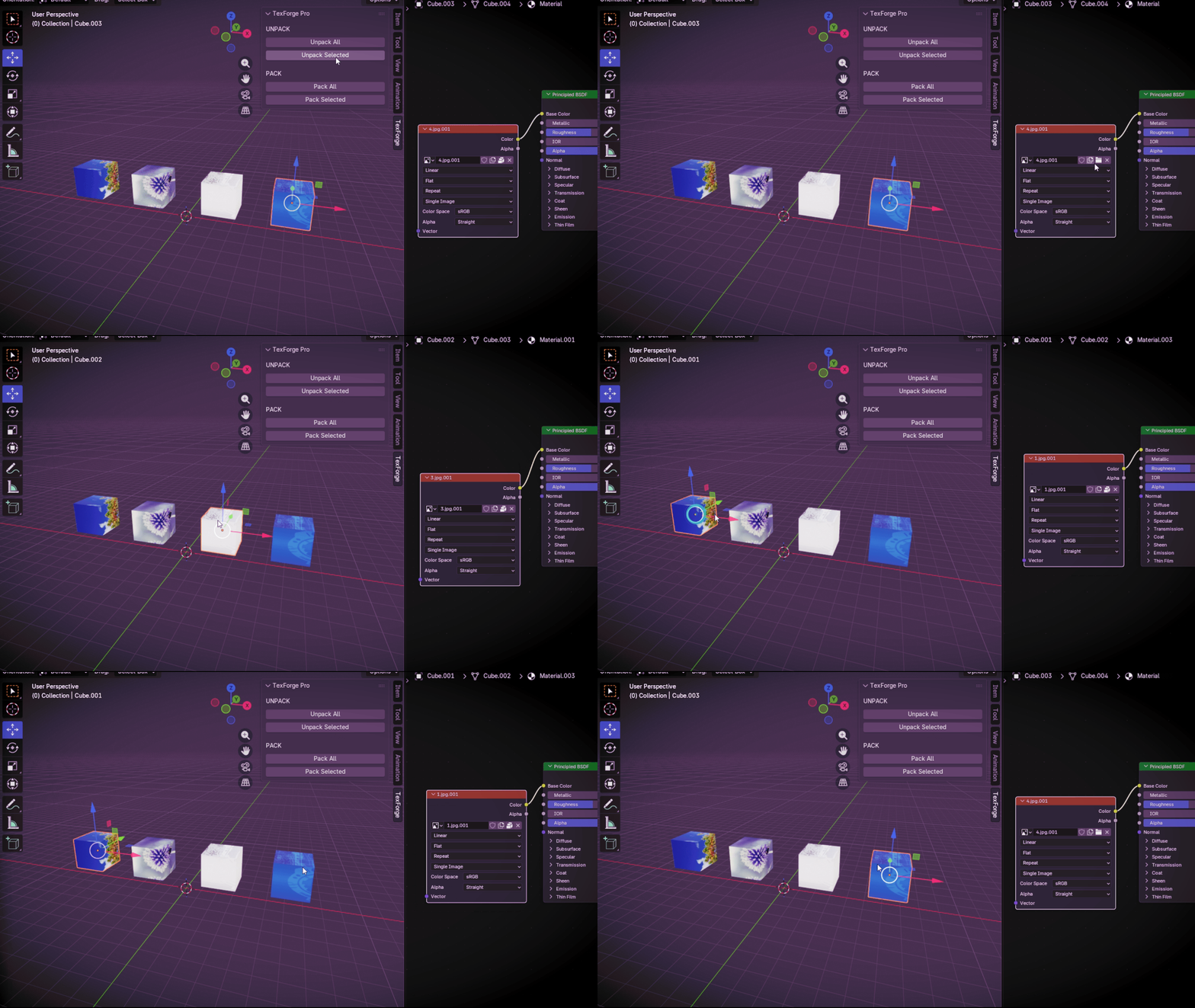
UNPACK SELECTED
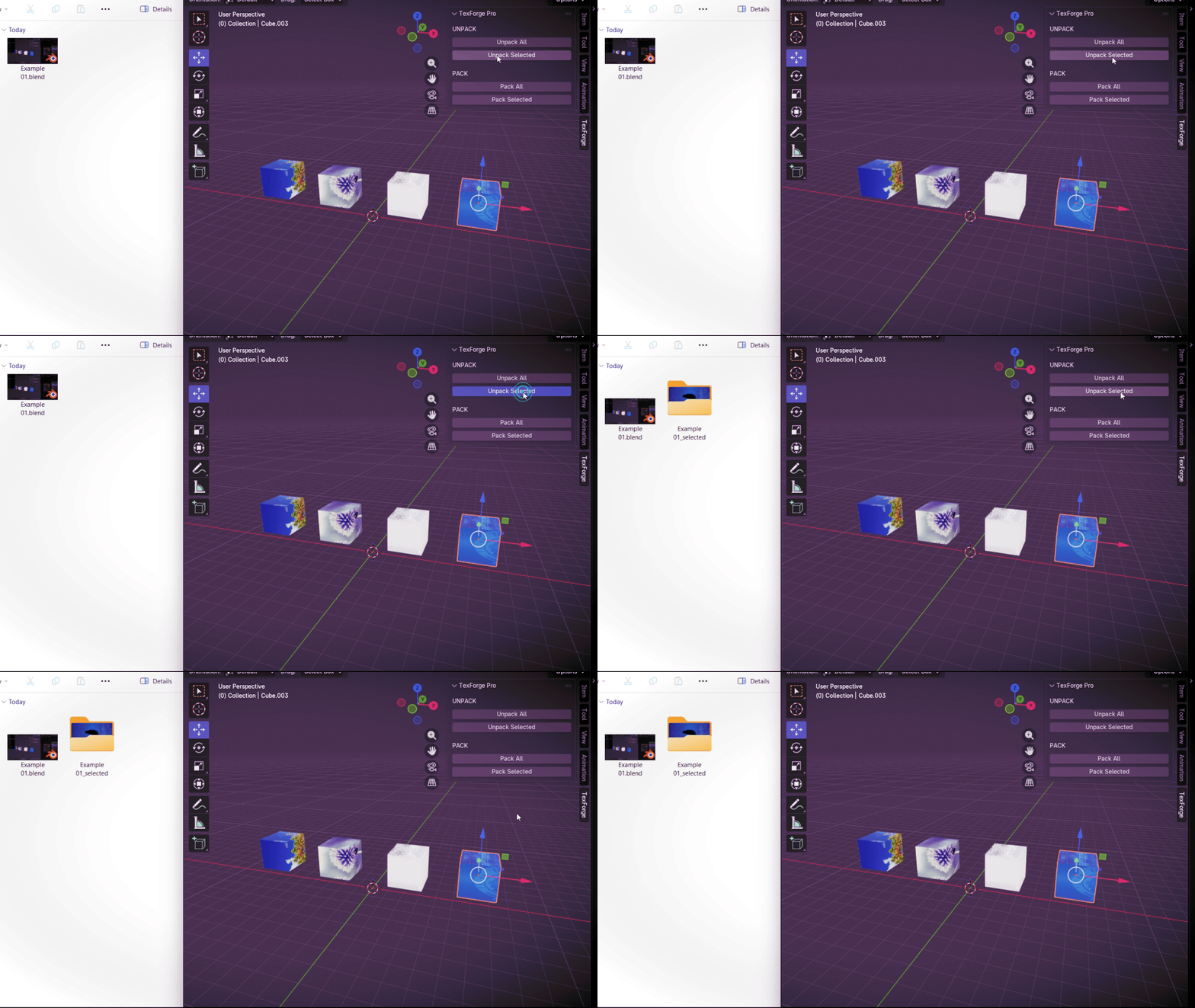
Unpack Only Textures Used by Selected Objects
Select the objects you need and click Unpack Selected. TexForge Pro will unpack only the textures used by those selected objects.
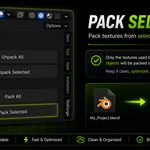
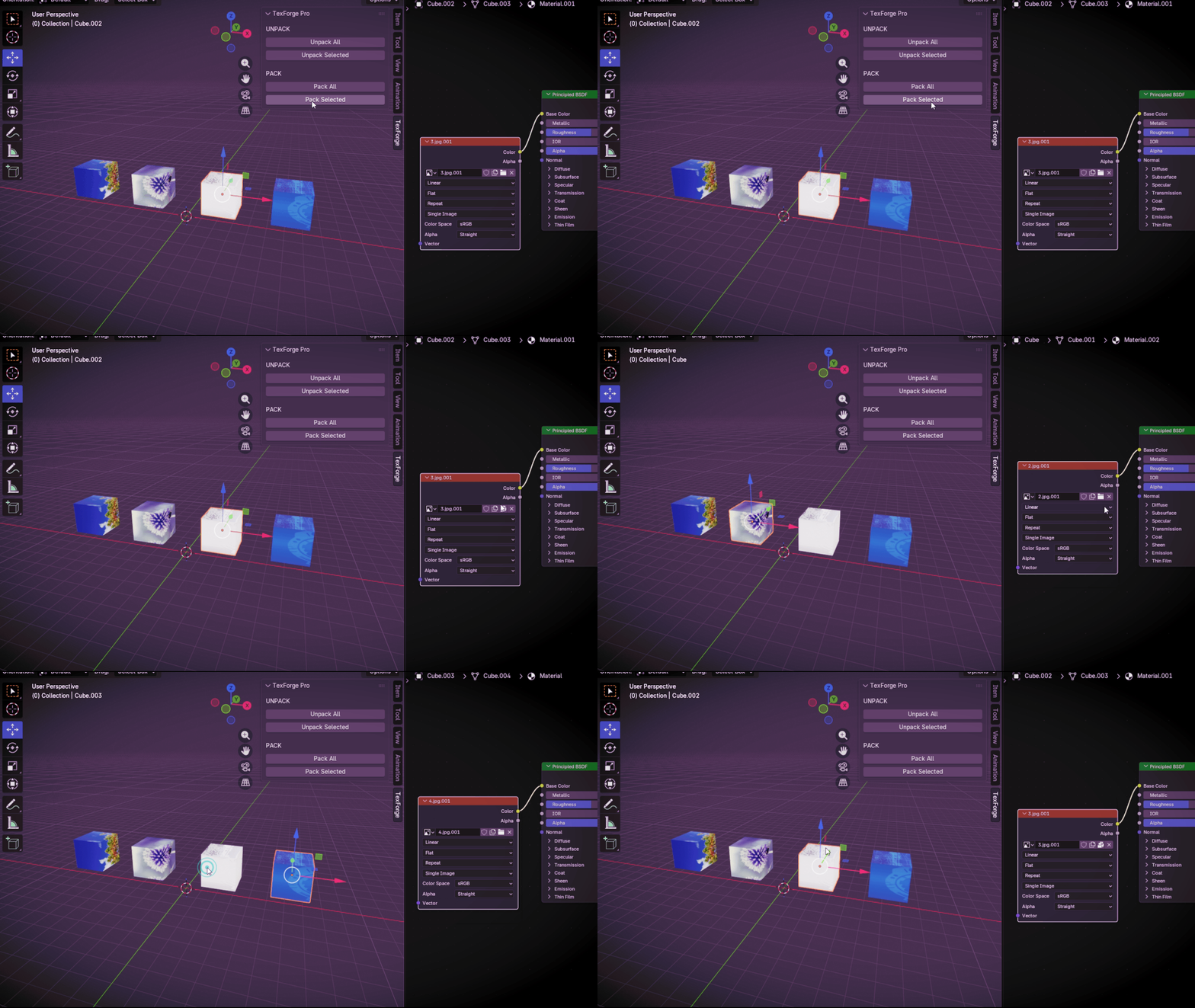
PACK SELECTED
Pack Textures from Selected Objects
Select the objects you need and click Pack Selected. TexForge Pro will pack only the textures used by those selected objects into the Blender file.
FEATURES
| Simple tools for a cleaner texture workflow | ✓ Texture folder named after your .blend file ✓ Unpack All ✓ Unpack Selected ✓ Pack All ✓ Pack Selected ✓ Automatic texture path updates ✓ Blender-relative paths ✓ Separate folder for selected textures ✓ Simple N-Panel workflow |
COMPATIBILITY
Blender 4.2 - 5.2 LTS
TEXFORGE PRO
Keep Your Blender Textures Organized
A simple texture workflow for Blender - pack, unpack, and stay organized.