 Rynor
Rynor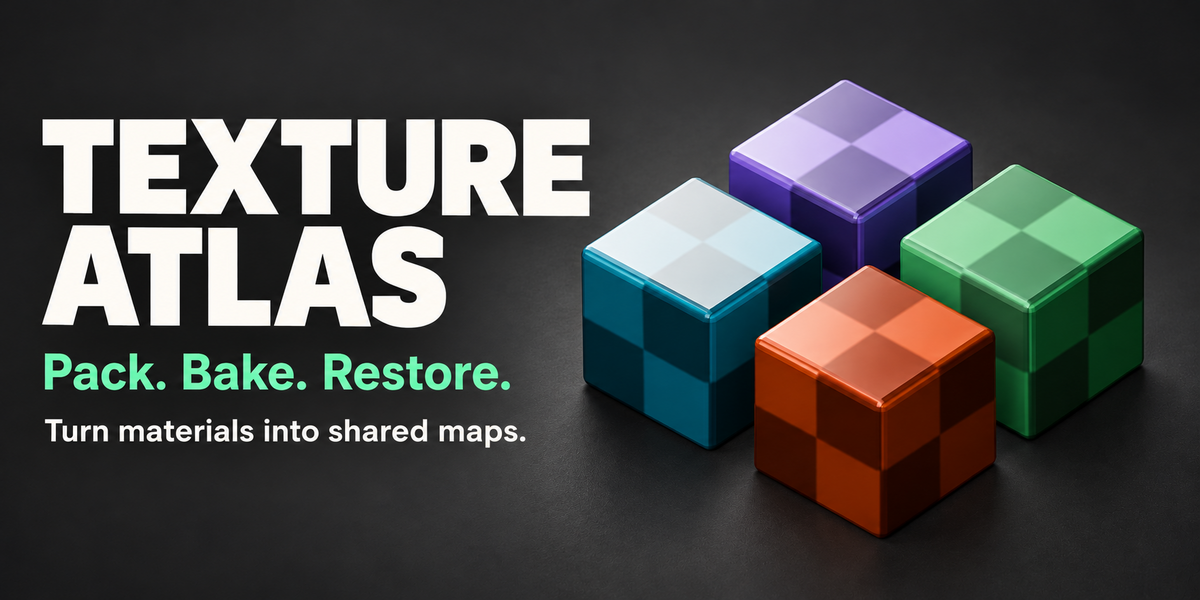
Turn separate materials into a shared texture atlas
Bring your textures, material assignments and atlas UVs together in one workflow. Texture Atlas combines compatible materials into shared maps, creates the atlas material and remaps your selected meshes to use it.
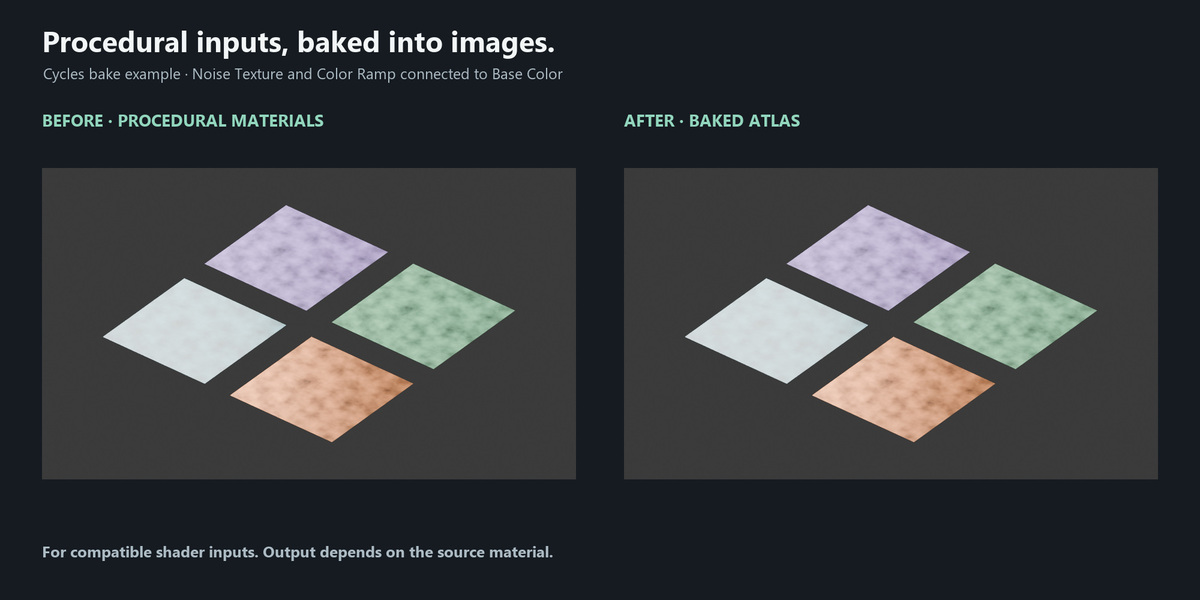
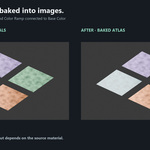
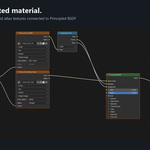
Pack supported image textures directly, or use Cycles to bake compatible procedural inputs. Export the resulting maps and restore the original material and UV assignments when you need to return to your source setup.
Direct packing · Cycles baking · AORM channel packing · Material and UV restoration
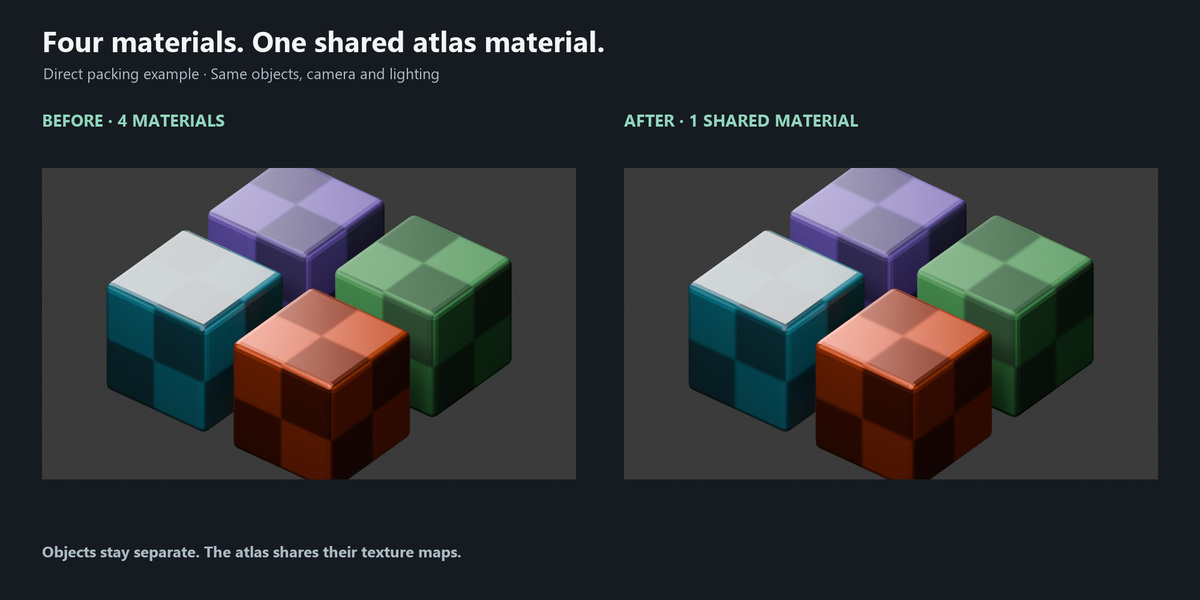
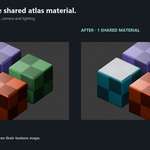
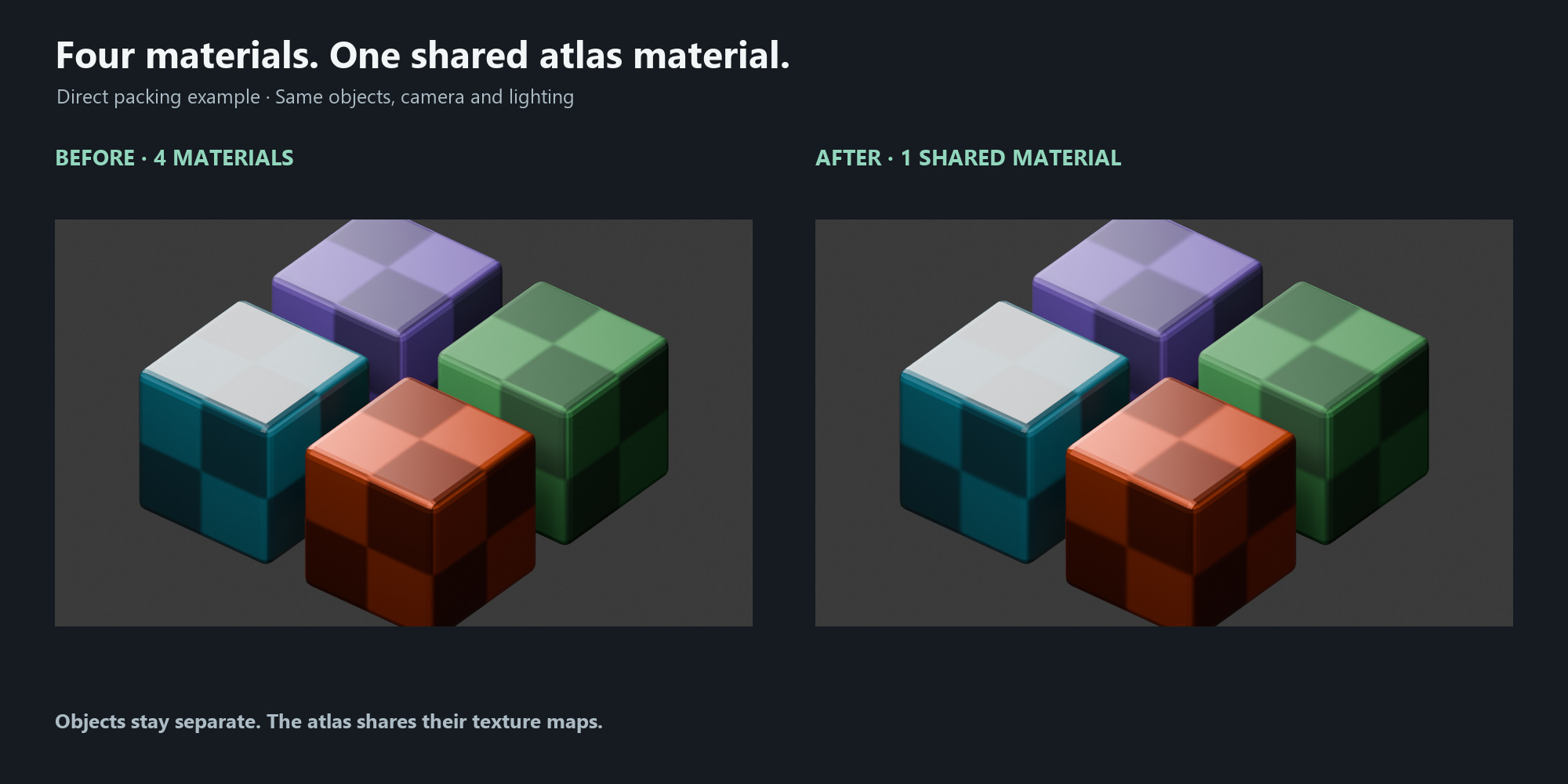
From four materials to one shared material
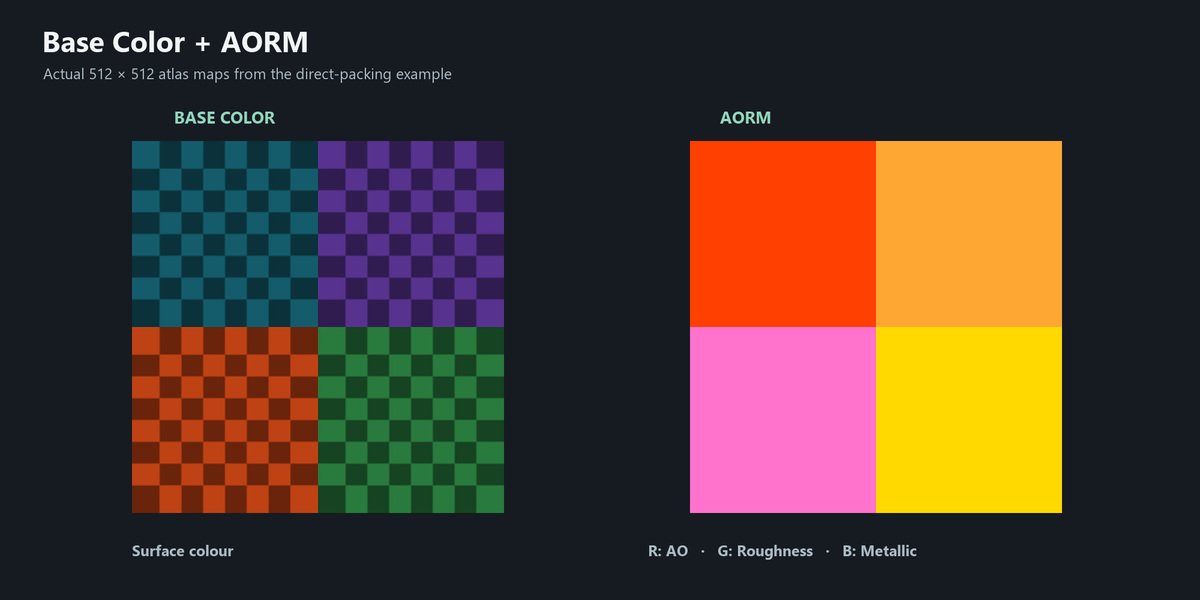
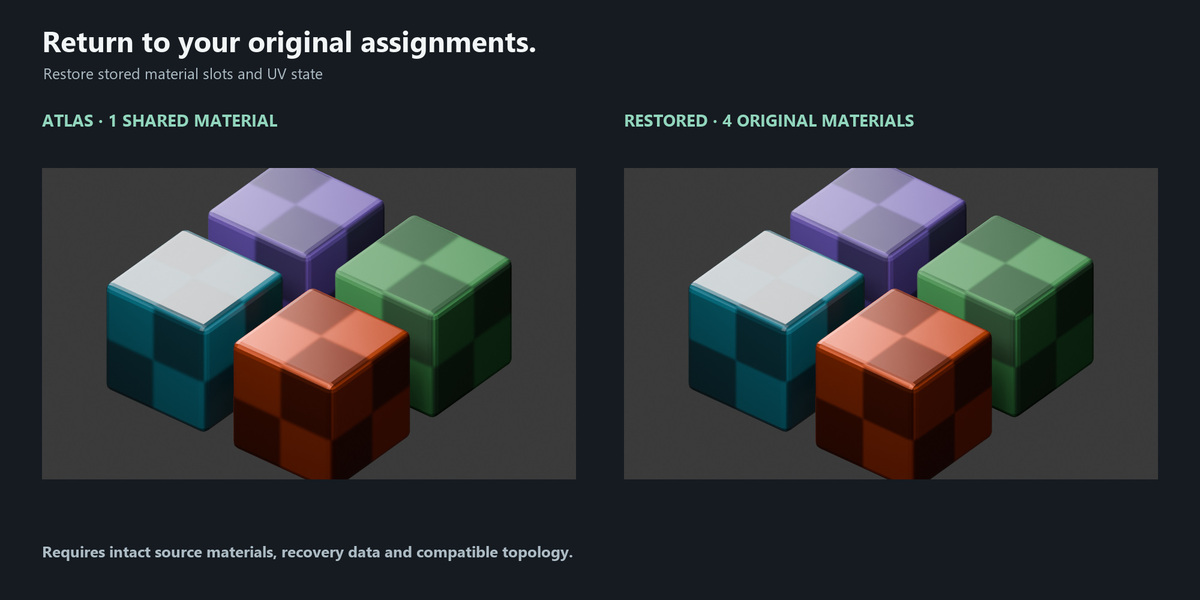
The demonstrated workflow converts four textured blocks with four materials into one shared atlas material with Base Color and AORM maps. The objects remain separate. The before-and-after renders use the same scene and camera so you can compare the result.
Pack images or bake procedural inputs
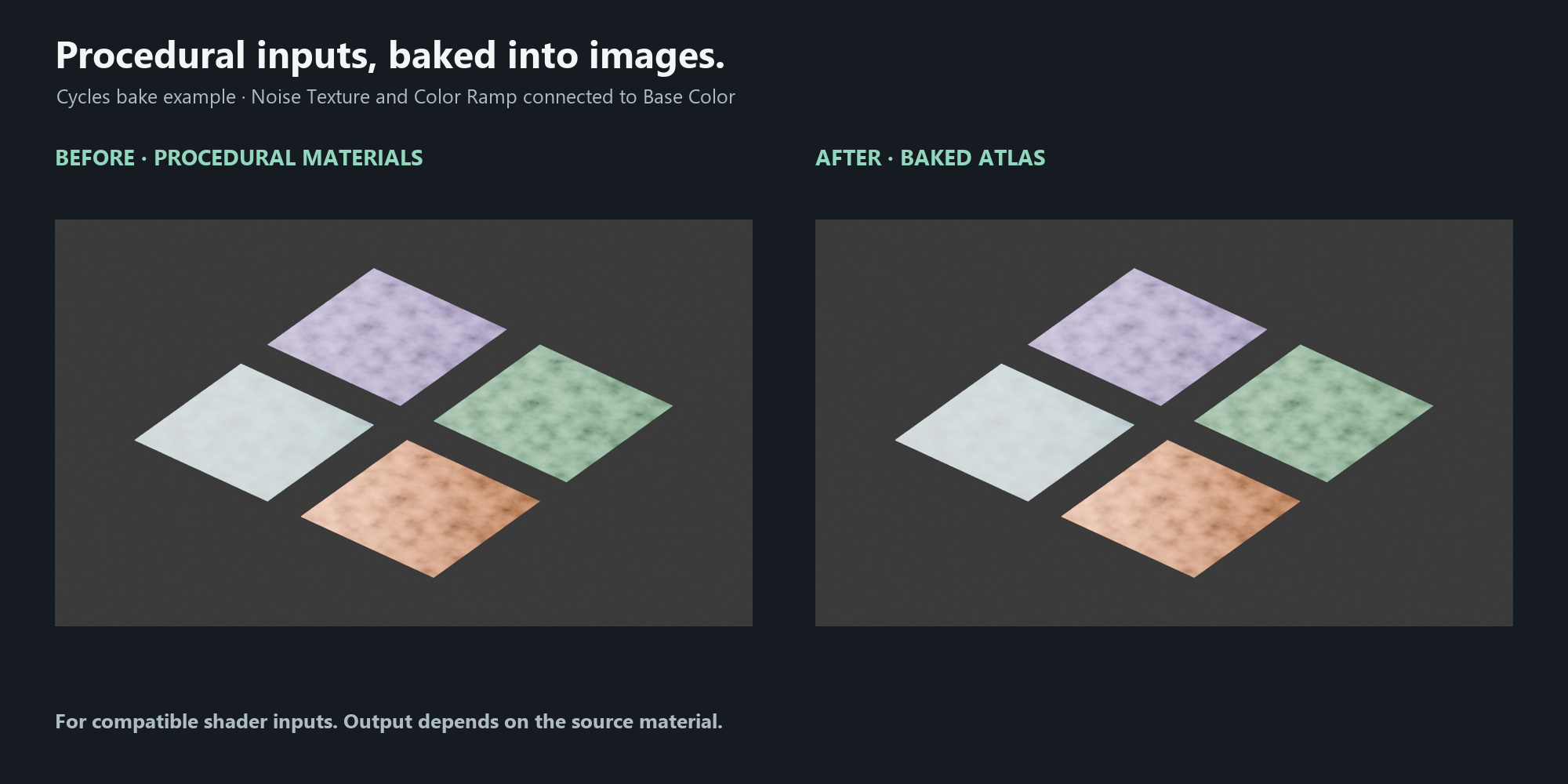
- Direct packing: combine supported image-based Principled materials without baking their inputs through Cycles.
- Procedural baking: turn compatible shader inputs, including supported Noise Texture and Color Ramp branches, into atlas images.
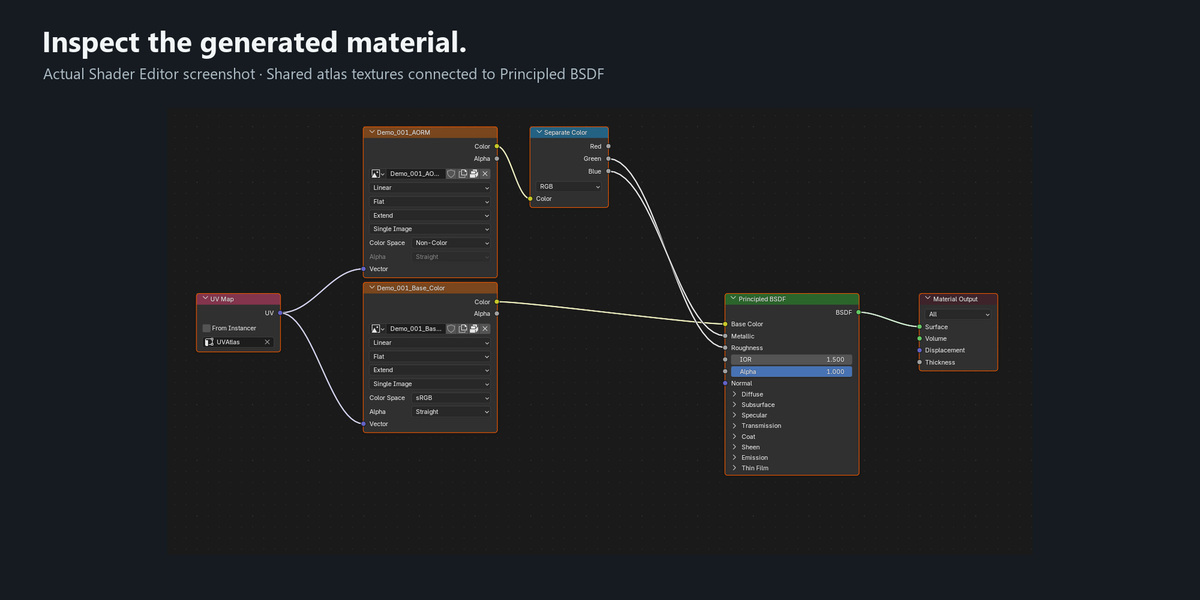
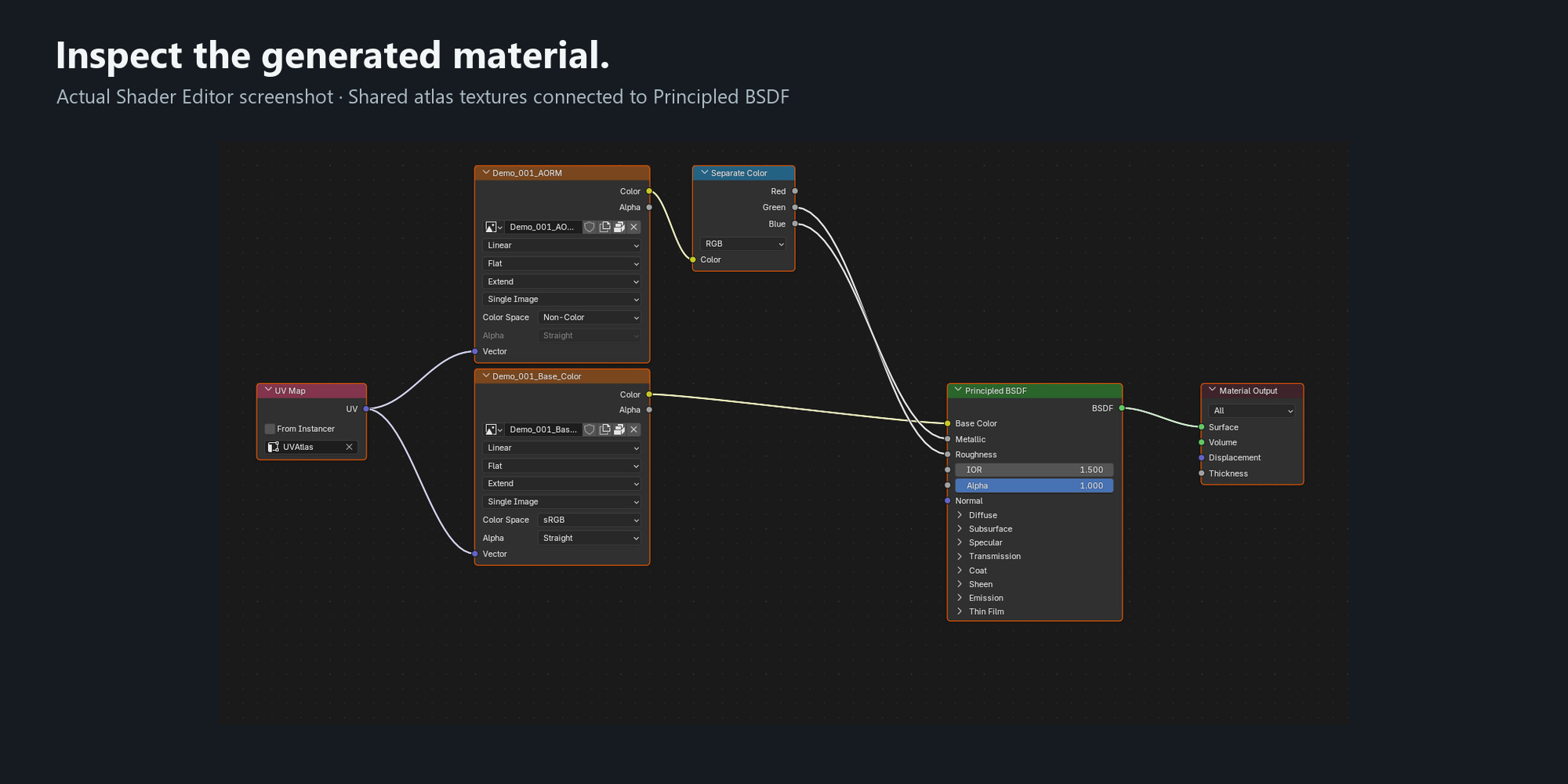
- Automatic setup: generate the shared material and remap the selected meshes' UVs to their atlas cells.
Organise your PBR maps
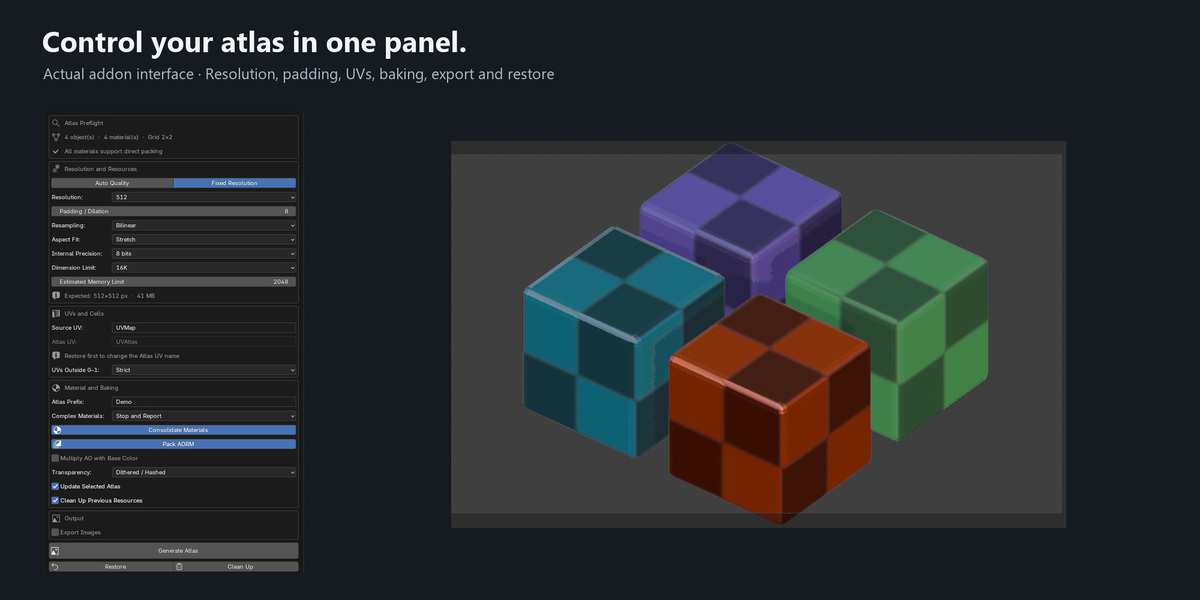
Process supported Base Color, Normal, Roughness, Metallic, AO, Alpha, Emission and Height inputs. Output maps depend on the source materials.
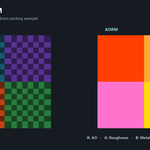
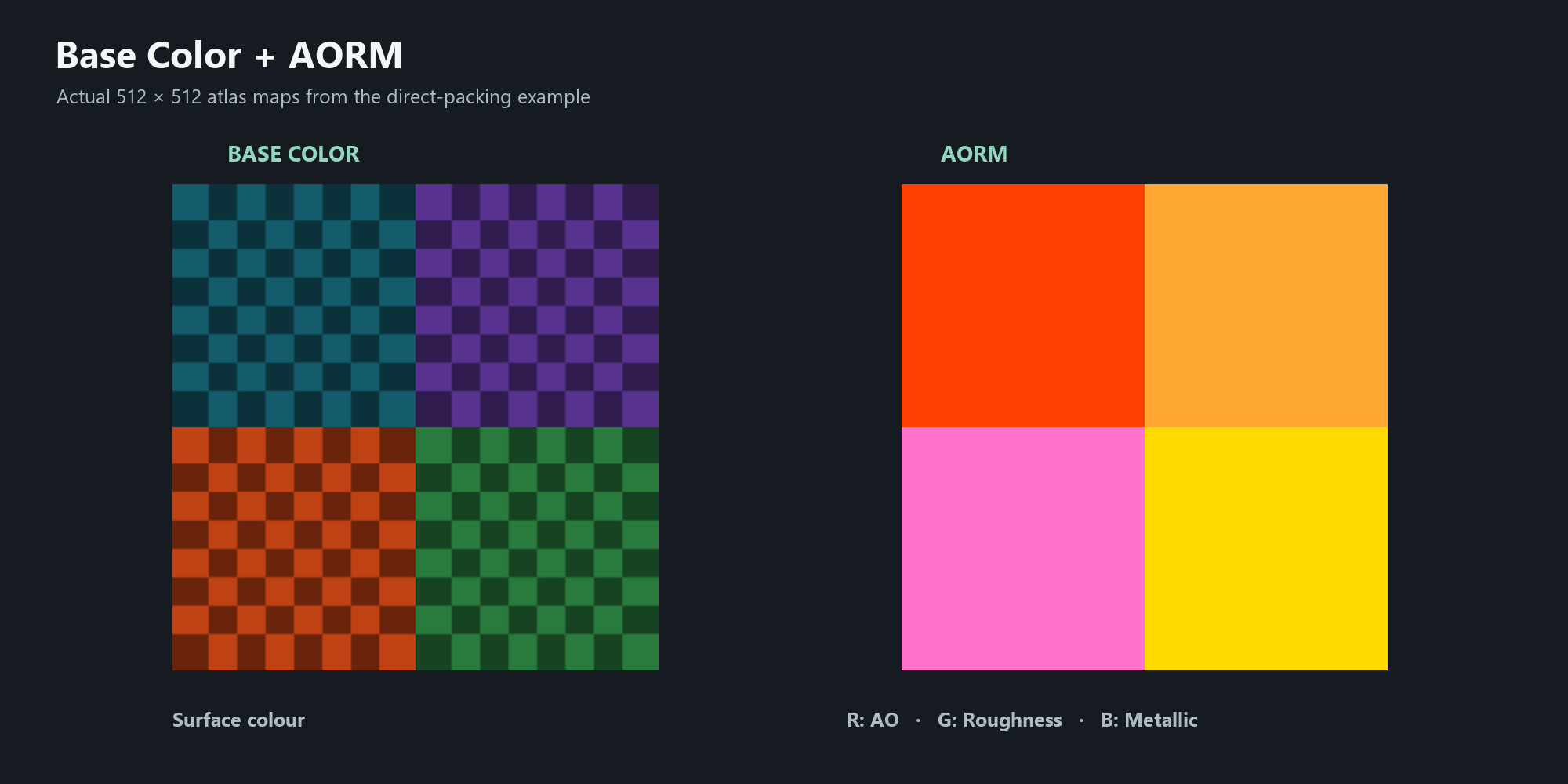
AORM stores AO in red, Roughness in green and Metallic in blue. Export images as PNG, TIFF or OpenEXR, with floating-point output for HDR data.
Adjust, update and restore
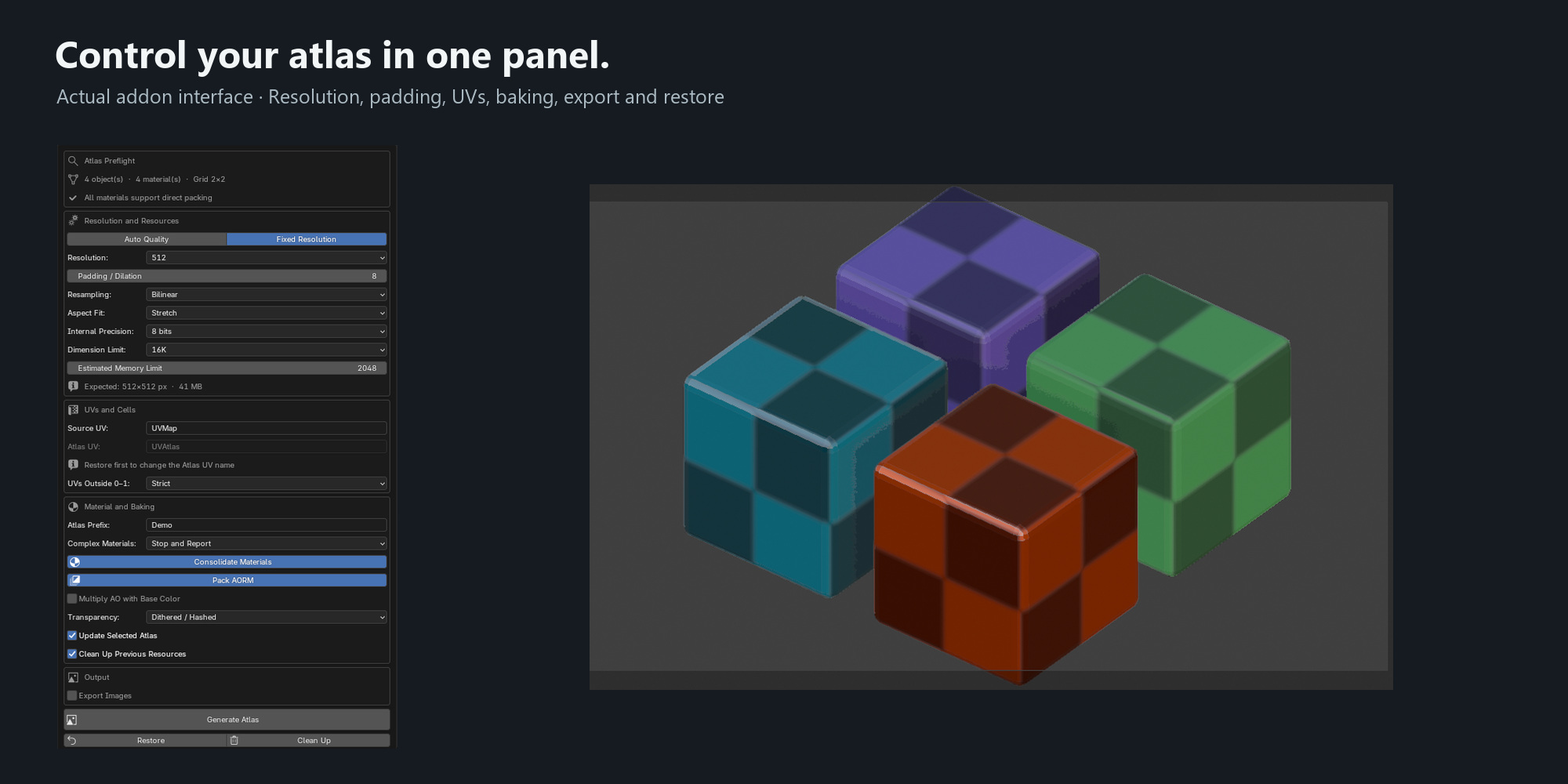
Choose automatic sizing or a fixed resolution, set padding and resampling, and control how textures fit their cells. Update an existing generation when its objects and generated data remain compatible. A separate Downscale Textures panel creates lower-resolution texture copies.
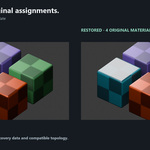
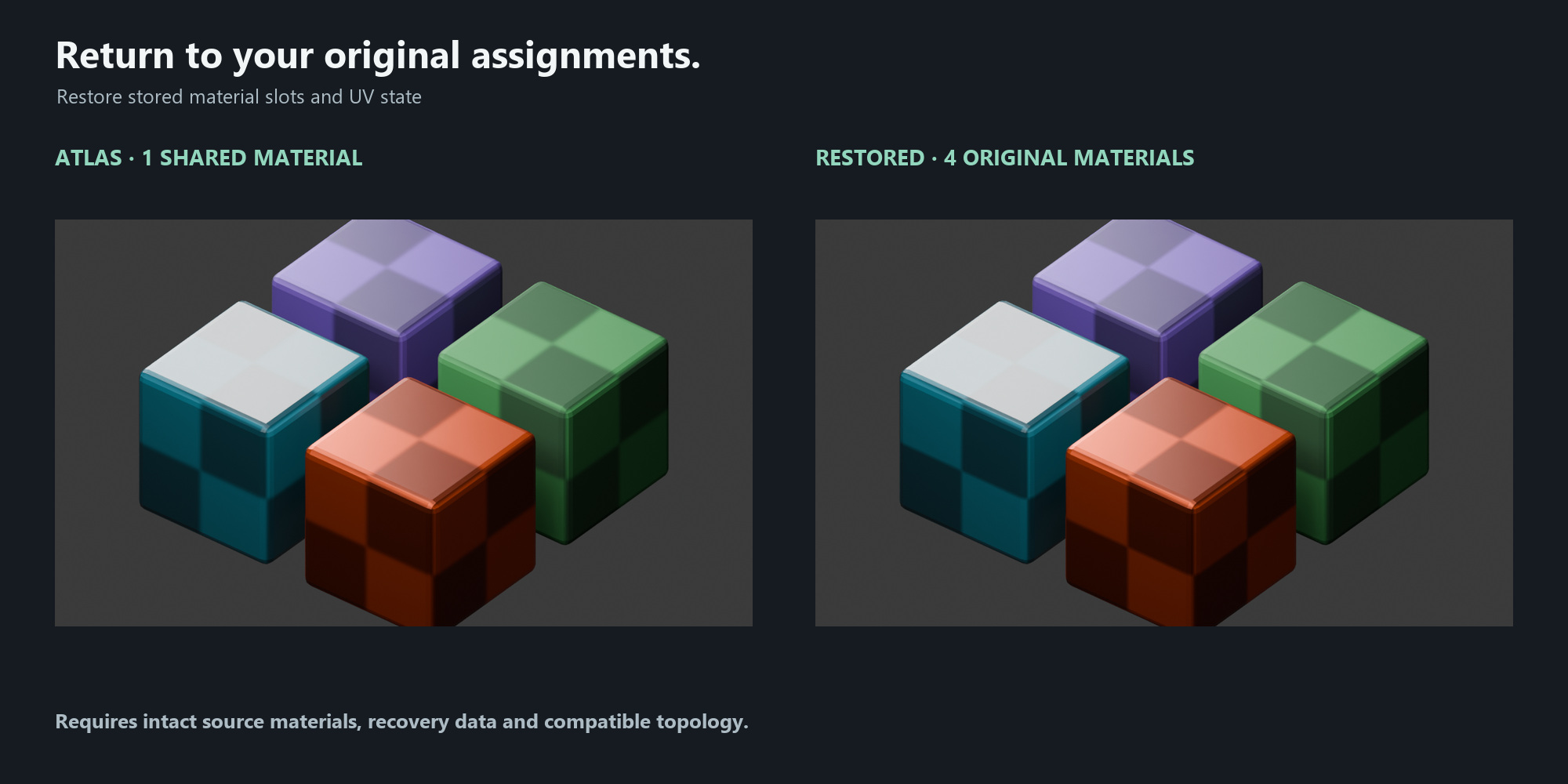
Restore recovers stored material slots and UV state. Keep source materials and recovery data intact, and save a source project before changing mesh topology. Exported files are managed separately from scene undo and restoration.
A focused tool for static asset preparation
For artists preparing props, environment assets and other static meshes with supported Principled materials. Texture Atlas installs independently and has its own sidebar tab.
The installable ZIP includes the addon, Python source and the complete GPL license text. Installation and usage instructions are provided in the product documentation.
Compatibility
Minimum: Blender 4.5. Tested on Windows with Blender 4.5.0, 5.0.0 and 5.1.1. The interface is in English; baking uses Cycles. Other operating systems and Blender versions have not been verified for this release.
Animated textures, view-dependent shading and unsupported shader structures may be rejected. Texture Atlas does not merge geometry or guarantee a specific FPS or draw-call improvement.
Current limitations
- Material compatibility: the addon supports specific Principled material structures and compatible baking inputs. Unsupported shader mixtures, ambiguous connections and some complex setups may be rejected.
- Static output: animated textures and camera-dependent shading cannot always be represented by a static atlas.
- UV requirements: baking requires valid UVs without degenerate faces or incompatible overlaps. Some inputs may need adjustments before generation.
- Restoration: original material and UV assignments can be restored while source materials, recovery data and mesh topology remain compatible. Keep a saved source project before editing the mesh.
- Export and performance: restoring the scene does not undo exported files. The addon does not merge geometry, export complete assets or guarantee a specific FPS or draw-call improvement.
- Downscaling: the separate texture downscale tool uses nearest-neighbor sampling and does not recursively process images inside nested node groups.
- Compatibility and memory: tested on Windows with Blender 4.5.0, 5.0.0 and 5.1.1. Other systems and releases have not yet been verified. Large atlases require sufficient available memory.
Future development
Areas being considered for future updates include broader coverage of compatible materials, more workflow examples, clearer guidance for unsupported inputs, and testing on additional Blender versions and operating systems.
Priorities may change based on user feedback and testing. These are development goals, not guaranteed features or release dates. Please base your purchase on the current version's available features.
Illustrated HTML user guide
An HTML user guide in English and Spanish is included as a separate documentation download. It covers installation, atlas generation, baking, PBR maps, export and restoration, with real screenshots and examples.
Download the guide alongside the addon. It is provided separately from the lightweight installable ZIP.
Found a problem? Please get in touch.
If you encounter an error or an unexpected result, please contact me through Superhive's creator messaging system. I will do my best to investigate and help resolve the issue.
Please include your Blender version, operating system, addon version, exact error message and the steps needed to reproduce the problem. Screenshots or a small example project with textures you are allowed to share can help identify the cause.

