Texture Atlas — PBR Packing & Baking
 Rynor
Rynor
What should I do if I encounter an error?
Please contact me through Superhive. Include your Blender version, operating system, addon version, exact error message and reproduction steps. A screenshot or a small example project with textures you can share will help me investigate and try to resolve the issue
Is a user guide included?
Yes. An illustrated HTML guide in English and Spanish is provided as a separate download, alongside the example scenes. The guide is separate from the lightweight installable addon ZIP
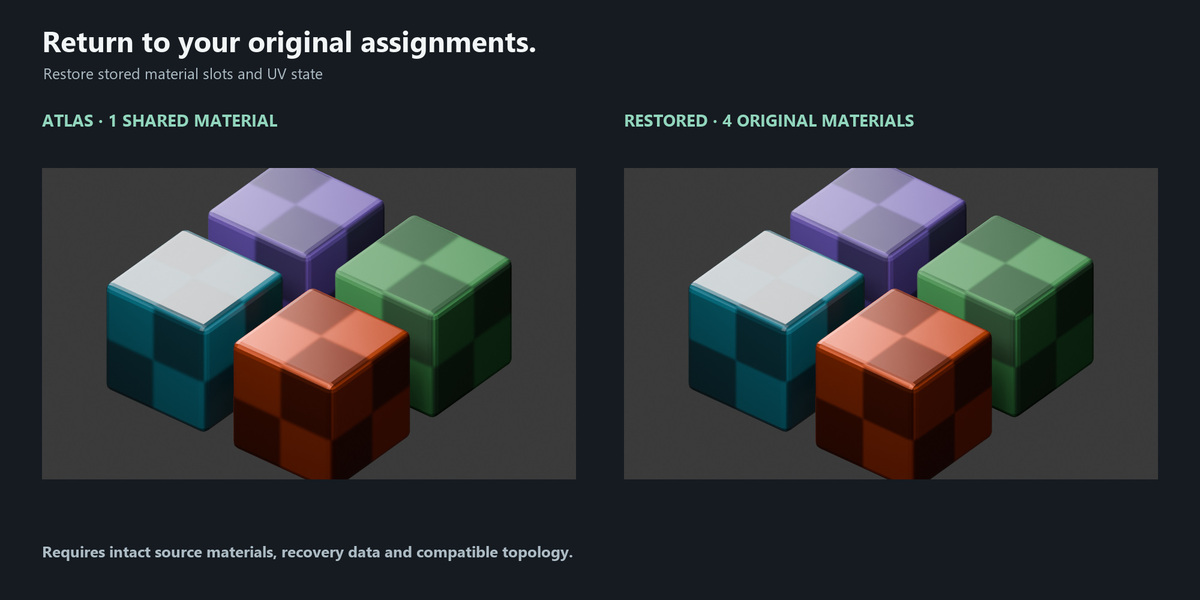
Can I restore my original materials and UVs?
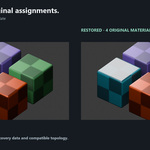
Yes. Restore recovers the stored material slots and UV state while source materials, recovery data and mesh topology remain compatible. Keep a saved source project before editing the mesh. Restoration does not delete exported images
Can it bake procedural materials?
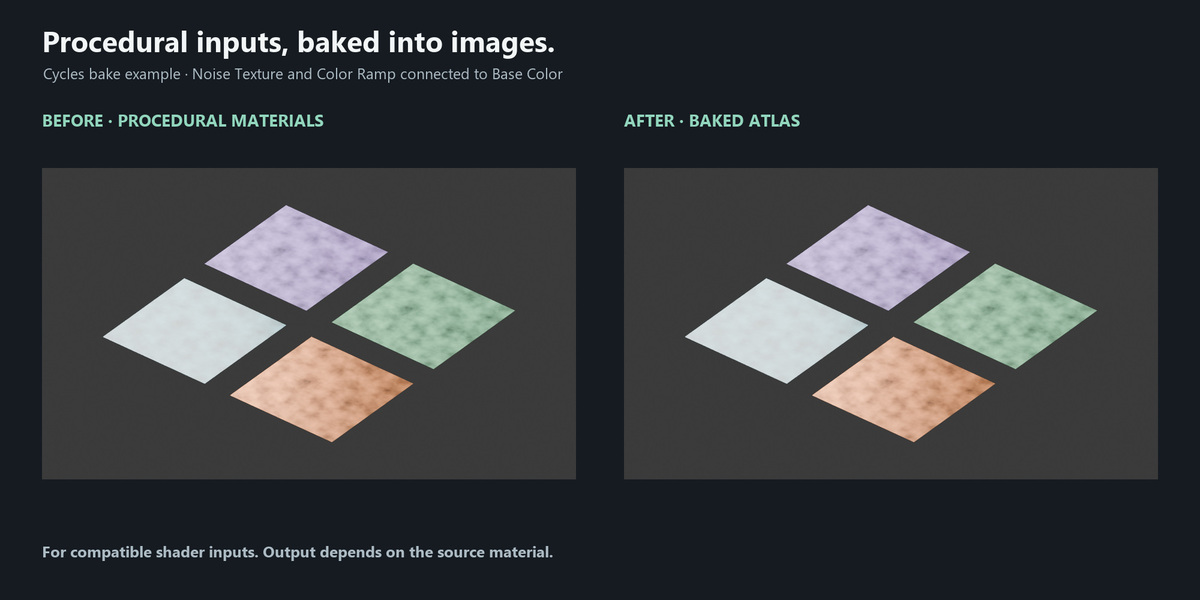
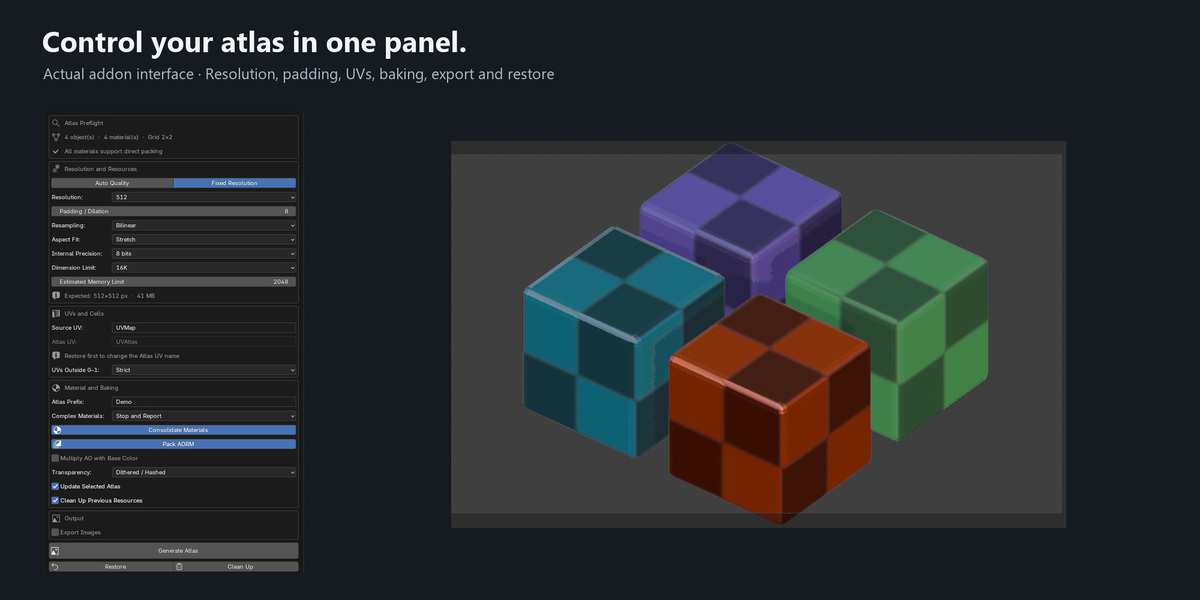
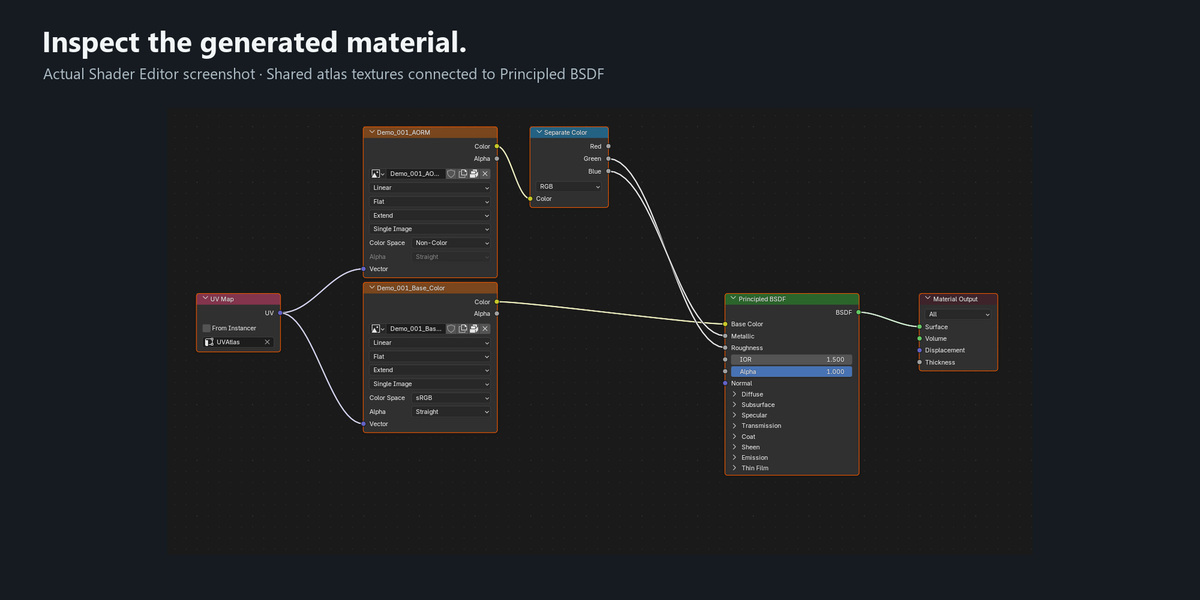
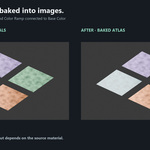
Yes, compatible procedural inputs can be baked using Cycles. Supported image-based inputs can be packed directly. Not every shader structure is supported; animated, view-dependent or unsupported setups may be rejected
Which Blender versions are supported?
Texture Atlas requires Blender 4.5 or later. This release has been tested on Windows with Blender 4.5.0, 5.0.0 and 5.1.1. Other versions and operating systems have not yet been verified. The addon interface is in English
$9.99
 Included
Includes 12 months of
- Support from Rynor
- Product updates
Extend this product’s Support Period +12 months: 50% of product price
Have questions before purchasing?
Login to message
| Blender Extension Compatible | Yes |
| Published | 2 days ago |
| Blender Version | 4.5 - 5.1 |
| Extension Type | Add-on |
| Render Engine Used | Cycles, Eevee |
| License | GPL |

Discover more products like this
texture-baking PBR AORM Channel Packing texture downscaling uv Texture packing procedural baking materials game assets texture export texture atlas