 Rynor
Rynor

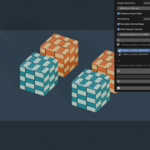
Texture Resizer — Reversible Texture Downscaling
Downscale selected objects' textures. Keep the originals. Restore when you need them.
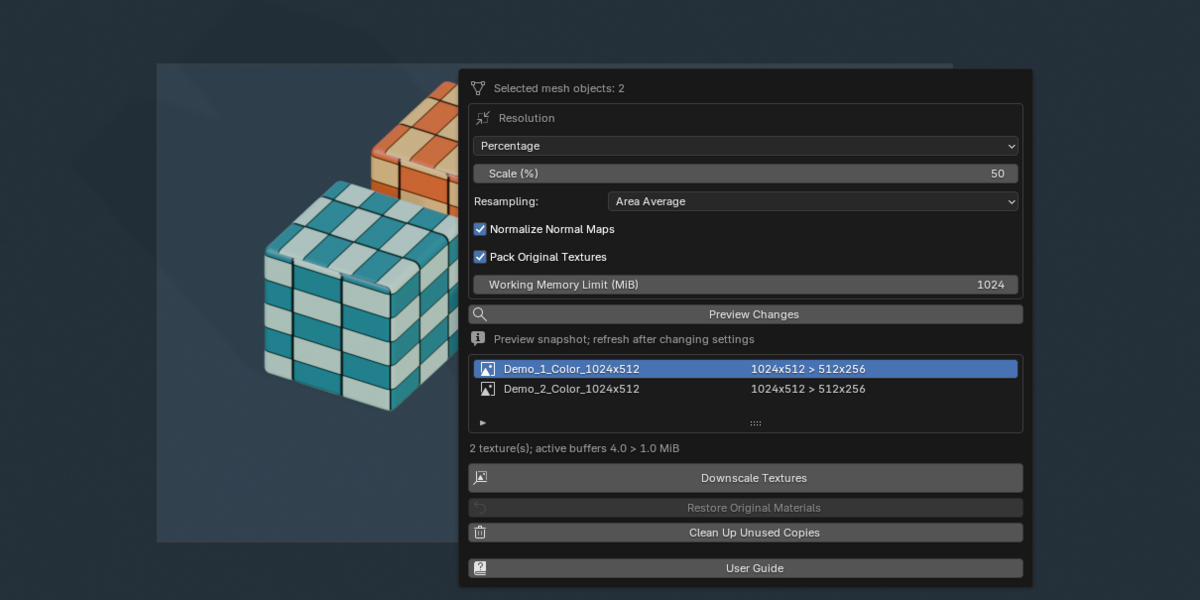
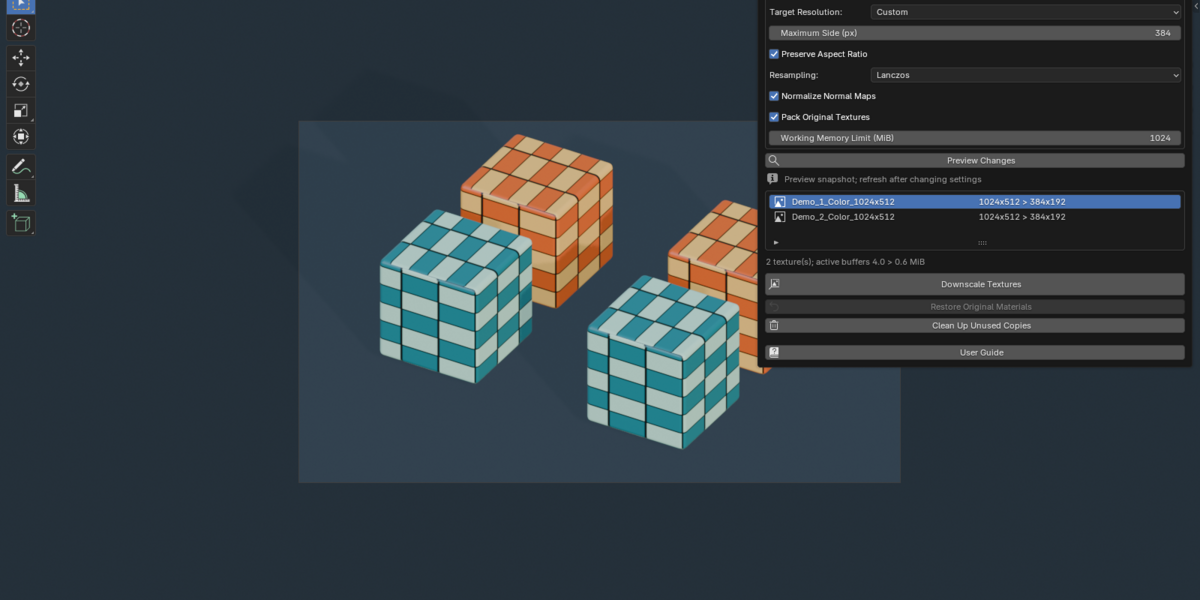
Texture Resizer gives Blender users a focused way to create smaller texture copies without overwriting source image files. Choose a maximum resolution or percentage, preview the result, and assign reduced copies to selected objects. Restore the original materials through a dedicated recovery workflow.
Key features
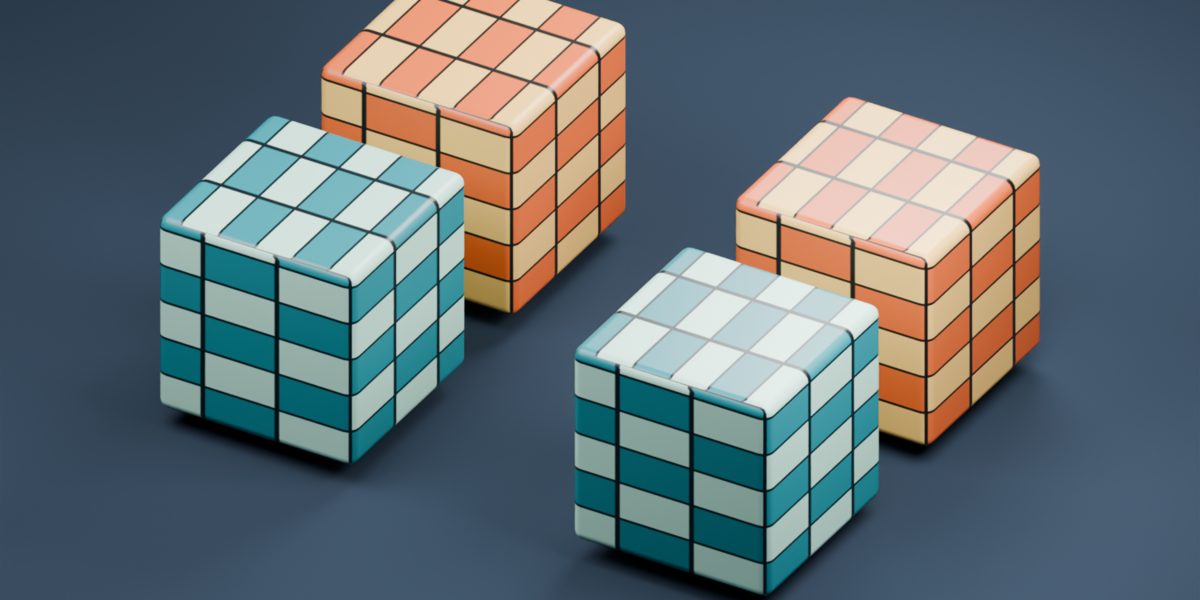
- Selected-object processing: isolated material assignments keep unselected users of shared meshes unchanged.
- Nested shader groups: material and group copies preserve the original node setup.
- Four resampling filters: Area Average, Lanczos, antialiased Bilinear and Nearest.
- Color and data handling: linear-light byte sRGB filtering, alpha-aware color reduction, independent data channels and float HDR preservation.
- Normal-map normalization: optional renormalization for Non-Color images linked directly or through reroutes to a Normal Map node.
- Flexible resolution: presets, custom maximum side and percentage scaling. Source images are never upscaled.
- Preview before applying: source/target sizes, affected texture count and an active-buffer memory estimate.
- Persistent restoration: retained Blender references survive renaming and saving/reopening.
- Packed output: reduced images are stored inside the blend. Originals can also be packed for portable recovery.
- Independent addon: a dedicated English sidebar, with no other addon dependency.
A straightforward workflow
- Select mesh objects in Object Mode.
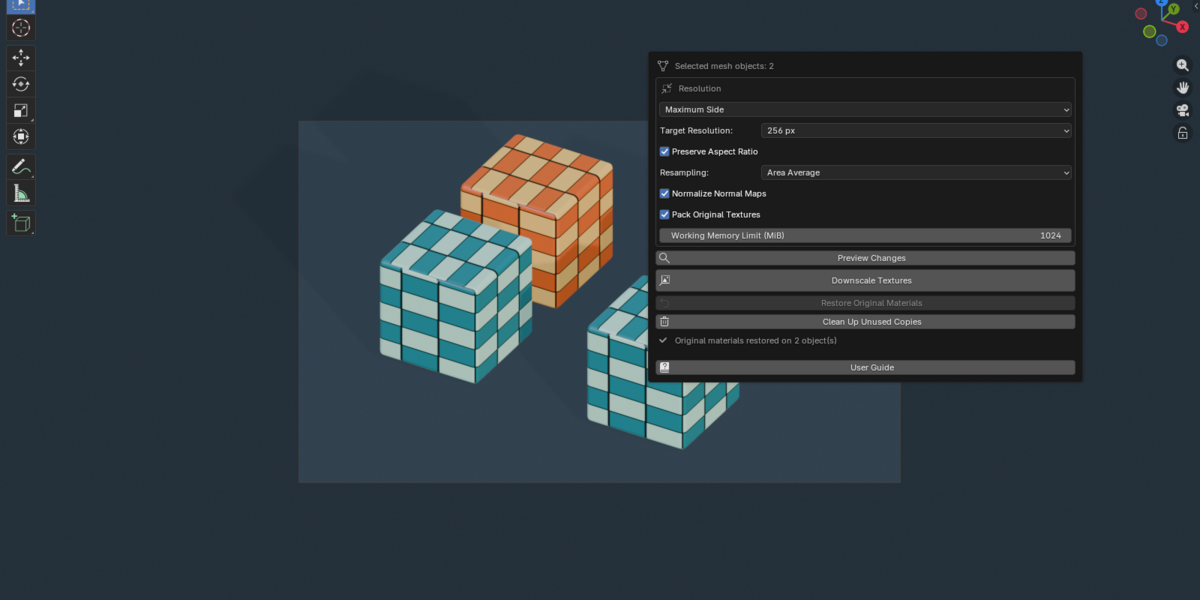
- Choose the target resolution, filter and packing options.
- Preview Changes, then Downscale Textures.
- Restore Original Materials whenever the original assignments are needed.
- Clean Up Unused Copies after restoration.
Included
- Installable Texture Resizer 1.0.0 extension ZIP.
- Professional offline HTML user guide in English, including real Blender images, settings reference, resolution calculator and troubleshooting.
- Portable example blend demonstrating shared mesh isolation, nested texture groups and restoration.
- Source code and complete GPL license text.
Compatibility and limits
Requires Blender 4.5.0 or later. Verified on Windows with Blender 4.5.0, 5.0.0 and 5.1.1, including 75 regression scenario runs and actual archive installation on each release. Other versions, operating systems and custom OCIO configurations are unverified.
Supports static, single-layer image textures and generated images. UDIMs, image sequences, video and multilayer EXR are not supported. This is a texture downscaler; it does not bake procedural materials, generate atlases or export files.
Restoration requires surviving original materials and compatible mesh references, material-slot layouts and assignments. Retained originals can increase blend file size. Memory estimates describe active image buffers; performance or total VRAM savings are not guaranteed. Large batches run synchronously.
Installation
Install texture_resizer-1.0.0.zip directly through Edit → Preferences → Get Extensions → menu → Install from Disk. Enable Texture Resizer, then press N in the 3D Viewport and open the Texture Resizer tab. Extract the outer Complete bundle first if you choose that download.
Support
Contact the creator through Superhive with the addon and Blender versions, operating system, exact report and reproduction steps. A minimal example blend with shareable textures helps investigate the issue.
Listing field reference
| Product name | Texture Resizer — Reversible Texture Downscaling |
| Suggested category | Addons / Materials and Shading |
| Suggested tags | texture resizer, texture downscaling, texture optimization, batch textures, material workflow, normal maps, HDR, resampling, game assets, texture resolution |
| Minimum version | 4.5 |
| Tested up to | 5.1 |
| License | GPL-3.0-or-later |
| Installable product file | texture_resizer-1.0.0.zip |
| Additional product files | Texture_Resizer_User_Guide.html Texture_Resizer_Demo.blend |

