Texture Resizer
 Rynor
Rynor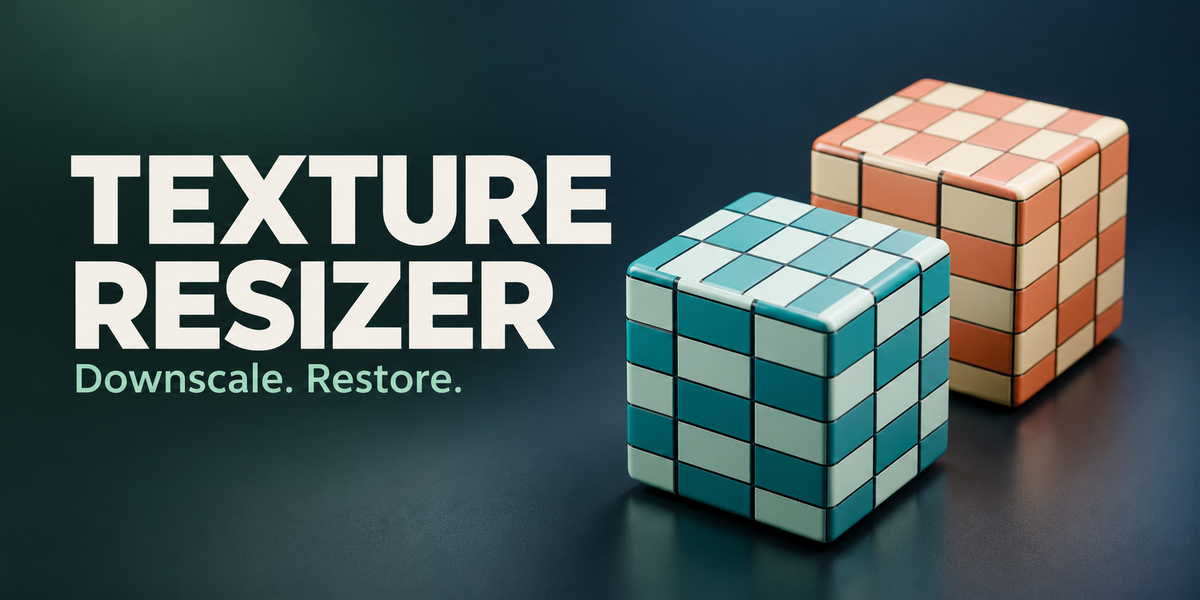
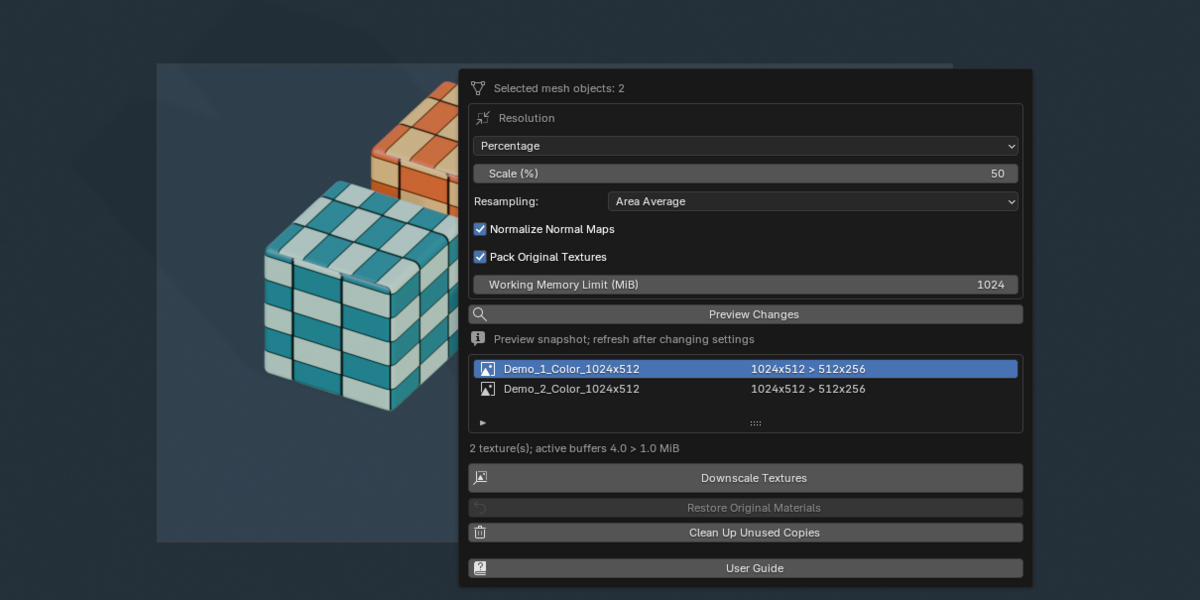
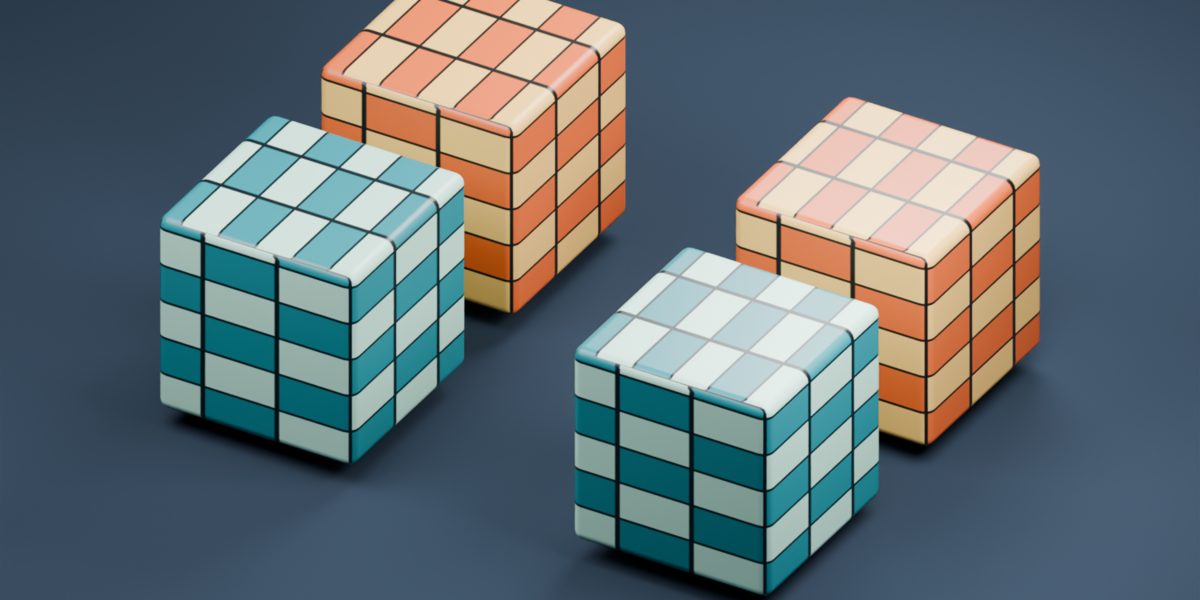
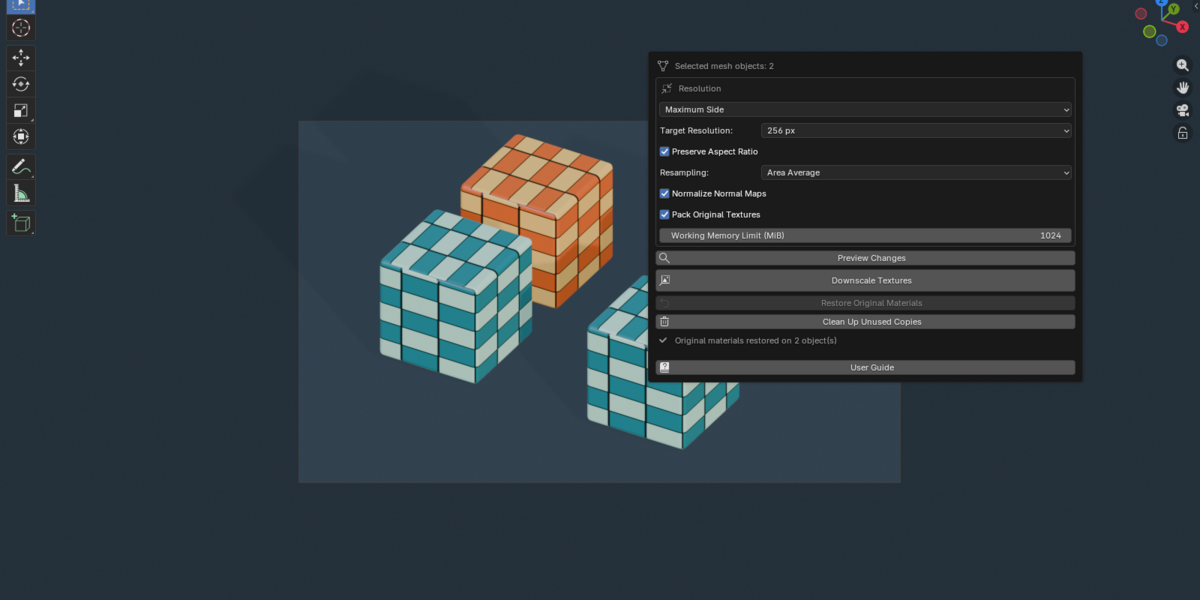
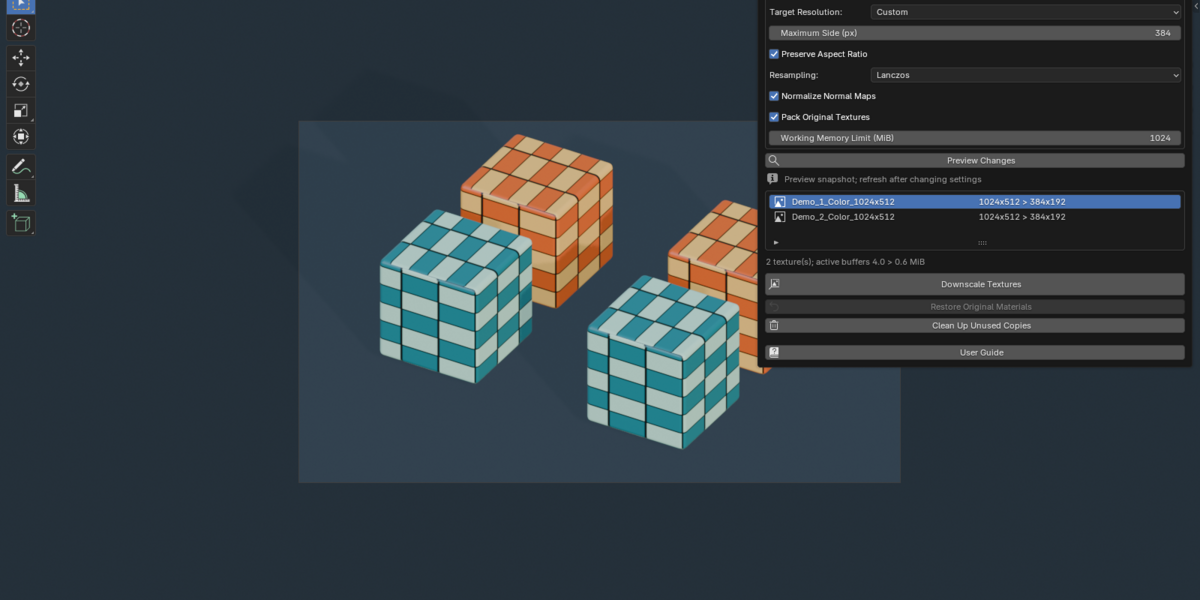

How do I get help?
Contact me through Superhive with your Blender and add-on versions, operating system, exact error message and reproduction steps. Include a small example blend when possible.
Does it need another add-on or an internet connection?
No. Texture Resizer is standalone and uses Blender's bundled Python and NumPy. Processing and the included HTML user guide work offline.
Does it bake materials, export textures or convert formats?
It downscales existing image textures inside Blender. Procedural baking, atlas creation, disk export and file-format conversion are outside this release's scope.
Will it always reduce VRAM usage or blend file size?
The reduced copies contain fewer pixels, but originals remain retained for restoration. Total memory depends on the scene, renderer and caching; packing originals can increase blend file size.
Why did the Working Memory Limit stop the operation?
The estimated working buffers exceed the configured budget. Process a smaller selection or increase the limit if your system has sufficient available memory. Very large sources still need to be read.
Why does Clean Up Unused Copies remove nothing?
The generated resources may still be used or retained by recovery data. Restore the relevant objects first. Cleanup removes only unused resources created by Texture Resizer.
Why is a source image missing or unavailable?
Blender cannot read its pixels. Reconnect the source file, using File > External Data > Find Missing Files if needed, then refresh the preview.
Why did restoration stop?
An original reference may be missing, or the mesh, material-slot layout or assignment may have changed. Read the report, undo the conflicting structural edit where possible, then retry.
Can I downscale again with different settings?
Yes. Repeated reductions use the retained originals rather than the previously reduced copies. Preview the new settings before applying them.
Does it support UDIMs, image sequences or video?
Version 1.0.0 supports static, single-layer image textures and generated images. UDIMs, sequences, video, viewer buffers and multilayer EXR are unsupported and stop the operation with a report.
Does it support normal maps, transparency and HDR?
Yes. It handles alpha-aware color filtering, Non-Color data and float HDR buffers. Optional normal normalization applies to Non-Color images feeding a Normal Map node directly or through reroutes.
Can it process textures inside shader groups?
Yes. Image textures inside nested shader groups are processed, and the affected materials and groups are copied locally.
Why does it say "No textures need downscaling"?
The settings do not reduce any supported image. Lower Maximum Side or choose a percentage below 100. Procedural materials without image textures are not resized.
Can I restore after saving and reopening my project?
Yes, when the blend retains the original references and compatible mesh, material-slot layout and assignments. Select the processed objects and click Restore Original Materials.
Does it affect unselected objects that share the same materials or meshes?
The add-on assigns isolated material copies to selected objects. Unselected objects keep their original material assignments, including users of shared meshes.
Does it overwrite my original image files?
No. It creates new packed texture copies and copied materials. External source image files are not overwritten. Packing originals stores them inside the blend.
Which Blender versions are supported?
The minimum version is Blender 4.5.0. This release has been verified on Windows with Blender 4.5.0, 5.0.0 and 5.1.1. Other releases and operating systems have not been verified.
$7.99
 Included
Includes 12 months of
- Support from Rynor
- Product updates
Extend this product’s Support Period +12 months: 50% of product price
Have questions before purchasing?
Login to message
| Blender Extension Compatible | Yes |
| Published | 1 day ago |
| Blender Version | 4.5 - 5.1 |
| Extension Type | Add-on |
| Render Engine Used | Cycles |
| License | GPL |

Discover more products like this
texture optimization restore materials normal maps Texture resolution texture resizer texture downscaling batch-resize material workflow game assets resampling