 Myndari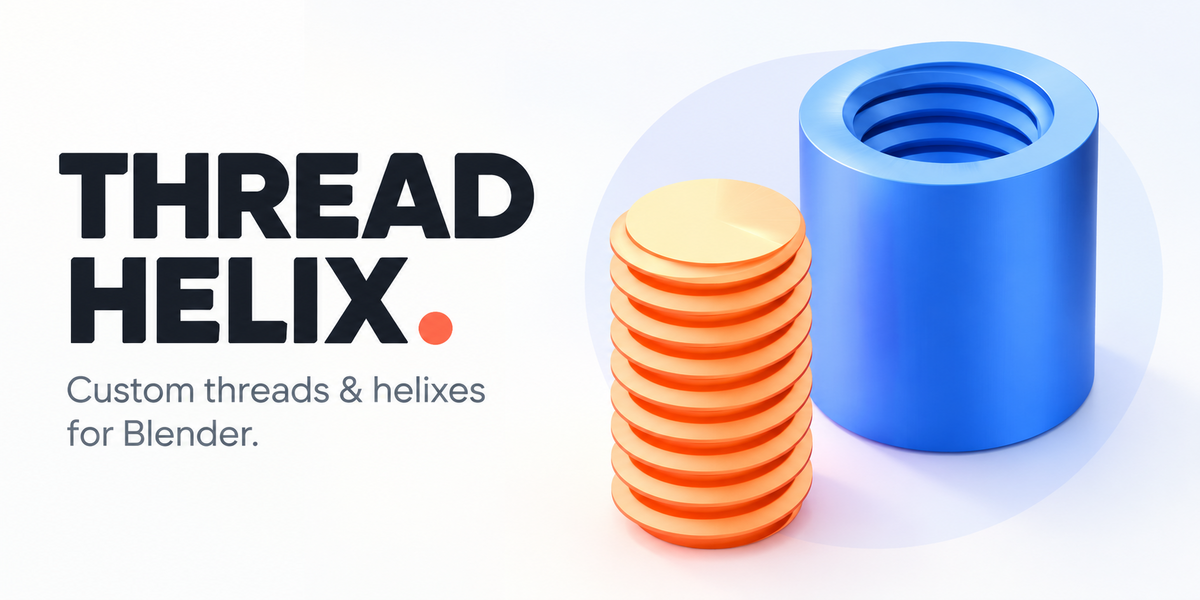

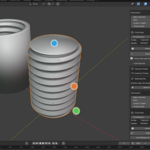
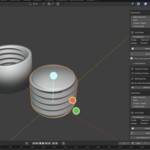
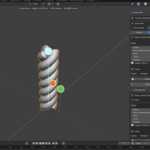
Thread Helix
Custom screw threads, matching printable parts, springs, and helical geometry — directly in Blender.
Thread Helix is a Blender extension that makes it easy to create precise, customizable threads and helixes without building them manually.
Whether you're designing a threaded container, a custom enclosure, a mechanical prototype, or a detailed 3D model, Thread Helix gives you control over the geometry through a straightforward set of tools.
Choose your dimensions, generate the geometry, and adjust it whenever you need.
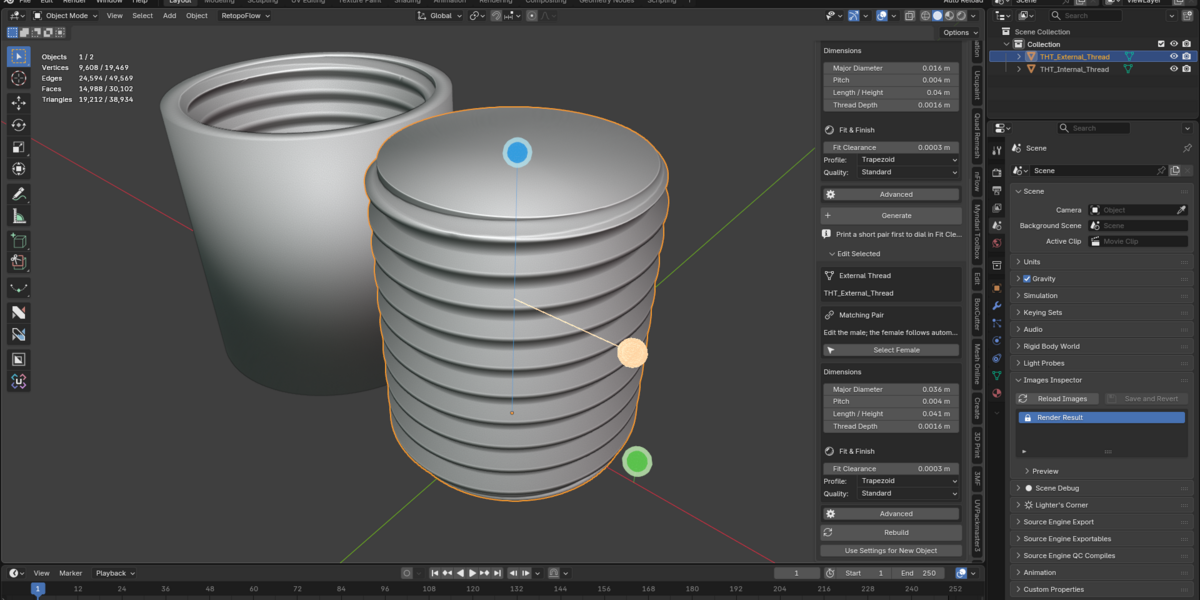
Create matching screw threads
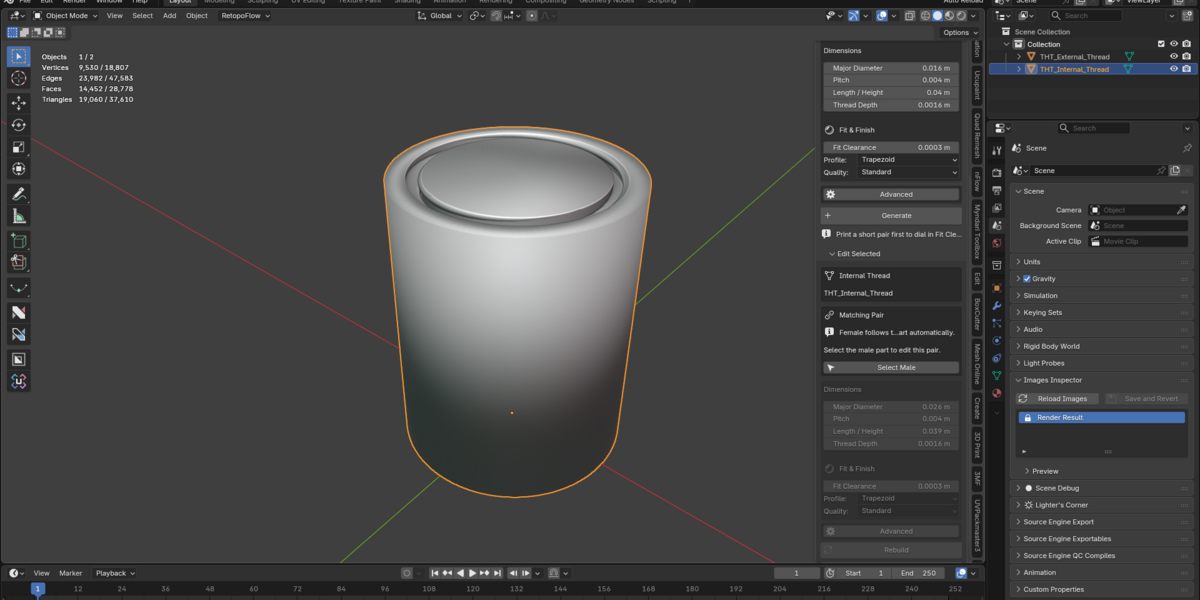
Generate external threads, internal threads, or a matching pair with a single tool.
Matching pairs: Create compatible male and female threaded parts together.
Adjustable fit clearance: Control the space between matching threads, particularly useful for 3D printing.
Three thread profiles: Trapezoidal, rounded, and V-shaped.
Custom dimensions: Adjust diameter, pitch, thread depth, and length.
Advanced options: Multi-start threads, left- or right-handed threads, lead-ins, and profile adjustments.
Matching pairs stay linked when edited, so you don't have to update both pieces separately.
Made for 3D printing workflows
Thread Helix includes a dedicated Fit Clearance control to help you create threads that can be printed and assembled.
Start with a preset, adjust the dimensions for your project, and generate the matching parts.
Useful for threaded lids, containers, enclosures, prototypes, and custom components.
Important: Actual printed fit depends on your printer, filament, and print settings. Testing a short thread pair is recommended before committing to a large print.
Edit directly in the viewport
Generated objects remain adjustable.
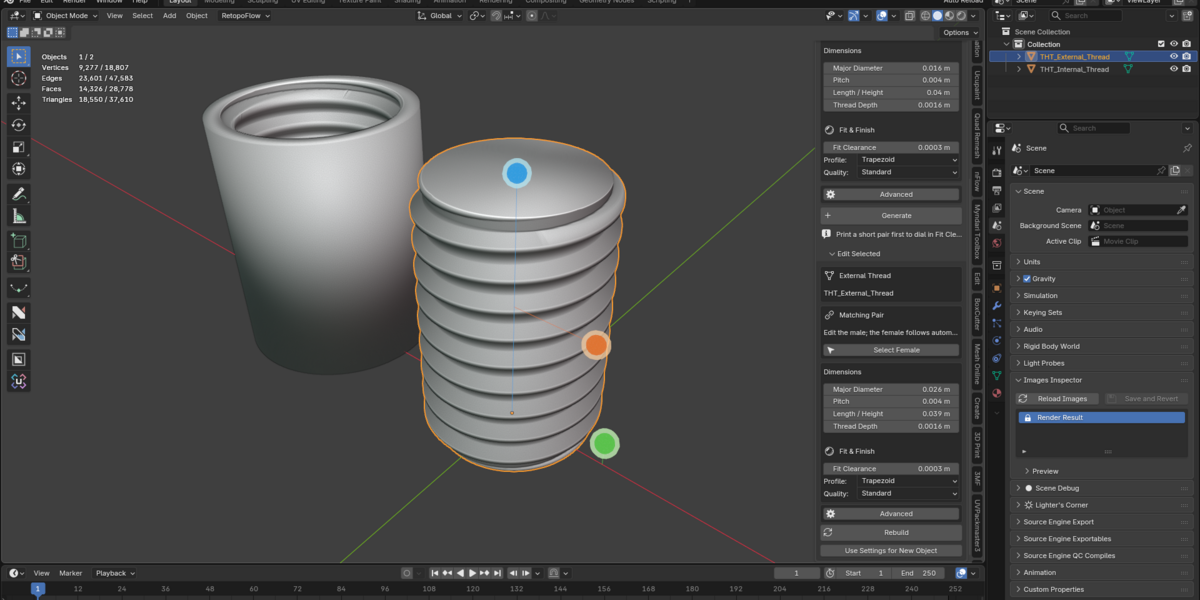
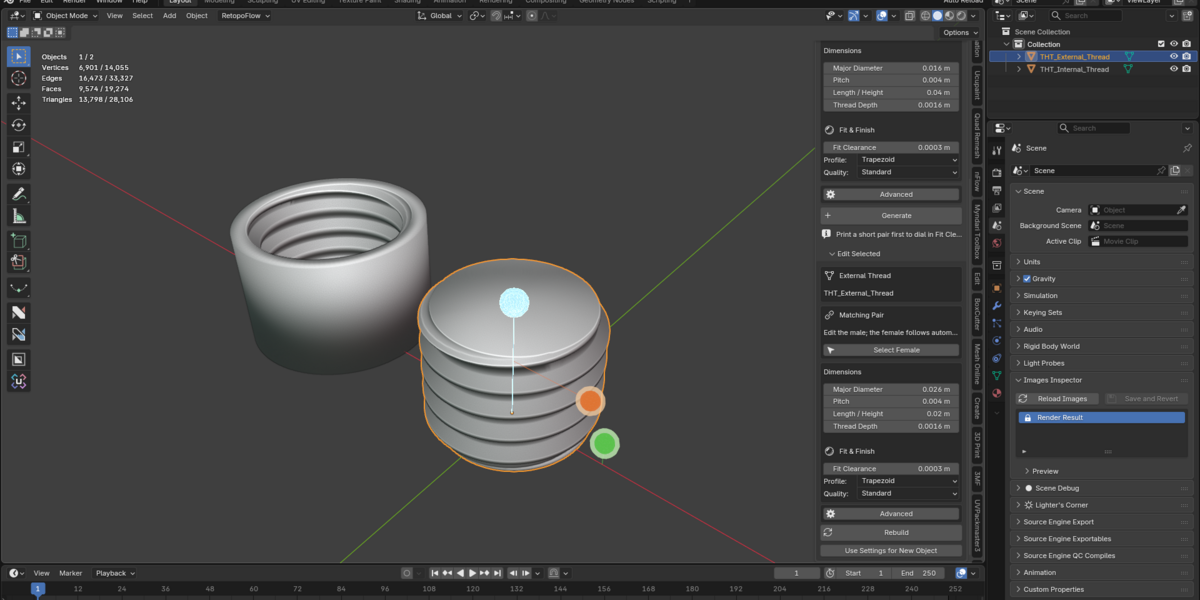
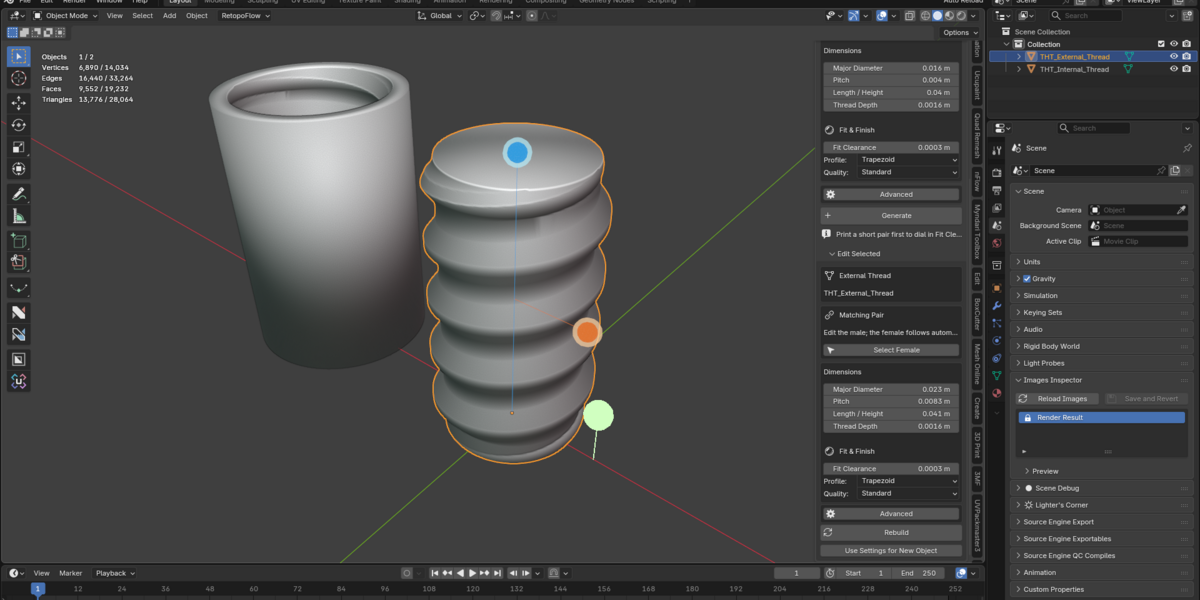
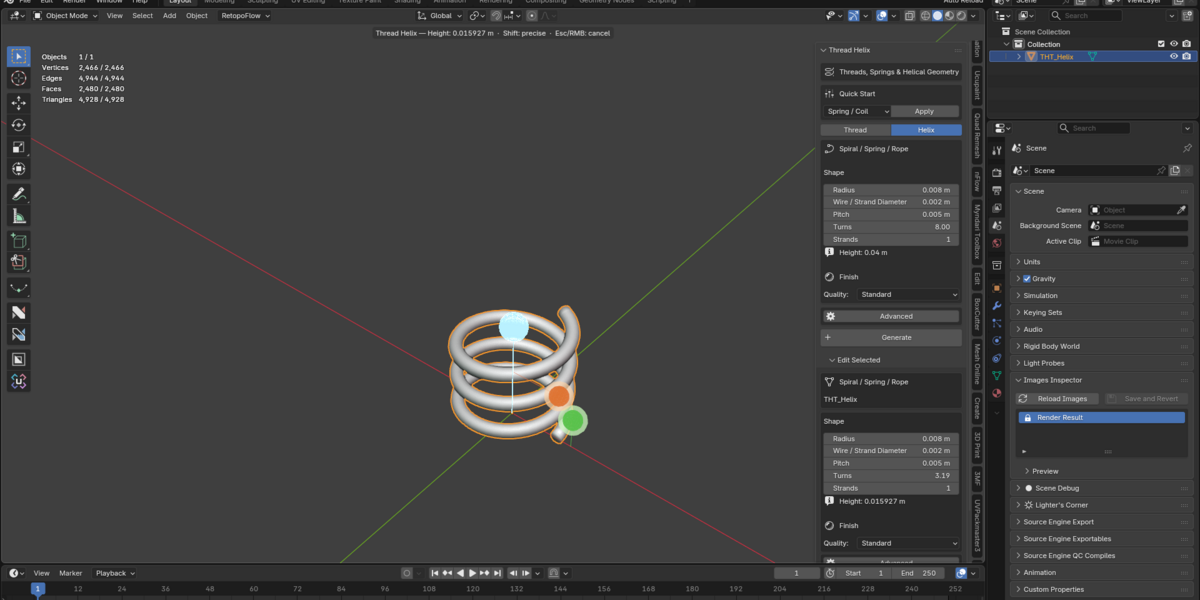
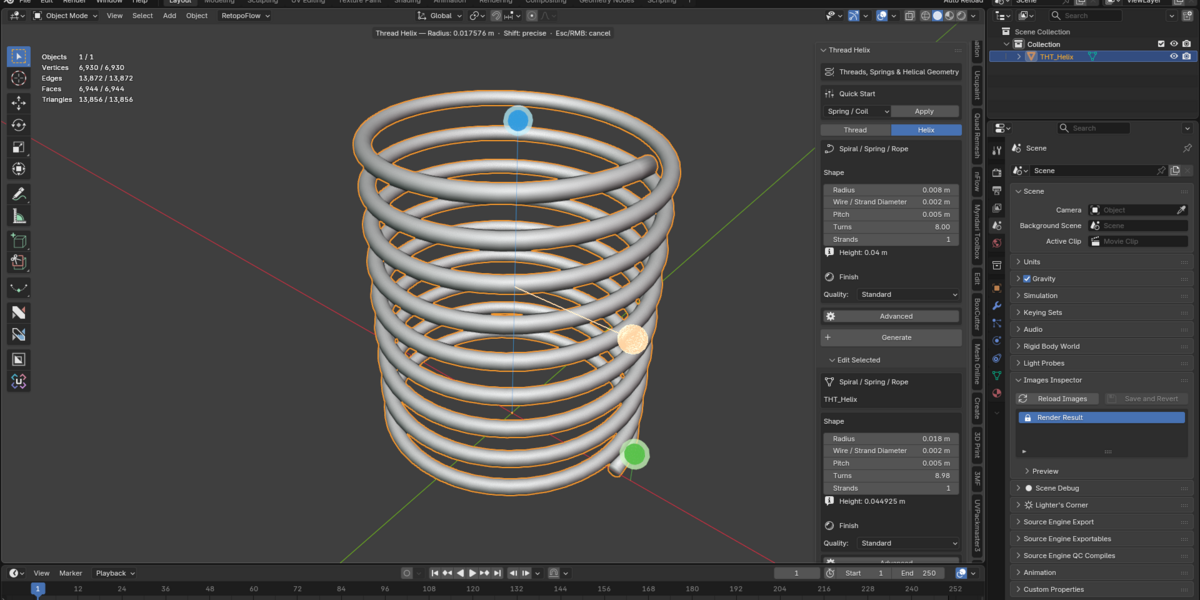
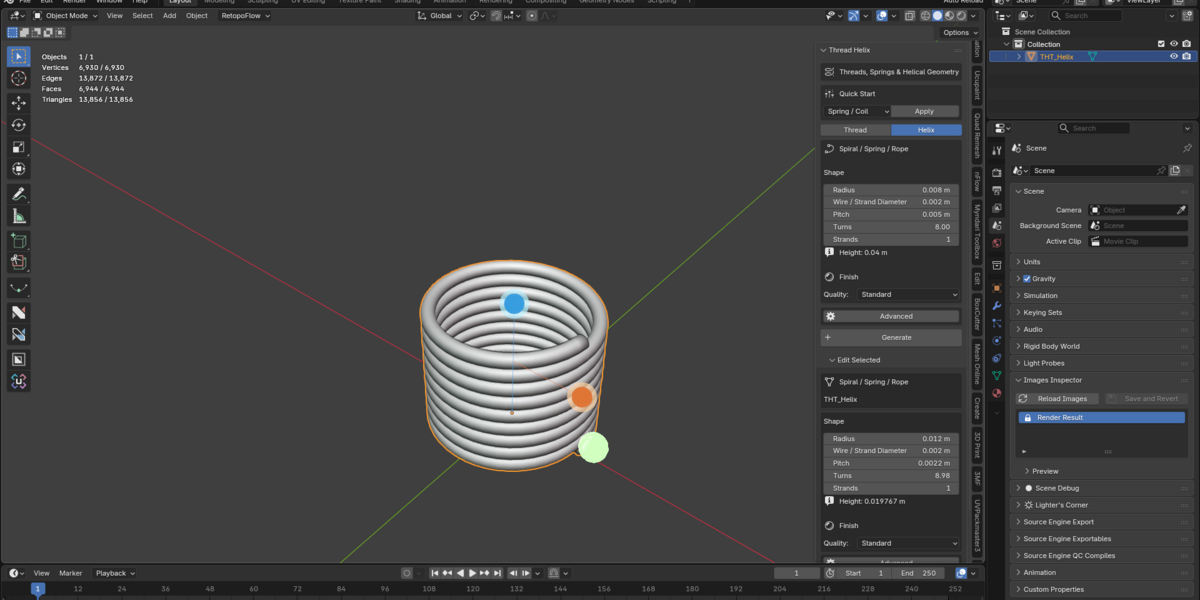
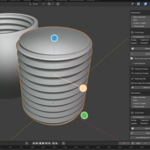
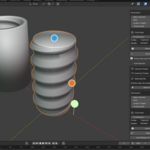
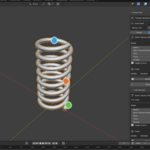
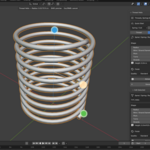
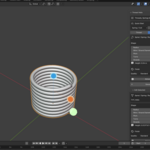
Select an existing Thread Helix object and use the interactive viewport handles to change its dimensions.
For threads, you can adjust diameter, length, and pitch. For helixes, you can adjust radius, height, and pitch.
You can also edit numerical settings through the sidebar and rebuild the geometry.
Your settings are saved with the Blender project.
Springs, spirals, and rope
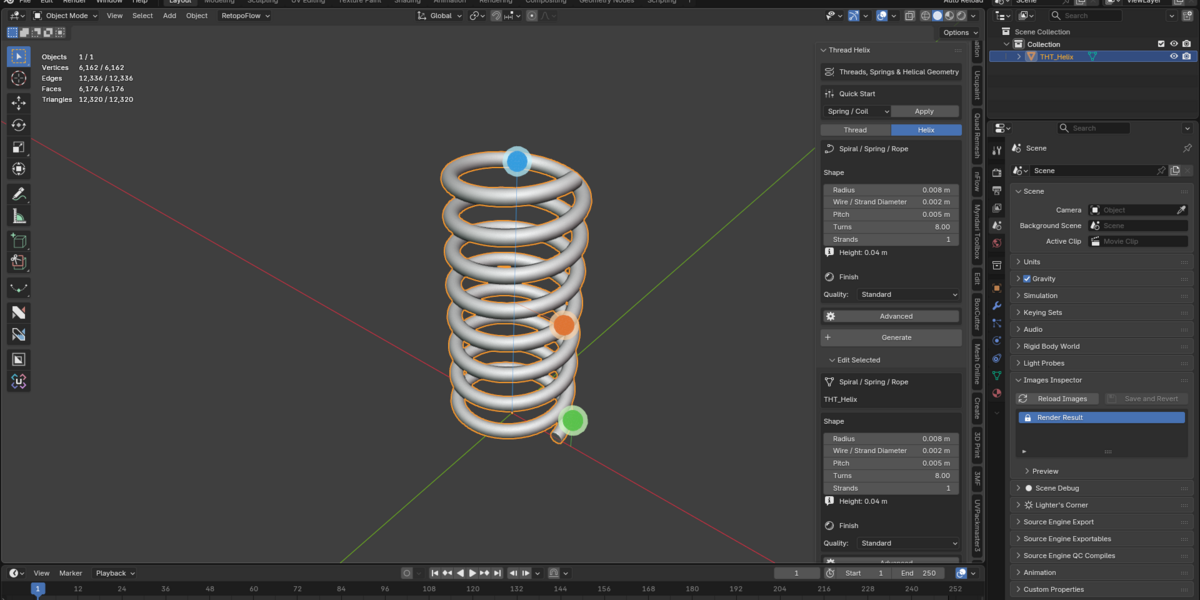
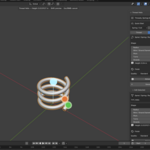
Thread Helix also includes a flexible helix generator for creating:
Springs and coils
Open spirals
Tapered and conical helixes
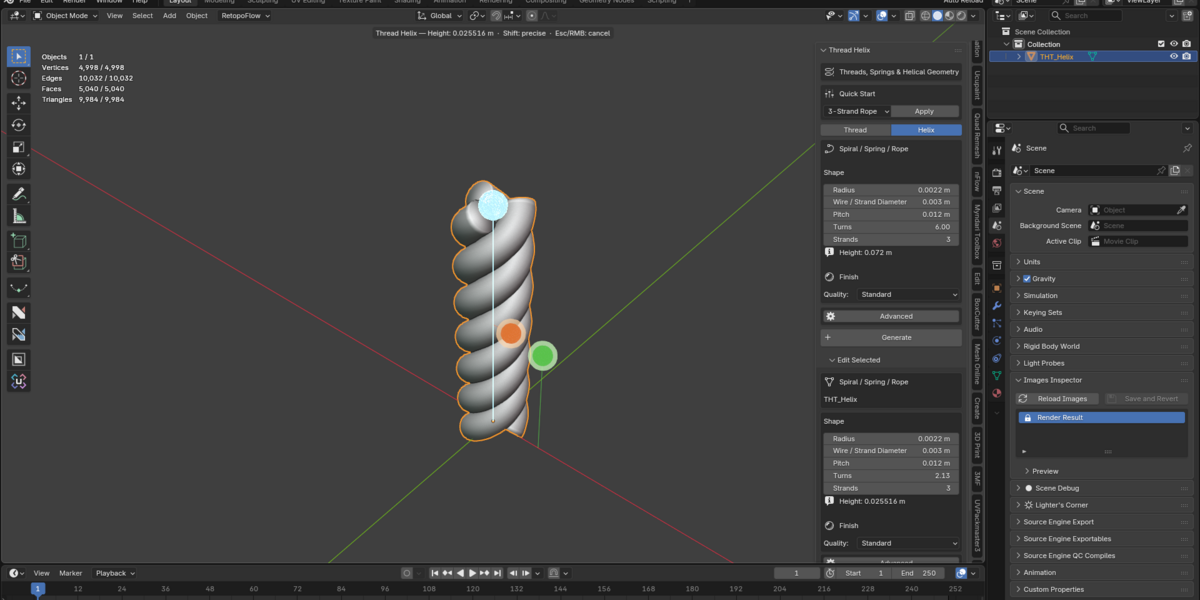
Intertwined multi-strand rope
Adjust radius, wire thickness, pitch, turns, strand count, and direction.
Additional features
Five included presets for common threads, loose-fit threads, containers, springs, and rope.
Three geometry quality levels — Draft, Standard, and High.
Smooth finished meshes with calculated normals and sharp-edge handling.
Built-in geometry checks that warn about problematic settings and overly heavy meshes.
Offline operation with no external service required.
A straightforward workflow
Choose a preset or generator → Set your dimensions → Generate → Adjust → Rebuild when needed.
No manual helix modeling required.
Compatibility and requirements
Blender 5.2.2 LTS and the compatible 5.2.x series
Blender Extension installation format
No additional plugins or online accounts required during use
Version 1.0.2
Please note: Thread Helix is a custom geometry generator, not an ISO/ANSI-certified fastener design tool. It does not certify thread standards, mechanical strength, or load ratings.