 Myndari

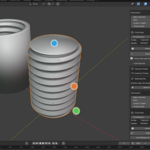
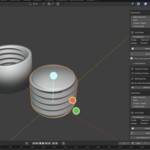
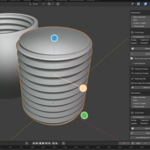
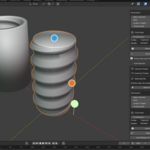
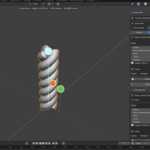
Thread Helix — User Guide
Installation
Open Blender 5.2.2 LTS.
Go to Edit → Preferences → Get Extensions.
Open the menu in the upper-right corner.
Select Install from Disk.
Choose the downloaded Thread Helix ZIP file.
Enable the extension if it is not enabled automatically.
Return to the 3D Viewport, press N, and open the Thread Helix tab.
Do not extract the ZIP file before installing.
Creating your first thread
Open the Thread Helix sidebar.
Select Thread mode.
Choose External, Internal, or Matching Pair.
Set the major diameter, pitch, length, and thread depth.
Select a profile and geometry quality.
Click Generate.
For physical dimensions, use a properly configured scene unit scale. The extension includes a shortcut to set metric millimeters when needed.
Creating a matching pair
Choose Matching Pair in Thread mode.
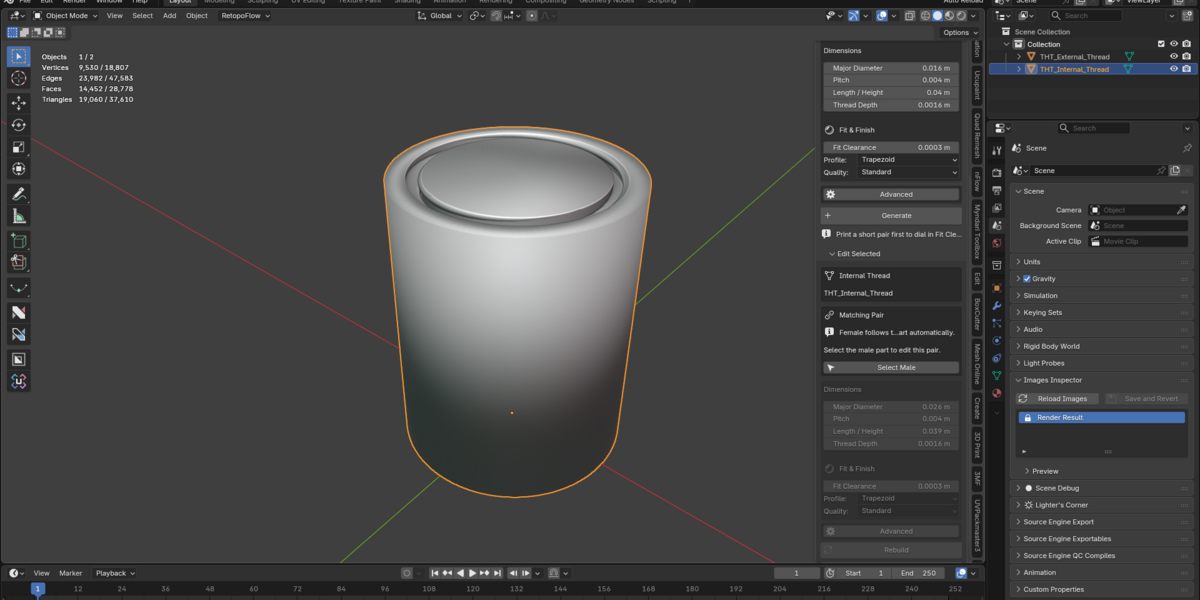
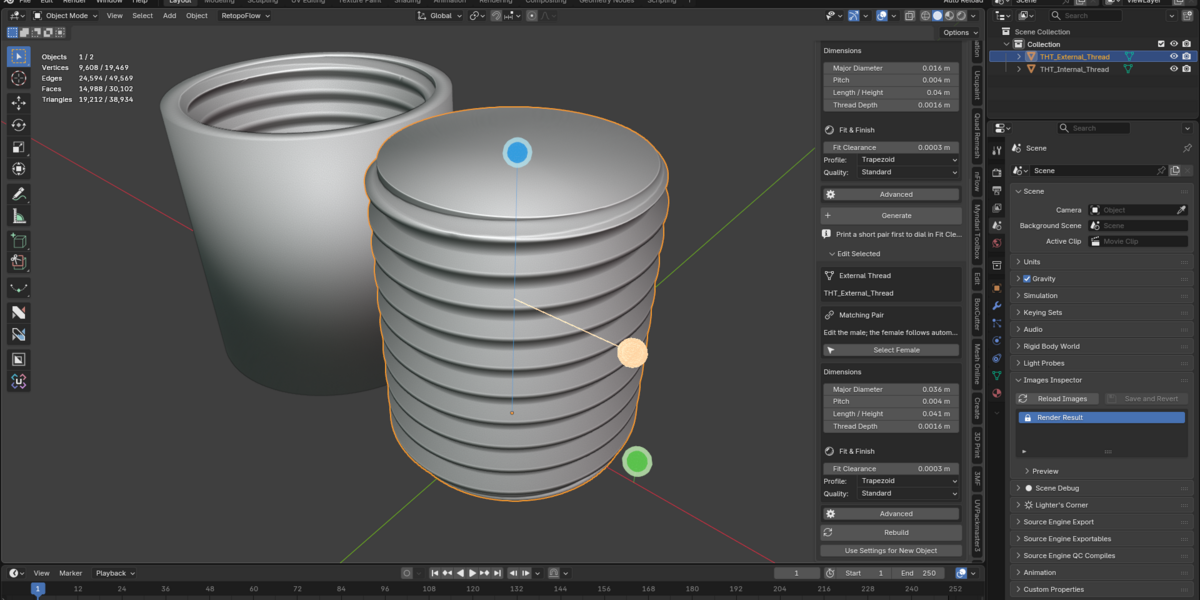
Thread Helix generates the external and internal components together, with matching pitch, starts, and direction.
Both objects initially share the same center so you can inspect their relationship. Move the parts apart for printing or assembly as needed.
Use Fit Clearance to adjust the space between the threads.
Suggested FDM starting values:
0.20 mm — tight fit
0.30 mm — balanced starting point
0.35–0.45 mm — more clearance
0.50 mm or greater — loose fit
These are starting points, not guaranteed printer tolerances. Test with a short pair before producing a full-sized part.
Editing generated geometry
Select a previously generated Thread Helix object in Object Mode.
You can adjust it in two ways:
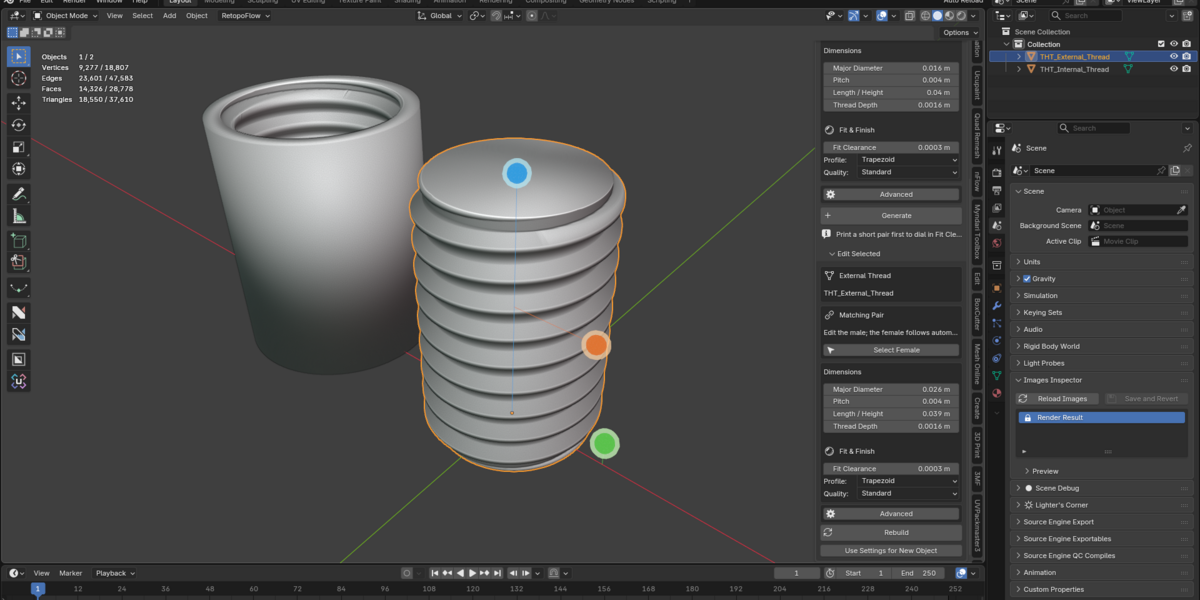
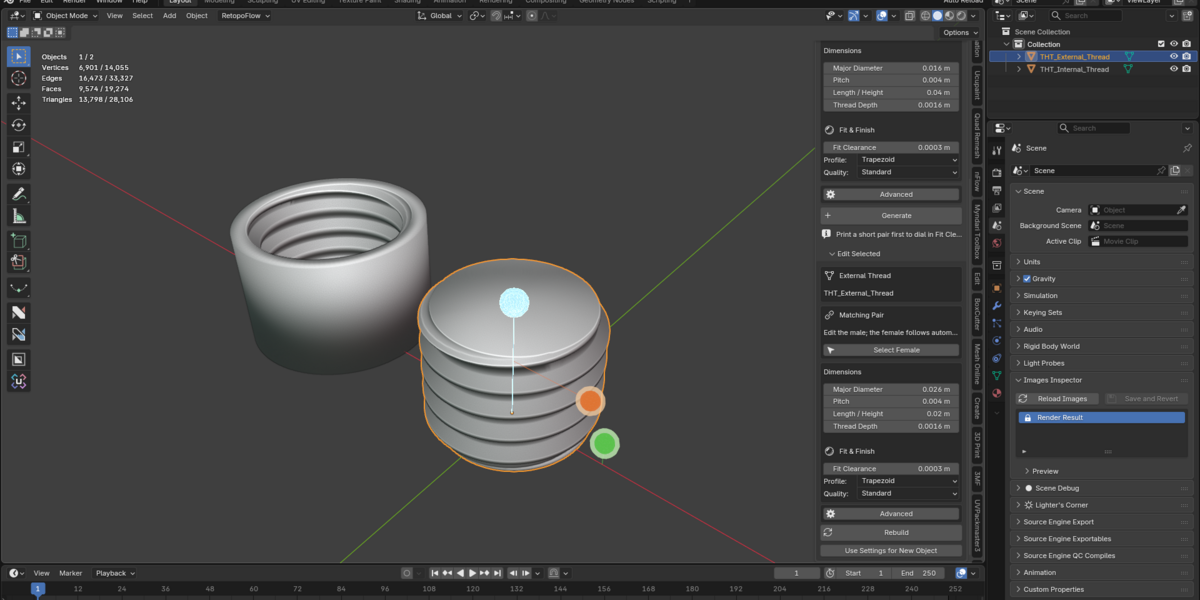
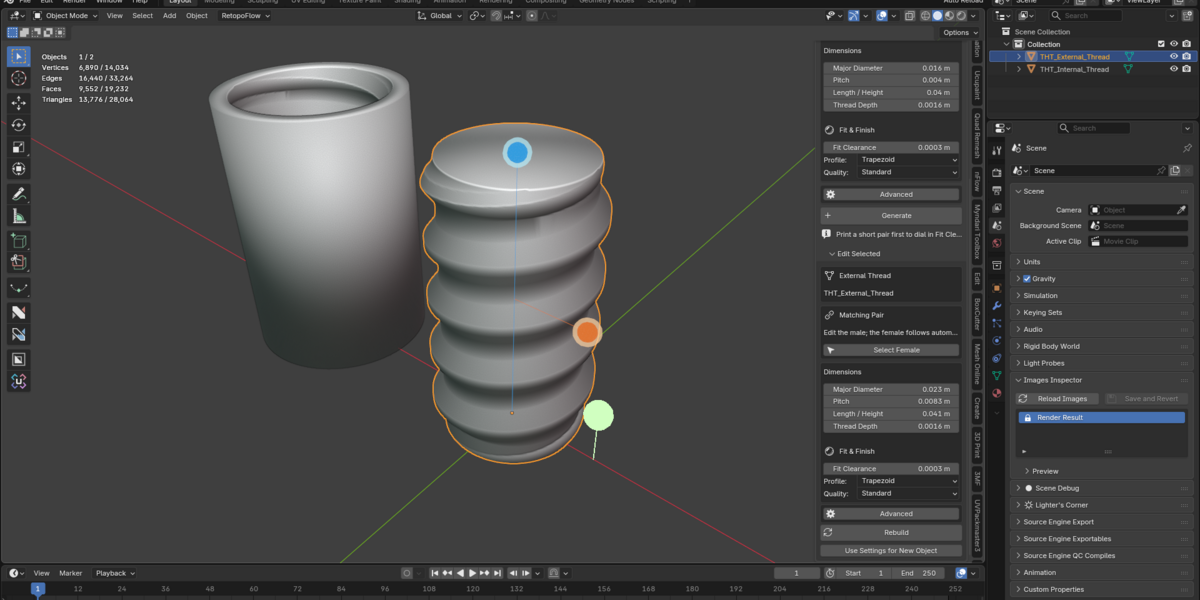
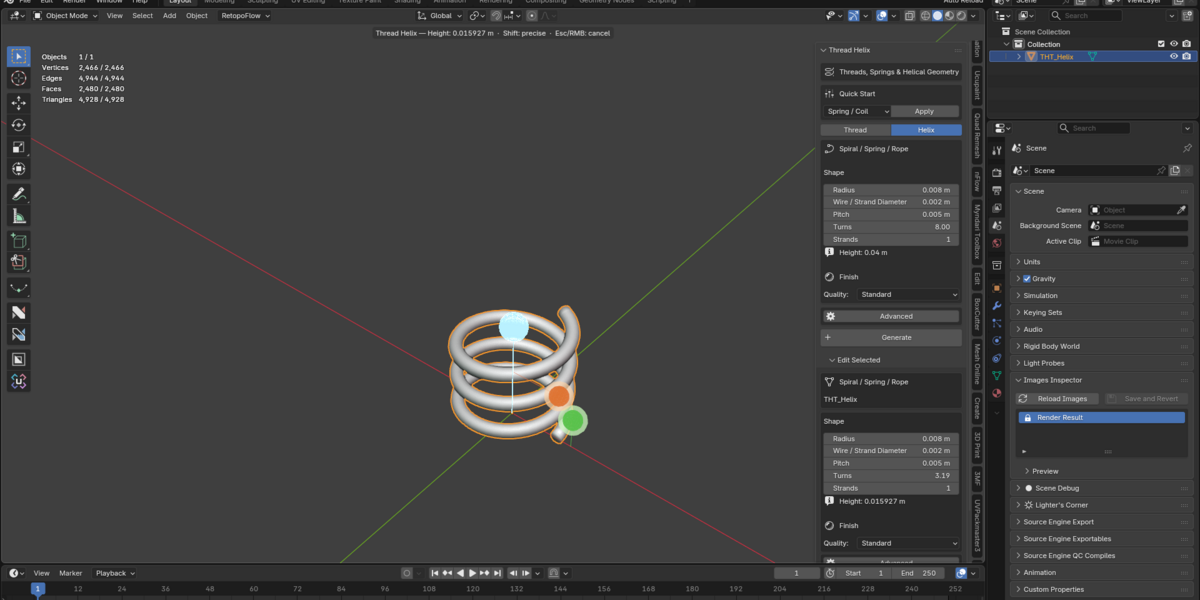
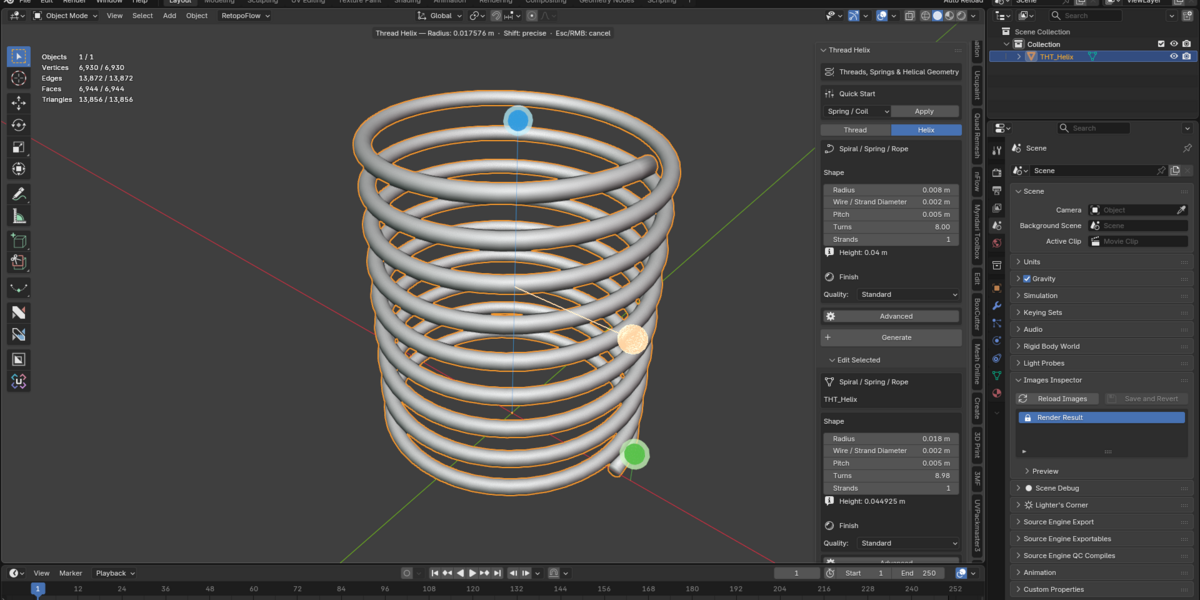
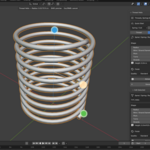
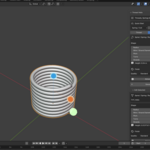
Viewport handles: Drag the handles to change dimensions directly. Hold Shift for finer adjustments. Press Esc or right-click to cancel a drag.
Edit Selected panel: Open the panel, change the numerical parameters, and click Rebuild.
Use Rebuild after viewport adjustments when you want the final shading pass.
The extension saves its parameters within the Blender project.
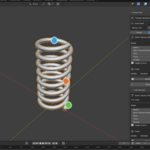
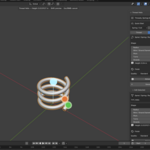
Creating springs, spirals, and rope
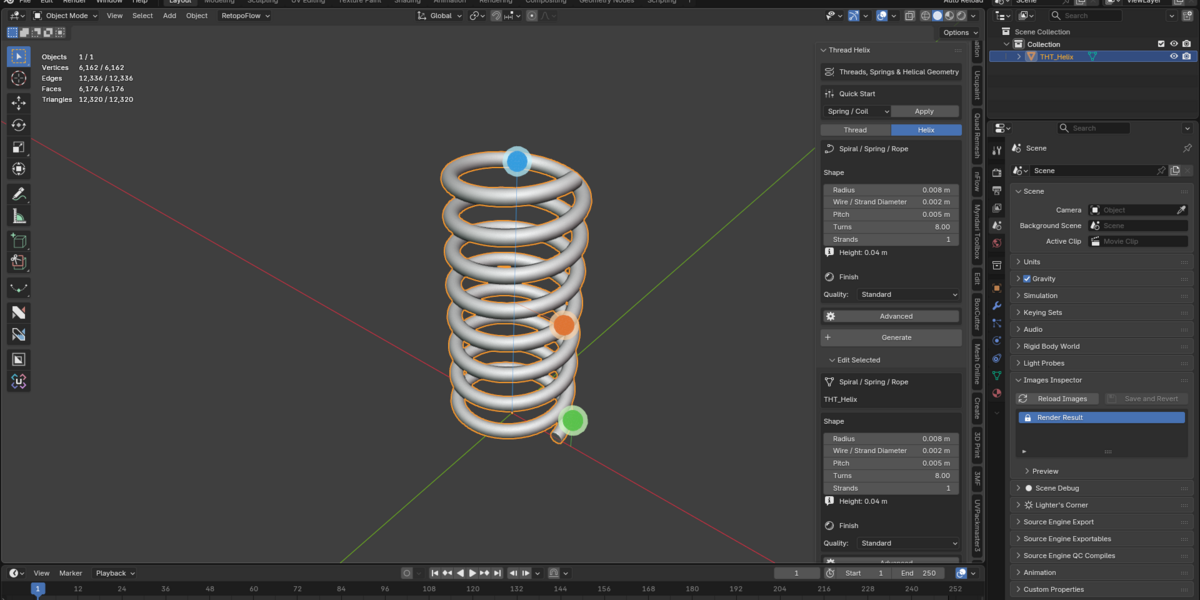
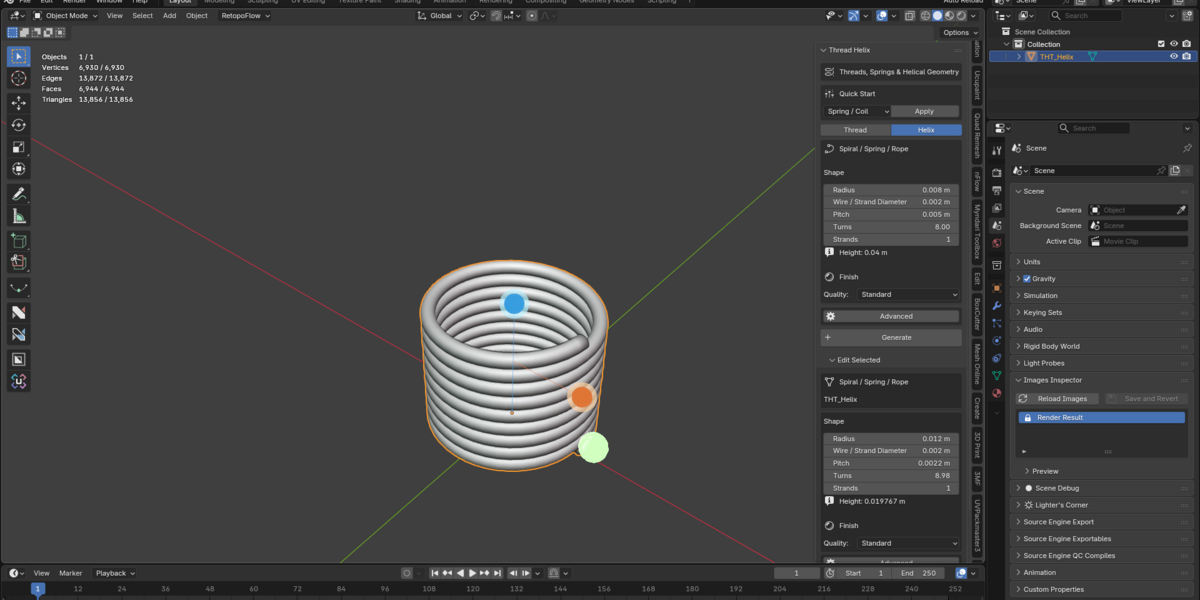
Switch to Helix mode.
Set the radius and wire diameter.
Choose the pitch and number of turns.
Set Strands to 1 for a simple helix or spring.
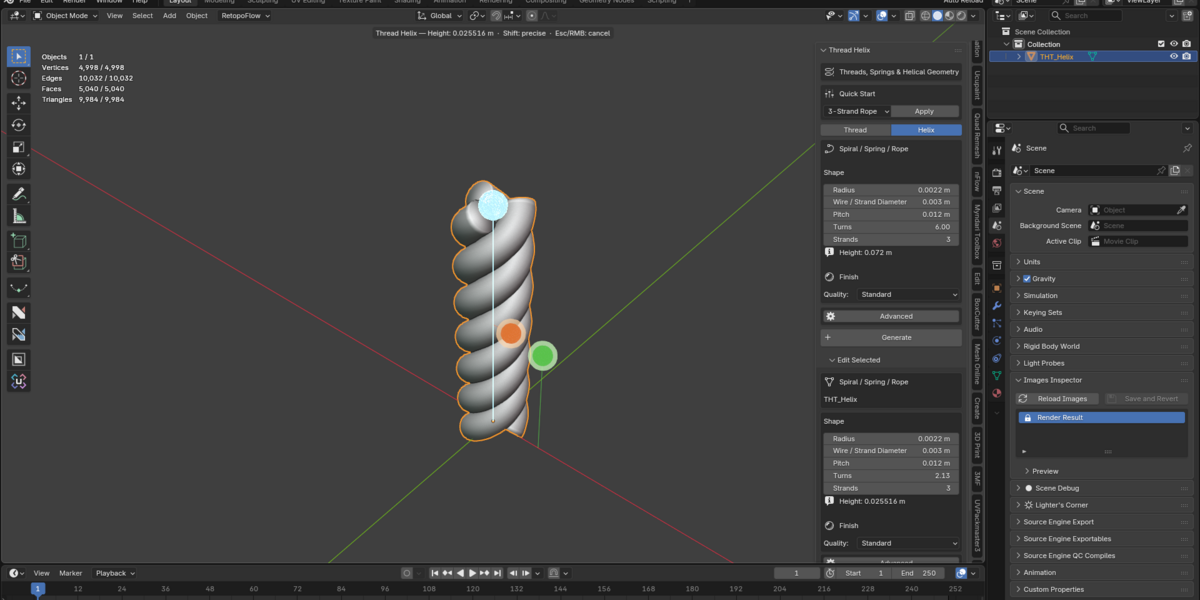
Use 2 or more strands for intertwined rope.
Click Generate.
Advanced options include taper and direction.
Presets
Thread Helix includes five starting presets:
FDM Thread — Balanced
FDM Thread — Loose Fit
Container / Lid
Spring / Coil
3-Strand Rope
All generated dimensions can be customized.
Geometry quality
Draft: Quick modeling and experimentation.
Standard: Recommended for everyday work.
High: Finer details and close-up work, with increased geometry complexity.
Higher quality levels generate more detailed meshes and can require additional processing resources.
Important limitations
Thread Helix is designed for custom procedural geometry, prototyping, modeling, and 3D printing.
It does not certify ISO/ANSI threading standards, material properties, mechanical strength, or manufacturing tolerances.
Always validate printed mechanical components for their intended application.
Have questions about this product?
Login to message
| Blender Extension Compatible | Yes |
| Published | 6 days ago |
| Blender Version | 5.2 |
| Extension Type | Add-on |
| Render Engine Used | Cycles, Eevee |
| License | GPL |
Discover more products like this
spiral screw threads hard surface 3d printing parametric modeling spring generator rope generator mechanical modeling thread generator procedural modeling helix threaded parts