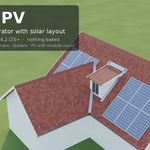
Tidebone Roof & PV – Procedural Roof Generator With Solar Layout
 Tidebone Studio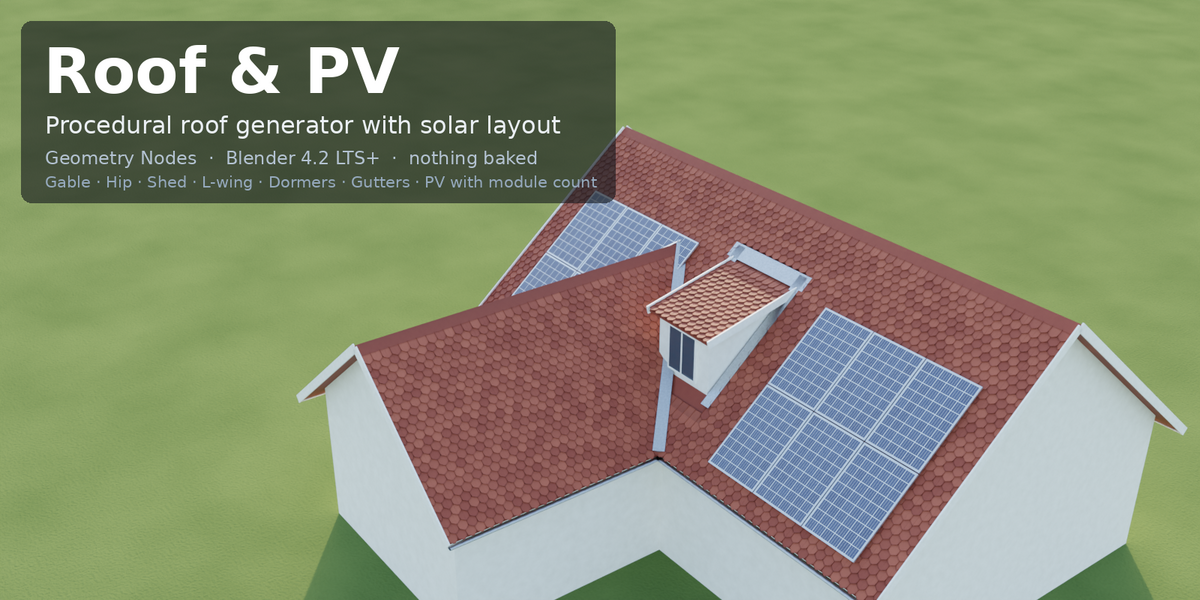
Requirements
- Blender 4.2 LTS or newer. Tested headless on 4.2.23 LTS, 4.5.14 LTS and 5.2.1 LTS (31 parameter cases, identical vertex/face counts in all three versions).
- No add-ons, no Python, no image textures. Full documentation in
README.mdinside the package.
Installation
Edit > Preferences > File Paths > Asset Libraries → + → choose the folder with tidebone_roof_pv.blend. Or File > Append → NodeTree → Tidebone Roof & PV.
Quick start
- Add a plane and scale it to the house footprint, then add the Tidebone Roof & PV modifier. Empty mesh? Use Width / Depth.
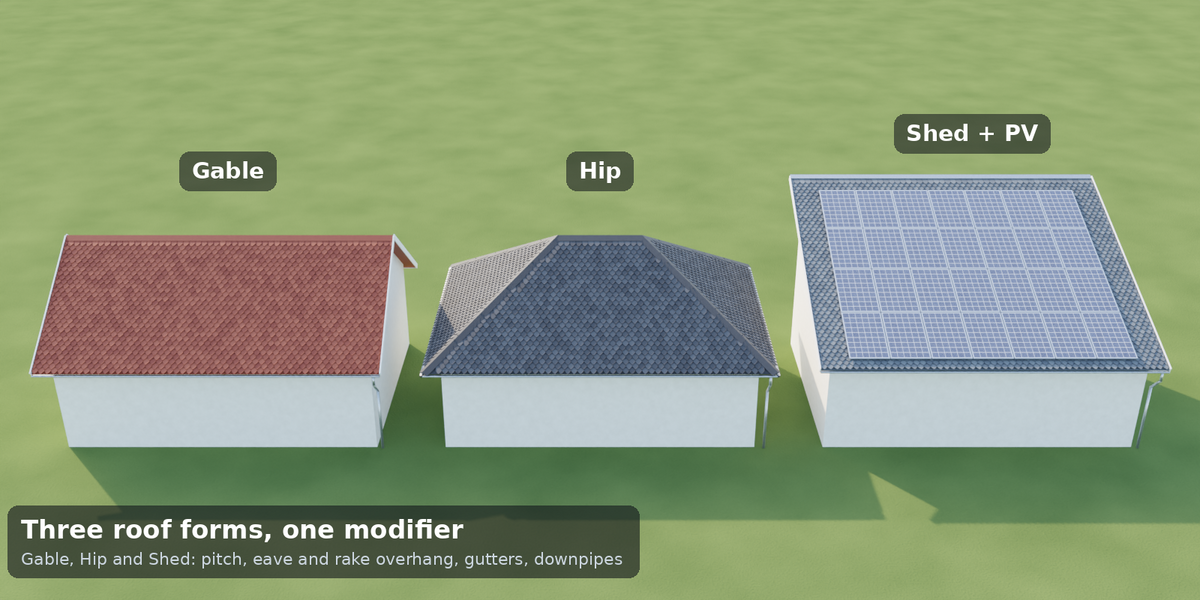
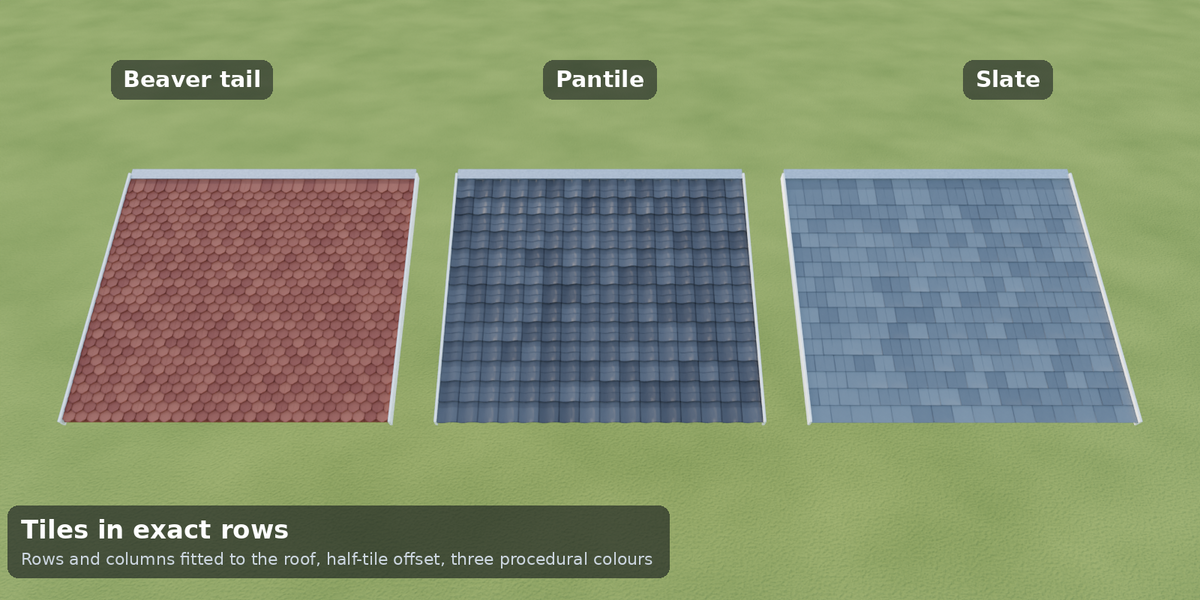
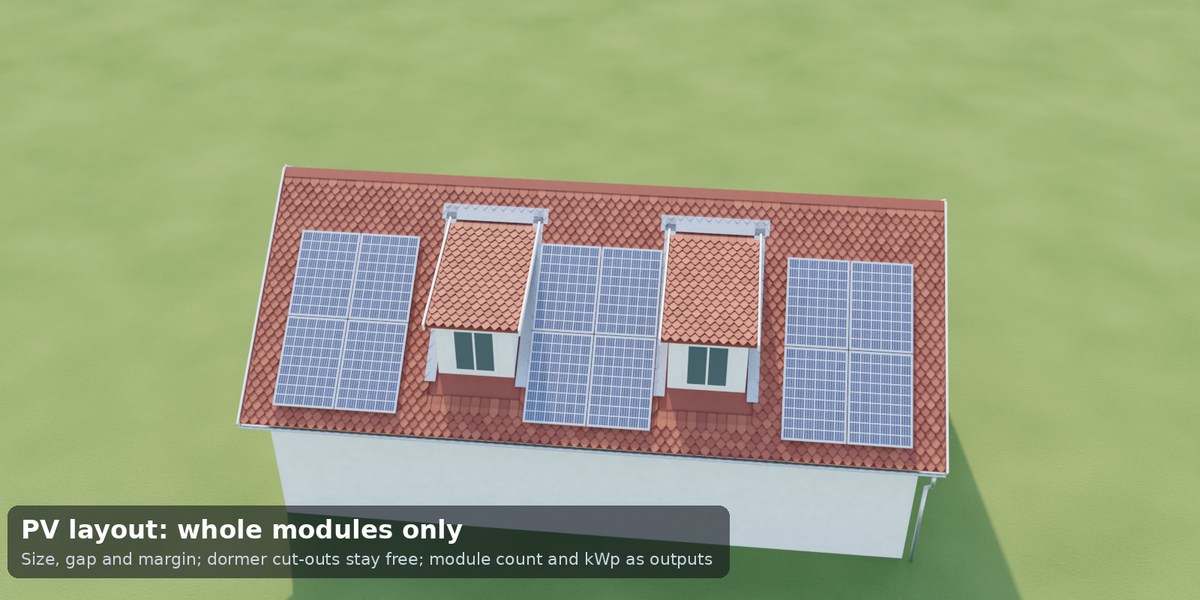
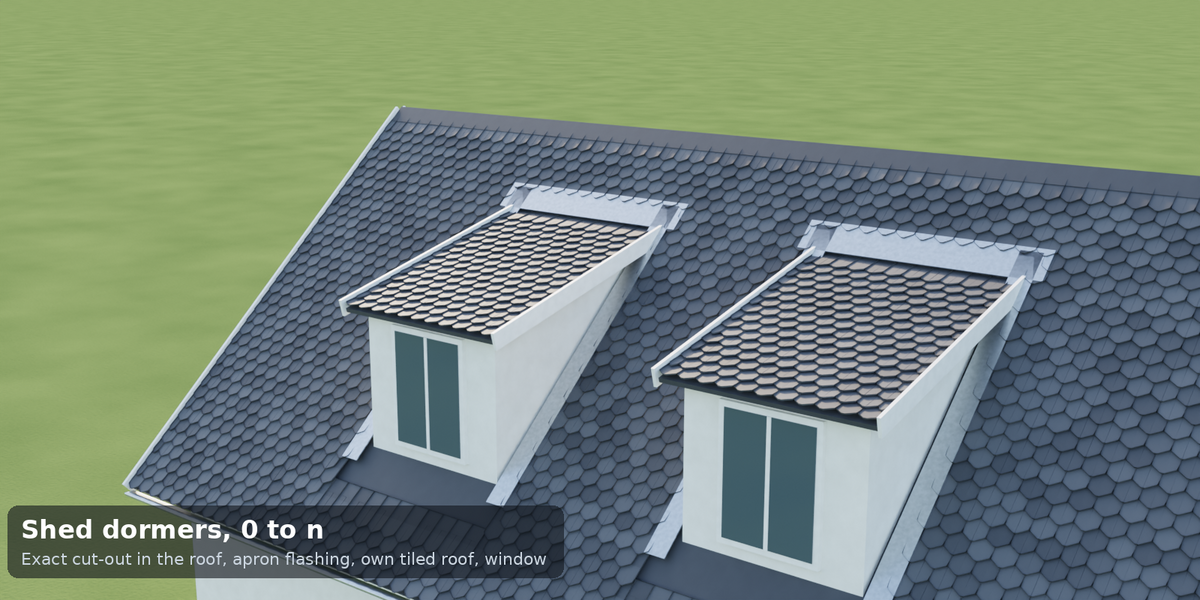
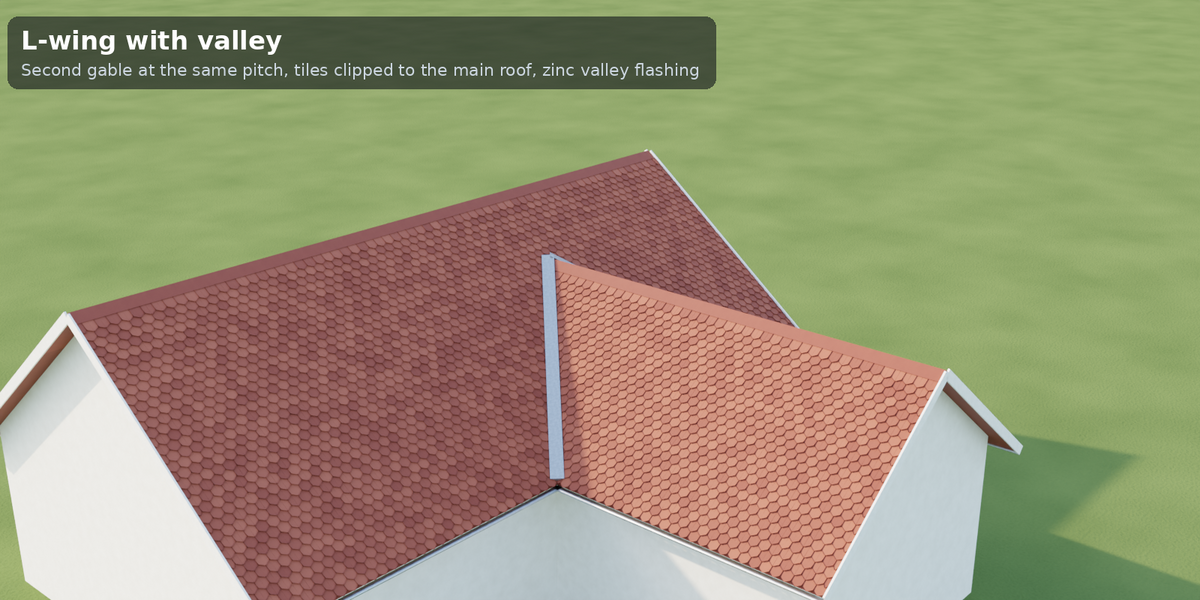
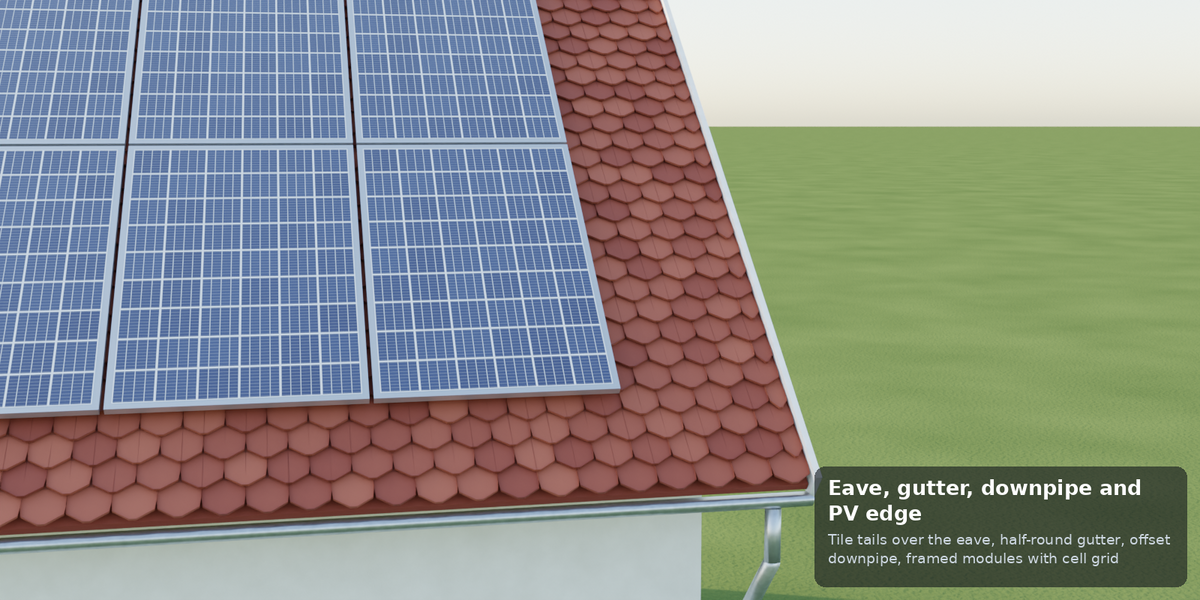
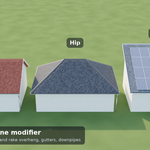
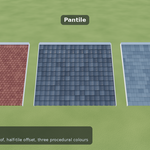
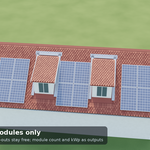
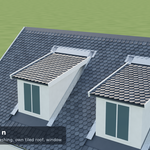
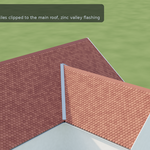
- Panels: General (form, ridge direction), Roof (pitch, overhangs, walls), Covering (tile type/colour, stagger, caps, detail, seed), Gutter and Downpipe, Dormers, Photovoltaics, L-Wing, Output (Realize), Materials.
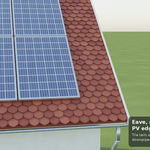
- Solar: tick PV Enable and choose the side. Read PV Module Count / PV Power kWp / PV Area / Tile Count from the group outputs or the
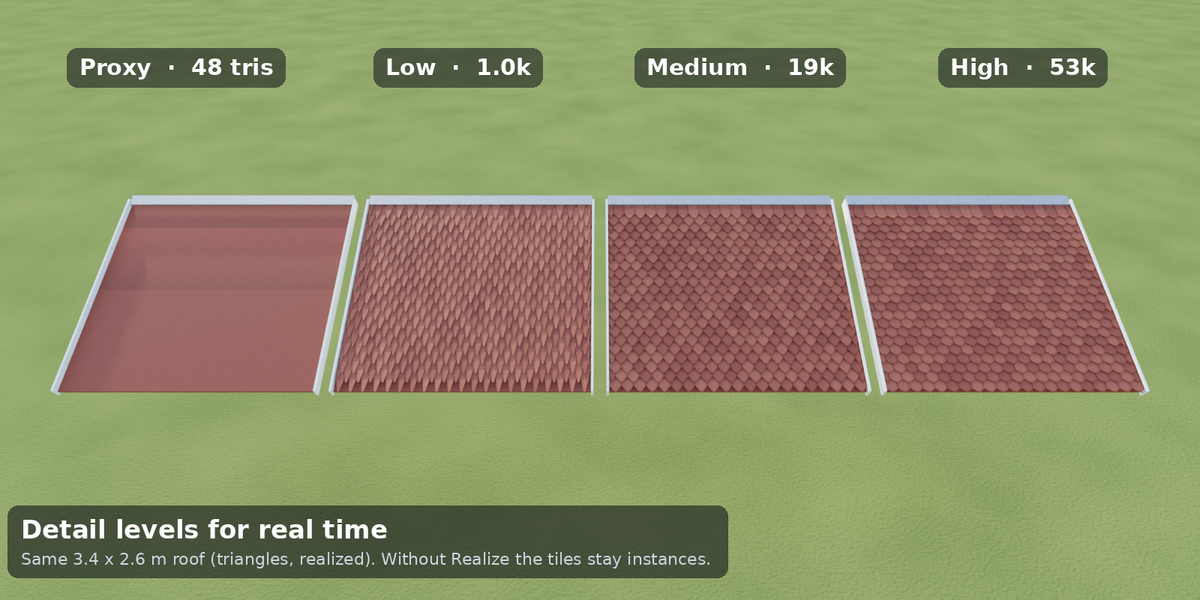
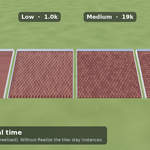
pv_module_countattribute (Spreadsheet > Instances). - Real time: leave Realize off (tiles stay instances) and lower Detail. Export: turn Realize on, then apply the modifier.
Included
tidebone_roof_pv.blend (asset, helper groups, materials), asset catalog, render-ready demo scene, README, license (1 seat).
Have questions about this product?
Login to message
| Dev Fund Contributor | |
| Published | about 5 hours ago |
| Blender Version | 4.2 - 5.2 |
| Render Engine Used | Cycles, Eevee |
| License | Royalty Free |

Discover more products like this
roof photovoltaic ArchViz geometry nodes Roof Generator House solar building solar panels dormer procedural architecture